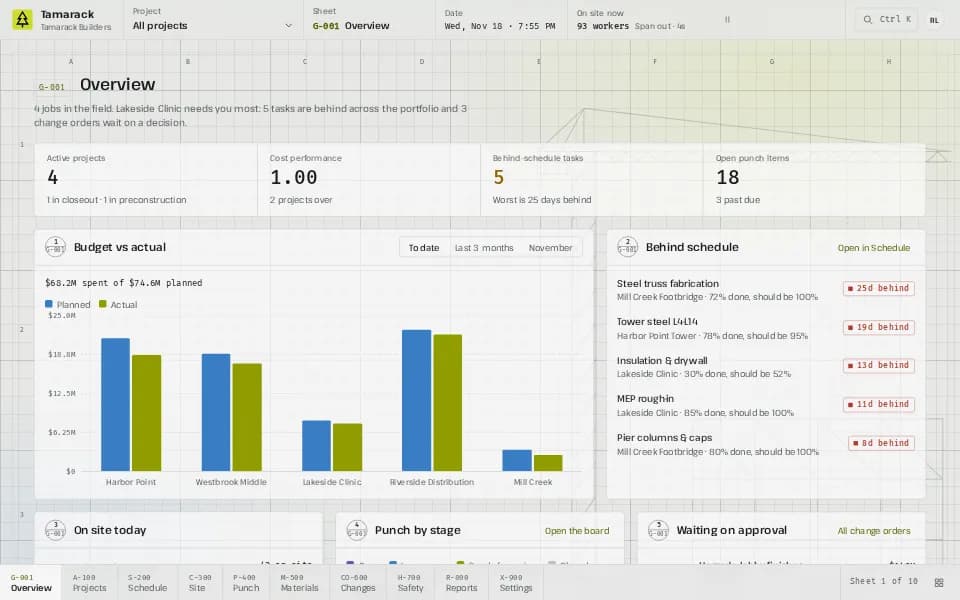
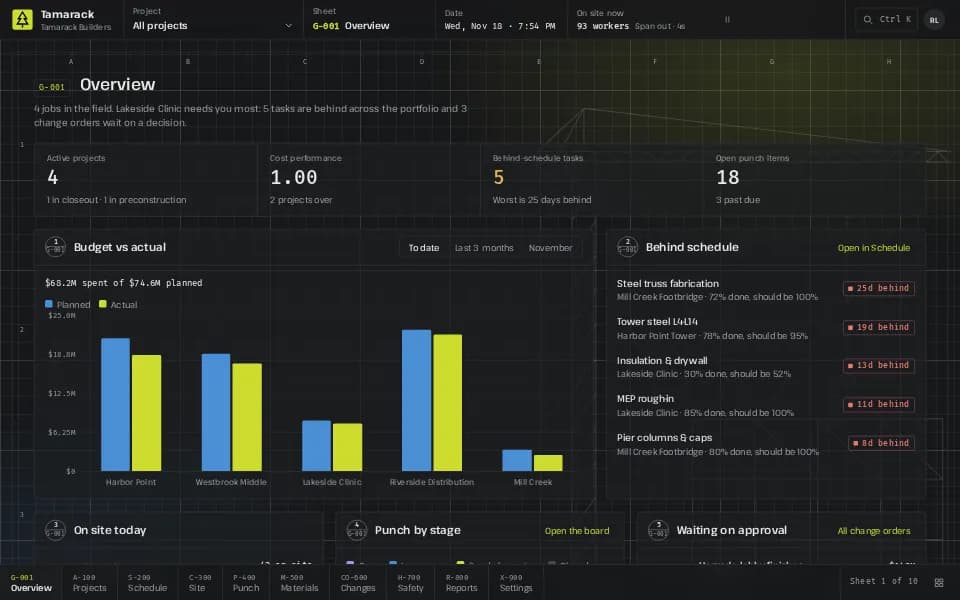
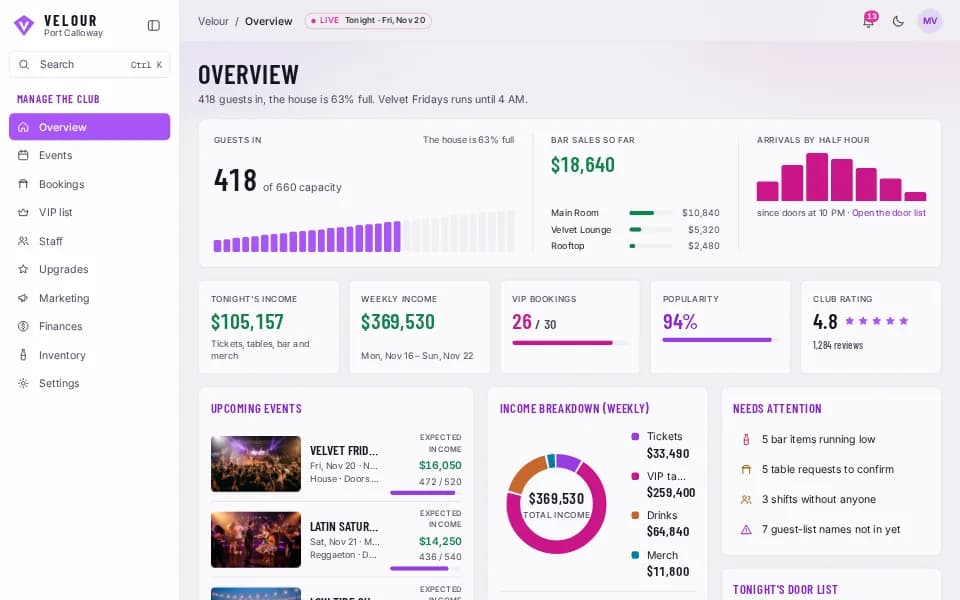
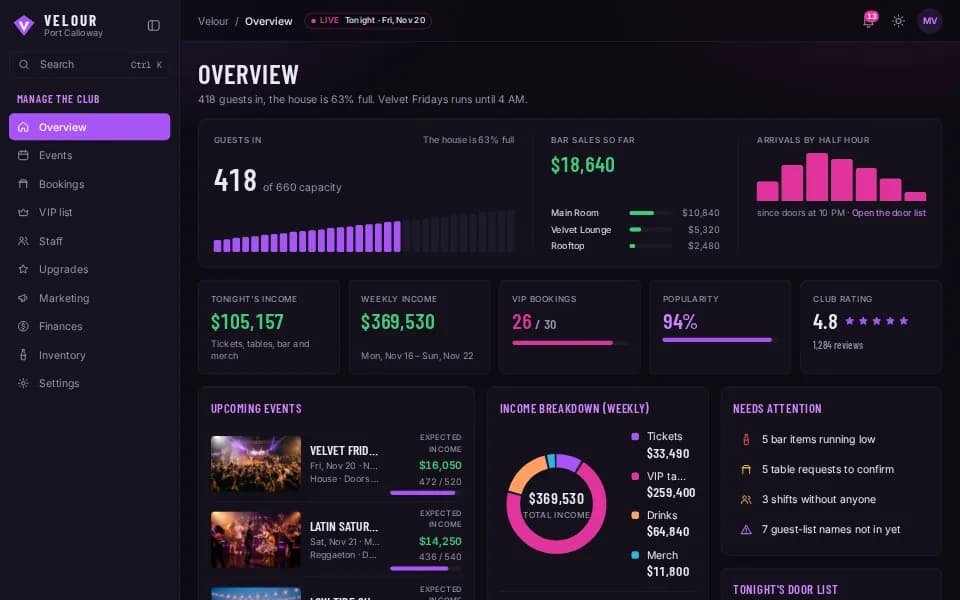
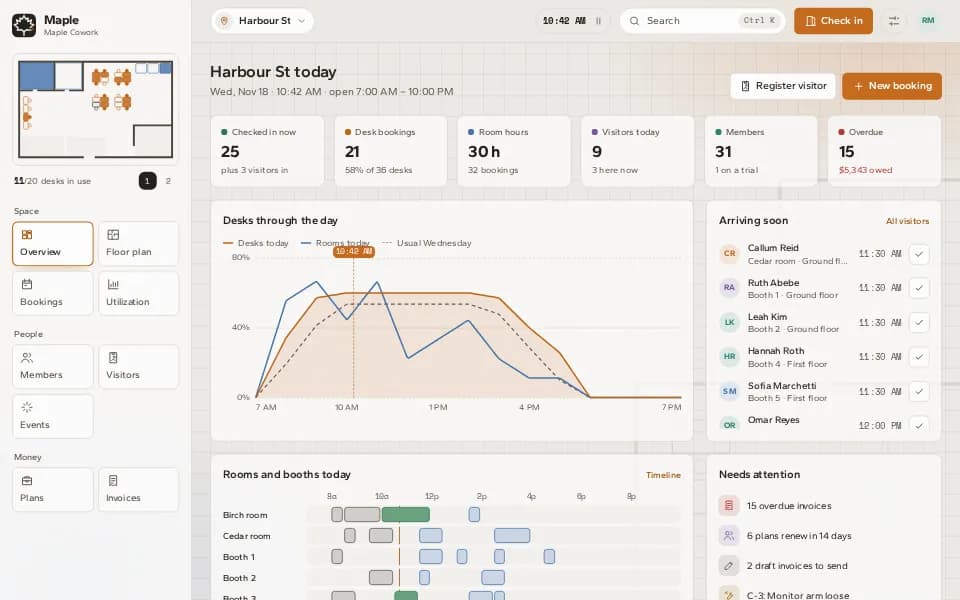
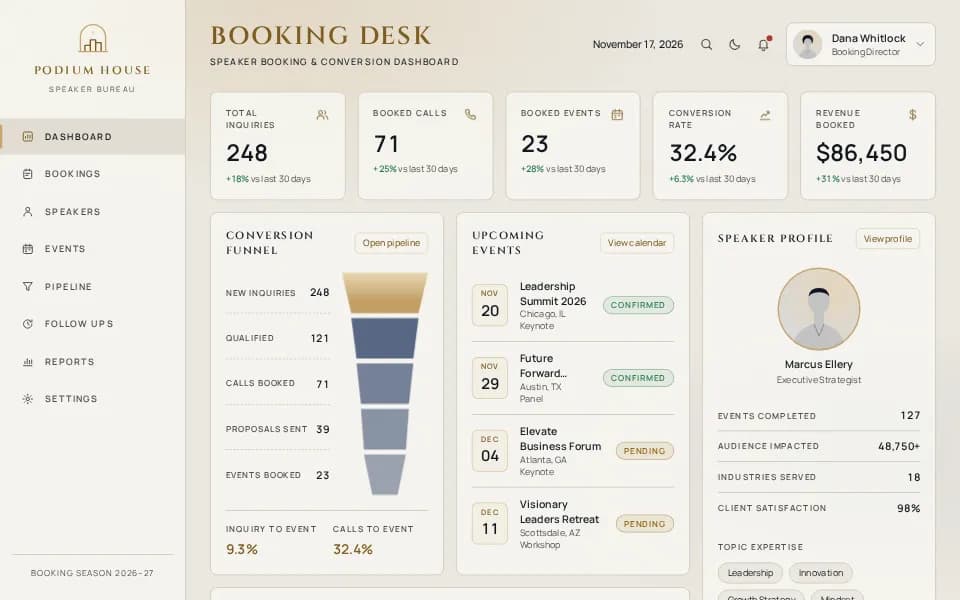
A party planner in loud Memphis style: pastel blobs, squiggles and confetti for guests, budget, vendors, to-dos and the night's run-of-show.
Web
13 pages
$69
Page address: /
More below ↓
Built in
What you get
Light and darkUses your theme colors
Desktop, tablet, and phoneThe screens it is built for
Packages…
Code size…
Light on battery30 fps, idle when still
Pauses when hiddenOff-screen or other tab
Reduce motionCalm for people who ask
Checked on every change
Security checked Nov 28
Type checkTypeScript strict
Lint and formatESLint · Prettier
Tests and buildLight and dark screenshots
Security auditNo high or critical advisories
Package ageEvery version public 7+ days
Idle CPUUnder half a core at rest, ≤ 30 fps
Code
Something off with this app? Send feedback ›
party-confettiReact
party-confetti.tsxpageThe page: the sections in order.
content.tscontentEvery word and number: brand, nav links, each section's copy and lists.
theme.tsthemeThe colors as CSS variables, and the shared class strings.
README.mdreadmeHow to install it, and where to change the text, colors and form.
pagespagesOne file per page: the sections it shows, in order.
budget.tsxpageBudget: what's left to spend, each category's plan against what's spent (set a plan in place), and the expenses filtered paid or unpaid and by category (?show=, ?category=); add, edit, mark paid, remove with Undo.
guest-detail.tsxpageA guest's page (#/guests/<id>): their face and group, and tabs for the RSVP with plus-ones, diet notes, and free notes; edit or remove them.
guests.tsxpageGuests: the party's guest list filtered by RSVP and group (?rsvp=, ?group=, so Back keeps them) and searched by name; set an RSVP in one tap, invite, edit, remove with Undo, and manage groups.
overview.tsxpageOverview: the party being planned at a glance, each card a door to its filtered list: hero, countdown, RSVPs, budget, to-dos, the night, vendors still to book and the other parties.
parties.tsxpageParties: every party as a pastel card with its own shape, filtered upcoming, past or archived (?show=); open, plan, edit, duplicate, archive or delete one, or start a new one.
party-detail.tsxpageA party's own page (#/parties/<id>): its shape and name, the tools, and tabs for the summary, the theme and venue, and what happened lately.
reports.tsxpageReports across every party: totals, the RSVP rate per party (bars), spend by category (donut) and a table of parties; ?show= picks upcoming or all, rows open the party.
settings.tsxpageThe settings page: its title and Appearance (palette, theme and language); add the app's own settings sections here.
sign-in.tsxpageThe sign-in page (#/sign-in): the form on a card beside a drawn Memphis party (shapes, a squiggle and the brand line), without the top bar.
timeline.tsxpageTimeline: the night's run-of-show as stops on a wire; drag a stop (or Space and arrows) to reschedule it, the stops keeping the night's time slots, with Undo; add, edit, remove with Undo.
todos.tsxpageTo-dos: the party's checklist with due days and who does it, filtered open or done and by person (?show=, ?owner=); drag (or Space and arrows) to reorder with Undo, add, edit, remove with Undo.
vendor-detail.tsxpageA vendor's page (#/vendors/<id>): status, and tabs for contact details, quotes (add one) and notes; edit or remove with Undo.
vendors.tsxpageVendors: the party's vendors in four lanes by status (asked, quoted, booked, paid), filtered to one lane by ?status=; change a status in place, add a vendor, open one.
sectionssectionsOne file per page section.
account-menu.tsxsectionThe account menu under the avatar in the top bar: who is signed in, Settings and Sign out; the arrow keys move through it, Escape, Tab or a click outside closes it.
appearance.tsxsectionSettings → Appearance: the palette (the Brand settings or one of parts/palettes.ts) and the theme (System, Dark or Light), each choice shown as a small preview, and the language (System or one of locales/list.ts).
expense-form.tsxsectionThe expense form in a dialog: what it was for, its category, the amount and whether it is paid.
guest-form.tsxsectionThe guest form (invite or edit: name, email, group, RSVP, plus-ones, diet, notes) and the groups dialog (add a group, rename one).
nav.tsxsectionThe nav: on wide screens a centered row of pills where the current page wears a sunny blob that glides to the link you pick; in the phone sheet, a list of links each marked by its own Memphis shape.
night-strip.tsxsection"The night" on Overview: the run-of-show as a row of stops, each its own shape and pastel, strung on a hand-drawn wire.
overview-cards.tsxsectionOverview's middle row: the RSVP donut with a fan of guest faces, the mint budget card with its growing bars, and the lilac to-do card whose checks pop with confetti.
overview-top.tsxsectionOverview's first row: the hero in the party's own pastel with a slowly turning pie shape and a squiggle drawn under the last word, and the deep countdown card whose odd-shaped tiles tick down live.
party-actions.tssectionWhat a party card and a party's page can do to it: duplicate, archive or bring back, and delete with Undo; each says what happened in a toast.
party-form.tsxsectionThe party form in a dialog: a new party, or an existing one's name, kind, date, venue, theme, budget and its own color and shape.
party-switcher.tsxsectionThe party switcher in the top bar: the party being planned, in its own shape and color; open it to switch to another party or see them all.
plan-forms.tsxsectionThe to-do form (what, due day, who) and the stop form (time, what happens, a note), each in a dialog for adding or editing.
sign-in-form.tsxsectionThe sign-in form: email and password with their errors under them, show or hide the password, keep me signed in, and the demo account to fill in; a wrong pair says so above the fields.
top-bar.tsxsectionThe top bar: the logo, the party switcher, New party, search, the theme switch and the account menu; on wide screens the pill nav sits centered under them.
ui.tsxsectionThe pieces every page is built from: the Memphis block (a pastel or plain card with the ink outline), a card's heading with its link, the page heading, link tabs, filter chips and the page-wide loading and error states.
vendor-form.tsxsectionThe vendor form (add or edit: name, category, contact, phone, email, status, notes) and the quote form (an amount and what it covers).
partspartsWhat several sections share.
buildbuildWhat several sections share.
cardscardsWhat several sections share.
iris.tspartThe iris card style: each card opens as a circle from its center.
rowsrowsWhat several sections share.
zigzag.tspartThe zigzag row motion: odd rows slide in from the left, even ones from the right, from faint.
core.tsxpartThe page's build-in: on first load and on every page switch the cards arrive in the app's card style and their contents build: bars grow, lines draw, rings fill, the list rows on screen ripple in in the app's row motion, numbers count. The two picks are wired in ./index.ts.
index.tspartThe app's two build-in picks, wired here and nowhere else: its card style (cards/) and its row motion (rows/). npm run new-app copies only the two it is given (--cards, --rows).
appearance.tspartHow the app looks right now: dark or light, Glass or Solid, from Settings → Appearance, the page around it and the Style setting.
avatar.tsxpartA person's initials on a pastel badge with the ink outline; each name gets its own tone and corner shape, so a row of guests reads as Memphis confetti.
backdrop.tsxpartThe backdrop: small Memphis shapes (a squiggle, a ring, a triangle, a zigzag, a diamond, a dot) drifting slowly behind the cards; with followBackground it paints your background instead.
charts.tsxpartThe Memphis charts: a fat donut with an ink rim whose slices sweep in, and outlined bars that grow from the floor with a springy ease.
command-palette.tsxpartThe command palette (⌘K or Ctrl K): type to find a page or an action, then Enter.
dialog.tsxpartA centered modal dialog (a form, a confirm): rises in, plays its way out, Escape or a tap outside closes it, and the focus goes back where it was.
drag.tspartDrag to reorder one vertical list (to-dos, the night's stops): grab a row by its grip with mouse, pen or touch, it lifts at the grab point, the others slide aside (FLIP), the scroll area scrolls at its edges, Escape puts it back; or Space on the grip, arrows, Space.
field.tsxpartA labeled form field (a text input or a select) with its error line under it, tied together for screen readers.
format.tspartHow numbers and dates are written: by Intl, the current language's way ("1,240", "1.240"; "Nov 19", "19 nov."). Add a helper here when a page needs money, times or a list.
icons.tsxpartThe logo and the line icons, drawn on a 24-unit grid with round ends.
language.tspartThe app's language: the words every page reads (useWords), how dates and numbers are written (parts/format.ts) and the reading direction. Picked in Settings → Appearance (or System: the page's own language) and kept in this browser; English is built in, any other language loads only when it shows (locales/list.ts).
memphis.tsxpartThe Memphis kit: the five pastel tones, the mixed shapes (circle, square, dome, leaf, diamond, triangle) with their ink outline, the squiggle that draws itself under a word, and the confetti pop.
moments.tspartThe animations the sidebar, the sign-in card, menus, dialogs, the phone sheet and toasts play, timed by their moments in theme.ts.
motion.tspartMotion helpers: the reduced-motion check, live, and run-once-in-view.
palettes.tspartThe Memphis palettes (the same as meta.json's presets): each is three inputs, and theme.ts makes the five pastels from them. Settings → Appearance picks one for this browser.
party.tspartThe party being planned now: the switcher in the top bar picks it, and Overview, Guests, Budget, Vendors, To-dos and Timeline show it.
router.tspartThe page switcher: reads the app's page from the address hash (#/settings, #/?status=open).
scroll-to-view.tspartScrolls an element into view moving only its own scroll container, never the page around it.
select-box.tsxpartA native select dressed to match the app: no browser arrow, a drawn chevron instead.
session.tspartWhether someone is signed in: a first visit is signed in as the demo account; Sign out holds until the next sign-in, and a sign-in without Keep me signed in lasts only this tab.
sheet.tsxpartThe phone sheet: a modal panel that springs in from the left with the sidebar; Escape, a tap outside or its close button slides it away.
states.tsxpartThe data states every page shares: a calm skeleton while loading, an error with Try again, and an empty note with a way out.
store.tspartThe app-wide state several parts share: the theme mode and style (kept in the browser) and the toasts.
ticker.tsxpartA number that counts up while its page builds in, and rolls to its new value whenever it changes.
toasts.tsxpartThe toasts: short notes that confirm what just happened, at the bottom end.
use-api.tspartLoads data through the fake API with loading, error and retry, remembering each answer so a page you come back to shows at once.
use-dialog.tspartOpens and closes a native <dialog> as a modal; on close it plays its way out first (data-closing), so dialogs, sheets and the palette never vanish in one frame.
datadataThe pretend data and the fake API: swap it for your backend.
account.tsdataThe demo account: who is signed in (the account menu shows them) and the email and password the sign-in page takes.
api.tsdataThe fake API: every page loads and saves through these functions (the plan's in data/plan.ts), so wiring a real backend happens here only.
net.tsdataThe pretend network under the fake API: the wait a call takes, the Slow network and Show error state switches, and new ids.
parties.tsdataThe pretend parties, their guests and budget, and the types of everything planned for them (the plan itself is in plan-seeds.ts). Dates are set from today, so the next party is always two days away.
plan-seeds.tsdataThe pretend plan of each party: vendors and their quotes, to-dos, the night's stops and the activity log. Dates are set from today.
plan.tsdataThe fake API for a party's plan: vendors and their quotes, to-dos, the night's stops and the activity log.
localeslocalesEvery word the app shows, one JSON file a language; list.ts names them.
en.jsoncontentOne language's words, with the keys of en.json.
es.jsoncontentOne language's words, with the keys of en.json.
list.tscontentThe languages the app offers, in the picker's order: one JSON file each, en.json the source. To remove one, delete its file and its line; to add one, copy es.json, translate it and add a line. English is built in; the rest load only when picked. TypeScript checks each file has en.json's keys, scripts/check-locales.mjs the rest (no extra keys, plural forms, {slots}).
party-confetti.tsx
The page: the sections in order.
Loading…
Good for
Party planners and hosts juggling guests, a budget, vendors and to-dos across several parties at once.
How it works
Pastel cards in Memphis shapes; RSVP donuts, budget bars, a drag-to-reorder checklist and a night timeline that pop confetti.
How to use
Edit words in locales/ and colors in theme.ts or parts/palettes.ts, and swap the bodies in data/api.ts and data/plan.ts for calls to your backend.