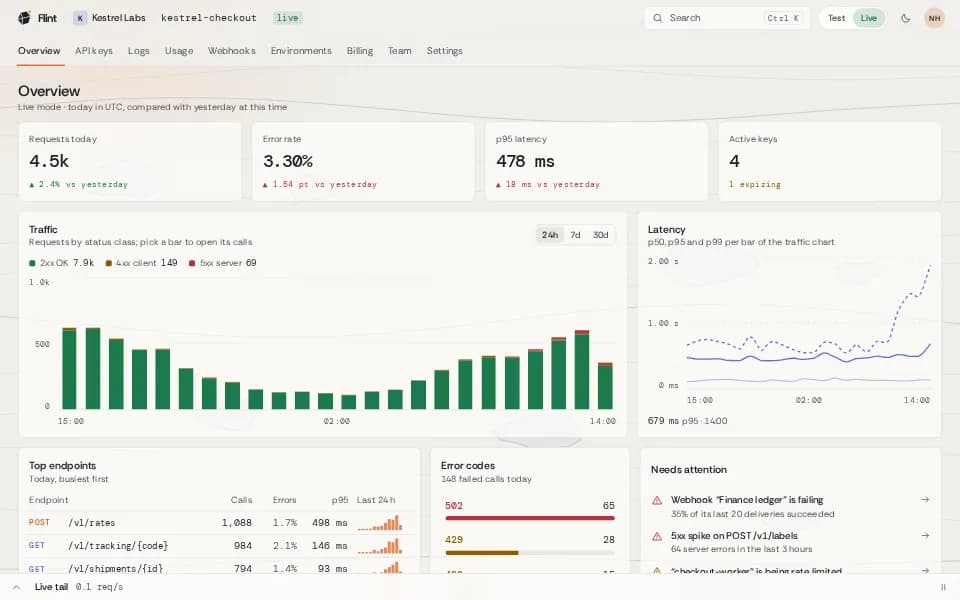
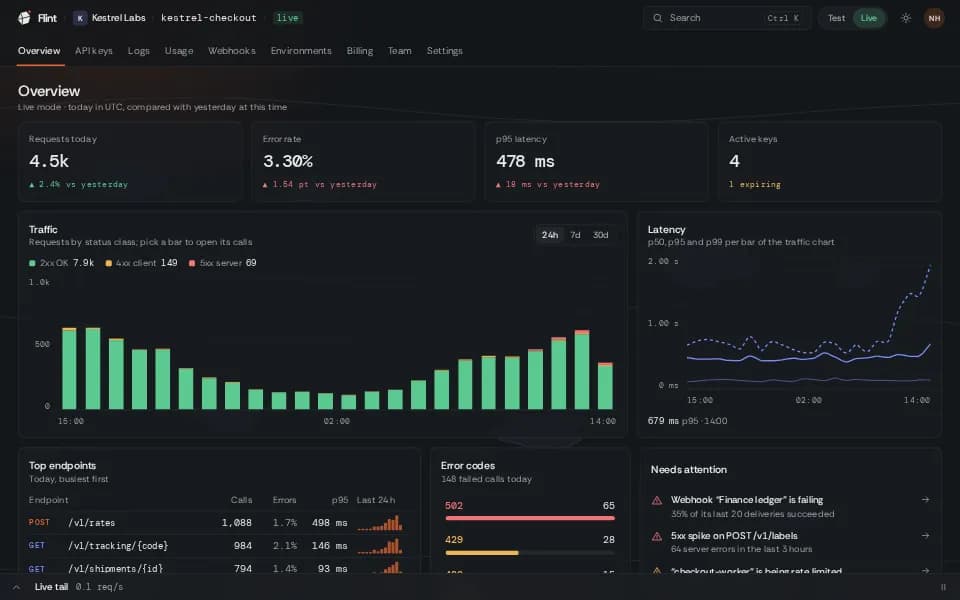
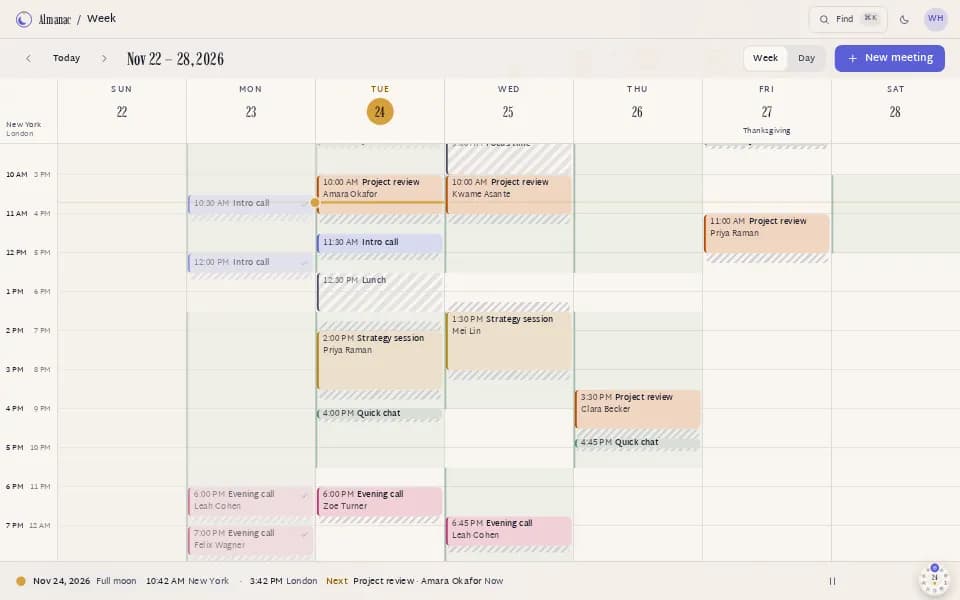
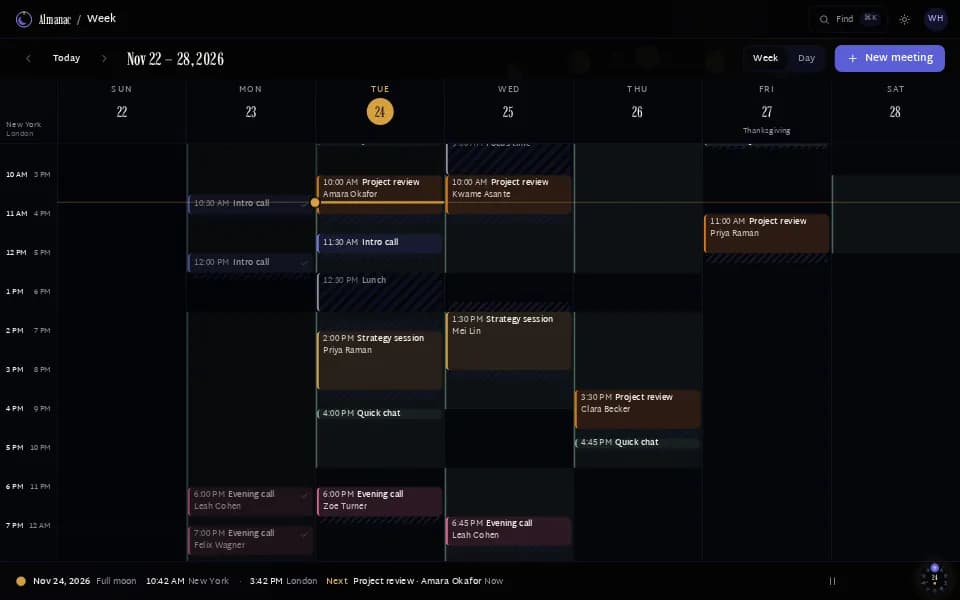
A flat, minimal password manager: a vault rail, item list and detail, a health score ring that sweeps in and passwords that scramble into place.
Web
9 pages
$69
Page address: /
More below ↓
Built in
What you get
Light and darkUses your theme colors
Desktop, tablet, and phoneThe screens it is built for
Packages…
Code size…
Light on battery30 fps, idle when still
Pauses when hiddenOff-screen or other tab
Reduce motionCalm for people who ask
Checked on every change
Security checked Nov 28
Type checkTypeScript strict
Lint and formatESLint · Prettier
Tests and buildLight and dark screenshots
Security auditNo high or critical advisories
Package ageEvery version public 7+ days
Idle CPUUnder half a core at rest, ≤ 30 fps
Code
Something off with this app? Send feedback ›
vault-onyxReact
vault-onyx.tsxpageThe page: the sections in order.
content.tscontentEvery word and number: brand, nav links, each section's copy and lists.
theme.tsthemeThe colors as CSS variables, and the shared class strings.
README.mdreadmeHow to install it, and where to change the text, colors and form.
pagespagesOne file per page: the sections it shows, in order.
activity.tsxpageActivity: the log of every unlock, copy, edit and share, grouped by day, with search, person, action and range filters (kept in the address) and Export CSV.
generator.tsxpageGenerator: a password or passphrase that scrambles into place on each new draw, its length and rules, strength and time to crack, Copy (kept in Recently generated) and Save as a new login.
health.tsxpageHealth check: the score ring and the weak, reused and old counts, then the logins under each, worst first, each with Fix now; Fix all walks through every one (?fix=all).
items.tsxpageItems: the list pane and the picked item's detail pane side by side on wide screens, one at a time on phones; ?new=<type> and ?edit=1 open the editor.
overview.tsxpageOverview: the vault's health score, what is at risk and how the score moved, a tile per item type, password age, vaults, share requests, recent items and the latest activity.
settings.tsxpageSettings: Security (auto-lock, clipboard), Two-step login, Export and Appearance (palette, theme, language), one tab each (?tab=).
sharing.tsxpageSharing: how many requests wait on you and on others and what is shared now, the requests to approve or deny, what you sent (cancel) and what is shared (revoke), and Share to send a new request (?share=<id> picks the item).
sign-in.tsxpageThe unlock page (#/sign-in): the wordmark, the form and the end-to-end note on one card over the stone backdrop, without the rail and top bar.
vaults.tsxpageVaults: a card per vault with its items, members and health, a New vault dialog; one vault opens with its Items, Members (invite, roles, remove) and Settings (rename, delete) tabs.
sectionssectionsOne file per page section.
account-menu.tsxsectionThe account menu under the avatar in the top bar: who is signed in, Settings and Sign out; the arrow keys move through it, Escape, Tab or a click outside closes it.
appearance.tsxsectionSettings → Appearance: the palette (Ink and seven more) and the theme (System, Dark or Light), each choice shown as a small preview, and the language (System or one of locales/list.ts).
feed.tsxsectionOne line of the activity log ("Theo copied a secret from GitHub", with who, when and a link to the item), shared by the overview, the item's history and the Activity page; and the name a share points at.
fix-flow.tsxsectionThe fix-now flow: one at-risk login after another, its old password and its flags, a fresh one that scrambles in (draw again if you like), Save and next or Skip, then how many changed and the new score.
item-detail.tsxsectionOne item in the detail pane: its fields with Show and Copy, the login's strength and health with Fix now, the one-time code, tags, and the Access and History tabs; Favorite, Edit, Share and Delete on top.
item-editor.tsxsectionThe item editor: a dialog to add or edit a login, card, secure note or identity, with the fields of its type, a password generator and live strength, its vault, tags and favorite.
item-list.tsxsectionThe item list pane: search, filters kept in the address (type, vault, tag, health, password age, favorites), sort, rows with their health flags, and bulk move, tag, favorite and delete for picked rows.
overview-more.tsxsectionThe overview's lower rows: a tile per item type, password age and items per vault as bars, the share requests waiting on you, recently used items and the latest activity.
overview-top.tsxsectionThe overview's first row: the health score ring on the deep card, the logins at risk with their flags and a Fix link each, and the score over time with a 30-day, 90-day or one-year range that morphs between them.
rail.tsxsectionThe vault rail: the logo, New item, the page links under a gliding block and the vaults with their item counts and an at-risk dot. Below 1152px wide only the icons show; on phones it sits in the sheet, always full.
secret.tsxsectionA secret field (a password, a card number, a code): masked dots until Show, then the letters scramble and settle one by one; Copy puts it on the clipboard and a bar drains until it is cleared again. Also the one-time code with its 30-second countdown.
security.tsxsectionSettings → Security, Two-step and Export: when the vault locks itself and how long copied secrets stay; turning two-step login on with a scanned code and backup codes; and exporting every item as JSON or CSV after the master password.
sign-in-form.tsxsectionThe unlock form: email and master password with their errors under them, show or hide the password, keep me signed in, a passkey stand-in and the demo account to fill in; a wrong pair says so above the fields.
top-bar.tsxsectionThe top bar: the menu button on phones, the page's name, search (the command palette), the auto-lock countdown, Lock now, the theme switch and the account menu.
ui.tsxsectionThe small parts every page shares: the page head, cards and deep cards, the segmented control and tab row with their gliding block, the strength meter, type glyphs, health chips, a switch and a confirm dialog.
partspartsWhat several sections share.
buildbuildWhat several sections share.
cardscardsWhat several sections share.
text.tspartThe text card style: cards fade in while titles, labels and numbers (data-build="text") slide up from behind a mask; numbers show their final text.
rowsrowsWhat several sections share.
slide.tspartThe slide row motion: each row on screen slides 12px in from the nav side, from faint.
core.tsxpartThe page's build-in: on first load and on every page switch the cards arrive in the app's card style and their contents build: bars grow, lines draw, rings fill, the list rows on screen ripple in in the app's row motion, numbers count. The two picks are wired in ./index.ts.
index.tspartThe app's two build-in picks, wired here and nowhere else: its card style (cards/) and its row motion (rows/). npm run new-app copies only the two it is given (--cards, --rows).
appearance.tspartHow the app looks right now: dark or light and the palette, from Settings → Appearance, the page around it and the Brand settings.
avatar.tsxpartA person's initials in a round badge, tinted with the primary.
backdrop.tsxpartThe backdrop: still, soft facets of a cut stone in the page's end corner, drawn from the ground and panel shades only; with followBackground it paints your background instead.
clock.tspartThe time now, for "2 hours ago" and the one-time code: one shared timer per step (a minute, a second) that only runs while something shows it, and skips hidden tabs.
command-palette.tsxpartThe command palette (⌘K or Ctrl K): type to find a page or an action, then Enter.
csv.tspartExport CSV: turns rows into a CSV file and hands it to the browser to save.
dialog.tsxpartA centered modal dialog (a form, a confirm): rises in, plays its way out, Escape or a tap outside closes it, and the focus goes back where it was.
field.tsxpartA labeled form field (a text input or a select) with its error line under it, tied together for screen readers.
format.tspartHow numbers and dates are written: by Intl, the current language's way ("1,240", "1.240"; "Nov 19", "19 nov."). Add a helper here when a page needs money, times or a list.
generator.tspartThe password generator: random passwords from the picked character sets, or passphrases of plain words, drawn with the browser's crypto random.
glider.tspartThe marker that glides to the current item: the rail's page block, tab rows and segmented controls. A hard block on a soft spring that settles without overshoot, measured from each item's own box (never offsetLeft); only transform changes while it moves.
health.tspartThe health check's rules in one place, so a number on Overview and the list it opens count the same way: how strong a password is, which logins reuse one, which are old, the age buckets and the vault's score.
icons.tsxpartThe logo (a faceted onyx stone with a keyhole) and the line icons, drawn on a 24-unit grid with round ends.
language.tspartThe app's language: the words every page reads (useWords), how dates and numbers are written (parts/format.ts) and the reading direction. Picked in Settings → Appearance (or System: the page's own language) and kept in this browser; English is built in, any other language loads only when it shows (locales/list.ts).
list-view.tspartWhat a list does with its rows, whatever it looks like: the sort kept in the address (?sort=name&dir=asc), picked rows with shift-click ranges, pick all shown, and Show more.
moments.tspartThe animations the rail, the sign-in card, menus, dialogs, the phone sheet, toasts, a swapped pane or tab (swap) and a new step (step) play, timed by their moments in theme.ts.
motion.tspartMotion helpers: the reduced-motion check, live, and run-once-in-view.
palettes.tspartThe eight palettes (the same as meta.json's presets): one accent (Primary), one neutral hue (Tint) and a deep neutral for the second chart series (Secondary). theme.ts works every shade out of them; Ink is the default.
router.tspartThe page switcher: reads the app's page from the address hash (#/settings, #/?status=open).
scramble.tspartThe reveal: a secret shows as random glyphs that settle into the real characters one by one, start to end, on the app's one shared frame clock (30 redraws a second at most). Reduced motion or Motion off shows it at once.
scroll-to-view.tspartScrolls an element into view moving only its own scroll container, never the page around it.
select-box.tsxpartA native select dressed to match the app: no browser arrow, a drawn chevron instead.
session.tspartWhether someone is signed in: a first visit is signed in as the demo account; Sign out holds until the next sign-in, and a sign-in without Keep me signed in lasts only this tab.
sheet.tsxpartThe phone sheet: a modal panel that springs in from the left with the sidebar; Escape, a tap outside or its close button slides it away.
states.tsxpartThe data states every page shares: a calm skeleton while loading, an error with Try again, and an empty note with a way out.
store.tspartThe app-wide state several parts share: the theme mode and palette (kept in the browser) and the toasts.
ticker.tsxpartA number that counts up while its page builds in, and rolls to its new value whenever it changes.
toasts.tsxpartThe toasts: short notes that confirm what just happened, at the bottom end.
use-api.tspartLoads data through the fake API with loading, error and retry, remembering each answer so a page you come back to shows at once.
use-data.tspartEverything a page shows, loaded through the fake API in one go: items, vaults, people, shares, the activity log, settings, the generator's history and the score history. One loading, error and ready state for the page; refresh() after a save.
use-dialog.tspartOpens and closes a native <dialog> as a modal; on close it plays its way out first (data-closing), so dialogs, sheets and the palette never vanish in one frame.
datadataThe pretend data and the fake API: swap it for your backend.
account.tsdataThe demo account: who is signed in (the account menu shows them) and the email and master password the unlock page takes.
api.tsdataThe fake API: every page loads and saves through these functions, so wiring a real backend happens here only.
items.tsdataThe pretend vault: 41 items in four vaults, written as one table per type (a line per item, fields split by "|") and turned into Item objects. Dates count back from now, so the health check always has old passwords.
seed.tsdataThe pretend people, vaults, share requests, activity log, settings and generator history around the items in items.ts.
types.tsdataThe shapes the fake API answers with: items (logins, cards, secure notes, identities), vaults with their members, people, share requests, the activity log and the security settings.
localeslocalesEvery word the app shows, one JSON file a language; list.ts names them.
en.jsoncontentOne language's words, with the keys of en.json.
es.jsoncontentOne language's words, with the keys of en.json.
list.tscontentThe languages the app offers, in the picker's order: one JSON file each, en.json the source. To remove one, delete its file and its line; to add one, copy es.json, translate it and add a line. English is built in; the rest load only when picked. TypeScript checks each file has en.json's keys, scripts/check-locales.mjs the rest (no extra keys, plural forms, {slots}).
vault-onyx.tsx
The page: the sections in order.
Loading…
Good for
A person or small team keeping logins, cards, secure notes and identities, with shared vaults and a health check.
How it works
Pick an item to see it; Show scrambles the password into place. The health ring scores weak, reused and old passwords; Fix now walks through them.
How to use
Edit words in locales/, colors and fonts in theme.ts, and swap the bodies in data/api.ts for calls to your backend.