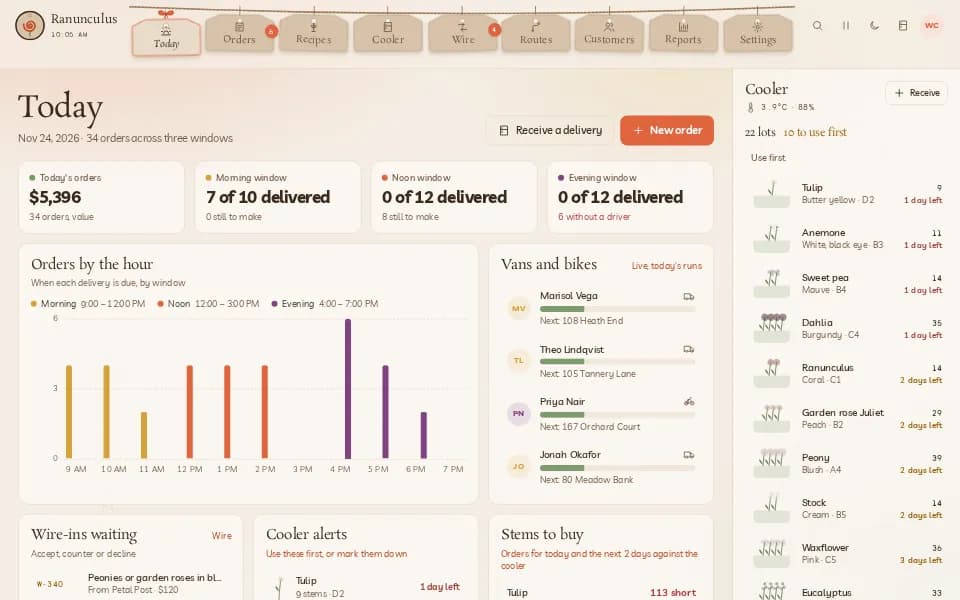
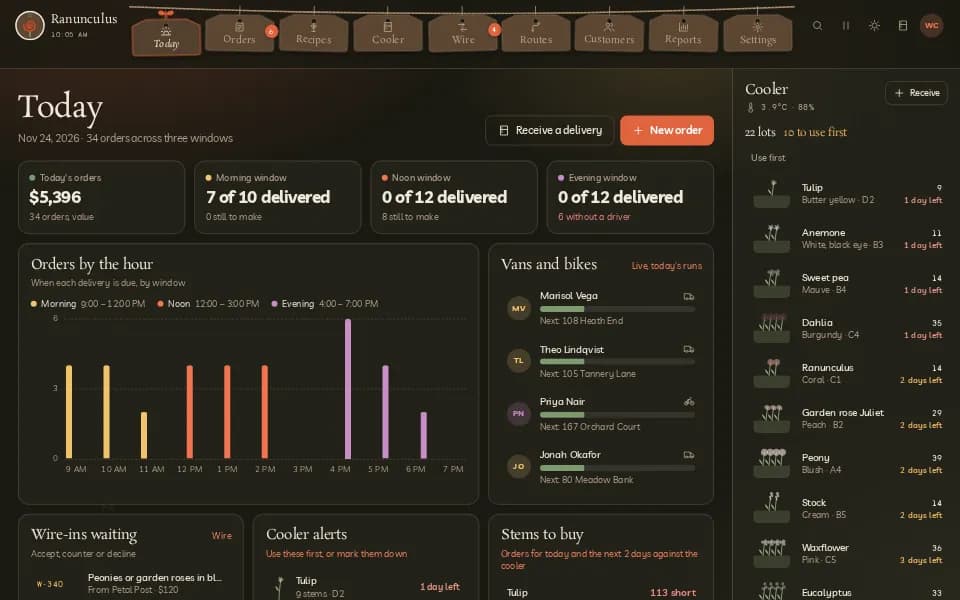
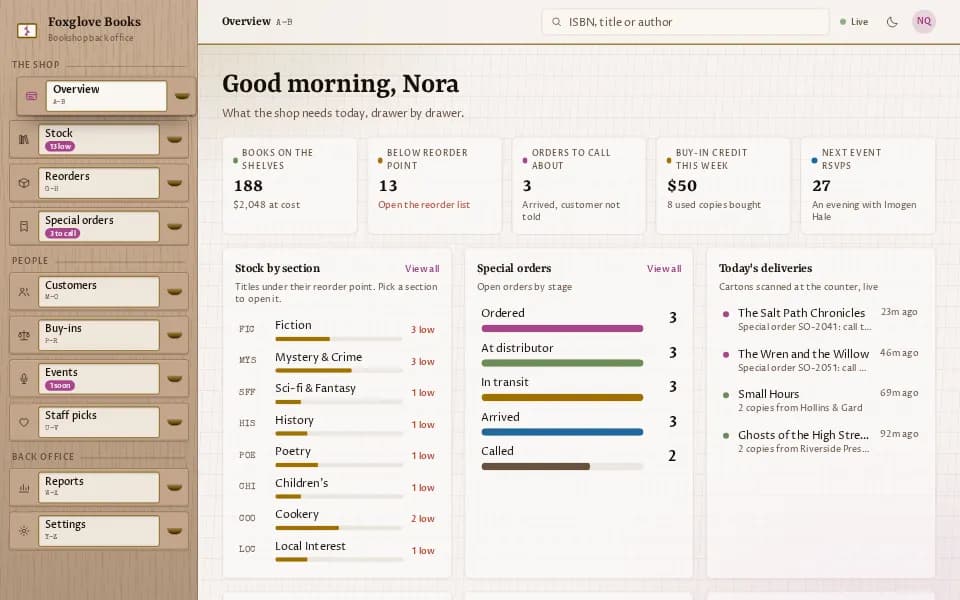
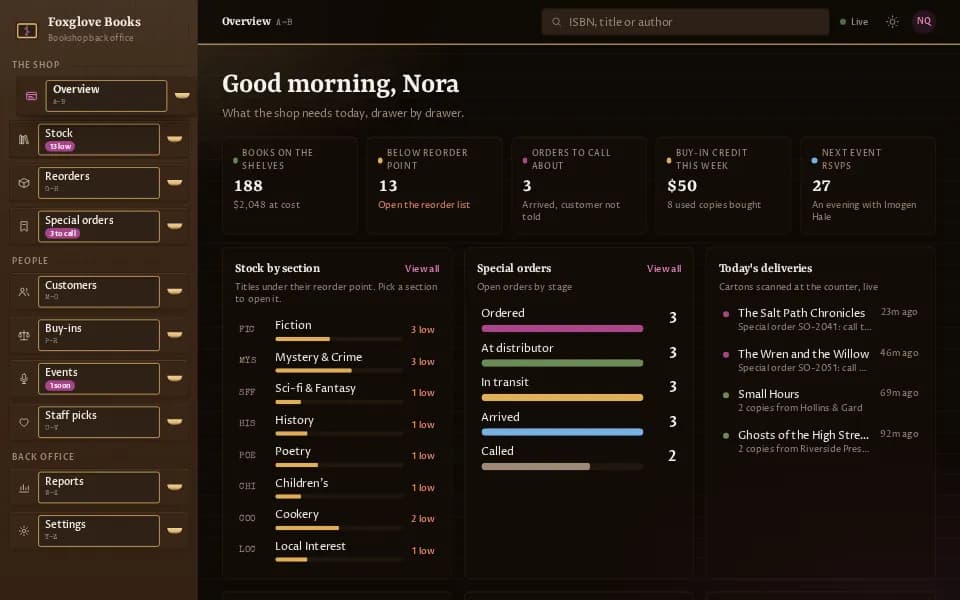
A plant shop app for iOS and Android phones and tablets, in dark and light: drawn plants that sway, a swipeable welcome, live search, a cart with promo codes and a pretend checkout.
Native iOS
Native Android
6 شاشات
$199
المزيد بالأسفل ↓
مدمج
ما تحصل عليه
فاتح وداكنيستخدم ألوان سمتك
الهاتف والجهاز اللوحيالشاشات المصمّم لها
الحزم…
حجم الكود…
خفيف على البطارية30 إطارًا في الثانية، ويهدأ حين يسكن
appappThe screens, one file per route (Expo Router).
(tabs)(tabs)The screens, one file per route (Expo Router).
_layout.tsxscreenThe four tabs.
cart.tsxscreenCart: the lines with steppers, a promo code, totals and a demo checkout.
home.tsxscreenHome: greeting, search, the offer, categories and the best sellers.
saved.tsxscreenSaved: the plants someone hearted, in the same grid as the shop.
shop.tsxscreenShop: every product, narrowed by a category and a search.
plantplantThe screens, one file per route (Expo Router).
[id].tsxscreenA product page: the plant grows in on a glass halo, its story and care facts rise in below, and Add to cart tosses a copy of the plant up into the cart button.
_layout.tsxscreenThe root: loads the heading font, follows the phone's dark or light setting, holds the cart and saved lists, and stacks the screens.
index.tsxscreenOnboarding: three swipeable pages, each a plant and one promise, then into the shop.
order-placed.tsxscreenAfter the demo checkout: the order number and a way back to the shop.
componentscomponentsThe parts the screens are built from.
artartThe drawings, as code: no image files.
leaf.tsartGeometry for the drawn plants: points along an angle and leaf outlines.
plants-leafy.tsxartDrawn plants with broad or trailing leaves: monstera, pothos, calathea, fern.
pot.tsxartA drawn planter in one of five finishes, sitting at the bottom of the 120x150 plant drawing.
buy-bar.tsxpartThe product page's bottom bar: the price and Add to cart, above the home indicator.
care-facts.tsxpartThe four care facts on a product page: water, light, humidity, pets.
cart-badge.tsxpartThe cart's item count on an icon.
cart-row.tsxpartOne line in the cart: picture, name, price and the quantity stepper.
category-chips.tsxpartA sideways row of category pills; the chosen one is filled.
empty-state.tsxpartWhat an empty list shows: a pot waiting for a plant, a line and one action.
field.tsxpartA glass text field with a leading icon, used by search and the promo code.
fly-to-cart.tsxpartA small copy of the plant that arcs from Add to cart up to the cart button, shrinking as it goes, then disappears.
glass.tsxpartA frosted glass panel: real blur on iOS and the web; on Android, where blur is still experimental, a translucent tint (the same look, unblurred).
heading.tsxpartText in the brand's heading font (the serif), in three sizes.
home-header.tsxpartThe top of the home screen: greeting, search, the offer and the category row, above the best-seller grid.
icon-button.tsxpartA round glass button holding one icon (back, save, steppers).
icon.tsxpartLine icons on a 24-point grid, drawn so the app needs no icon font.
leaf-backdrop.tsxpartThe forest behind every screen: the theme's ground with large, soft leaf shapes in the corners (deep green at night, pale sage by day).
nav-rail.tsxpartThe tablet's navigation: a floating glass rail down the left side (the iPad sidebar and Android navigation-rail pattern) with the shop's name on top and the four tabs, each an icon over its label.
no-results.tsxpartWhat a search with no matches shows: one line and a way back.
onboarding-page.tsxpartOne onboarding page's words: a headline and a line, under the plant stage.
onboarding-stage.tsxpartThe plant stage behind the onboarding pages: one halo, every page's plant stacked in it.
order-burst.tsxpartThe order-placed mark: a sage disc springs in, a checkmark draws itself across it, and a ring of small leaves bursts out and settles around it.
order-summary.tsxpartThe cart's totals: subtotal, discount, shipping and the total.
page-dots.tsxpartThe onboarding page dots: the filled one stretches and slides along with the swipe, following the finger rather than jumping when a page settles.
pill-button.tsxpartThe main action: a pale sage pill with a label and an optional icon.
plant-hero.tsxpartThe product page's picture: the plant grows up out of a glass halo as the page opens (a zoom from the size it had in the grid).
plant-top-bar.tsxpartThe product page's top row: back on the left; save and the cart (with its count) on the right.
pressable-scale.tsxpartA Pressable that shrinks a little under the finger and springs back.
product-art.tsxpartA product's picture: its photo when content has one, else the drawing.
product-card.tsxpartOne product in a grid: picture, name, price and a save heart.
product-grid.tsxpartA product grid with room left for the floating tab bar: two columns on a phone; on a tablet three, or four once the space beside the rail is 1000pt wide (an iPad in landscape).
promo-card.tsxpartThe home screen's offer: a glass card with a plant leaning out of it.
promo-code.tsxpartThe promo code field: type a code, Apply, and a line says what happened.
rolling-text.tsxpartText that rolls when its value changes, like a counter: up when the number grows, down when it shrinks (quantities, the cart total).
screen.tsxpartEvery screen's frame: the forest backdrop and the safe-area insets, so nothing sits under the notch, the status bar or the home indicator.
search-field.tsxpartThe search box: a glass field with a magnifier, and a clear button while it holds text.
tab-bar.tsxpartThe floating glass tab bar.
text-button.tsxpartA quiet text-only action (Skip, See all) with a full-size touch area.
constantsconstantsColors, sizes, motion and the brand defaults.
color.tsthemeSmall color math for the shades that follow the brand colors.
motion.tsthemeMotion settings shared by every animation.
theme.tsthemeThe app's colors, the brand defaults and the sizes every screen shares.
hookshooksState and theme hooks.
use-brand.tshookThe brand settings on iOS and Android: the values in constants/theme.ts.
use-brand.web.tshookThe brand settings on the web: the values in constants/theme.ts, which uiloft's preview can override with ?params=<json> on load and postMessage({ type: "uiloft:params", values }) from the parent page.
use-cart.tsxhookThe cart: what's in it, the promo code, and the totals.
use-clear-entrances.tshookNothing to do on a phone: native entrances play once.
use-clear-entrances.web.tshookOn the web, Reanimated leaves a finished entrance's CSS animation on its element, and the browser plays it again when a Phone/Tablet switch moves the layout; this clears it once it has played.
use-layout.tshookPhone or tablet layout, from the window's width (not the device), so an iPad in Split View or a small Android tablet gets the layout that fits.
use-product-search.tshookThe products a search and a category leave, matched on the name and the latin name.
use-saved.tsxhookThe plants someone hearted.
use-scheme.tshookDark or light, from the phone's appearance setting (app.config.ts sets userInterfaceStyle "automatic").
use-scheme.web.tshookDark or light on the web: uiloft's preview picks one with ?theme=light or ?theme=dark; without it the browser's setting decides.
use-theme.tshookThe palette of the phone's theme and the styles that depend on it and on the brand, rebuilt only when one of them changes.
datadataEvery word and product the app shows.
copy.tscontentEvery word the screens show, plus the shop's promo and shipping rules.
products.tscontentEverything the shop sells: plants and pots, with prices in US cents.
pluginspluginsBuild settings Expo has no option for.
night-window.tsconfigAndroid's window color (behind the screens) for a phone in dark mode.
README.md
How to run it, change it and ship it.
جارٍ التحميل…
مناسب لـ
Plant shops, florists and small garden brands that want their own iOS and Android shopping app.
كيف يعمل
Swipe through the welcome, search or pick a category, and add a plant: it flies into the cart, where a promo code and a pretend checkout wait.
طريقة الاستخدام
Run it in Expo Go, change the words in data/copy.ts, products in data/products.ts and colors in constants/theme.ts, then build with EAS for the stores.