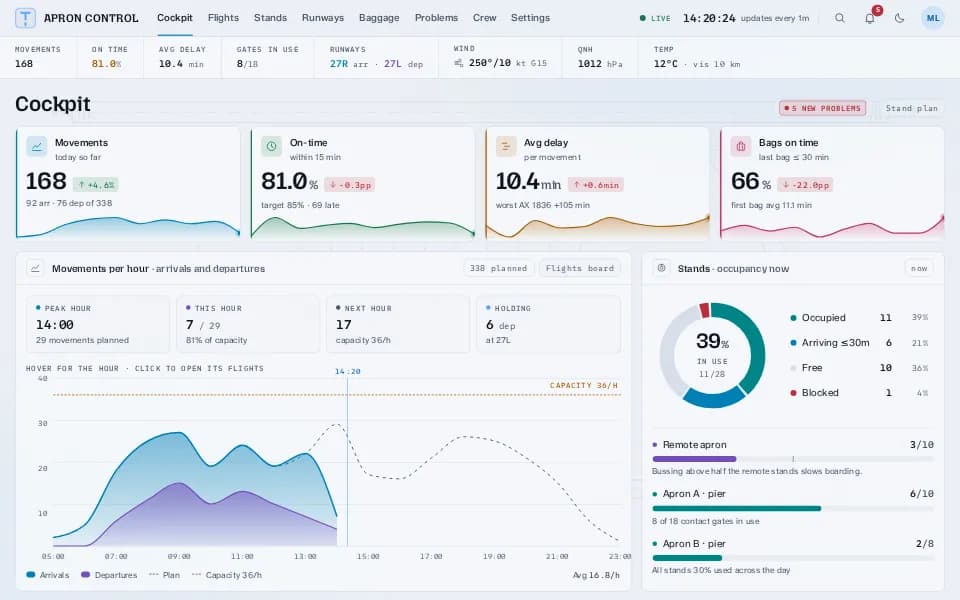
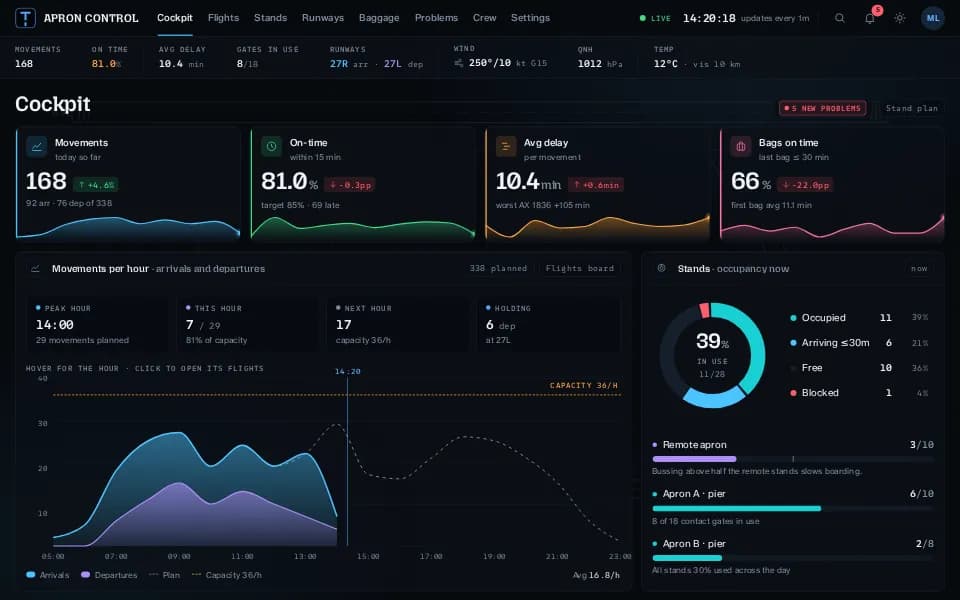
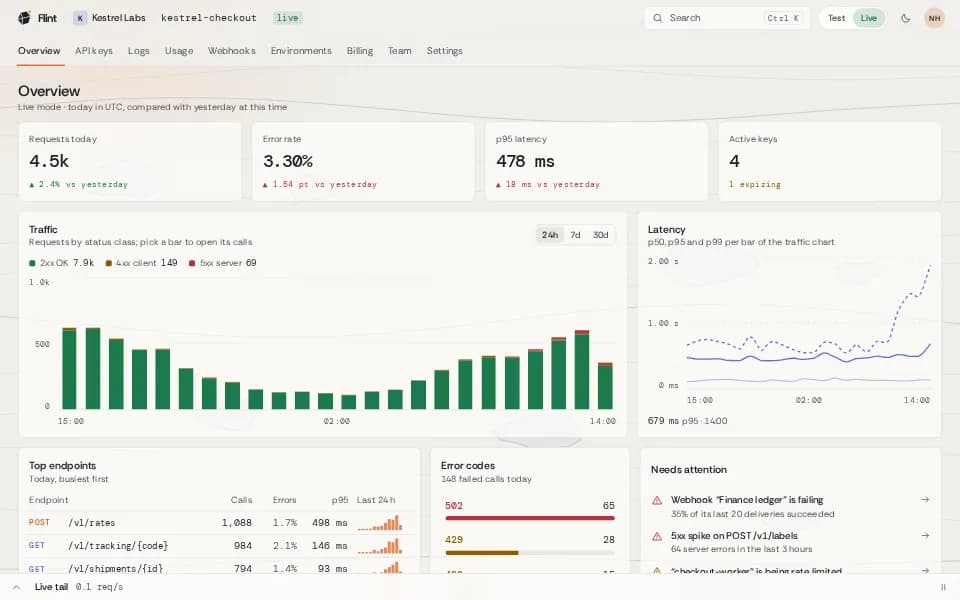
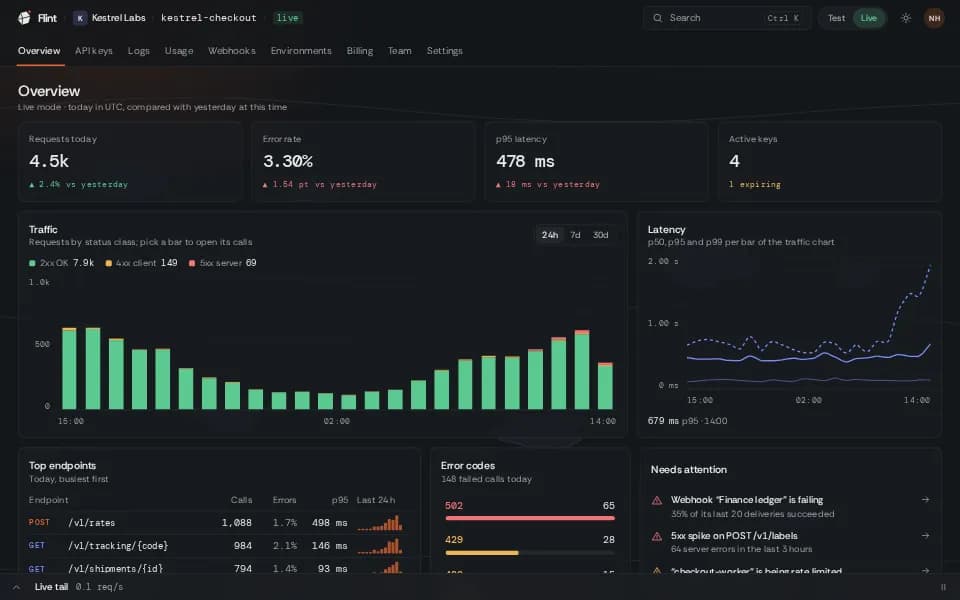
A web analytics app in ten reports: slate glass over a drawn lighting plan, a filter ribbon and a report index with live numbers, traffic with range compare, pages, sources, funnels you drag into order, user paths, goals and a live world map.
Web
11 pages
$69
Adresse de la page : /
Suite plus bas ↓
Intégré
Ce que vous obtenez
Clair et sombreUtilise les couleurs de votre thème
Ordinateur, tablette et téléphoneLes écrans pour lesquels il est conçu
Paquets…
Taille du code…
Économe en batterie30 i/s, au repos quand rien ne bouge
Pause quand masquéHors écran ou autre onglet
Mouvement réduitCalme pour ceux qui le demandent
Vérifié à chaque modification
Vérification des typesTypeScript strict
Lint et formatESLint · Prettier
Tests et buildCaptures claires et sombres
Audit de sécuritéAucune vulnérabilité élevée ou critique
Ancienneté des paquetsChaque version publique depuis 7 jours ou plus
CPU au reposMoins d’un demi-cœur au repos, ≤ 30 i/s
Code
Un problème avec cette application ? Envoyer un avis ›
analytics-lumenReact
analytics-lumen.tsxpageThe page: the sections in order.
content.tscontentEvery word and number: brand, nav links, each section's copy and lists.
theme.tsthemeThe colors as CSS variables, and the shared class strings.
README.mdreadmeHow to install it, and where to change the text, colors and form.
content-more.tspartThe words of Funnels, Paths, Goals & events, Realtime and Settings (content.ts passes them on).
content-pages.tspartThe words of Traffic, Pages, a page's own report and Sources (content.ts passes them on).
pagespagesOne file per page: the sections it shows, in order.
funnels.tsxpageFunnels: the saved funnels with their conversion, the picked one step by step with its drop-offs and channels, and the builder to make or edit one (?funnel=new, ?edit=1); delete asks first and can be undone.
goals.tsxpageGoals & events: the conversions at a glance, the goals table (search, edit, bulk delete; a row filters every report by its goal) and the custom events, each one a goal in one click; ?new=goal or ?edit=<id> opens the form.
home.tsxpageOverview: one sentence on how the range went, the key numbers, traffic over time with the period before, who is here now, and every breakdown, each opening its filtered report.
page.tsxpageOne page's own report: Back to the list it came from, its numbers against the period before, and tabs for its traffic, the pages around it, scroll depth and events; it can filter every report or become a goal.
pages.tsxpagePages: every page seen in the range, with a search, a section filter, missing-only and show-hidden switches (all kept in the address), a summary strip and the table with bulk actions.
paths.tsxpageUser paths: pick a start page (?entry=), see where its visitors went step by step, and the commonest journeys, each one a funnel in one click.
realtime.tsxpageRealtime: who is on the site right now on a drawn world map, the pages, sources and devices they are on, and pageviews as they happen; Pause holds it all still.
settings.tsxpageSettings in tabs kept in the address: General, Sites, Tracking (the snippet, its check, excluded IPs), Team, Appearance (style, theme, colors) and your Profile.
sign-in.tsxpageThe sign-in screen, outside the app's shell: email and password (show or hide it), remember me, the demo account to fill in, and Forgot password with its sent screen (?reset=1); signing in lands on Overview.
sources.tsxpageSources: the channel mix as one bar, a picked source's own trend and landing pages, and tabs for referrers, channels and campaigns.
traffic.tsxpageTraffic: any metric over time with the period before, a span you drag out to zoom, the totals, when people visit, new against returning, the timeline's notes and the day-by-day table.
sectionssectionsOne file per page section.
appearance.tsxsectionSettings → Appearance: the style (Glass or Solid), the theme (System, Dark or Light) and the color preset, each choice shown as a small preview.
breakdowns.tsxsectionOverview's breakdowns: top pages, top sources, countries and devices, each row a bar that opens the matching filtered report.
event-table.tsxsectionThe custom events the tracking script sends: how often, by how many visitors, their commonest property values, and a Make goal for each one not yet a goal.
filter-dialog.tsxsectionAdd a filter: pick what to filter by and its value; every report then counts only the matching visits, and the filter shows as a chip in the ribbon.
funnel-builder.tsxsectionThe funnel builder: a name, the steps in order, and a live preview of the funnel with the range in force; saving keeps it with the others and opens it.
funnel-chart.tsxsectionA funnel step by step: each step's bar as tall as the share of visits that reached it, the visits that left drawn as a hatched ghost above it, and the drop-off and median wait between steps; bars glide to new heights when the range or the steps change.
funnel-steps.tsxsectionThe funnel builder's steps: a list you reorder by dragging a handle (or Space, arrows, Space), each step removable, a pointer drop undoable from its toast, and the picker that adds a page or event at the end.
goal-dialog.tsxsectionThe goal form, for a new goal or editing one: its name, whether a page view or an event counts, and which; names must be unique.
goal-table.tsxsectionThe goals table: each goal with what counts, its converted visitors, rate, change and trend, an Edit link, ticked rows deleted in bulk; a row filters every report by its goal.
home-more.tsxsectionOverview's last row: goals with their conversion, what needs a look (missing pages, bouncing entries) and the entry and exit pages, each opening its report.
kpis.tsxsectionOverview's key numbers: visitors, pageviews, bounce rate, visit duration and the live count, each with its change against the period before and each opening the report it sums up.
live-map.tsxsectionThe live map: the drawn dotted world with one dot per visitor here now, a ring where each new pageview lands, and each country a link that filters every report by it.
live-panel.tsxsectionOverview's live panel: people here now, their pageviews per 15 seconds as bars that slide left as time passes, and the latest pageviews, each opening its page.
live-pill.tsxsectionThe ribbon's live count: people on the site now with a five-bar light meter of the last pageviews, a link to Realtime, and the Pause that holds every live number still.
notes-panel.tsxsectionThe notes pinned to the timeline: launches and changes, shown as diamonds on every chart; add one for a day, or remove one.
page-table.tsxsectionThe Pages table: every page seen with visitors, views, entries, bounce, time and change, ticked rows getting bulk actions (hide or show in reports, make goals, copy as CSV).
page-tabs.tsxsectionA page's own report, tab by tab: its traffic, sources and devices; the pages before and after it; how far people scroll; and the events sent from it.
path-flow.tsxsectionThe user-paths flow: one column per step from the start page, each page a bar as tall as its visits, ribbons between the pages people went from and to; pointing at a page lights its ribbons, clicking one starts the paths from it.
profile-menu.tsxsectionThe avatar in the ribbon and its menu: who you are, Profile, Settings, the theme and Sign out (which leaves the app so Back can't return into it); arrow keys move, Escape or a click outside closes.
report-index.tsxsectionThe report index: every report with its headline number for the range and filters in force, like a book's index; a column on the right on wide screens, a strip on tablets, a sheet on phones.
ribbon.tsxsectionThe ribbon along the top of every report: the mark and site, the date range and comparison, the filters in force with Add filter, the live count and the tools.
settings-general.tsxsectionSettings → General (the site's name, domain, time zone and two switches, checked and saved) and Profile (your name and email).
settings-team.tsxsectionSettings → Sites (add one, see which send data, remove one after a confirm) and Team (change roles, remove people, invite by email).
settings-tracking.tsxsectionSettings → Tracking: the snippet for plain HTML, Next.js or React with Copy, the installation check, and the excluded IP addresses you add and remove.
source-tables.tsxsectionSources' tables: referrers (searchable, by channel, ticked rows copied as CSV), channels and campaigns; a row filters every report by its source or channel.
traffic-more.tsxsectionTraffic's smaller panels: the range's totals, the weekday-by-hour heatmap and new against returning visitors.
trend-block.tsxsectionA metric over time in a panel: the metric switch, the line with the period before as a ghost, and the drill-downs (a day opens its pages, a dragged span zooms the range).
partspartsWhat several sections share.
buildbuildWhat several sections share.
cardscardsWhat several sections share.
iris.tspartThe iris card style: each card opens as a circle from its center.
rowsrowsWhat several sections share.
spot.tspartThe spot row motion: each row on screen lights up from faint as a soft primary glow passes it.
core.tsxpartThe page's build-in: on first load and on every page switch the cards arrive in the app's card style and their contents build: bars grow, meters fill, lines draw, the list rows on screen ripple in in the app's row motion, numbers count. The two picks are wired in ./index.ts.
index.tspartThe app's two build-in picks, wired here and nowhere else: its card style (cards/) and its row motion (rows/).
appearance.tspartHow the app looks right now: dark or light, Glass or Solid and the color preset, from Settings → Appearance, the page around it and the Brand settings.
backdrop.tsxpartThe Glass style's backdrop: a drawn lighting plan (isolux rings around two lights on a fine survey grid) under a soft pool of light, one fixed layer behind the app, faded out in Solid; with followBackground it paints your background instead.
bars.tsxpartSmall charts that sit in lists: a ranked bar list whose rows open a filtered report, a sparkline, and the change against the period before.
bits.tsxpartSmall shared pieces: a report heading, a titled panel, initials avatars, a segmented switch and a source mark.
bulk-bar.tsxpartThe bar that rises over a list once rows are ticked: how many, the actions for all of them, and Clear.
chart-bits.tsxpartThe pieces every chart shares: the dates under the plot and the crosshair with its tooltip.
chart-path.tspartA chart's line and area paths in each curve Chart Studio has (straight, smooth, step), and the classes that let a Chart Studio curve swap them in CSS.
command-palette.tsxpartThe command palette (⌘K or Ctrl K): type to find a report, one of the site's pages or an action, then Enter.
confirm.tsxpartA confirm dialog for a step that can't be taken back lightly (delete a funnel, remove a site): what goes away, Keep and the red action.
data-table.tsxpartA data table: columns that sort (aria-sort), a checkbox per row for bulk actions where the list has them (Shift picks a range), still skeleton rows while loading, an empty note with a way out, and rows you move through with the arrow keys and open with Enter or a click.
dialog.tsxpartA centered modal dialog (a form, a confirm): rises in, plays its way out, Escape or a tap outside closes it, and the focus goes back where it was.
field.tsxpartA labeled form field (a text input or a select) with its error line under it, tied together for screen readers.
filters.tsxpartA list's toolbar pieces: dropdowns and a search box that set filters in the address, and removable chips for every filter in force, with Clear all.
flip.tspartFLIP: when cards change place, each one glides from where it was to where it is now instead of jumping.
format.tspartHow numbers, times and dates are written: US style, in one place.
icons.tsxpartThe logo and the line icons, drawn on a 24-unit grid with round ends.
motion.tspartMotion helpers: the reduced-motion check, live, and run-once-in-view.
plot-input.tspartHow a chart's plot answers people: the point under the pointer or picked with the arrow keys, a click (or a second tap) that opens it, and a mouse drag that marks out a span.
router.tspartThe page switcher: reads the app's report from the address hash (#/pages?device=Mobile, #/page/%2Fpricing), cross-fading to a new one; the range and filters ride along from report to report.
scroll-to-view.tspartScrolls an element into view moving only its own scroll container, never the page around it.
select-box.tsxpartA native select dressed to match the app: no browser arrow, a drawn chevron instead.
sheet.tsxpartThe phone sheet: a modal panel that springs in from the right with the report index; Escape, a tap outside or its close button slides it away.
sortable.tspartDrag to reorder a vertical list by its handles: pointer, pen and touch lift the item under the finger while the others slide aside, it settles into its gap on drop, Escape puts it back, the page scrolls at the edges, and the keyboard path is Space, arrows, Space.
states.tsxpartThe data states every page shares: a calm skeleton while loading, an error with Try again, and an empty note with a way out.
stats.tsxpartA strip of small figures in one panel (a report's totals): each a label, a number that rolls to new values, and its change against the period before.
store.tspartThe app-wide state several parts share: the theme mode, style and color preset (kept in the browser) and the toasts.
tabs.tsxpartTabs kept in the address (?tab=), so Back and a reload keep the one open: the arrow keys, Home and End move between them, and the open one's panel follows.
ticker.tsxpartA number that counts up while its page builds in, and rolls to its new value whenever it changes.
toasts.tsxpartThe toasts: short notes that confirm what just happened, bottom right.
trend-chart.tsxpartA line chart over time: the period before as a dashed ghost, a crosshair you move by pointer or arrow keys, a click that opens that day's report, a drag that zooms to a span, and a new range morphing the line instead of drawing it again.
use-api.tspartLoads data through the fake API with loading, error and retry, remembering each answer so a page you come back to shows at once.
use-dialog.tspartOpens and closes a native <dialog> as a modal; on close it plays its way out first (data-closing), so dialogs, sheets and the palette never vanish in one frame.
use-live.tspartThe live feed, kept up to date while it plays: the ribbon's count, Overview's live panel and the Realtime map all read it.
world.tsxpartThe drawn world: land as a grid of dots (3° cells, 78°N to 54°S), with places put on it by latitude and longitude.
datadataThe pretend data and the fake API: swap it for your backend.
api-account.tsdataThe fake API, last part: signing in and out, your profile, the sites, the tracking settings and the team.
api-more.tsdataThe fake API, continued: funnels, paths, goals and events, and the site's settings.
api.tsdataThe fake API: every page loads and saves through these functions, so wiring a real backend happens here only.
catalog.tsdataThe pretend site's catalog: its pages, traffic sources, countries, devices, browsers, goals and events, plus the demo's clock.
flows.tsdataFunnels, user paths and goals, worked out from the visits.
live.tsdataThe pretend live feed: visitors on the site right now, a new pageview every second or two, each one gone after five quiet minutes.
reports.tsdataThe reports, worked out from the visits: series over time, the page table, a page's own numbers, sources and the heatmap.
rules.tsdataThe rules every number follows: which visits a filter keeps, the date range and its comparison, and how visitors, bounce and time are counted.
visits.tsdataThe pretend traffic: every visit of the last 182 days, made once from a fixed seed so every number in the app agrees with every list.
analytics-lumen.tsx
The page: the sections in order.
Chargement…
Idéal pour
SaaS teams, product sites and agencies that want privacy-friendly site stats, or any product that needs an analytics dashboard.
Fonctionnement
Every number, bar, day and dot opens the matching filtered report; filters ride along in the address and the live count ticks.
Utilisation
Edit words in content.ts and colors in theme.ts, and swap the bodies in data/api.ts for calls to your backend.
Aucun paquet en plusReact seulement, rien d’autre
119,2 ko gzippé · 91 fichiersLe téléchargement complet