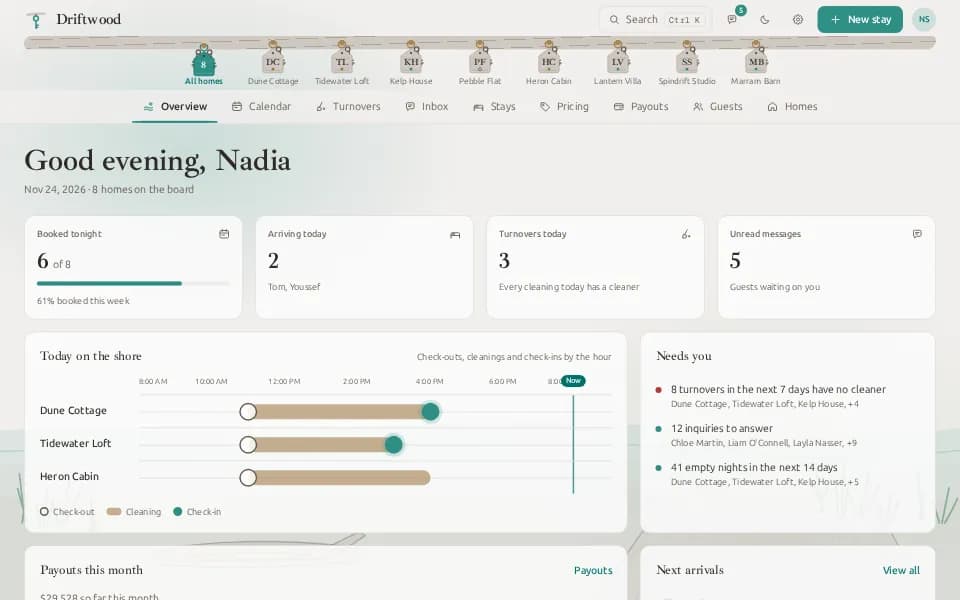
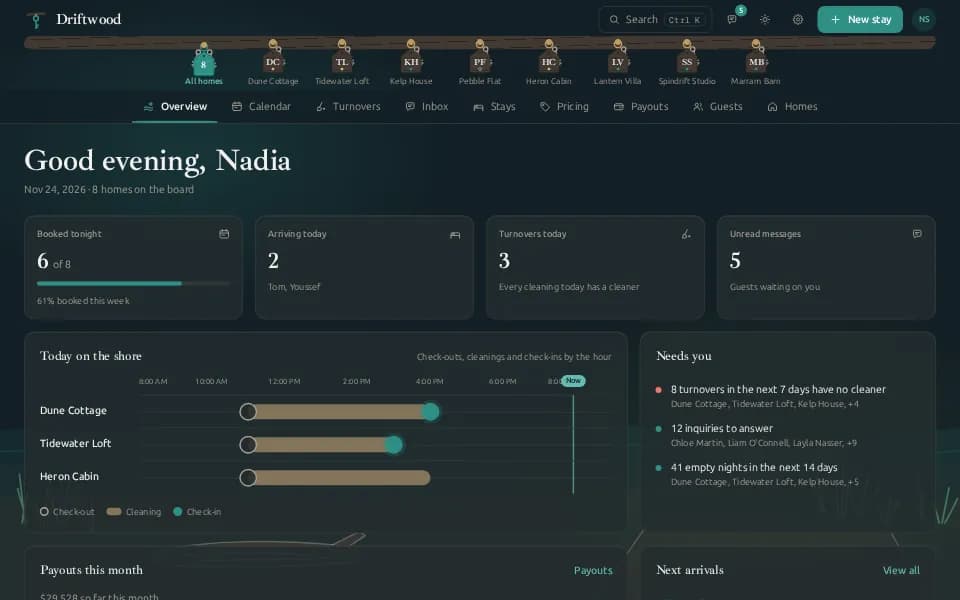
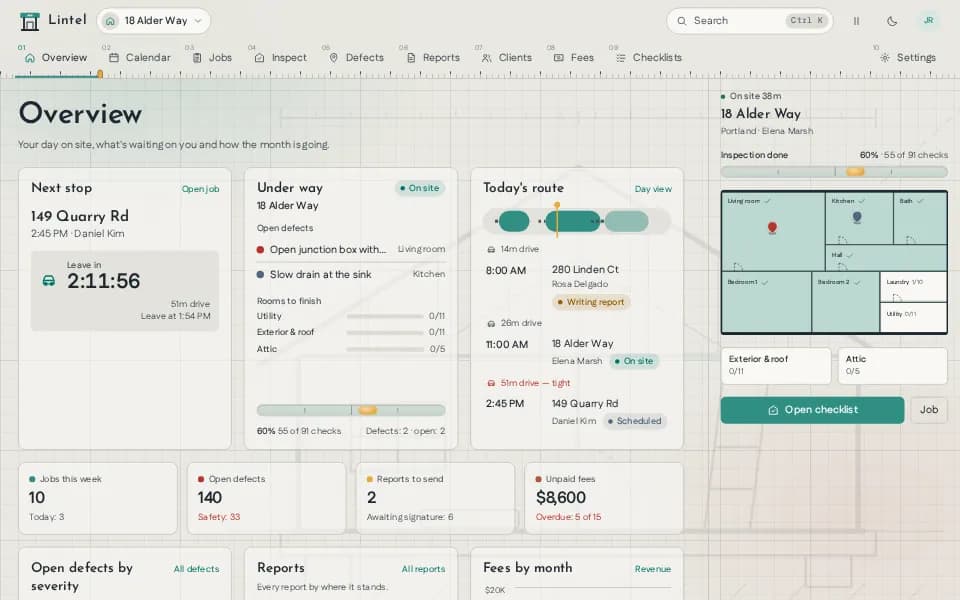
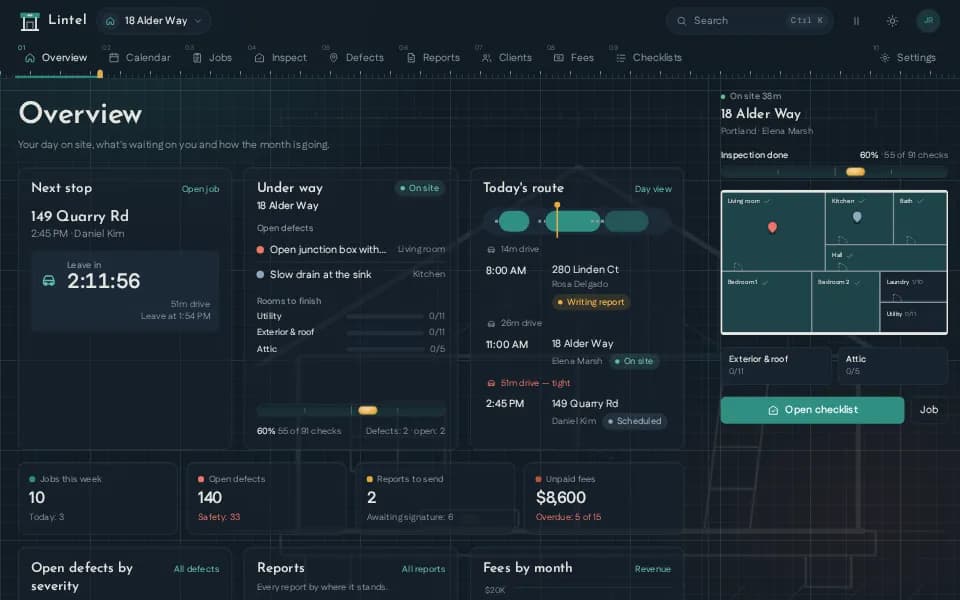
A map-first estate agency app in seven pages: limestone or warm graphite panels beside a drawn town plan whose price pins follow every page, with listings, viewings, an offers board, clients and market reports.
Web
9 pages
$69
Adresse de la page : /
Suite plus bas ↓
Intégré
Ce que vous obtenez
Clair et sombreUtilise les couleurs de votre thème
Ordinateur, tablette et téléphoneLes écrans pour lesquels il est conçu
Paquets…
Taille du code…
Économe en batterie30 i/s, au repos quand rien ne bouge
Pause quand masquéHors écran ou autre onglet
Mouvement réduitCalme pour ceux qui le demandent
Vérifié à chaque modification
Vérification des typesTypeScript strict
Lint et formatESLint · Prettier
Tests et buildCaptures claires et sombres
Audit de sécuritéAucune vulnérabilité élevée ou critique
Ancienneté des paquetsChaque version publique depuis 7 jours ou plus
CPU au reposMoins d’un demi-cœur au repos, ≤ 30 i/s
Code
Un problème avec cette application ? Envoyer un avis ›
estate-larchReact
estate-larch.tsxpageThe page: the sections in order.
content.tscontentEvery word and number: brand, nav links, each section's copy and lists.
theme.tsthemeThe colors as CSS variables, and the shared class strings.
README.mdreadmeHow to install it, and where to change the text, colors and form.
content-admin.tspartThe words of Market reports and Settings; content.ts passes them on with the shell's.
content-auth.tspartThe words of the sign-in screen, the profile menu under the avatar and your own Profile page; content.ts passes them on with the shell's.
content-forms.tspartThe words of the add, edit and remove forms: listings, clients, offers, viewings and the team; content.ts passes them on with the shell's.
content-pages.tspartThe words of Overview, Listings and a listing's own page; content.ts passes them on with the shell's.
content-work.tspartThe words of Viewings, Offers, Clients, Market reports and Settings; content.ts passes them on with the shell's.
pagespagesOne file per page: the sections it shows, in order.
clients.tsxpageClients: the list with its filters and bulk changes; #/clients/<id> is one client's own page.
listings.tsxpageListings: the toolbar and chips, then the homes as cards or a table, picked for a bulk status change with Undo; #/listings/<id> is one listing's own page.
offers.tsxpageOffers: a board from Received to Completed with each stage's total; drag an offer to another stage (or use the keyboard), Undo puts it back; search and agent filters live in the address, and each card opens its dialog.
overview.tsxpageOverview: one sentence on the day, the four figures, price trends by area with stock by status, then today's viewings, what needs attention, the offer pipeline, new leads, the top areas and recent activity.
profile.tsxpageYour profile (#/profile, from the avatar's menu): your details and password, each saved through the API with its checks, your work at a glance, and Sign out.
reports.tsxpageMarket reports: pick an area (kept in the address) and a range; price change by month, price per m², stock against demand, days on market, sold to asking and every area side by side, with a CSV export.
settings.tsxpageSettings: the agency's details, the team, notifications, how the app looks (theme and Glass or Solid) and archiving old listings.
sign-in.tsxpageThe sign-in screen (#/sign-in), on its own without the nav: the town plan drawing itself in beside one panel with the sign-in form, Forgot password (an email, then a sent screen) and the demo account. Signing in goes to Overview.
viewings.tsxpageViewings: the week (one day on a phone) with the viewings to drag to new times, the picked day's list with its actions, a month to jump with, the week in numbers and the latest feedback; ?book=1 opens Book a viewing.
sectionssectionsOne file per page section.
appearance.tsxsectionSettings → Appearance: the style (Glass or Solid) and the theme (System, Dark or Light), each choice shown as a small preview.
area-table.tsxsectionEvery area side by side in a table whose headers sort (aria-sort), the picked area marked, each row a link to its listings; and the same table as a CSV the browser saves.
client-bulk.tsxsectionThe bar for the clients picked in the list: assign them to an agent, move them to a stage, or delete them (asked first, with Undo).
client-detail.tsxsectionOne client's own page: Back to the list as it was, who they are and their lead score, then tabs: their profile (contact, what they want or the homes they sell, the homes that match), a timeline of viewings, offers and notes, and a note form.
client-form.tsxsectionThe Add a client and Edit dialog: name, type, contact, agent and where they came from, then what they want (budget, bedrooms, areas). Checked, then saved through the API.
client-list.tsxsectionThe clients list: search, type, stage and agent filters with a sort, all in the address and shown as chips; Add client; a table with a tick box per client and a bar to assign, restage or delete the picked ones.
client-notes.tsxsectionA client's Notes tab: a note form with its check, saved through the API, and every note so far.
dock.tsxsectionThe phone dock along the bottom edge: the four busiest pages and More, which opens the page drawer.
gallery.tsxsectionA listing's pictures: the big one with arrows and a counter, a strip of thumbs, and a full-screen viewer that follows a swipe, the arrow keys and Escape.
listing-cards.tsxsectionThe listing cards: the drawn front, status, price, address, rooms and days on market, a tick box to pick it for a bulk change; pointing at a card lights its pin on the map.
listing-detail.tsxsectionOne listing's own page: Back to the list as it was, the address, price and actions, the pictures beside the key facts, then tabs for the overview, viewings, offers and price history.
listing-facts.tsxsectionA listing's facts: the key figures, what the home is like with its features, the rooms with the floor plan, the agent and vendor, and how its area's market is moving.
listing-form.tsxsectionThe Add a listing and Edit details dialog: the address and area (its pin lands in that area on the map), type, rooms, size, agent, vendor, energy rating, tenure, features and the blurb; a new one also takes its status and price. Checked, then saved through the API.
listing-offers.tsxsectionA listing's Offers tab: every offer on it, highest first, with the buyer, the share of asking, their position and stage; Record offer while it is on the market.
listing-tabs.tsxsectionA listing's tabs past Overview: its price history against the area median with every price event, its viewings with feedback, and the offers on it.
listing-toolbar.tsxsectionThe Listings toolbar: a search by address (kept in the address as it is typed), status, area, bedroom and price filters, the sort, the cards or table switch, and the active filters as removable chips.
map-pane.tsxsectionThe map pane beside every page: the drawn town plan with price pins for what the page shows, grouped when they crowd, a peek card for the picked pin, zoom buttons and a legend.
map-peek.tsxsectionThe peek card for a picked pin: the home's drawing, address, price, rooms and status, with a link to its page; it rises from the map's foot.
map-pins.tsxsectionThe map's marks: a price pin (lit when its card is pointed at, numbered for a viewing's place in the day, dropping in on first load), a group of crowded pins, the legend, and the controls over the map.
map-views.tssectionWhat the map beside each page shows: the listings a page filters, one listing close up, the day's viewings in order with their route, homes with live offers, or the areas shaded by a figure.
nav-pill.tsxsectionThe floating nav pill at the top left of the page: the drawer button and mark, one icon per page (the current one opens to show its name), search, the theme and the map switch.
offer-dialog.tsxsectionAn offer's dialog: the buyer, amount against asking and position, with Accept, Counter (an amount, checked) and Reject (asked twice), each saved through the API.
offer-face.tsxsectionAn offer's card face on the board: the amount and its share of asking, the home, the buyer and their position, the chain and when the buyer wants an answer, and a button for its dialog.
offer-form.tsxsectionThe Record an offer and Edit offer dialog: the home and buyer (new offers only), the amount, the buyer's position and chain, and the day to answer by. Checked, then saved through the API; a new offer lands in Received.
overview-charts.tsxsectionOverview's charts: price trends by area (pick an area to bring its line forward, a range to morph, a point to open its listings), stock by status and the offer pipeline, every bar a link to its list.
overview-feed.tsxsectionOverview's last row: the areas ranked by price growth, each opening its report, and the recent activity, each opening what it is about.
overview-kpis.tsxsectionOverview's four figures (active listings, viewings today, offers pending, days on market), each a link to the list it counts, ticking up on first show.
overview-lists.tsxsectionOverview's lists: today's viewings (each lights its pin on the map), what needs attention, new leads, the top areas and recent activity, every row a link.
page-drawer.tsxsectionThe page drawer that slides in from the left: every page with its live count, the saved views that open filtered lists, and who is on duty today.
price-dialog.tsxsectionThe Change price dialog on a listing's page: the new asking price, checked, saved through the API with a price event.
profile-menu.tsxsectionThe avatar at the end of the nav pill and its menu: who you are (name, email, role), then Profile, Settings, the theme and Sign out. Arrow keys move through it, Escape closes it and gives the focus back to the avatar.
remove-dialogs.tsxsectionThe asks before listings are archived or clients deleted: what goes with them (live offers closed, viewings to come cancelled), then the removal through the API with Undo putting it all back.
report-cards.tsxsectionMarket reports' charts: each area's price change by month (the picked area forward), price per m², stock against demand, and the town's days on market and sold to asking.
settings-parts.tsxsectionSettings' blocks: the agency details form with its checks, the notification switches (saved as they flip) and archiving old listings behind a confirm.
team.tsxsectionSettings → Team: the agents with their listing counts; Invite agent, Edit an agent's details, and Remove one, handing their listings, viewings and clients to another agent first. You can't remove yourself.
viewing-dialogs.tsxsectionA day's viewing row's own actions (Edit while it is to come, Feedback once done, Delete with Undo) and the dialogs they open.
viewing-feedback.tsxsectionThe feedback dialog for a viewing that is done: a rating out of five (stars, picked by pointer or the arrow keys) and a line from the agent, saved through the API.
viewing-form.tsxsectionThe Book a viewing dialog, and Edit the viewing with the same fields: the home, the client, the day, time, length and agent, with an error for a past day or an agent already booked then; it saves through the API.
viewing-side.tsxsectionBeside the week: the picked day's viewings with Confirm, Cancel, Mark done, Edit, Feedback and Delete, a month to pick a day from, the week in numbers and the latest feedback.
week-block.tsxsectionOne viewing on the week calendar: a block placed by its time and length, side by side with any it overlaps, toned by its status (booked dashed, confirmed filled, done quiet), lifted while dragged.
week-calendar.tsxsectionThe week of viewings, 8:00 to 20:00 by quarter hours: each viewing a block that lights its pin; drag one (mouse, pen, or a short press on touch) to another time or day, Escape to put it back, or Alt with the arrow keys to move it from the keyboard.
partspartsWhat several sections share.
buildbuildWhat several sections share.
cardscardsWhat several sections share.
deal.tspartThe deal card style: cards fly from the current nav item to their places.
rowsrowsWhat several sections share.
rise.tspartThe rise row motion: each row on screen rises 8px from faint.
core.tsxpartThe page's build-in: on first load and on every page switch the cards arrive in the app's card style and their contents build: bars grow, lines draw, rings fill, the list rows on screen ripple in in the app's row motion, numbers count. The two picks are wired in ./index.ts.
index.tspartThe app's two build-in picks, wired here and nowhere else: its card style (cards/) and its row motion (rows/).
appearance.tspartHow the app looks right now: dark or light, Glass or Solid, from Settings → Appearance, the page around it and the Style setting.
backdrop.tsxpartThe Glass style's backdrop: drafting paper (a fine survey grid with a heavier line every fifth square) under a soft light, still, faded out in Solid; with followBackground it paints your background instead.
bar-rows.tsxpartOne labelled bar per row, its length a share of the largest, each row a link to its list.
board-model.tspartA board as data: every card's place (one order) and column, and how a move changes them.
board.tsxpartA board of columns and cards: drag a card (mouse, pen or a short press on touch) with a lift and a gap where it will land, or pick it up with Space and move it with the arrow keys; the other cards glide out of the way.
bulk-bar.tsxpartThe bar that rises at the foot of a list while rows are picked: how many, the actions for them all, and Clear.
chart-path.tspartA chart's line and area paths in each curve Chart Studio has (straight, smooth, step), and the classes that let a Chart Studio curve swap them in CSS.
command-palette.tsxpartThe command palette (⌘K or Ctrl K): type to find a page or an action, then Enter.
confirm.tsxpartA dialog that asks before something leaves (archive a listing, delete a client, take an agent off the team): what goes with it, then Keep or the red action.
data.tspartOne hook per thing the app loads (listings, viewings, offers, clients, market, activity, agency), each loaded once through the fake API and shared by the pages and the map.
dialog.tsxpartA centered modal dialog (a form, a confirm): rises in, plays its way out, Escape or a tap outside closes it, and the focus goes back where it was.
drag-board.tspartThe board's drag engine: mouse, pen and touch drags with a lift, a gap where the card will land, auto-scroll near the edges, and a drop or Escape that settles the card into place.
field.tsxpartA labeled form field (a text input, a password or a select) with its error line under it, tied together for screen readers.
filter-controls.tsxpartA list toolbar's controls: a search box kept in the address as it is typed (?q=), and a filter select that sets one address key.
filters.tspartThe listing and client filters as one rule each, read from the address (?status=sale&area=oldtown): the lists, the map and Overview's numbers all count by them.
flip.tspartFLIP: when cards change place, each one glides from where it was to where it is now instead of jumping.
format.tspartHow numbers and dates are written: UK style (pounds, day before month), in one place.
house-art.tsxpartThe drawn front of a listing: a flat architectural elevation built from its kind, roof, floors, window bays, wall and door shades, in the app's colors for light and dark.
icons.tsxpartThe logo and the line icons, drawn on a 24-unit grid with round ends.
keyboard-move.tspartMoving a board card with the keyboard: Space picks it up, the arrow keys move it, Space or Enter drops it, Escape puts it back; each step is read out.
map-store.tspartThe listing under the pointer, shared by the map's pins and the cards and rows beside it, so each lights the other.
moments.tspartThe animations each entrance, dialog, sheet, menu and toast plays, timed by its moment in theme.ts.
month-calendar.tsxpartA month calendar: six weeks from Monday, the previous and next month, today and the picked day marked, a slot under each day for marks, and the keyboard of a date grid (arrows, Home, End, Page Up, Page Down).
motion.tspartMotion and size helpers: the reduced-motion check, live, and whether an element is wider than a size.
picture.tsxpartA listing's drawn pictures: the front (a street scene with the house), the garden at the back, the living room, the kitchen and the floor plan, each a 4:3 drawing in the app's colors.
plan-geometry.tspartThe drawn town plan as numbers: the area outlines, the river, the park, the streets as smooth curves, and the house plots laid along them.
rooms.tspartA listing's rooms, worked out from its floor area, bedrooms and bathrooms: their sizes in metres and where each sits on the drawn floor plan.
router.tspartThe page switcher: reads the app's page from the address hash (#/listings?status=sale), cross-fading to a new page.
scroll-to-view.tspartScrolls an element into view moving only its own scroll container, never the page around it.
select-box.tsxpartA native select dressed to match the app: no browser arrow, a drawn chevron instead.
select-table.tsxpartA data table with a tick box per row and one for all shown, headers that sort (aria-sort), the first cell a link to the row's page, and still skeleton rows while loading.
session.tspartWhether someone is signed in, kept in this browser. A first visit starts signed in as the demo account, so the app opens on Overview; Sign out holds until the next sign-in (for this tab only, unless Remember me was ticked).
sheet.tsxpartThe phone sheet: a modal panel that springs in from the left with the sidebar; Escape, a tap outside or its close button slides it away.
states.tsxpartThe data states every page shares: a calm skeleton while loading, an error with Try again, and an empty note with a way out.
store.tspartThe app-wide state several parts share: the theme mode and style (kept in the browser) and the toasts.
ticker.tsxpartA number that counts up while its page builds in, and rolls to its new value whenever it changes.
toasts.tsxpartThe toasts: short notes that confirm what just happened, bottom right, stacked above the phone dock.
town-plan.tsxpartThe drawn town plan of Larchmere: area outlines (shaded by a figure when a page asks), the river, the park, the plots and the streets, whose lines draw in on first load.
trend-chart.tsxpartA line chart of one or more series in the chart shades: lines draw in once, a new range or series rolls them to their new shape, and pointing or the arrow keys pick a month whose values read out; a picked point can open a filtered list.
trend-math.tspartThe trend chart's maths: every line resampled to the same number of points (so ranges morph into each other), scaled to the plot with some air, rolled to new values, and drawn as a smooth curve.
ui.tsxpartThe small blocks every page shares: a page heading, a card with its title row, a status chip, an initials avatar, removable filter chips and tabs kept in the address.
use-api.tspartLoads data through the fake API with loading, error and retry, remembering each answer so a page you come back to shows at once.
use-dialog.tspartOpens and closes a native <dialog> as a modal; on close it plays its way out first (data-closing), so dialogs, sheets and the palette never vanish in one frame.
use-pan-zoom.tspartPan and zoom for the drawn map: drag with momentum, wheel and pinch zoom around the pointer, the arrow and +/- keys, and glides to fit what a page shows.
use-slot-drag.tspartDragging a viewing on the week calendar: a mouse or pen drag starts at once, touch after a short press (a swipe still scrolls); the block follows the pointer in quarter hours and days, the page scrolls near the window's edges, Escape puts it back.
datadataThe pretend data and the fake API: swap it for your backend.
api-edit.tsdataThe fake API's adds, edits and removals of listings, clients, offers and viewings. Each answers with the lists it changed; a removal also answers with what Undo needs to put it back.
api-team.tsdataThe fake API for Settings → Team: invite an agent, change their details, take them off the team. Each answers like getAgency, so Settings takes it as it is.
api.tsdataThe fake API: every page loads and saves through these functions and those in api-edit.ts and auth.ts, so wiring a real backend happens here only.
auth.tsdataThe fake API for signing in and out and for your own profile: one demo account (Maya Okafor, the branch manager). Replace the bodies with your auth provider's calls.
db.tsdataThe pretend agency's records as the fake API keeps them this visit: data/api.ts and data/api-edit.ts read and replace these lists, and nothing else touches them.
deals.tsdataThe pretend viewings and offers: who sees which home when, how it went, and every offer on its way to completion.
listings.tsdataThe pretend listings: 16 homes in the town of Larchmere, each with its place on the drawn map, its specs, its drawing and its price history.
market.tsdataThe pretend market figures for each area of Larchmere: 24 months of median sale prices, price per square metre, days on market, sold-to-asking and stock against demand.
people.tsdataThe pretend agents and clients: buyers, sellers, landlords and tenants, with their stage, budget, wanted areas and notes.
settings.tsdataThe pretend agency profile and notification choices shown in Settings.
estate-larch.tsx
The page: the sections in order.
Chargement…
Idéal pour
Estate and letting agents who run listings, viewings, offers and buyers from one screen, with the town map always beside the work.
Fonctionnement
Filter listings and the map follows. Drag viewings to new times, drag offers through stages, open any number on Overview as a list.
Utilisation
Edit words in content.ts and colors in theme.ts, and swap the bodies in data/api.ts for calls to your backend.
Aucun paquet en plusReact seulement, rien d’autre
157,5 ko gzippé · 118 fichiersLe téléchargement complet