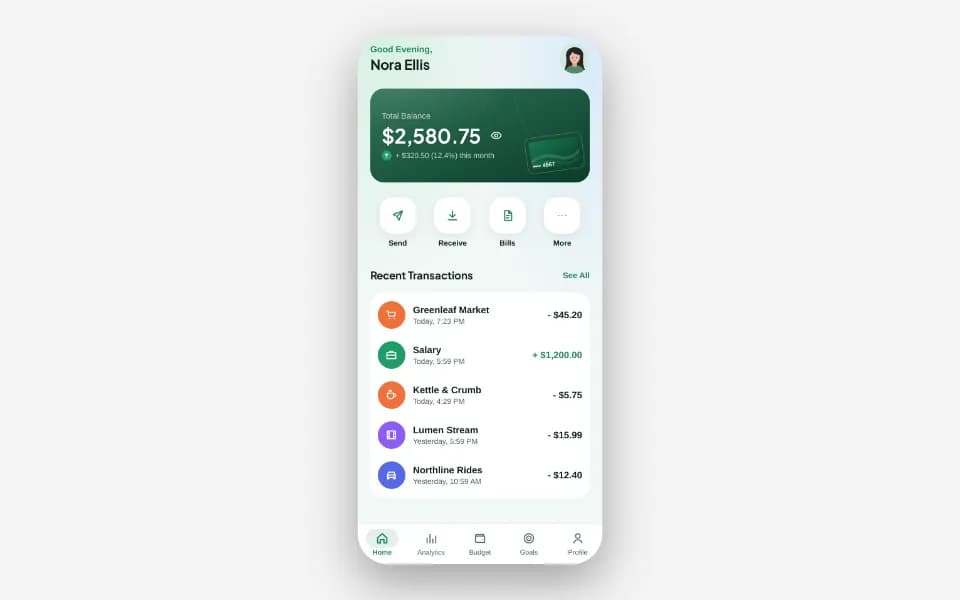
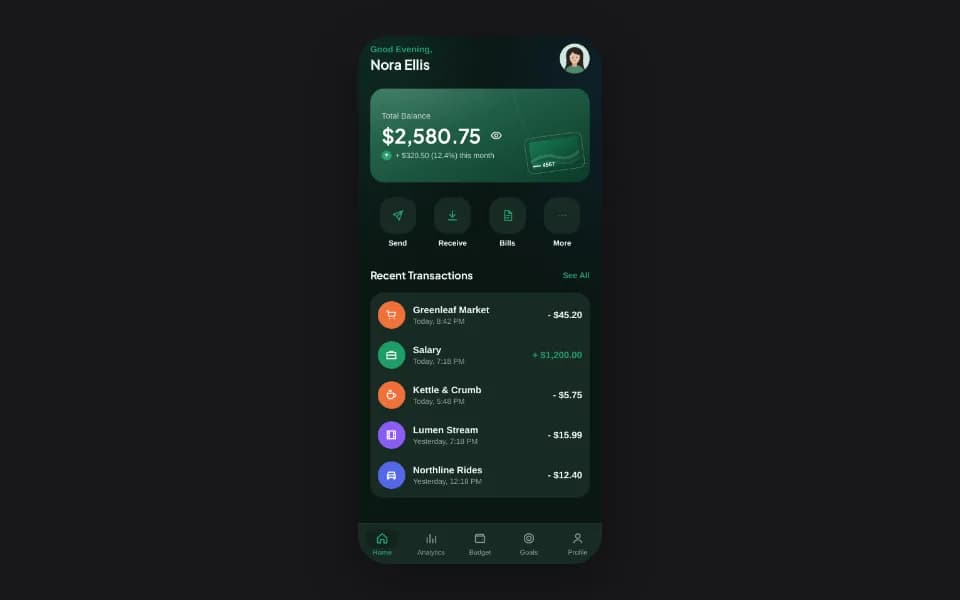
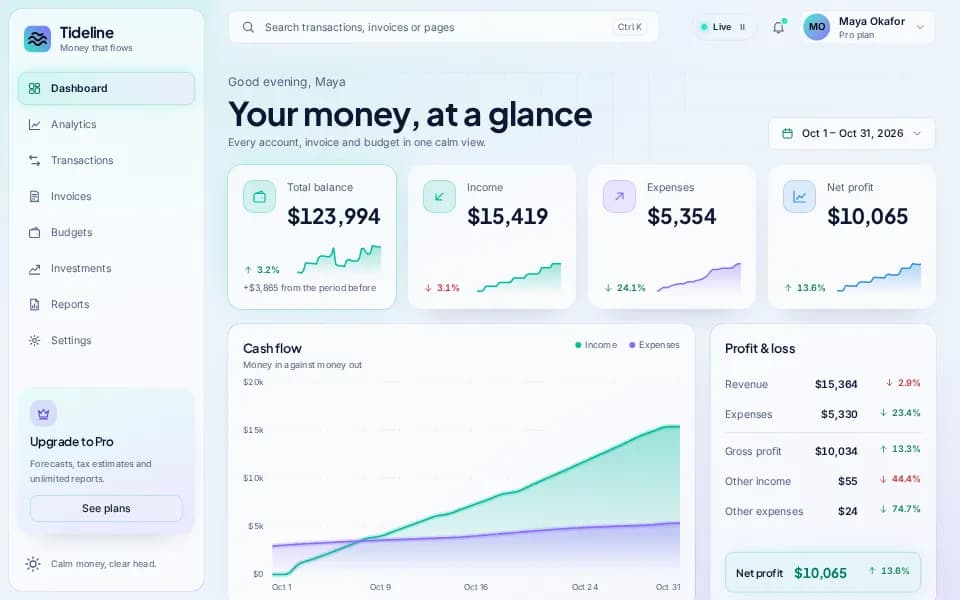
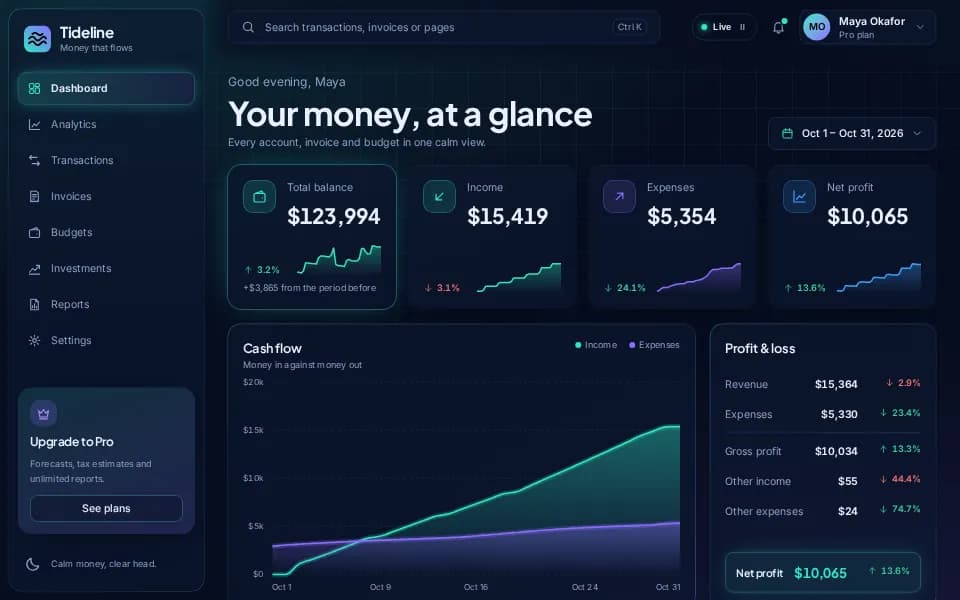
A small-business invoicing and bookkeeping app in nine pages: a ledger sheet with thumb-index tabs down its edge, invoices you write with live totals, receipts, clients, bank lines you drag onto their match, profit and loss, cash flow and taxes.
Web
9 pages
$69
Adresse de la page : /
Suite plus bas ↓
Intégré
Ce que vous obtenez
Clair et sombreUtilise les couleurs de votre thème
Ordinateur, tablette et téléphoneLes écrans pour lesquels il est conçu
Paquets…
Taille du code…
Économe en batterie30 i/s, au repos quand rien ne bouge
Pause quand masquéHors écran ou autre onglet
Mouvement réduitCalme pour ceux qui le demandent
Vérifié à chaque modification
Vérification des typesTypeScript strict
Lint et formatESLint · Prettier
Tests et buildCaptures claires et sombres
Audit de sécuritéAucune vulnérabilité élevée ou critique
Ancienneté des paquetsChaque version publique depuis 7 jours ou plus
CPU au reposMoins d’un demi-cœur au repos, ≤ 30 i/s
Code
Un problème avec cette application ? Envoyer un avis ›
ledger-fennelReact
ledger-fennel.tsxpageThe page: the sections in order.
content.tscontentEvery word and number: brand, nav links, each section's copy and lists.
theme.tsthemeThe colors as CSS variables, and the shared class strings.
README.mdreadmeHow to install it, and where to change the text, colors and form.
content-account.tspartThe words of the sign-in screen, the profile menu and Settings.
content-more.tspartThe words of Clients, Bank, Reports and Taxes.
content-pages.tspartThe words of Invoices, an invoice's page and Expenses.
pagespagesOne file per page: the sections it shows, in order.
bank.tsxpageBank: pick the account, see how much of this month is matched, then match the waiting lines to invoices and expenses (drag, click or keyboard) or look back over the matched ones.
clients.tsxpageClients: the list with what each is billed, owes and takes to pay, and New client; #/clients/<id> is a client's own page over it (Back keeps the list's filters).
expenses.tsxpageExpenses: the list with this month by category, filters and bulk actions; #/expenses/<id> is an expense's own page over it (Back keeps the list's filters), and ?new=1 opens Add an expense.
home.tsxpageOverview: where the business stands in one sentence, four number tiles, income against expenses, who owes you, what needs attention and where the money went; every figure opens its list.
invoice.tsxpageAn invoice's own page: Back to the list it came from, its actions (edit, send, record a payment, duplicate, download, void), the document with its Payments and Activity tabs, and the summary, status and client beside it; #/invoice/new and ?edit=1 turn the sheet into the editor.
invoices.tsxpageInvoices: every invoice by status, with totals, filters, bulk actions and the ledger table; each row opens its own page.
reports.tsxpageReports: profit and loss or cash flow for a month, a quarter or a year (stepped back and forth, all kept in the address), with net profit by month and the cash balance over the year.
settings.tsxpageSettings: tabs for the business shown on invoices, invoice defaults, the bank accounts and how the app looks (colors, Glass or Solid, theme).
sign-in.tsxpageThe sign-in screen, outside the ledger sheet: the card on a ruled page with the drawn fennel behind it and the app's mark.
taxes.tsxpageTaxes: the next payment in one line, this quarter's sales tax in four figures, the year's estimated income tax payments, the set-aside, sales tax by quarter and the tax rates.
sectionssectionsOne file per page section.
appearance.tsxsectionSettings → Appearance: the style (Glass or Solid), the theme (System, Dark or Light) and the color preset, each choice shown as a small preview.
bank-lines.tsxsectionThe bank lines still to match: one card each (date, the bank's words, the amount in or out), picked with a click, dragged by mouse, pen or a touch press, or moved with Space and the arrow keys.
bank-matched.tsxsectionThe bank lines already matched, newest first: what each one paid or was paid by (an invoice, an expense, a transfer), with Unmatch.
bank-reconcile.tsxsectionMatching the bank: lines to match on the left, what the picked one could be on the right. Drag a line onto its match (it lifts under the pointer, the target lights, and it glides in on drop; Escape puts it back), click Match, or use Space and the arrow keys; Undo in the toast.
bank-targets.tsxsectionWhat the picked bank line could be: suggested matches first (same amount, the name in the bank's words), then other open invoices or expenses to search; each takes a dropped line or a Match click. A line out with no expense can make one.
client-detail.tsxsectionA client's own page: who they are (Edit, New invoice), four figures, and tabs for their invoices, a running statement of charges and payments (emailed in one click) and notes you keep about them.
client-form.tsxsectionThe new or edit client dialog: business name, contact, email, city and payment terms, with errors, saved through the API.
client-list.tsxsectionThe Clients list: search and a late-money filter kept in the address, and the ledger table of each client's billing this year, open invoices, what they owe and how fast they pay.
client-notes.tsxsectionThe notes you keep about a client, on their page's Notes tab: a text box that saves with the client.
expense-add.tsxsectionThe Add an expense dialog: "scan" a receipt (the drawing fills in a vendor, amount and category for you) or type it in, then save.
expense-detail.tsxsectionAn expense's own page: the drawn receipt (or a way to attach one), its fields to edit and save, whether the bank has matched it, and Delete with Undo.
expense-fields.tsxsectionAn expense's fields, shared by its own page and the Add dialog: vendor, date, category, amount and tax, how it was paid, a client to bill it on to, and a note; read back into an expense on save, with errors.
expense-list.tsxsectionThe Expenses list: this month split by category (each opens its filter), search and filters kept in the address with chips, ticked rows to move or delete (Undo), and the ledger table with receipt thumbnails.
expense-split.tsxsectionThis month's spending on the Expenses list as one split bar, with a key under it whose every category opens its filter.
home-chart.tsxsectionOverview's income and expenses chart: two bars a month over 6, 12 or 24 months (the bars morph on a switch), and a readout of the picked month whose figures open its invoices and its expenses.
home-head.tsxsectionOverview's opening: one sentence on where the business stands (each figure opens its list), today's date, and four number tiles that open their lists.
home-money.tsxsectionOverview's money blocks: payments received lately, where the money went by category, cash in checking over a year, and the tax set-aside against the next estimated payment.
home-owed.tsxsectionOverview's money-owed blocks: who owes you by age (a split bar and four rows that open the list), what needs attention, and what is coming in over the next month.
index-tabs.tsxsectionThe thumb-index tabs: down the sheet's right edge on wide screens (the open one joins the sheet), a strip along the bottom on phones; each tab carries a colored notch for what it holds and a note of what waits there.
invoice-dialogs.tsxsectionAn invoice's dialogs: send it by email (to, subject, message), record a payment (amount, date, method; Undo in the toast), and void it after a confirm.
invoice-doc.tsxsectionThe invoice as the client sees it: your business and theirs, the dates, the lines, the totals under a double rule and the notes; a PAID or VOID stamp lands on it once it is settled.
invoice-editor-head.tsxsectionThe editor's head: the invoice title and number, then the client (its terms set the due date), the issue date and the payment terms, with the due date they make.
invoice-editor.tsxsectionThe invoice as an editable sheet: client, dates and terms, the lines, a discount and notes, with the subtotal, tax and total rolling as you type; Save keeps a draft, Save and send opens the email.
invoice-head.tsxsectionAn invoice page's head: its number and status, and its actions (Edit, Send, Record payment, and More: Duplicate, Download PDF, Void).
invoice-history.tsxsectionAn invoice's Payments tab (each payment, its method and bank match, Remove with Undo) and its Activity tab (everything that happened, newest first).
invoice-list.tsxsectionThe Invoices list: a strip of totals by status, status tabs with counts, search and filters kept in the address with removable chips, ticked rows with bulk actions, and the ledger table with a totals footer.
invoice-side.tsxsectionAn invoice page's side: what is paid and still due (a meter), where it is in its life (created, sent, viewed, paid, each with its date), and its client.
invoice-strip.tsxsectionThe top of the Invoices list: totals by status in a strip (each opens its tab), and the status tabs with their counts.
line-row.tsxsectionOne invoice line's fields: item (typing a service you sell fills its description, rate and tax), description, quantity, rate, tax, the amount and Remove; the drag handle comes from line-rows.tsx.
line-rows.tsxsectionThe invoice editor's lines in order: drag a line by its handle or its edge (the others slide aside), or Space on the handle, the arrow keys and Space; Escape puts it back, and each step is read out.
report-cash.tsxsectionCash flow: a waterfall from the period's opening balance through each kind of movement (client payments in, expenses, the card, owner draws, taxes) to its closing balance, the balance over the year, and a month-by-month table.
report-charts.tsxsectionReports' side panels: income by client for the period, and net profit for each of the last 12 months above and below a zero line, each month a link to its own report.
report-pnl.tsxsectionProfit and loss for the period beside the one before: income by what you sold, expenses by category (open one to see its vendors, or its expenses), and net profit and margin under a double rule.
settings-forms.tsxsectionSettings' forms: the business shown on invoices, invoice defaults (terms, numbering, note, late reminders, tax set-aside share), and the bank accounts with Sync now.
sign-in-form.tsxsectionThe sign-in card: email and password (show or hide it) with errors, Keep me signed in, the demo account, and Forgot password through to a link-sent screen; signing in opens Overview.
tax-plan.tsxsectionTaxes' plan: the year's four estimated income tax payments on a timeline (Mark as paid after a confirm), and the tax set-aside against the next one, with a transfer to tax savings.
tax-sales.tsxsectionTaxes' sales tax: the last four quarters collected on invoices against what you paid on purchases, with each return's due date; and the tax rates you can put on invoice lines, edited, added and removed in place.
top-line.tsxsectionThe balance line across the top of the sheet: the mark, your cash, what is owed and what is late (each opens its list), search, the theme switch and New invoice; a double rule under it like a ledger's total.
partspartsWhat several sections share.
buildbuildWhat several sections share.
cardscardsWhat several sections share.
odometer.tsxpartThe odometer card style: cards rise while every number rolls digit by digit to its value.
rowsrowsWhat several sections share.
count.tspartThe count row motion: each row on screen brightens from faint while its numbers (<Ticker>) count up, rounded every frame.
core.tsxpartThe page's build-in: on first load and on every page switch the cards arrive in the app's card style and their contents build: bars grow, lines draw, rings fill, the list rows on screen ripple in in the app's row motion, numbers count. The two picks are wired in ./index.ts.
index.tspartThe app's two build-in picks, wired here and nowhere else: its card style (cards/) and its row motion (rows/). Odometer cards for a ledger of money; count rows, light enough for long lists.
appearance.tspartHow the app looks right now: dark or light, Glass or Solid and the color preset, from Settings → Appearance, the page around it and the Brand settings.
back-link.tsxpartThe small Back link at the top of a detail page.
backdrop.tsxpartThe Glass style's backdrop: a fine line drawing of fennel umbels, fixed behind the sheet and faded out in Solid. Drawn once from numbers, never moving.
bits.tsxpartSmall shared pieces: a titled panel, initials avatars and a segmented switch.
books.tspartThe books every page reads (one load, shared), a save's answer shown at once, and a client's name by id.
bulk-bar.tsxpartThe bar that rises over a list once rows are ticked: how many, the actions for all of them, and Clear.
chart-path.tspartA chart's line and area paths in each curve Chart Studio has (straight, smooth, step), and the classes that let a Chart Studio curve swap them in CSS.
command-palette.tsxpartThe command palette (⌘K or Ctrl K): type to find an invoice, a client, a page or an action, then Enter.
dialog.tsxpartA centered modal dialog (a form, a confirm): rises in, plays its way out, Escape or a tap outside closes it, and the focus goes back where it was.
drag.tspartThe drag engine the invoice lines and the bank lines share: mouse, pen and touch (after a short press, so a swipe still scrolls), a lift that keeps the grabbed point under the pointer, edge auto-scroll, Escape, and a glide into place on drop.
field.tsxpartA labeled form field (a text input or a select) with its error line under it, tied together for screen readers.
filters.tsxpartA list's toolbar pieces: dropdowns and a search box that set filters in the address, and removable chips for every filter in force, with Clear all.
flip.tspartFLIP: when cards change place, each one glides from where it was to where it is now instead of jumping.
format.tspartHow numbers and dates are written: US style, in one place.
icons.tsxpartThe fennel mark and the line icons, drawn on a 24-unit grid with round ends.
ledger-table.tsxpartA ledger table: sortable columns kept in the address (?sort=, aria-sort), a tick column for picking rows (all shown at once too), rows that open on a click, a totals footer under a double rule, and 25 more rows at a time.
line-chart.tsxpartA line chart with a soft area under it, in the primary: the line draws itself in as its page builds in, the latest point marked, and new values roll the line to its new shape.
menu.tsxpartA small dropdown menu (an invoice's More actions, the profile menu): it opens under its button, the arrow keys move through its items, Escape or a click outside closes it and the focus returns to the button.
motion.tspartMotion helpers: the reduced-motion check, live, and run-once-in-view.
pair-chart.tsxpartTwo bars a month (income in the primary, expenses in plum): they grow from the baseline as the page builds in, a new range opens or closes month slots in one morph, and the picked month's band glides to the slot you point at or pick with the arrow keys; the readout under it links to that month's lists.
receipt.tsxpartA drawn receipt for an expense: a paper slip with a torn bottom edge, the vendor and date, item lines of its own lengths, a dashed rule and the total; the thumbnail keeps only the shapes. A missing receipt is a dashed outline.
router.tspartThe page switcher: reads the app's page from the address hash (#/invoices?status=overdue, #/invoice/inv-1042); a new page builds in.
scroll-to-view.tspartScrolls an element into view moving only its own scroll container, never the page around it.
select-box.tsxpartA native select dressed to match the app: no browser arrow, a drawn chevron instead.
session.tspartWho is signed in: the demo account on a first visit; Sign out is kept in this browser, so a reload or Back stays on the sign-in screen until someone signs in again.
states.tsxpartThe data states every page shares: a calm skeleton while loading, an error with Try again, and an empty note with a way out.
status.tsxpartThe small marks the lists share: an invoice's status chip, an expense category's swatch and the page skeleton shown while the books load.
store.tspartThe app-wide state several parts share: the theme mode, style and color preset (kept in the browser) and the toasts.
tabs.tsxpartTabs kept in the address (?tab=), so Back and a reload keep the one open: the arrow keys, Home and End move between them, and the open one's panel follows.
ticker.tsxpartA number that rolls in digit by digit while its page builds in, and rolls to its new value whenever it changes.
toasts.tsxpartThe toasts: short notes that confirm what just happened, bottom right.
use-api.tspartLoads data through the fake API with loading, error and retry, remembering each answer so a page you come back to shows at once.
use-dialog.tspartOpens and closes a native <dialog> as a modal; on close it plays its way out first (data-closing), so dialogs, sheets and the palette never vanish in one frame.
datadataThe pretend data and the fake API: swap it for your backend.
api-money.tsdataThe fake API, part two: expenses, clients, matching bank lines, taxes and settings. Wire your backend here.
api.tsdataThe fake API, part one: loading the books and every invoice save (edit, send, remind, record a payment, void, duplicate). Wire your backend here.
books.tsdataThe books' shapes and the fixed lists: clients, the services you sell, the expense categories, tax rates, bank accounts and the demo's "today".
db.tsdataThe pretend database: the books in memory, changed only by the fake API (api.ts, api-money.ts) and a short wait that stands in for the network.
filters.tsdataWhich rows a list's filters keep (status, client, month, age, search…), and the bank page's match suggestions: the same rules for a list and the number that opens it.
numbers.tsdataThe numbers Overview, the top line and the index tabs show, worked out from the books by the same rules the lists filter with.
reports.tsdataThe Reports page's numbers: periods (a month, a quarter, a year) and their neighbors, profit and loss by service and category, and cash flow through checking by kind of movement.
rules.tsdataThe bookkeeping rules in one place: dates, an invoice's totals and status, what is owed and late, balances and monthly sums, used by the API and the pages alike.
seed-bank.tsdataThe pretend books put together: the sales and expenses from seed.ts, the bank and card lines they leave, transfers, estimated tax payments and two client payments waiting to be matched.
seed.tsdataThe pretend sales and spending: two years of invoices (with their payments and bank lines) and expenses, made from a fixed seed so every visit shows the same numbers.
ledger-fennel.tsx
The page: the sections in order.
Chargement…
Idéal pour
Freelancers, studios and small shops that send invoices, track expenses, match the bank and set money aside for taxes.
Fonctionnement
Write an invoice and its totals add up as you type; drag a bank line onto its invoice and it is paid; every figure opens its list.
Utilisation
Edit words in content.ts and colors in theme.ts, and swap the bodies in data/api.ts for calls to your backend.
Aucun paquet en plusReact seulement, rien d’autre
129,6 ko gzippé · 102 fichiersLe téléchargement complet