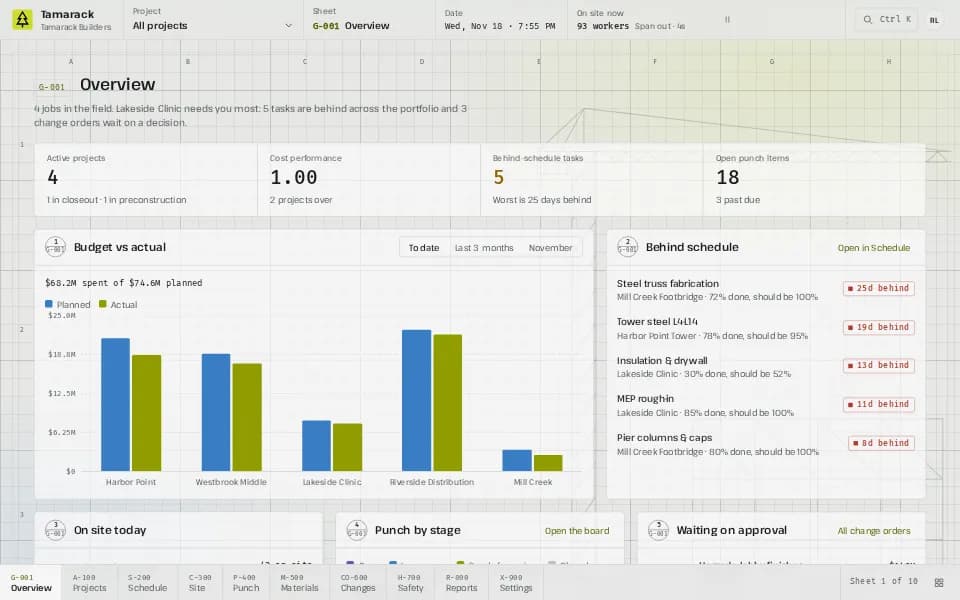
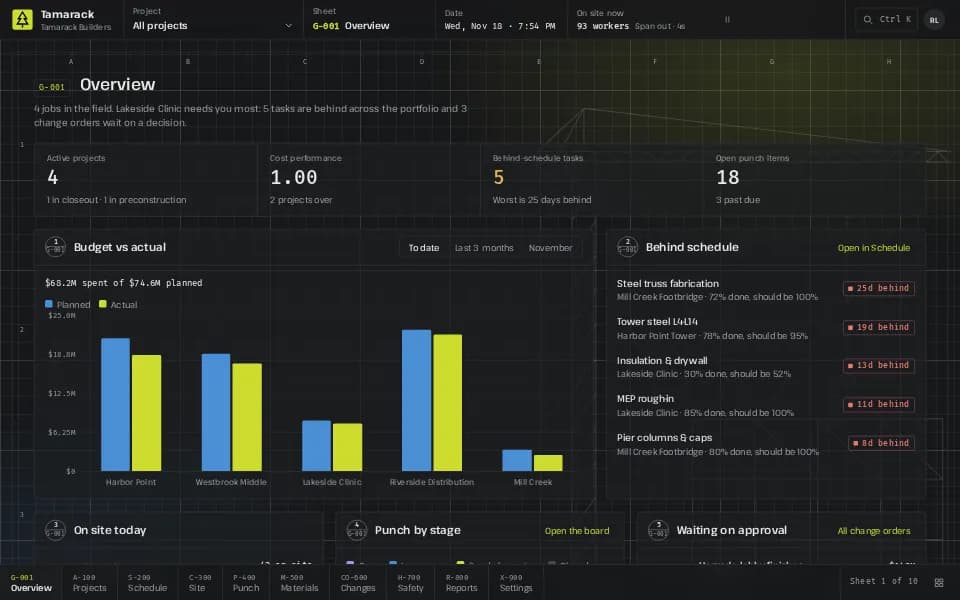
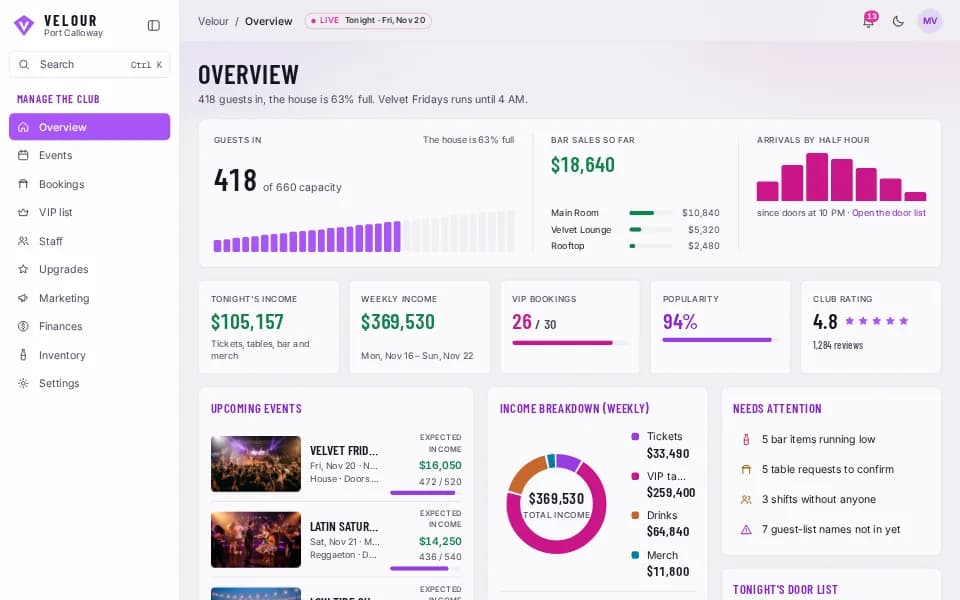
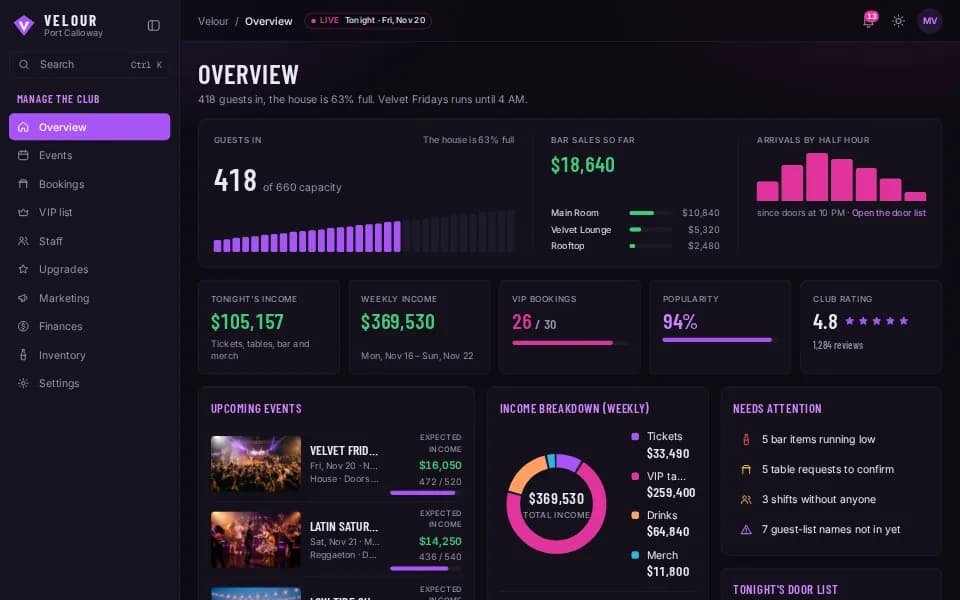
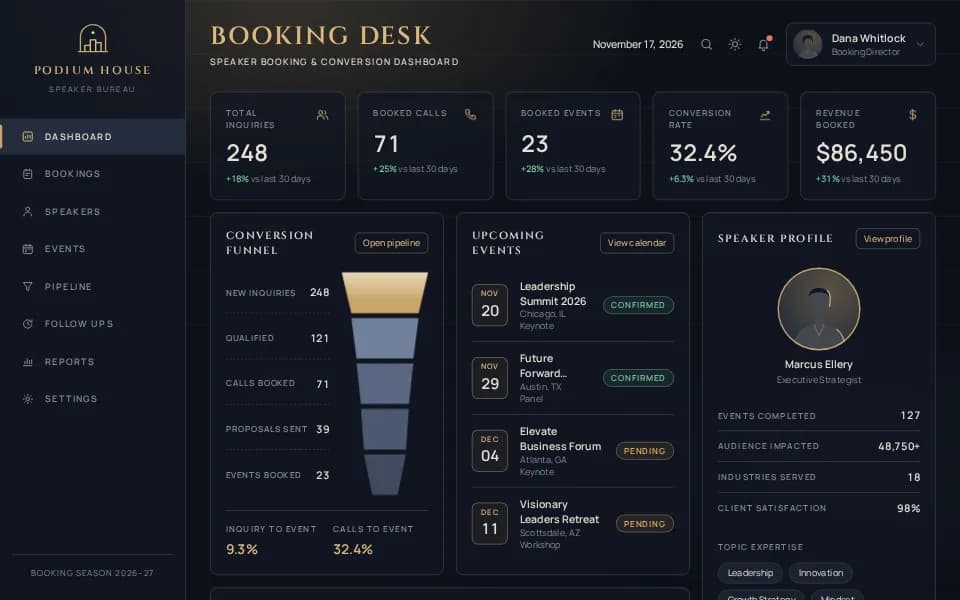
An HR payroll app in seven pages, with ink-dark glass panels edged in gold, a moonlit sakura sky above and koi waves below, and charts for pay, deductions and leave.
Web
7 pages
$69
Adresse de la page : /
Suite plus bas ↓
Intégré
Ce que vous obtenez
Clair et sombreUtilise les couleurs de votre thème
Ordinateur, tablette et téléphoneLes écrans pour lesquels il est conçu
Paquets…
Taille du code…
Économe en batterie30 i/s, au repos quand rien ne bouge
Pause quand masquéHors écran ou autre onglet
Mouvement réduitCalme pour ceux qui le demandent
Vérifié à chaque modification
Vérification des typesTypeScript strict
Lint et formatESLint · Prettier
Tests et buildCaptures claires et sombres
Audit de sécuritéAucune vulnérabilité élevée ou critique
Ancienneté des paquetsChaque version publique depuis 7 jours ou plus
CPU au reposMoins d’un demi-cœur au repos, ≤ 30 i/s
Code
Un problème avec cette application ? Envoyer un avis ›
payroll-koiReact
payroll-koi.tsxpageThe page: the sections in order.
content.tscontentEvery word and number: brand, nav links, each section's copy and lists.
theme.tsthemeThe colors as CSS variables, and the shared class strings.
README.mdreadmeHow to install it, and where to change the text, colors and form.
content-auth.tspartThe words of the sign-in screen, the account menu and Settings → Your profile, passed on by content.ts.
content-forms.tspartThe words of the add, edit and remove dialogs on Payroll, PTO & Leave, Employees and Reports, passed on by content.ts.
content-pages.tspartThe words of Deductions, PTO & Leave, Employees, Reports and Settings, passed on by content.ts.
pagespagesOne file per page: the sections it shows, in order.
deductions.tsxpageDeductions: the range's deductions by type, the donut of shares, and what comes out of each person's pay.
employees.tsxpageEmployees: the team as a list you search, filter and sort, with Add employee, and the picked person's profile beside it (in a drawer on narrow screens) with Edit and Remove.
overview.tsxpageOverview: the range's four headline numbers, the payroll trend, the deductions donut, time off and the quote card.
payroll.tsxpagePayroll: the next pay run to send, gross against net by month, and every pay run with its details.
pto.tsxpagePTO & Leave: who is away on the calendar, the requests to approve or decline, and the team's balances by type.
reports.tsxpageReports: the saved reports to run again, and the formats to export the data in.
settings.tsxpageSettings: your profile, the company, the pay schedule, and Brand (colors, style and theme).
sign-in.tsxpageSign in: one gold-edged panel over the moonlit art, with the lotus and the name, the sign-in form or the forgot-password steps (#/sign-in/forgot), and the wave band at its foot.
sectionssectionsOne file per page section.
account-menu.tsxsectionThe avatar at the end of the top bar: it opens a menu with who is signed in (name, email, role), then Your profile, Settings, the Ink or Dawn switch and Sign out. Arrow keys move, Escape or a click outside closes it.
appearance.tsxsectionSettings → Brand: the color preset, the style (Glass or Solid) and the theme (System, Ink or Dawn), each choice shown as a small preview.
company-form.tsxsectionSettings → Company: the name, EIN and address, checked on save (a missing name, an EIN not written 12-3456789), saved through the API with a toast.
deduction-people.tsxsectionWhat comes out of each person's pay a month, in a table you search and sort; a row opens their profile on Employees.
deduction-types.tsxsectionThe range's deductions by type: a bar each, as long as its share, with the amount and the share beside it; the bars ease to new lengths when the range changes.
deductions-donut.tsxsectionThe range's deductions as a donut by type, the total in the middle and a legend of shares beside it.
employee-form.tsxsectionAdd or edit an employee in a dialog: name, email, role, team, pay type and yearly pay, start date, benefits plan and retirement share, each checked on save; saving updates the list at once and a toast says so.
employee-list.tsxsectionThe team as a list you search by name or role, filter by team and sort, with Add employee; the picked person is marked, and a row opens their profile.
employee-profile.tsxsectionOne person's profile: their role and team, Edit and Remove, pay and plan, start date, time off used as a ring, and their last three payslips.
export-cards.tsxsectionThe export formats as cards: Export fills a thin gold bar while the file is prepared, then a toast says it is ready.
forgot-form.tsxsectionForgot password: the email to send a reset link to, then a sent screen with Send it again and the way back to sign in.
leave-balances.tsxsectionThe team's time off this year, a ring per leave type: hours used against hours allowed.
leave-calendar.tsxsectionThe month's leave: a dot under each day someone is away, in their leave type's color (hollow while waiting), and who is away on the picked day.
leave-form.tsxsectionA new time-off request in a dialog: who, the type, the first and last day (the workday hours shown as you pick), checked on save; it joins the waiting requests and a toast says so.
leave-requests.tsxsectionTime-off requests: the waiting ones (or all), each with Approve and Decline and a delete button, and New request; a decision or a delete shows at once, saves, and a toast offers Undo.
next-run.tsxsectionThe next pay run waiting to go out, with Run payroll: a confirm dialog sends it, the table marks it paid and a toast says so.
pay-runs.tsxsectionEvery pay run in a table you search and sort, with New pay run; a row opens a drawer with its dates, people and where the gross went, and for an unpaid run its pay date to change (a draft can be deleted).
pay-schedule.tsxsectionSettings → Pay schedule: how often the team is paid, as one row of choices, and the next pay date; saved through the API with a toast.
payroll-trend.tsxsectionGross against net pay by month, for as many months as the date range shows; used on Overview and Payroll.
profile-card.tsxsectionSettings → Your profile: the signed-in person's name and email (role shown, set by an admin) and a new password, each checked and saved through the API with a toast. The account menu's Your profile opens it (#/settings/profile).
pto-overview.tsxsectionTime off in the date range: a ring of hours used against hours planned, with used and remaining beside it.
quote-card.tsxsectionA quiet card: a line in gold script over misty mountains and a waterfall, with a small heart under it.
report-form.tsxsectionA saved report's name and what it covers in a dialog, for a new report or a rename; a missing or taken name is caught, and a toast says it saved.
run-actions.tsxsectionIn an unpaid run's drawer: change its pay date (checked against its period), and for a draft, Delete draft with Undo in the toast.
run-form.tsxsectionA new off-cycle pay run in a dialog (a bonus, a correction): the period and the pay date, checked on save; it joins the table as a draft and a toast says so.
saved-reports.tsxsectionThe saved reports as cards, each with when it last ran, Run again, Rename and Delete (Undo in the toast), and New report; a run shows its progress on the button, then a toast.
sidebar.tsxsectionThe sidebar: the lotus, the name and tagline, search with the command palette shortcut, a link per page with the current one in a gold pill, and a wave pattern at its foot; collapsed, only the icons show.
sign-in-form.tsxsectionThe sign-in form: work email and password (with show and hide), Remember me, Forgot password?, the demo account to fill in, field errors and the API's answer; signing in opens Overview.
stat-cards.tsxsectionThe four headline numbers for the date range, each on its own tinted glass card with how it moved against the span before.
top-bar.tsxsectionThe top bar: the menu button on narrow screens, the page's name, the date-range picker every number follows, search, the Ink or Dawn switch and the account avatar.
partspartsWhat several sections share.
buildbuildWhat several sections share.
cardscardsWhat several sections share.
rise.tspartThe rise card style: cards rise and fade in (24px, a hair smaller), one after another. A card that holds list rows is there at once, so its rows ripple in from the page start.
rowsrowsWhat several sections share.
odo.tsxpartThe odo row motion: each row on screen rises 6px from faint while every number rolls digit by digit to its value.
core.tsxpartThe page's build-in: on first load and on every page switch the cards arrive in the app's card style and their contents build: bars grow, lines draw, rings fill, the list rows on screen ripple in in the app's row motion, numbers count. The two picks are wired in ./index.ts.
index.tspartThe app's two build-in picks, wired here and nowhere else: its card style (cards/) and its row motion (rows/).
appearance.tspartHow the app looks right now: dark or light, Glass or Solid, from Settings → Appearance, the page around it and the Style setting.
art.tsxpartOne art spot: the photo from public/photos/ swapping in once it has loaded and decoded, over the drawing that stands in without one or when it fails.
backdrop.tsxpartThe app's background, fixed behind everything and filling the window: a moonlit sky with sakura and a pagoda toward the top, koi and lotus waves toward the bottom, and a veil (ink in dark, cream in Dawn) that keeps the text on the glass readable; with followBackground it paints your background instead.
command-palette.tsxpartThe command palette (⌘K or Ctrl K): type to find a page or an action, then Enter.
data-table.tsxpartA data table: a search box, columns that sort (aria-sort), still skeleton rows while loading, an empty note that clears the search, and rows you move through with the arrow keys, Home and End and open with Enter or a click.
dialog.tsxpartA centered modal dialog (a form, a confirm): rises in, plays its way out, Escape or a tap outside closes it, and the focus goes back where it was.
donut.tsxpartA ring of arcs over a faint track: the arcs sweep in as the page builds in and ease to their new sizes when the numbers change, with whatever the caller puts in the middle.
drawer.tsxpartA drawer from the right: a full-height native <dialog> for one thing's details (a client, an order). It springs in, slides out, closes on Esc, the close button or a click beside it, and keeps showing its thing while it slides away.
field.tsxpartA labeled form field (a text input or a select) with its error line under it, tied together for screen readers; plus what every form shares: the email check, reading a field, and the Cancel and save buttons.
format.tspartHow numbers and dates are written: US style, in one place.
icons.tsxpartThe lotus logo and the line icons, drawn on a 24-unit grid with round ends.
month-calendar.tsxpartA month calendar: six weeks from Monday, the previous and next month, today and the picked day marked, a slot under each day for marks, and the keyboard of a date grid (arrows, Home, End, Page Up, Page Down).
motion.tspartMotion helpers: the reduced-motion check, live.
page.tsxpartA page's frame: its title and intro, then its blocks (they build in, parts/build/), or an error with Try again when one of its loads failed.
pay-bars.tsxpartGross and net pay side by side per month: the bars grow in one after another as the page builds in, a new range opens or closes month slots and rescales the bars in one move, and the month you point at or pick with the arrow keys lifts with its numbers above it.
range.tspartThe numbers of a date range: the months it covers summed, and how each moved against the span before.
router.tspartThe page switcher: reads the app's page from the address hash (#/payroll, #/employees/e3).
scroll-to-view.tspartScrolls an element into view moving only its own scroll container, never the page around it.
select-box.tsxpartA native select dressed to match the app: no browser arrow, a drawn chevron instead.
session.tspartWho is signed in, kept in this browser: in localStorage with Remember me, else only for this tab (sessionStorage). A first visit opens signed in as the demo account.
sheet.tsxpartThe phone sheet: a modal panel that springs in from the left with the sidebar; Escape, a tap outside or its close button slides it away.
states.tsxpartThe data states every page shares: a calm skeleton while loading, an error with Try again, and an empty note with a way out.
store.tspartThe app-wide state several parts share: the theme mode and style (kept in the browser) and the toasts.
ticker.tsxpartA number that counts up while its page builds in, and rolls to its new value whenever it changes.
toasts.tsxpartThe toasts: short notes that confirm what just happened, bottom right.
use-api.tspartLoads data through the fake API with loading, error and retry, remembering each answer so a page you come back to shows at once.
use-dialog.tspartOpens and closes a native <dialog> as a modal; on close it plays its way out first (data-closing), so dialogs, sheets and the palette never vanish in one frame.
datadataThe pretend data and the fake API: swap it for your backend.
api.tsdataThe fake API: every page loads and saves through these functions, so wiring a real backend happens here only.
leave.tsdataThe pretend time off: requests waiting, approved and declined, and the team's balances by type.
payroll.tsdataThe pretend payroll: 23 months of totals, the pay runs and how deductions split by type.
people.tsdataThe pretend team: who works here, what they earn and the time off each has left.
reports.tsdataThe pretend reports: the ones saved to run again and the files you can export.
payroll-koi.tsx
The page: the sections in order.
Chargement…
Idéal pour
HR teams, payroll services and small companies that run pay, track deductions and approve time off in one place.
Fonctionnement
Pick a date range and every number and chart rolls to it. Run payroll, approve leave, look up people and export reports.
Utilisation
Edit words in content.ts and colors in theme.ts, and swap the bodies in data/api.ts for calls to your backend.
Aucun paquet en plusReact seulement, rien d’autre
462,6 ko gzippé · 84 fichiersLe téléchargement complet