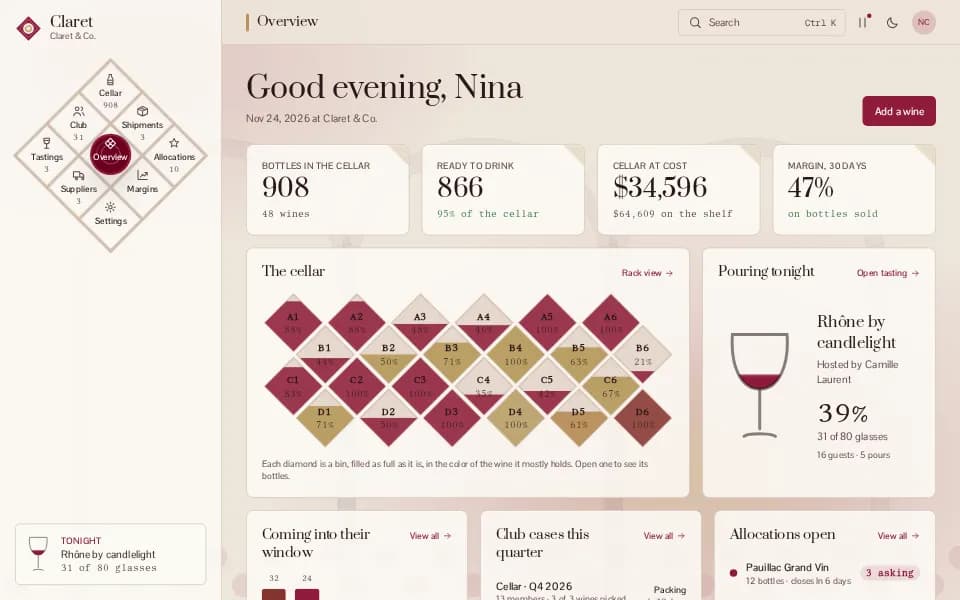
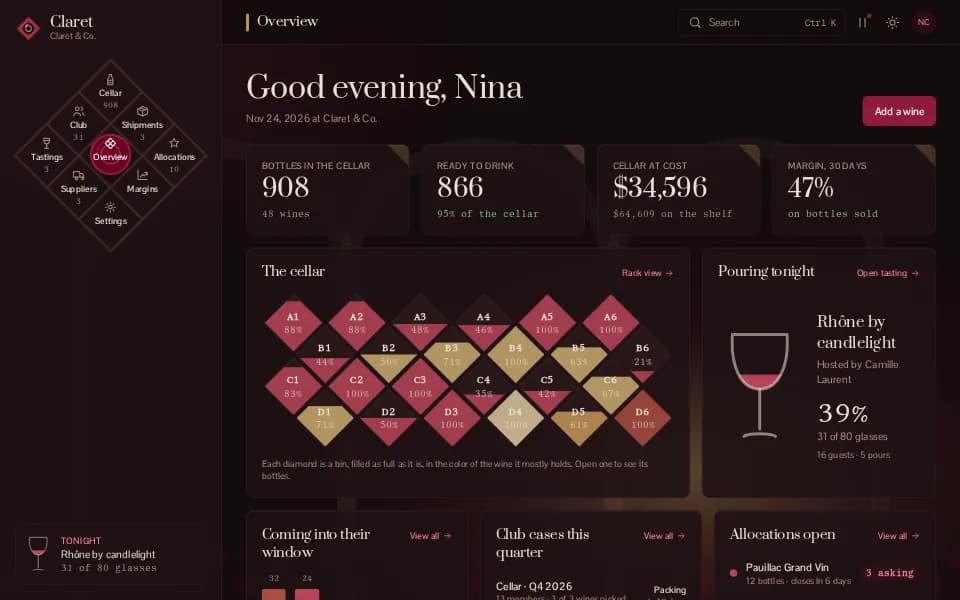
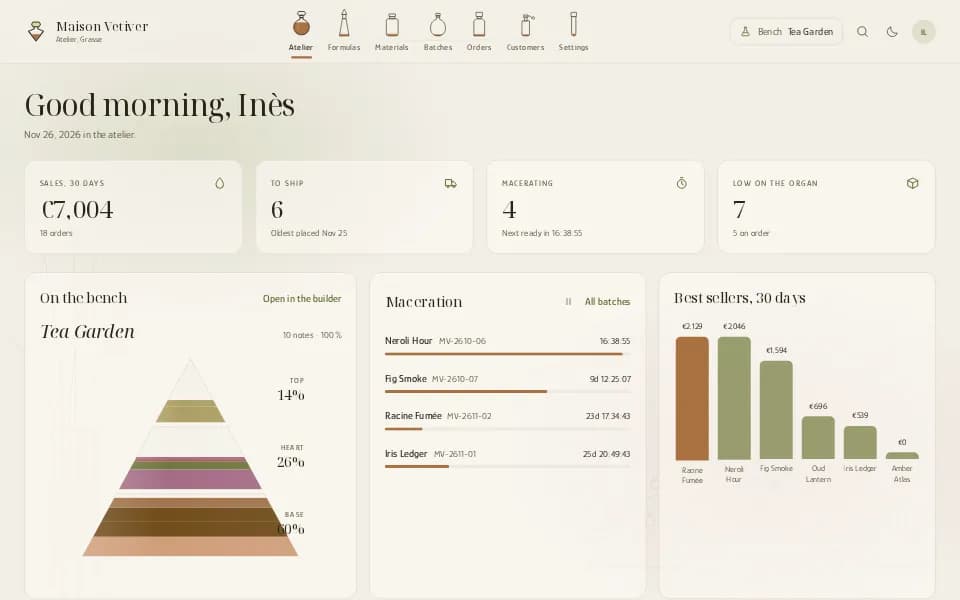
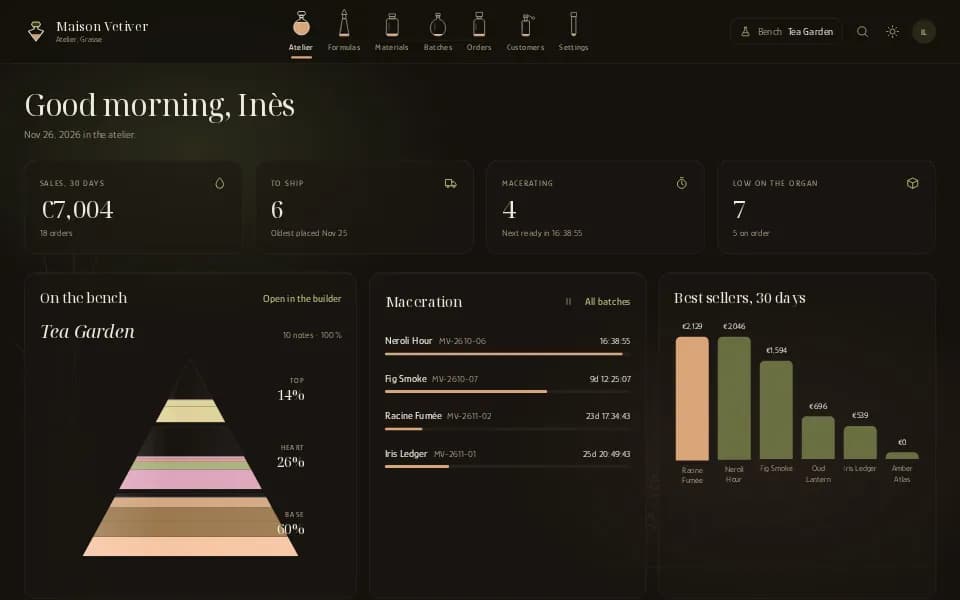
A luxury store admin in eight pages, with charcoal glass panels, violet, teal and orange sales lines, drawn product art and live orders that roll every number.
Web
9 pages
$99
Adresse de la page : /
Suite plus bas ↓
Intégré
Ce que vous obtenez
Clair et sombreUtilise les couleurs de votre thème
Ordinateur, tablette et téléphoneLes écrans pour lesquels il est conçu
Paquets…
Taille du code…
Économe en batterie30 i/s, au repos quand rien ne bouge
Pause quand masquéHors écran ou autre onglet
Mouvement réduitCalme pour ceux qui le demandent
Vérifié à chaque modification
Vérification des typesTypeScript strict
Lint et formatESLint · Prettier
Tests et buildCaptures claires et sombres
Audit de sécuritéAucune vulnérabilité élevée ou critique
Ancienneté des paquetsChaque version publique depuis 7 jours ou plus
CPU au reposMoins d’un demi-cœur au repos, ≤ 30 i/s
Code
Un problème avec cette application ? Envoyer un avis ›
store-vellumHTML
index.htmlpageThe dashboard page and all its text, one marked block per section.
analytics.htmlpageThe analytics page and all its text, one marked block per section.
products.htmlpageThe products page and all its text, one marked block per section.
inventory.htmlpageThe inventory page and all its text, one marked block per section.
orders.htmlpageThe orders page and all its text, one marked block per section.
customers.htmlpageThe customers page and all its text, one marked block per section.
marketing.htmlpageThe marketing page and all its text, one marked block per section.
settings.htmlpageThe settings page and all its text, one marked block per section.
sign-in.htmlpageThe sign-in page and all its text, one marked block per section.
theme.cssthemeThe colors and fonts in one place.
sectionssectionsOne file per page section.
account-menu.jssectionThe account menu at the right of the top bar: the initials disc opens who is signed in (name, email, role), Your profile, Settings, the Dark theme switch and Sign out. Arrow keys move, Escape closes, a press anywhere else closes it.
account.jssectionSettings → Your account (settings.html#account, the account menu's Your profile): the signed-in person's initials, name and email, checked before Save.
analytics.csssectionAnalytics: the range tabs' row, the chart's still block while it loads, the two-column grid of the funnel and the bar lists, and the funnel's stepped bars.
analytics.jssectionAnalytics: where sales come from over a picked range (7 days to 12 months, ?range=), with its headline numbers, revenue by channel, the checkout funnel, channel share, regions and categories; a new range morphs from the last one.
appearance.csssectionSettings → Appearance: two rows of picture choices, the picked one ringed in the primary.
appearance.jssectionSettings → Appearance: the style (Glass or Solid) and the theme (System, Dark or Light), each choice a small preview; kept in this browser.
campaign-dialog.jssectionThe New campaign and Edit campaign dialog (marketing.html#new, marketing.html#edit-<id>): name, channel, dates and budget, checked before it saves; a new card lands first as Scheduled.
code-dialog.jssectionThe New discount code dialog, opened by New code: the code (letters and numbers, upper case, not one already in use), percent off, uses allowed and the last day, checked before it saves; the code lands first and on.
codes.jssectionThe discount codes: each code, its discount, uses against its limit as a bar, when it ends, a switch to turn it on or off (it moves at once; the save follows), Delete with Undo, and New code (sections/code-dialog.js).
customer-dialog.jssectionThe customer form in a dialog: New customer (customers.html#new) or Edit customer from the profile drawer (storeVellum.editCustomer(customer)) — name, city and group, checked before it saves. A new customer then opens in the drawer.
customer-drawer.csssectionOne customer's profile in the drawer: group and since, Edit and Delete, three numbers on tiles, and their recent orders as links.
customer-drawer.jssectionOne customer's profile in a drawer: their group, Edit and Delete (with Undo), lifetime value, order count and average, how long they have bought, and their recent orders (each opens on the Orders page). It opens while the address names the person (customers.html#c08).
customer-list.csssectionThe customer list's name cell: initials on a disc in the group's color, then the name.
customer-list.jssectionThe customer list: a pick per group (customers.html?segment=vip), then a sortable, searchable table; a row opens the person's profile.
customers.csssectionThe Customers page's top row: the donut and the weekly bars, side by side from 56rem up; and the group tabs' color dots.
customers.jssectionThe Customers page's top row: the customer groups as a donut and new customers per week as bars (the arrow keys read each week); when the customers can't load, the whole page shows the error with Try again.
dashboard.jssectionThe dashboard's head: how the store is doing this month in one line (revenue growth, the leading product, orders waiting); and when the numbers can't load, the whole page shows the error with Try again.
inventory.csssectionThe Inventory page: three stat cards across from 48rem, and the list's loading block; the toolbar and search box are products.css's.
inventory.jssectionThe Inventory page: stock at a glance (low, sold out, units on hand), the Show filter (kept in the address, ?show=low) and search, the list lowest first, and its empty and error states; Restock opens the dialog.
marketing.csssectionMarketing: the campaign cards (one, two from 48rem, three from 72rem), their results, return-on-spend bar and actions, and the discount codes table with New code.
marketing.jssectionMarketing: the page head with New campaign, and the campaign cards (name, channel, dates and status, what each earned with a return-on-spend bar, and Edit, End (while live) and Delete, each with Undo); when the page can't load, the whole page shows the error with Try again.
order-dialog.jssectionThe New order dialog (orders.html#new): an order taken by hand — customer, product, size, quantity and channel, the total worked out as you pick, checked against the stock of that size; it lands under Pending and opens in its drawer.
order-drawer.csssectionOne order in the drawer: its state and date, the item, three facts, the timeline, what it can do next and the last move with Undo.
order-drawer.jssectionOne order in a drawer: the item with its drawing, customer, channel and total, a timeline from placed to delivered, and what it can do next: Mark shipped, Mark delivered or Refund, each with Undo. It opens while the address names the order (orders.html#MV-24050).
orders.csssectionOrders: the items cell (a drawing and the item) in the orders table.
orders.jssectionOrders: status tabs with their counts, a sortable and searchable table where live orders land under Pending, New order, and the whole page's error state; a row opens the order drawer (orders.html?status=pending#MV-24050).
product-dialog.jssectionThe New product dialog (products.html#new): name, category, status, price, sizes, units per size, the low-stock line and the words, checked before it saves; the new product then opens in its drawer.
product-drawer.csssectionThe product drawer's form: the drawing large, the facts line, the fields, Delete and Save.
product-drawer.jssectionOne product in a drawer: open while the address names it (products.html#necklace), its drawing large, and a form to change its name, category, price, low-stock line, words and whether it is live, with field errors and Save; Delete takes it off the catalog with Undo. storeVellum.readProduct(form, prefix) reads and checks the fields it shares with the New product dialog.
product-grid.csssectionThe catalog as cards: two across, three from 48rem, four from 72rem; a card lifts a little on hover. Also the stock chip's low and sold-out tones.
product-grid.jssectionThe catalog as cards, like sections/product-grid.tsx: each product's drawing on its tinted tile, name, category, price and stock; a card opens the product (#necklace).
products.csssectionThe Products page: the view picks, the count, the loading cards and the table view's product cell.
products.jssectionThe Products page: search, a category pick and the Grid or Table view (the filters kept in the address, ?category=jewelry&view=table), the count, and the catalog in its view with every data state; the whole page shows the error with Try again when the catalog can't load.
recent-orders.csssectionRecent orders: order, date, customer, product, status and total; a narrow card keeps customer, status and total.
recent-orders.jssectionRecent orders, newest first: a live order slides in at the top with a soft violet wash; each order number opens the order.
restock-dialog.csssectionThe Restock dialog: a stepper row per size, the error line, Cancel and Add to stock.
restock-dialog.jssectionThe Restock dialog, like sections/restock-dialog.tsx: a stepper per size for the units to add (low sizes start at a batch of 6), then Add to stock; the toast offers Undo.
sales-performance.jssectionThe dashboard's sales chart: this month or last, revenue or orders, one line per channel by day.
segments.jssectionCustomer statistics: a donut of the four customer groups with the total in the middle; it grows when a first-time buyer orders.
settings.csssectionSettings: the jump list on the side (from 56rem), the column of parts, the account card, the store form's grid, the switch rows and the team list.
settings.jssectionSettings: the list on the side that jumps to each part, the still blocks while the store loads, and the error with Try again in their place when it can't.
sidebar.csssectionThe sidebar: the wordmark, the eight pages with the orders-to-ship badge, and Sign out at the foot.
sidebar.jssectionThe sidebar: marks the page you are on, shows how many orders wait to ship (it pops when one arrives), and Sign out; the phone sheet gets a copy of it.
sign-in.csssectionThe sign-in page: the picture side (wide screens only) beside the panel with its three steps.
sign-in.jssectionThe sign-in page: draws the three pieces, then runs the panel's three steps (data-view): sign in, reset the password, and the sent note. A sign-in goes to the dashboard; Forgot password, Back and Use another email switch the step.
stat-row.csssectionA row of headline numbers on glass cards: two across, four from 64rem up.
stat-row.jssectionA row of headline numbers on glass cards, like sections/stat-row.tsx: each with its icon, a number that ticks up and rolls when a live order lands, and its change against the period before. storeVellum.statRow draws one (the Dashboard's and the Analytics page's); the Dashboard's follows the month's numbers.
stock-list.csssectionStock per product and size: the product and Restock on top, its sizes under them; from 56rem one row each, the sizes between.
stock-list.jssectionStock per product and size, like sections/stock-list.tsx: a bar per size against its reorder line, low sizes in amber, sold out in red, and Restock on each row. Rows are kept by product, so after a restock the bars fill to their new length.
store-profile.jssectionSettings → Store and Notifications: the store's name, email, address and currency with Save (the currency changes every amount in the app), and a switch per email the owner gets (it moves at once; the save follows).
team.jssectionSettings → Team: who can open the admin with a role pick and Remove (with Undo) for everyone but the owner, and the Invite member dialog with its checks.
top-bar.csssectionThe top bar: the menu button on narrow screens, search, the live feed's Pause, help, notifications, the theme switch and the account menu.
top-bar.jssectionThe top bar: the menu button (the phone sheet), search (the command palette), the live feed's Pause and Resume, help, notifications with a dot while orders wait, and the theme switch, which offers the theme the app is not showing.
top-products.csssectionTop selling products: sortable columns, each drawn thumbnail, and a 30-day sparkline from 42rem up.
top-products.jssectionTop selling products: a sortable table of the five best sellers with each drawn thumbnail, price, units sold and a 30-day sparkline.
partspartsWhat several sections share.
bar-chart.csspartA bar chart: the axis, the bars, the picked bar with its guide line and tooltip, and the names under it.
bar-chart.jspartA bar chart: bars rise in as the page builds in, and the picked bar (in the primary), its guide line and tooltip glide to the bar you point at or pick with the arrow keys. The picked bar sits on its measured slot, so it never travels in from elsewhere.
bar-list.csspartA ranked list of horizontal bars: each label with its value and share, and a bar that grows to its share of the largest.
bar-list.jspartA ranked list of horizontal bars, like parts/bar-list.tsx (regions, categories, channels): each bar grows to its share of the largest, with its value and share beside it. storeVellum.barList(list, items, format) draws into a <ul>.
build.csspartThe page build-in's shared part (build.js, the same as theme.ts BUILD); the card style (card-<style>.css) and row motion (row-<motion>.css) add their own. data-entrance is on <main> while it runs; data-build marks what takes part. A new page shows at once (no View Transition: its fade stutters on the glass panels). Bars rise from below their slot, meters (a thin bar across) grow from their left, the donut's ring fills.
build.jspartThe page's build-in, the same as parts/build/core.tsx: on every page load the cards arrive in the app's card style (app.cards, from card-<style>.js) and their contents build: bars rise, meters grow, the donut fills, the list rows on screen ripple in in the app's row motion (app.rows, from row-<motion>.js), numbers count. Every page loads the two picks before this file.
card-sheen.csspartThe sheen card style (card-sheen.js, the same as parts/build/cards/sheen.ts).
card-sheen.jspartThe sheen card style, the same as parts/build/cards/sheen.ts: cards rise, plus one soft light sweep across each card as it lands.
channel-chart.csspartThe sales chart: picks top right, a legend with each channel's total, the axis, dashed rules, the lines with soft fills, the crosshair and its tooltip.
channel-chart.jspartA sales chart with one line per channel, like parts/channel-chart.tsx: the lines draw in, a live order bends today's point, and the crosshair reads any point by pointer or arrow keys. storeVellum.channelChart(section, options) draws into a section that holds <ul data-legend> and <figure data-figure>.
chart-readout.jspartThe chart's hover and keyboard layer, like parts/chart-readout.tsx: a crosshair, a dot per line and a tooltip with every channel and the total. storeVellum.readout(plot, options) returns it for the plot.
data-table.csspartA data table: the search box, the table on a panel (sv-col-wide columns from 48rem up), skeleton rows and the empty note.
data-table.jspartA data table, like parts/data-table.tsx, wired onto markup a section writes: a search box, columns that sort (aria-sort), still skeleton rows while loading, an empty note that clears the search, and rows you move through with the arrow keys, Home and End and open with Enter or a click.
donut.csspartThe customer donut: the ring with the total in the middle, and a legend of shares beside or under it.
donut.jspartA donut of the customer groups, like parts/donut.tsx: one hue each, the total in the middle and a legend of shares; arcs ease to new sizes. storeVellum.donut(section, counts) draws into a section that holds its <h2> and a <div data-donut>.
drawer.csspartA drawer: a full-height panel from the right, its title and close button, then its body.
drawer.jspartA drawer from the right: a full-height native <dialog> for one thing's details (a client, an order), open while the address names the thing (clients.html#halcyon), so a link and the Back button reach it. It springs in, slides out, and closes on Esc, the close button or a click beside it.
form-fields.csspartThe forms in dialogs and panels: fields one under another, a pair side by side, and the buttons at the end.
form-fields.jspartForm helpers, like parts/field.tsx: storeVellum.EMAIL checks an email address, storeVellum.fieldError(input, message) shows the message under the field and ties it to it for screen readers; with no message it clears both. form-fields.css lays out the forms.
icons.jspartThe logo and the line icons: each <svg data-icon="search"> on the page gets its drawing, and the other scripts make more with storeVellum.icon("plus").
live.jspartThe live feed, like parts/live.ts: a new order now and then while the page is on screen and not paused; every loaded block then rolls to the new numbers, and screen readers hear which order came in.
marks.jspartThe small marks the pages share, like parts/marks.tsx: an order's status pill, a change against the period before, a 30-day sparkline, an order's item line and a product's stock chip; plus the shared labels (order states, channels, customer groups, categories) from the page's <script data-words>.
motion.jspartThe helpers every other script shares, as the page's one global, window.storeVellum: motion, making elements, how numbers and dates are written, toasts and dialogs.
overlays.csspartWhat opens over the page (the phone sheet, the command palette, dialogs), the toasts, and the shared motion: entrances, a live order's arrival and the badge's pop.
page.csspartThe app's base: the root, the sidebar-and-page grid, type, and the pieces every page shares (panels, buttons, fields, chips, tabs, the data states).
palette.csspartThe command palette: a solid panel (no blur behind it, so it opens at full speed) with the search field, the list and the keys hint.
palette.jspartThe command palette (⌘K or Ctrl K, or any search button): type to find a page or an action, then Enter. Its words are on the page's <dialog data-palette>.
product-art.jspartFine line drawings of each product on a soft tinted tile, like a studio backdrop; in the ink color so they follow the theme. storeVellum.art("necklace", "sv-art-10") makes one.
row-count.csspartThe count row motion (row-count.js, the same as parts/build/rows/count.ts).
row-count.jspartThe count row motion, the same as parts/build/rows/count.ts: each row on screen brightens from faint while its numbers (app.ticker) count up, rounded every frame.
session.jspartWhether someone is signed in, kept in this browser: a first visit starts signed in as the demo account; Sign out holds until the next sign-in; without Keep me signed in, a sign-in lasts until the browser closes. Every page loads it first, without defer: signed out, an app page goes straight to sign-in.html before it draws. app.signedIn(), app.startSession(remember), app.endSession(), app.signOut().
shell.jspartHow the app looks right now (dark or light and Glass or Solid, from Settings → Appearance and the page around it), and the filters kept in the address.
store.jspartThe app-wide state several parts share, like parts/store.ts: the theme mode, style and currency (kept in this browser), the live feed's pause, and the money sign.
widgets.csspartThe controls and states every page shares: buttons, fields, selects, chips, tabs, a switch, the page head, skeletons, the error and the empty state, the marks (status pill, delta, sparkline) and the product tiles.
widgets.jspartThe small pieces several sections share: loading through the API with loading, error and retry (each answer kept for the page, reloaded when a live order lands), a number that ticks up, and the error state with Try again.
datadataThe pretend data and the fake API: swap it for your backend.
analytics.jsdataWorks out the Analytics page from the daily sales, the same as data/analytics.ts: the range's buckets per channel, its totals against the period before, the funnel, regions and categories.
api-people.jsdataThe fake API's second half, the same functions as data/api-people.ts: customers, marketing, settings and the team, the signed-in account, sign-in and password reset.
api.jsdataThe fake API, the same functions as data/api.ts: every page loads and saves through window.storeVellum.api (products and orders here, the rest in data/api-people.js), so wiring a real backend happens here only.
catalog.jsdataThe pretend catalog, the same as data/catalog.ts: every product with its price, words, stock per size and the last 30 days of sales.
customers.jsdataThe pretend customers, the same as data/customers.ts: who they are, their group, and what they bought before the orders in orders.js.
marketing.jsdataThe pretend campaigns, discount codes, store profile and team, the same as data/marketing.ts.
orders.jsdataThe pretend orders, the same as data/orders.ts, and the orders the live feed brings in, in turn.
sales.jsdataThe pretend sales, the same as data/sales.ts: a year of daily revenue per channel, the shop funnel, regions and customer groups.
index.html
The dashboard page and all its text, one marked block per section.
Chargement…
Idéal pour
Fashion and jewelry shops, boutiques and any small online store that needs an admin for sales, stock, orders and customers.
Fonctionnement
Live orders arrive now and then and ripple through every page. Edit products, restock sizes, ship orders and plan campaigns.
Utilisation
Liez depuis votre page, puis collez le balisage de index.html à l’endroit voulu.
Aucun paquet en plusReact seulement, rien d’autre
100,5 ko gzippé · 91 fichiersLe téléchargement complet