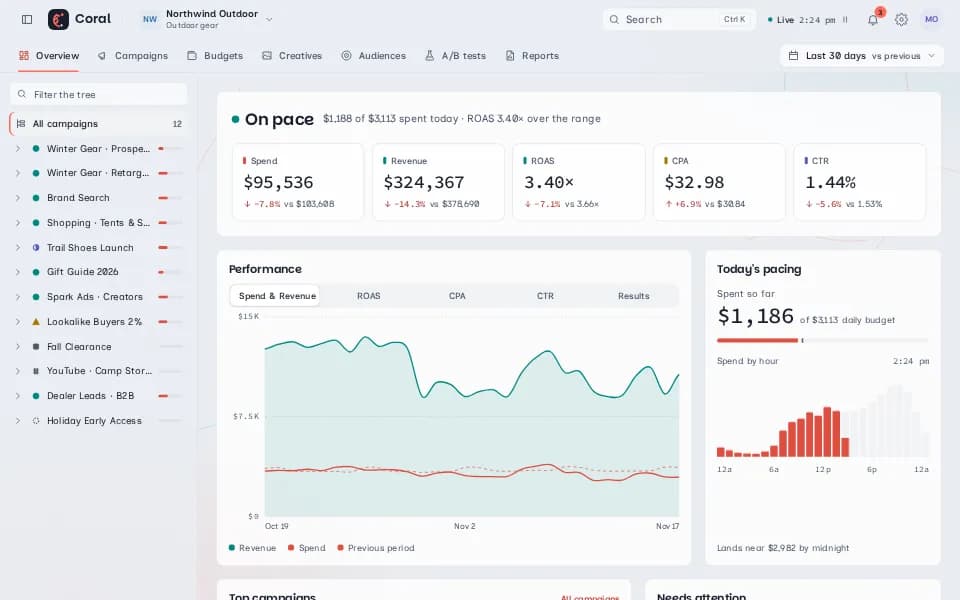
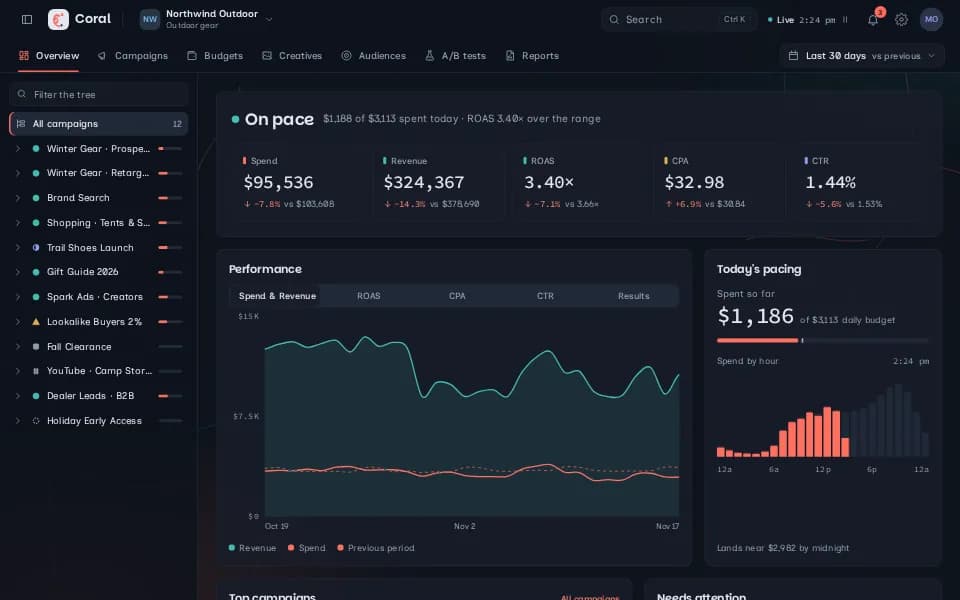
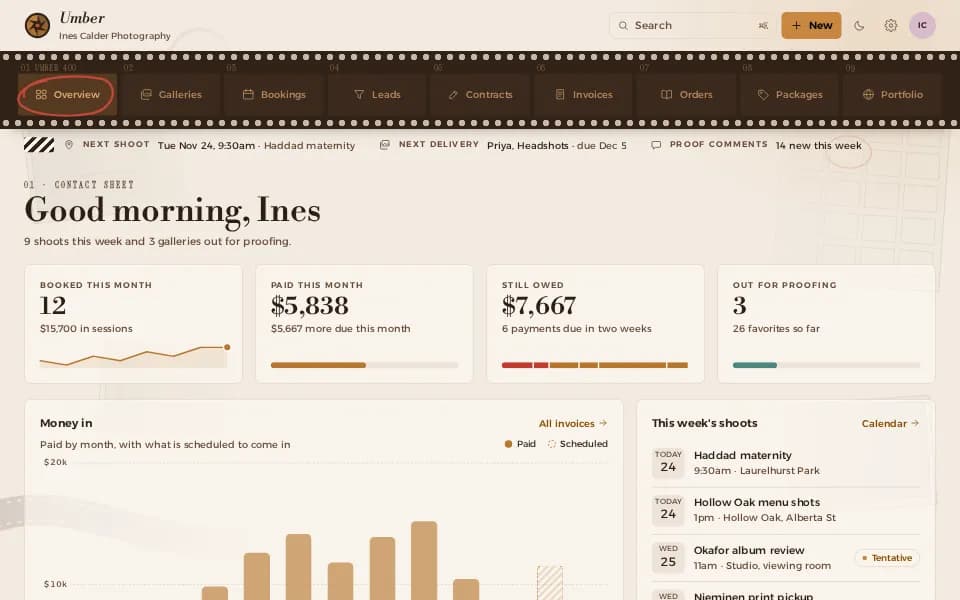
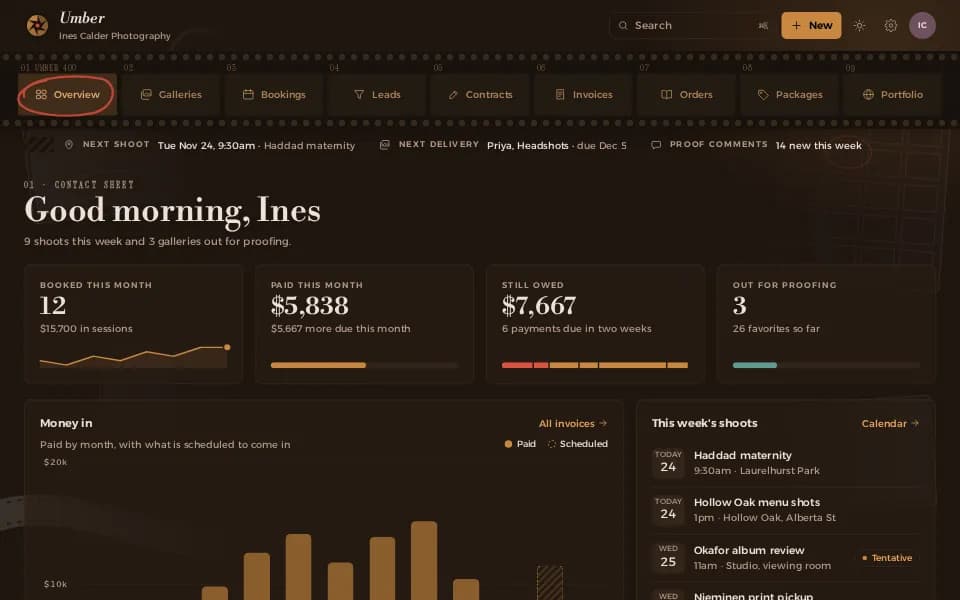
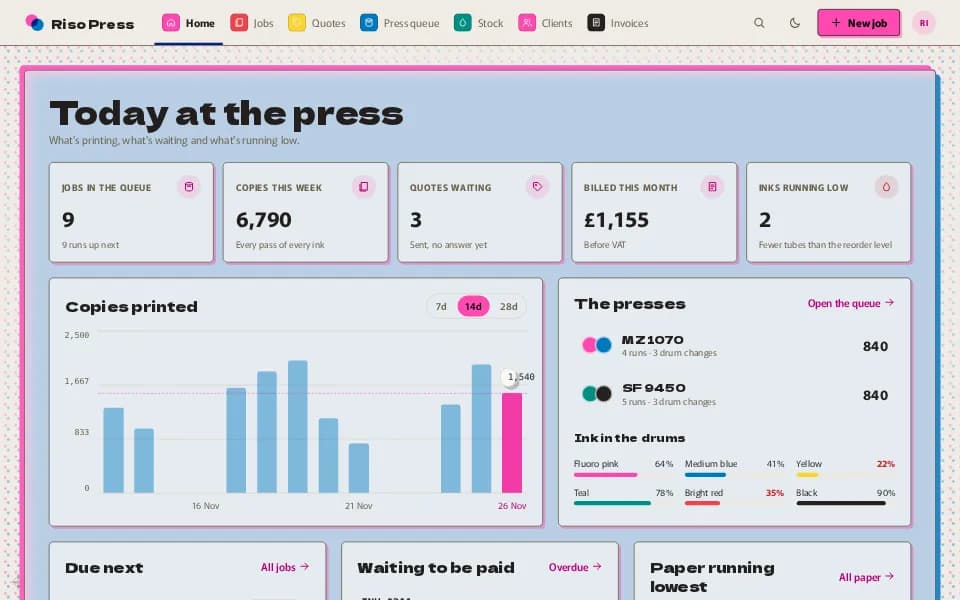
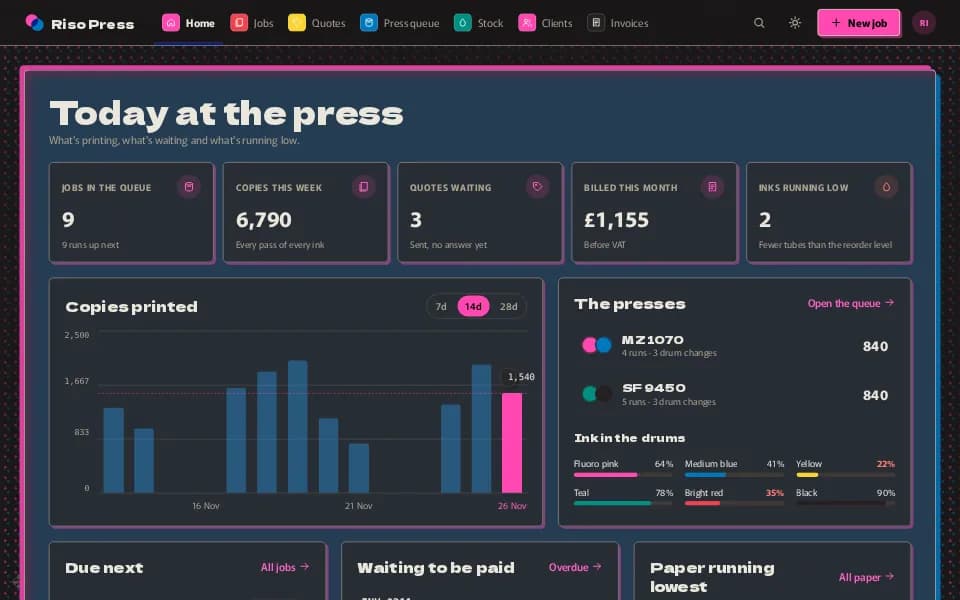
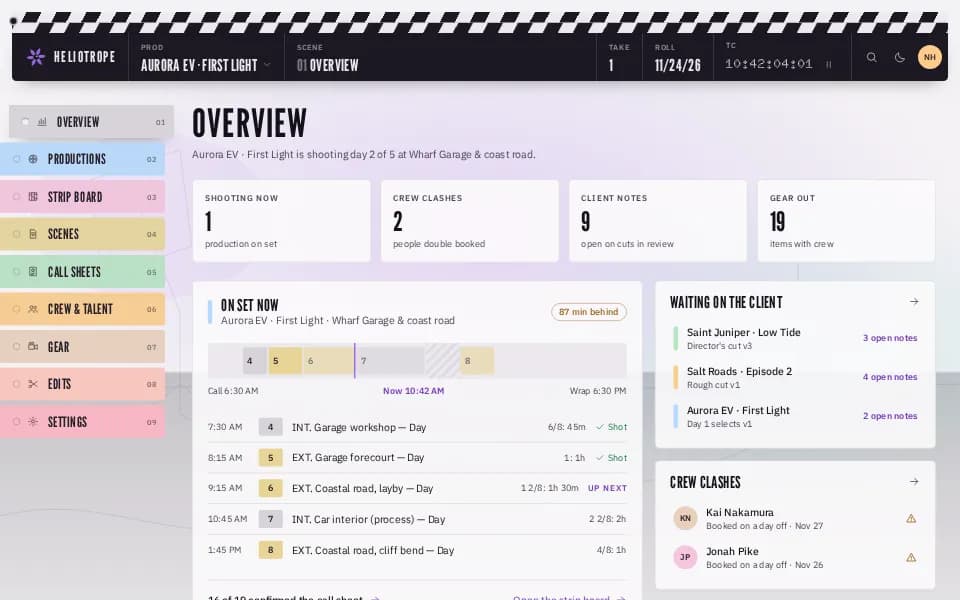
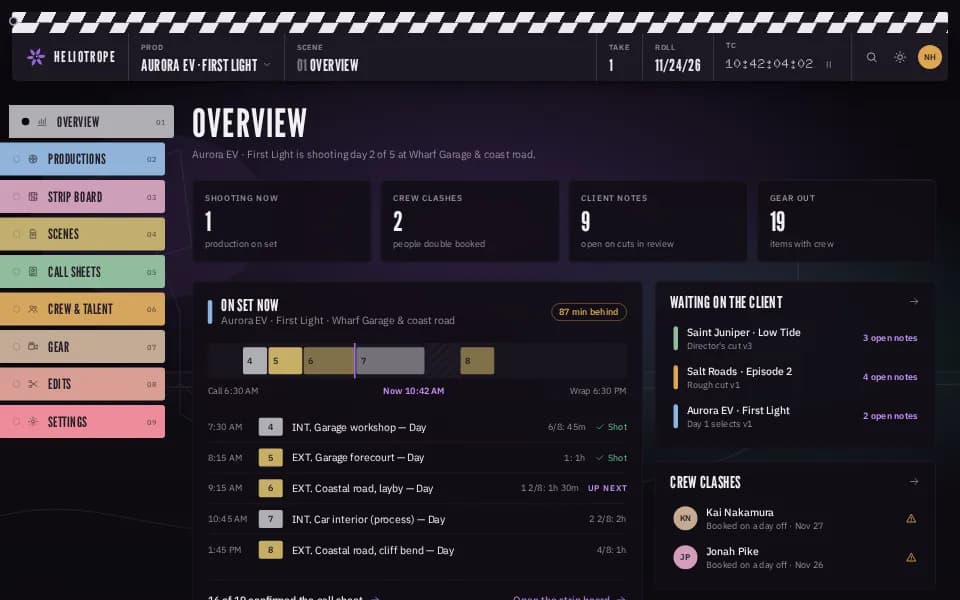
A five-page client and project workspace for small agencies: graphite or light, one ember accent, and a revenue chart whose lit bar glides to the day you point at.
Web
5 pages
$99
Adresse de la page : /
Suite plus bas ↓
Intégré
Ce que vous obtenez
Clair et sombreUtilise les couleurs de votre thème
Ordinateur, tablette et téléphoneLes écrans pour lesquels il est conçu
Paquets…
Taille du code…
Économe en batterie30 i/s, au repos quand rien ne bouge
Pause quand masquéHors écran ou autre onglet
Mouvement réduitCalme pour ceux qui le demandent
Vérifié à chaque modification
Vérification des typesTypeScript strict
Lint et formatESLint · Prettier
Tests et buildCaptures claires et sombres
Audit de sécuritéAucune vulnérabilité élevée ou critique
Ancienneté des paquetsChaque version publique depuis 7 jours ou plus
CPU au reposMoins d’un demi-cœur au repos, ≤ 30 i/s
Code
Un problème avec cette application ? Envoyer un avis ›
workspace-kilnHTML
index.htmlpageThe overview page and all its text, one marked block per section.
clients.htmlpageThe clients page and all its text, one marked block per section.
projects.htmlpageThe projects page and all its text, one marked block per section.
reports.htmlpageThe reports page and all its text, one marked block per section.
settings.htmlpageThe settings page and all its text, one marked block per section.
theme.cssthemeThe colors and fonts in one place.
sectionssectionsOne file per page section.
activity.csssectionRecent activity: one row per event, hairlines between.
activity.jssectionRecent activity: who did what in the studio, newest first, with how long ago ("Now" in the pretend data is today at 10 AM).
appearance.csssectionSettings → Appearance: two rows of picture choices, the picked one ringed in ember.
appearance.jssectionSettings → Appearance: the style (Glass or Solid) and the theme (System, Dark or Light), each choice a small preview; kept in this browser.
client-drawer.csssectionA client's drawer: a full-height panel from the right.
client-drawer.jssectionA client's drawer, from the right, when the address names the client (clients.html#halcyon): contact, owner, projects, invoices (add one, mark one paid, delete one with Undo) and notes, the star that pins the client to Favorites, and Edit and Delete.
client-form.jssectionThe new-or-edit client form in its dialog: company, contact, status, owner, retainer and notes, checked before it saves.
clients-table.csssectionThe clients table: the title, count and New client, the filters, the table with a checkbox per row (the owner, retainer and since columns from tablet width up), and the bar for the selected rows.
clients-table.jssectionThe clients table: New client, search, status and owner filters (the status one in the address, ?status=lead, so the sidebar's links set it too), sortable columns, rows you move through with the arrow keys and open with Enter, and a selection for bulk changes.
due-soon.csssectionDue soon: one link per project, hairlines between.
due-soon.jssectionWhat is due in the next two weeks: each open project with its client, a progress ring and the days left (ember within a week).
greeting.csssectionThe overview's opening line, and the overview's grid.
greeting.jssectionThe overview's opening line: a greeting by the visitor's time of day, and today's date.
kpis.csssectionThe four number cards, each with its drawn object in the corner that lifts a little on hover.
kpis.jssectionThe four numbers that say how the studio is doing: each counts up as the page builds in, with its change against last period (or the invoices' count).
leads.csssectionLeads by status: a bar per status that grows in from the left.
leads.jssectionLeads by where they stand: the month's total and one bar per status, the most advanced (won) in ember.
notifications.csssectionSettings → Notifications: a row per kind of email with its switch.
notifications.jssectionSettings → Notifications: a switch per kind of email, saved as soon as it flips.
profile.jssectionSettings → Profile: name, email and time zone, checked on save; the first field with a problem gets the focus and its error line.
project-form.jssectionThe new-or-edit project form in its dialog: name, client, status, due date, budget, progress and team, checked before it saves; editing also offers Delete.
projects.csssectionThe projects page: the toolbar, the board (columns that scroll sideways on narrow screens), the cards, the gap, the lifted card and the list.
projects.jssectionThe projects page: every project as a board by status (drag cards, or use the keyboard) or as a list (projects.html?view=list), found by search and filtered by client; each move is saved through the API and can be undone from its toast; New project and each card's edit button open the project form.
report-charts.csssectionThe report: revenue and utilization side by side on wide screens, then hours and the top clients; dimmed while the next range loads.
report-charts.jssectionThe report for the picked range: revenue over time, utilization, hours worked and the top clients. The last report stays (dimmed) while the next loads, so the charts roll from one range to the next; a failed load shows the error with Try again.
report-head.csssectionThe reports header: the title, the range buttons and Export.
report-head.jssectionThe reports header: the range buttons (7 days, 30 days, 12 months) and Export, which says the file for the range is ready.
revenue.csssectionThe revenue panel: its title, total and change, the range switch and the chart (parts/bar-chart.css).
revenue.jssectionRevenue for the last 7 or 30 days: the total that rolls to the new range, the change against the days before, and the bar chart with today's bar lit.
settings-tabs.csssectionThe settings page: the title and tab row, and the form fields every settings panel shares.
settings-tabs.jssectionThe settings tab row: the address picks the tab (settings.html#team), the current one is underlined in ember and only its panel shows.
sidebar.csssectionThe sidebar: logo, search, the page links in groups, the favorite clients and you; collapsed, only the icons show.
sidebar.jssectionThe sidebar: marks the page you are on, opens and closes the link groups, collapses to icons (kept for this visit), lists the favorite clients and shows the search shortcut for your keyboard.
team.csssectionSettings → Team: the members list and the invite form.
team.jssectionSettings → Team: everyone in the studio with their role (the owner's fixed, the others' a menu), and the form that invites someone new.
top-bar.csssectionThe top bar: the menu button on narrow screens, where you are, the live projects count, search, the theme switch and your avatar.
top-bar.jssectionThe top bar: the live projects count, the menu button (the phone sheet), search (the command palette) and the theme switch, which offers the theme the app is not showing.
partspartsWhat several sections share.
bar-chart.csspartThe fired bar chart: the axis, the unlit bars, the lit bar with its glow, guide line and tooltip, and the day names under it.
bar-chart.jspartThe fired bar chart: bars grow in, the lit bar fires, and its glow, guide line and tooltip glide to the bar you point at or pick with the arrow keys; changing the range morphs the bars. The lit bar sits on its measured bar slot, so it never travels in from elsewhere.
board-model.jspartThe projects board as data: every project's place (one order) and status, and how a move changes them.
build.csspartThe page build-in's shared part (build.js, the same as theme.ts BUILD); the card style (card-wave.css) and row motion (row-stack.css) add their own. data-entrance is on <main> while it runs; data-build marks what takes part. Every page load builds in at once; there is no fade between pages.
build.jspartThe page's build-in, the same as parts/build/core.tsx: on every page load the cards arrive in the app's card style (kiln.cards, from card-wave.js) and their contents build: bars grow, lines draw, rings fill, the list rows on screen spread in in the app's row motion (kiln.rows, from row-stack.js), numbers count. Every page loads the two picks before this file.
card-wave.csspartThe wave card style (card-wave.js, the same as parts/build/cards/wave.ts). A card that holds list rows fades up from 0.3 at once, and its rows spread out from the page start.
card-wave.jspartThe wave card style, the same as parts/build/cards/wave.ts: cards arrive in a wave by grid position from the top-left.
charts.csspartThe Reports charts: the line with its area and glowing last point, and the stacked hours bars.
charts.jspartThe Reports charts: a line with a soft ember area that draws itself in and morphs to the next range, its latest point glowing; and stacked bars of billable and other hours that grow in from the floor.
client-actions.jspartDeleting clients and changing their status, one or many: saved through the API, shown at once, with Undo in the toast.
drag-board.jspartThe board's drag engine: mouse, pen and touch drags with a lift that keeps the grabbed point under the pointer, a gap where the card will land, auto-scroll near the edges, and a drop or Escape that settles the card into place. Also FLIP: cards that change place glide there.
form-dialog.csspartThe centered form dialog (new or edit client, project): its title bar, the fields with their error lines, and the buttons; the fields serve the drawer's invoice form too.
form-dialog.jspartA centered form dialog (new or edit client, project): opens empty for a new row or filled in to edit one, shows each field's error line under it and puts the focus on the first field with a problem.
icons.jspartThe logo, the line icons and the clients' drawn marks: each <svg data-icon="search"> on the page gets its drawing, and the other scripts make more with workspaceKiln.icon("star").
motion.jspartThe helpers every other script shares, as the page's one global, window.workspaceKiln: motion, how numbers and dates are written, the appearance and favorites kept in the browser, toasts and dialogs.
overlays.csspartWhat opens over the page (the phone sheet, the command palette, the client drawer), the toasts, and the shared motion.
page.csspartThe app's base: the root, the sidebar-and-page grid, and the pieces every page shares (panels, buttons, fields, chips).
palette.csspartThe command palette: a solid panel (no blur behind it, so it opens at full speed) with the search field, the list and the keys hint.
palette.jspartThe command palette (⌘K or Ctrl K, or any search button): type to find a page, a client or an action, then Enter. Its words are on the page's <dialog data-palette>.
project-board.jspartThe projects board: a column per status; drag a card (mouse, pen or a short press on touch) or pick it up with Space and move it with the arrow keys. Each card is one node kept for the page's life, so a card held by a touch keeps getting its events.
row-stack.csspartThe stack row motion (row-stack.js, the same as parts/build/rows/stack.ts).
row-stack.jspartThe stack row motion, a drawer, the same as parts/build/rows/stack.ts: the rows on screen start stacked under the first and spread to their places together.
shell.jspartHow the app looks right now (dark or light, Glass or Solid, from Settings → Appearance and the page around it) and the Glass style's slow glow, still while the tab is hidden or the app is off screen.
widgets.csspartThe data states every page shares (a still skeleton, an error with Try again, an empty note), the progress ring, the status dots and the big numbers.
widgets.jspartThe small pieces several sections share: one load per page for each API call, a number that ticks up, a progress ring, a status chip and the error state with Try again.
datadataThe pretend data and the fake API: swap it for your backend.
clients.jsdataThe studio's clients: the Clients table, the client drawer and the favorites.
numbers.jsdataThe numbers on Overview and Reports: today, 30 days of revenue, the KPIs, the leads, the activity and the reports for each range.
projects.jsdataThe studio's projects: the Projects board and list, and each client's projects.
team.jsdataThe studio's people: who is signed in (the first), and the team on Settings → Team.
workspace-api.jsdataThe fake API: every page loads and saves through these functions, so wiring a real backend happens here only.
index.html
The overview page and all its text, one marked block per section.
Chargement…
Idéal pour
Small studios and agencies that want a ready admin: overview, clients, projects board, reports and settings.
Fonctionnement
Point at or arrow through the revenue bars and the lit bar follows; ⌘K finds any page or client; tables, forms and toasts all work.
Utilisation
Liez depuis votre page, puis collez le balisage de index.html à l’endroit voulu.
Aucun paquet en plusReact seulement, rien d’autre
89,9 ko gzippé · 84 fichiersLe téléchargement complet