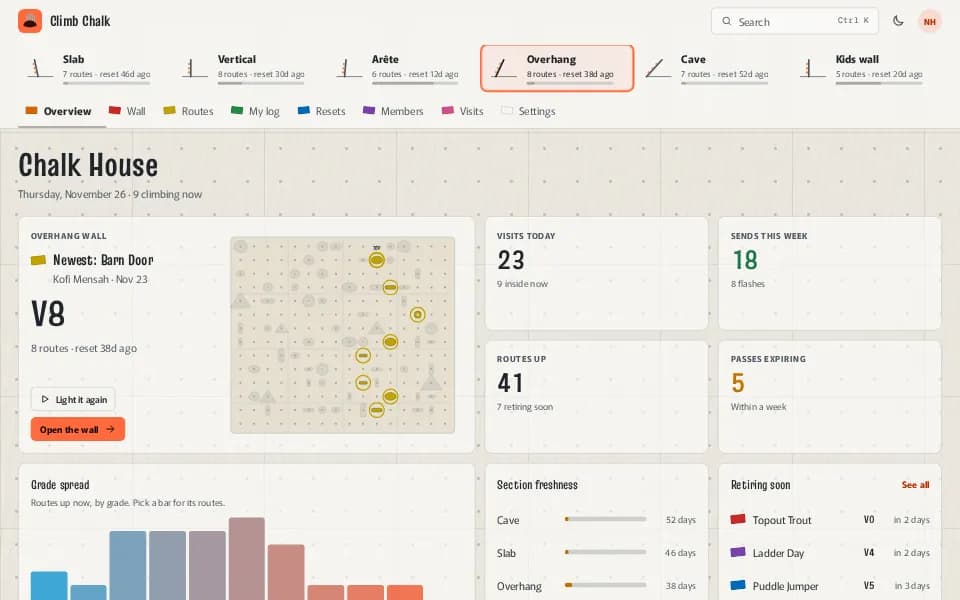
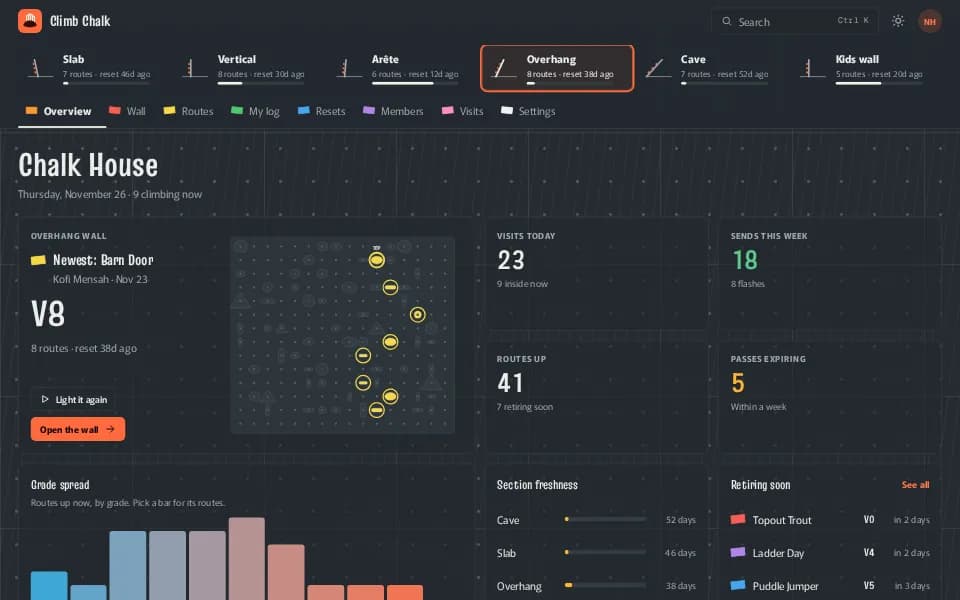
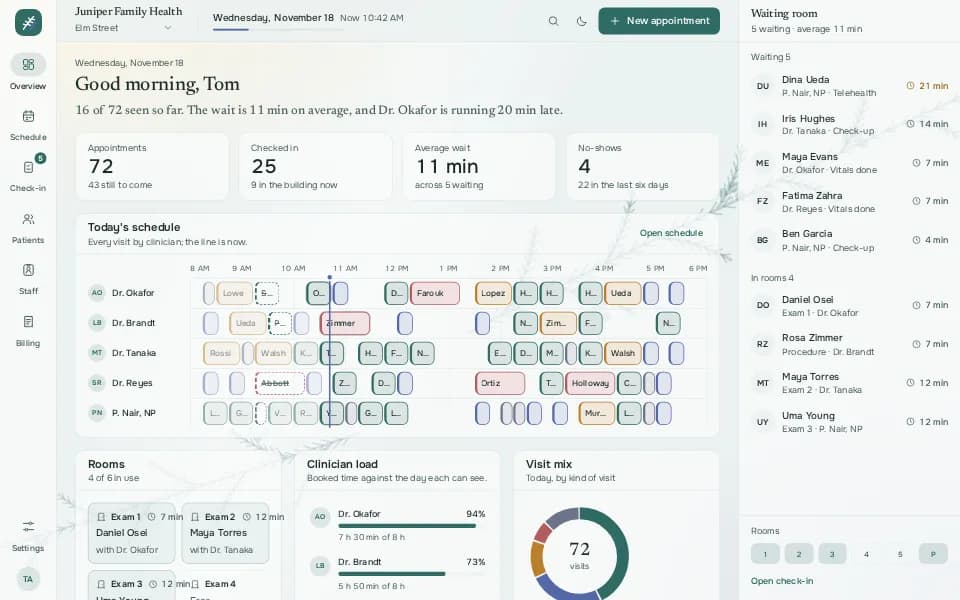
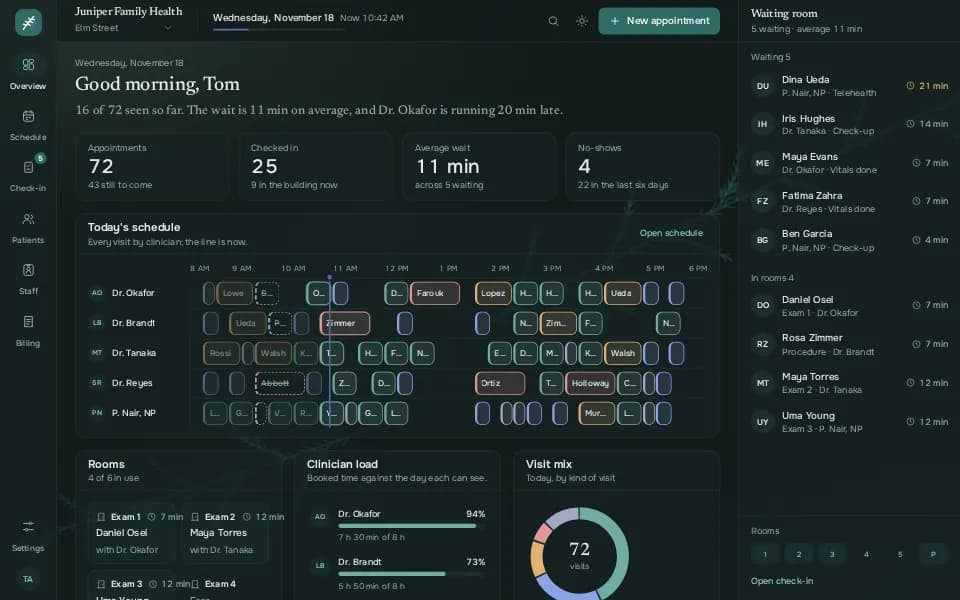
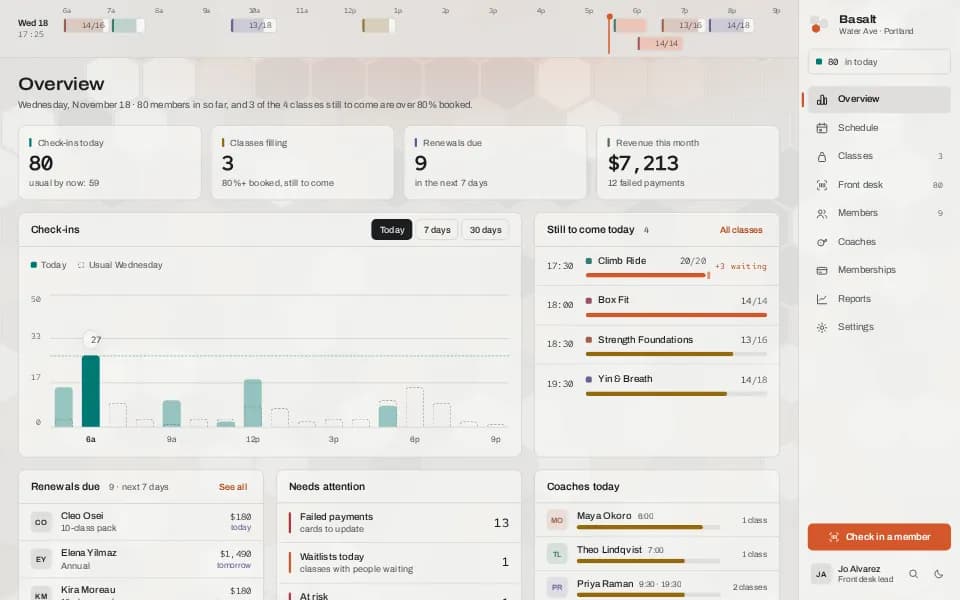
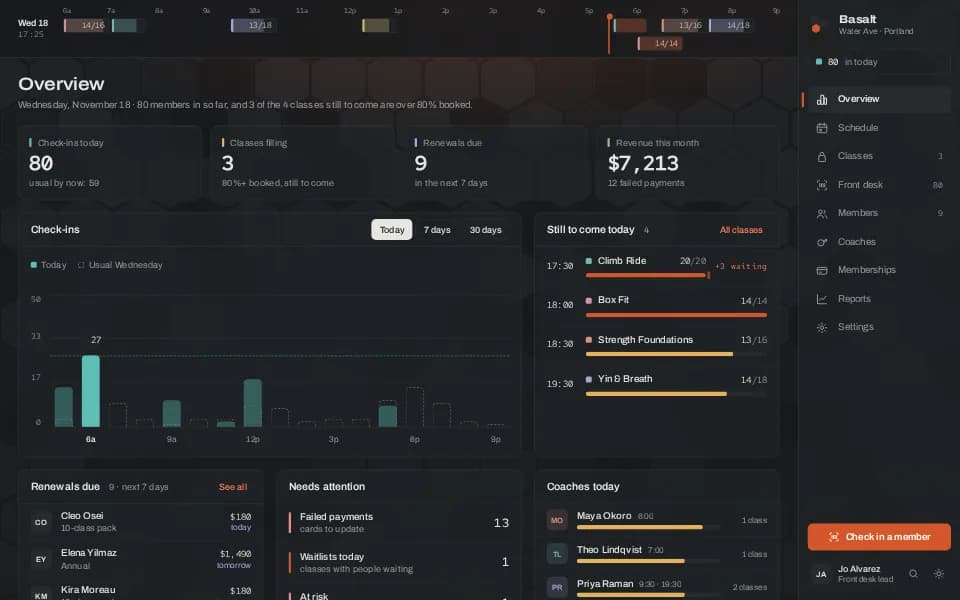
A veterinary practice app: pets and owners, the day's book by vet and room, exams with vitals and body maps, vaccines, the ward board, pharmacy stock and invoices, drawn with a bramble hedge.
Web
11 halaman
$69
Alamat halaman: /
Selengkapnya di bawah ↓
Sudah termasuk
Yang Anda dapat
Terang dan gelapMemakai warna tema Anda
Desktop, tablet, dan ponselLayar yang didukung
Paket…
Ukuran kode…
Hemat baterai30 fps, diam saat tidak bergerak
Berhenti saat tersembunyiDi luar layar atau tab lain
Kurangi gerakanTenang bagi yang memintanya
Dicek di setiap perubahan
Pengecekan tipeTypeScript strict
Lint dan formatESLint · Prettier
Tes dan buildTangkapan layar terang dan gelap
Audit keamananTanpa advisori tinggi atau kritis
Usia paketSetiap versi sudah publik 7+ hari
CPU saat diamDi bawah setengah core saat diam, ≤ 30 fps
Kode
Ada yang janggal dengan aplikasi ini? Kirim masukan ›
vet-brambleReact
vet-bramble.tsxpageThe page: the sections in order.
content.tscontentEvery word and number: brand, nav links, each section's copy and lists.
theme.tsthemeThe colors as CSS variables, and the shared class strings.
README.mdreadmeHow to install it, and where to change the text, colors and form.
content-book.tspartThe words of the Book (the schedule and one appointment). content.ts passes them on.
content-care.tspartThe words of Exams, Vaccines and the Ward. content.ts passes them on.
content-money.tspartThe words of the Pharmacy and Billing. content.ts passes them on.
content-pages.tspartThe words of Today (Overview), Patients and Owners. content.ts passes them on.
content-settings.tspartThe words of Settings. content.ts passes them on.
pagespagesOne file per page: the sections it shows, in order.
billing.tsxpageBilling: the money numbers, estimates and invoices with tabs, search, status filter, sort and bulk send, the new-document dialog, and one document's own page (#/billing/<id>).
exams.tsxpageExams: every record with search, filters and sort (open drafts first by default), and one record's editor on its own page (#/exams/<id>).
overview.tsxpageToday: the five numbers, the day by vet and the waiting room, then the ward, vaccines, pharmacy, takings and weight watch. Every number links to the list it counts.
owners.tsxpageOwners: the households list with search, filters, sort and bulk actions, the new-household and merge dialogs, and a household's own page (#/owners/<id>).
patients.tsxpagePatients: the list with search, filters, sort and bulk actions, and a pet's own page (#/patients/<id>) with its head and record tabs.
pharmacy.tsxpageThe Pharmacy: the stock numbers, the Stock and Prescriptions tabs, the receive, adjust and write dialogs, and one medicine's own page (#/pharmacy/<id>).
schedule.tsxpageThe Book: the day's grid by vet or by room with drag to move and stretch, the week strip, a month calendar and the day's list beside it; one appointment opens on its own page (#/schedule/<id>).
settings.tsxpageSettings: one tab each for the practice, team and rooms, opening hours, reminder messages, appearance (Glass or Solid, theme) and notifications.
sign-in.tsxpageThe sign-in screen: the drawn sleeping scene under its bramble arch on one side, the form on the other; stacked on phones.
vaccines.tsxpageVaccines: overdue, due soon, booked and up to date lists with search, filters, sort and bulk reminders, the reminders log, and the record, book and remind dialogs.
ward.tsxpageThe Ward: the numbers, the kennel board with drag and drop, the rounds due across every patient (tick them off here) and who went home; one stay opens on its own page (#/ward/<id>).
sectionssectionsOne file per page section.
appearance.tsxsectionSettings → Appearance: the style (Glass or Solid) and the theme (System, Dark or Light), each choice shown as a small preview.
appt-actions.tsxsectionWhat can be done with an appointment, by its status: check in, start the exam, open its record, mark as seen, change it, cancel it (with a confirm and Undo). The block's menu and the appointment page both list these.
appt-page.tsxsectionOne appointment on its own page: what, when, where and with whom, its actions by status, the pet's alerts, the owner's contact and the pet's earlier visits.
body-map.tsxsectionThe body map: a drawn side view of the pet's kind; a tap or click places a numbered mark, each mark gets a kind and a note in the list under it, and can be removed.
book-form.tsxsectionThe booking form, new or changing one: find the pet, pick vet, room, day, time, length and type, say why. Missing fields are named; an overlap is warned about but can still be booked.
book-grid.tsxsectionThe day's book: one column per vet (or per room), 15-minute rows from 08:00 to 19:00, the now line, and every appointment as a block you can drag to a new time or column, stretch by its bottom edge, or open for its actions.
book-parts.tsxsectionThe book grid's pieces: the time scale, an appointment block, the column heads, the hour gutter, the now line and the lifted copy that follows the pointer.
book-side.tsxsectionThe Book's side pieces: the week strip with each day's count, the month calendar's words and the day's list with its status filter.
day-spine.tsxsectionThe day spine: today's opening hours drawn down the left edge (across the top on narrow screens), every appointment a pip in its vet's color, the now line, and who is waiting or in the ward.
doc-columns.tsxsectionThe estimates and invoices list's columns, the rows the address asks for, and what is owed in all.
doc-forms.tsxsectionThe money forms: start a new estimate or invoice for a pet, take a payment (up to what is owed) and refund (up to what was paid, with a reason).
doc-history.tsxsectionUnder an estimate's or invoice's lines: what happened to it (made, linked, paid, refunded) and the household's other documents.
doc-lines.tsxsectionThe lines of an estimate or invoice: edit each line's words, quantity, price and discount, move it up, remove it, add one from the price list or a custom one; the totals (and an estimate's range) follow as you type.
doc-page.tsxsectionOne estimate or invoice on its own page: its lines editor with live totals and Undo, the note and range, the payments, and the actions its status allows (send, accept, make invoice, take payment, refund, void).
doc-side.tsxsectionAn estimate's or invoice's side column (the pet and owner, the note and range, the payments) and the buttons its status allows.
exam-editor.tsxsectionThe exam record editor: SOAP notes, vitals, body map and sketches on one page, with the live preview, Undo for the last change, Save draft, Sign and lock (with a confirm) and Discard. A signed record opens read-only.
exam-notes.tsxsectionThe exam's writing: the four SOAP boxes, the vitals with each kind's usual ranges (a number outside them is flagged, a non-number is an error), and the live preview of the record as it will print.
header.tsxsectionThe header: the logo and practice switcher, the row of round collar tags (one per page), search, Book and the account menu. On narrow screens the tags move to their own scrolling row.
overview-care.tsxsectionToday's lower half: the ward at a glance, vaccines due, pharmacy alerts, takings over two weeks and the pets whose weight is moving.
overview-day.tsxsectionToday's top half: the five number tiles, the day by vet (each vet's lane from opening to close, the rest of the day still to come drawn faint) and the waiting room.
overview-lanes.tsxsectionToday by vet: each vet's lane from opening to close (done solid, still to come dashed), who they have in now and next, and who is in each room.
owner-forms.tsxsectionThe household form (new or editing: name, main contact, a second person, phone, email, address, how reminders go) and the merge form (keep one, merge the other in, with a preview of the result and Undo).
owner-list.tsxsectionThe households list: search and filters in the address, a sortable table with check boxes, and the bulk bar (archive, restore, merge the two picked).
owner-page.tsxsectionOne household on its own page: its people and contact, its pets, what it owes and its estimates and invoices, and the notes and calls log with a box to add one.
pet-form.tsxsectionThe pet form, new or editing: name, kind, breed, sex and neutering, birth date, markings, microchip, household, usual vet, alerts, allergies and insurance. Each field is checked before it saves.
pet-head.tsxsectionA pet's page head: the face, name and facts, its alerts, and the actions (edit, book, start an exam, admit, archive or restore, mark as deceased with a confirm and Undo).
pet-list.tsxsectionThe patients list: search and filters kept in the address, a sortable table with check boxes, and the bulk bar (reminders, assign a vet, archive or restore).
pet-records.tsxsectionA pet's record tabs past the Summary: its exams, vaccines (each with its last dose and next due), prescriptions, estimates and invoices, and its household.
pet-summary.tsxsectionA pet's Summary tab: alerts and allergies, the latest vitals, the weight chart, what is coming up and the last visit.
pharmacy-forms.tsxsectionThe pharmacy's forms: receive a lot, adjust a lot with a reason, and write a prescription (with the pet's allergies, a stock check and a live label preview; it can dispense at once).
pharmacy-lists.tsxsectionThe stock list: search, group and state filters, sortable, each medicine opening its own page.
product-page.tsxsectionOne medicine on its own page: what is on the shelf, its lots with expiry (adjust or write off each), the stock moves, and the prescriptions written from it.
profile-menu.tsxsectionThe account menu behind the avatar: who is signed in, their schedule and Settings, the theme, and Sign out.
rx-form.tsxsectionThe prescription form: pet, medicine, dose, how often, days, quantity and refills, with the pet's allergies, a stock check and a live label preview; it can dispense at once.
rx-list.tsxsectionThe prescriptions list: search and status filter, and dispense, refill or void each one (stock leaves the shelf soonest-expiring first).
settings-forms.tsxsectionSettings forms: the practice details, opening hours, the reminder messages (with a live preview and the text length) and notifications. Each saves through the API and can be put back before saving.
settings-team.tsxsectionSettings → Team and rooms: the vets and nurses (name, role, the color they are drawn in) and the rooms, each added, renamed, moved up or removed (not while appointments still point at it), saved together.
sign-in-form.tsxsectionThe sign-in form: email and password checked as you leave each field and on submit, a show-password eye, keep me signed in, and a forgot-password note.
sketch-pad.tsxsectionThe x-ray and sketch pad: draw with mouse, pen or finger over a dark film, pick the line, undo a stroke or clear, then attach the drawing to the record; attached drawings show as thumbnails that can be removed.
vaccine-forms.tsxsectionThe vaccine dialogs' forms: record a dose given (it takes a vial from stock), book a booster, and send reminders (by each owner's choice or one channel, with a live preview of the message).
vaccine-list.tsxsectionThe vaccine lists: one row per pet and vaccine with its last dose, due date and last reminder, the row actions (remind, record, book) and bulk reminders; and the reminders log.
ward-board.tsxsectionThe kennel board: each ward's kennels as cells, every in-patient a card you can drag (or move with Space and the arrows) to another kennel; one already there swaps over, the others glide to their new places, and Undo puts it back.
ward-forms.tsxsectionThe ward's forms: admit a patient (pet, free kennel, vet, reason, diet) and discharge one (going-home notes, required).
ward-stay.tsxsectionOne in-patient on its own page: the feeding and meds checklist by time (tick off with who and when, add a task), the stay's details and alerts, and Discharge.
partspartsWhat several sections share.
buildbuildWhat several sections share.
cardscardsWhat several sections share.
rise.tspartThe rise card style: cards rise and fade in (24px, a hair smaller), one after another.
rowsrowsWhat several sections share.
avatar.tspartThe avatar row motion: each row's face (data-build="face") pops first, then the row's other parts follow from faint.
core.tsxpartThe page's build-in: on first load and on every page switch the cards arrive in the app's card style and their contents build: bars grow, lines draw, rings fill, the list rows on screen ripple in in the app's row motion, numbers count. The two picks are wired in ./index.ts.
index.tspartThe app's two build-in picks, wired here and nowhere else: its card style (cards/) and its row motion (rows/). npm run new-app copies only the two it is given (--cards, --rows).
anchor-menu.tsxpartA small menu anchored to a spot on screen (an appointment block, a kennel): drawn in the window layer, arrow keys walk it, Escape, a click outside or a scroll closes it and the focus goes back.
appearance.tspartHow the app looks right now: dark or light, Glass or Solid, from Settings → Appearance, the page around it and the Style setting.
avatar.tsxpartFaces: a person's initials in a soft round badge, and a pet's initial in a badge with its kind's ears, tinted by species.
backdrop.tsxpartThe backdrop: a drawn bramble hedge (canes, leaves, berries and thorns) as one still cover layer behind the app, faded under the content column, with a soft berry light that only Glass shows; with followBackground it paints your background instead.
bulk-bar.tsxpartThe bar that slides in over a list once rows are picked: how many, the actions for all of them, and a way to drop the pick.
chart-path.tspartA chart's line and area paths in each curve Chart Studio has (straight, smooth, step), and the classes that let a Chart Studio curve swap them in CSS.
charts.tsxpartThe charts: a bar chart whose bars grow in (tiny ones keep a sliver, today's bar shows the rest of the day as a faint forecast), a sparkline scaled to its own range, and the weight chart with its points.
clinic-page.tsxpartA page that stands on the clinic: its still skeleton while it loads, the big error with Try again if the load fails, else the page drawn from the clinic.
clinic.tspartThe clinic as every page loads it, and the one way a page saves: run an action from data/, show the new clinic, say so in a toast (with Undo where it can go back).
command-palette.tsxpartThe command palette (⌘K or Ctrl K): type to find a page or an action, then Enter.
confirm.tsxpartA guarded action's second step: a small dialog that says what will happen, with Cancel and the action in red.
dialog.tsxpartA centered modal dialog (a form, a confirm): rises in, plays its way out, Escape or a tap outside closes it, and the focus goes back where it was.
field.tsxpartLabeled form fields (a text input, a select, a text area) with a hint and an error line under them, tied together for screen readers.
filters.tsxpartA list's search and filters, all kept in the address: a search box, a select per filter, the active ones as chips that remove themselves, and Clear filters.
flip.tspartFLIP: when cards change place, each one glides from where it was to where it is now instead of jumping.
format.tspartHow numbers, money, times and dates are written: UK style, every formatter made once.
icons.tsxpartThe logo and the line icons, drawn on a 24-unit grid with round ends.
list.tsxpartA real table for the lists: sortable headers kept in the address, rows that open their page, check boxes with shift-click ranges, and 50 rows at a time.
moments.tspartThe keyframes, and the animations the sign-in card, menus and filters, dialogs, toasts, the bulk bar, a month changing and a new row play, timed by their moments in theme.ts.
month-calendar.tsxpartA month calendar: six weeks from Monday, the previous and next month, today and the picked day marked, a slot under each day for marks, and the keyboard of a date grid (arrows, Home, End, Page Up, Page Down).
motion.tspartMotion helpers: the reduced-motion check, live, and run-once-in-view.
popover.tsxpartA menu that unfolds from its button (the account menu, the alerts, a row's actions): drawn in the window layer so no table or card clips it; arrow keys walk it, Escape, a click outside or a scroll folds it away.
router.tspartThe page switcher: reads the app's page from the address hash (#/settings, #/?status=open).
scenes.tsxpartThe drawings: the sign-in scene (a dog and a cat asleep under a bramble arch) and the small pictures of the empty and error states. All are drawn in the theme's shades, so they follow the presets and both themes.
scroll-to-view.tspartScrolls an element into view moving only its own scroll container, never the page around it.
select-box.tsxpartA native select dressed to match the app: no browser arrow, a drawn chevron instead.
session.tspartWhether someone is signed in: the demo starts signed in; signing out sends the app to #/sign-in, and "keep me signed in" decides if a sign-in outlasts the tab.
slot-drag.tspartThe drag engine for slot grids (the book's columns of times, the ward's kennels): mouse and pen drags, touch after a short press (a swipe still scrolls), a lifted copy that keeps the grabbed point under the finger, edge auto-scroll, a drop that settles into place, Escape that flies it back, and a keyboard path.
states.tsxpartThe data states every page shares: a calm skeleton while loading, an error with Try again, and an empty note with a way out.
store.tspartThe app-wide state several parts share: the theme mode and style (kept in the browser) and the toasts.
ticker.tsxpartA number that counts up while its page builds in, and rolls to its new value whenever it changes.
toasts.tsxpartThe toasts: short notes that confirm what just happened, bottom right.
ui.tsxpartThe small pieces every page is built from: the page head with its Back link, a card with a title, link tabs, status chips and a number tile.
use-api.tspartLoads data through the fake API with loading, error and retry, remembering each answer so a page you come back to shows at once.
use-dialog.tspartOpens and closes a native <dialog> as a modal; on close it plays its way out first (data-closing), so dialogs, sheets and the palette never vanish in one frame.
use-undo.tspartA value being edited, with Undo: a run of typing is one step (until `pause`, on blur), a change made with `step` (a line added, a mark placed) is its own.
datadataThe pretend data and the fake API: swap it for your backend.
actions-care.tsdataSaves for the book, exams, vaccines and the ward, all through the fake API's save().
actions-money.tsdataSaves for the pharmacy (stock and prescriptions) and the money (estimates, invoices, payments, refunds), all through the fake API's save().
actions-people.tsdataSaves for pets, households and the clinic's settings, all through the fake API's save().
api.tsdataThe fake API: every page loads the clinic and saves through these functions, so wiring a real backend happens in data/ only.
dates.tsdataThe demo's calendar: a fixed "today" and "now", so the book, the ward and the reminders always line up. Use the real date when you wire your backend.
rules.tsdataThe clinic's rules in one place, used by the fake API and the pages alike, so a number and the list it opens always count the same way.
seed-book.tsdataThe pretend appointment book: today written out by hand, the days around it filled from a pattern.
seed-care.tsdataThe pretend care records: exams with SOAP notes, vitals, body-map marks and drawn x-rays; vaccine doses and reminders; the kennels and who is in them.
seed-money.tsdataThe pretend pharmacy and money: medicines with their lots and expiry dates, prescriptions, the price list, estimates and invoices, and the clinic's settings.
seed-people.tsdataThe pretend people and animals: the team, the rooms, the households and their pets with their weight history.
types.tsdataThe clinic's records: people, pets, the day's book, care, the pharmacy and the money, as the fake API hands them out.
vet-bramble.tsx
The page: the sections in order.
Memuat…
Cocok untuk
Vet clinics, animal hospitals and pet care teams that want one calm screen for the day's book, the ward, the pharmacy and the money.
Cara kerjanya
Collar-tag tabs switch pages; drag appointments and in-patients to move them; exams take SOAP notes, vitals and marks on a body map.
Cara memakai
Edit words in content.ts and colors in theme.ts, and swap the bodies in data/api.ts for calls to your backend.