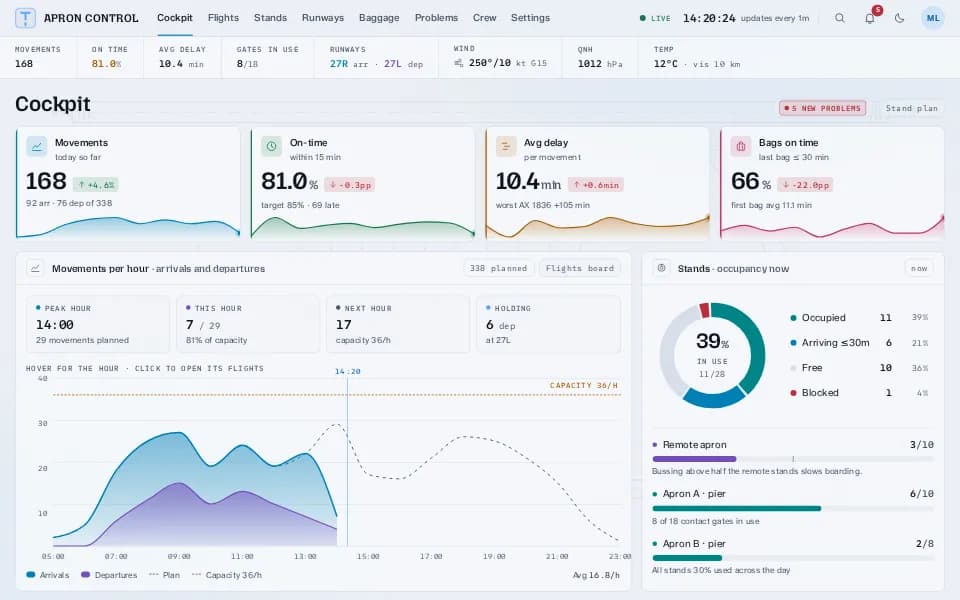
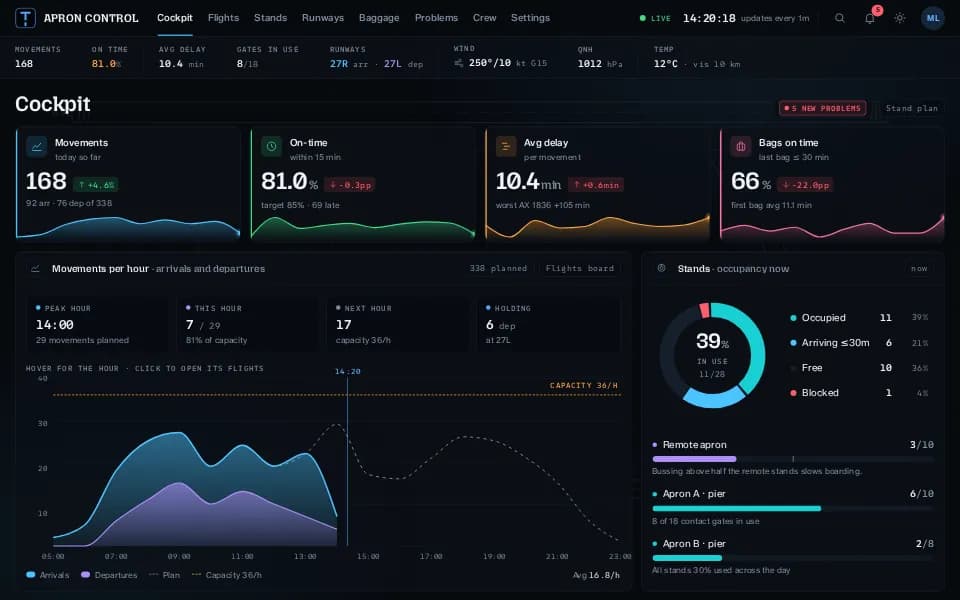
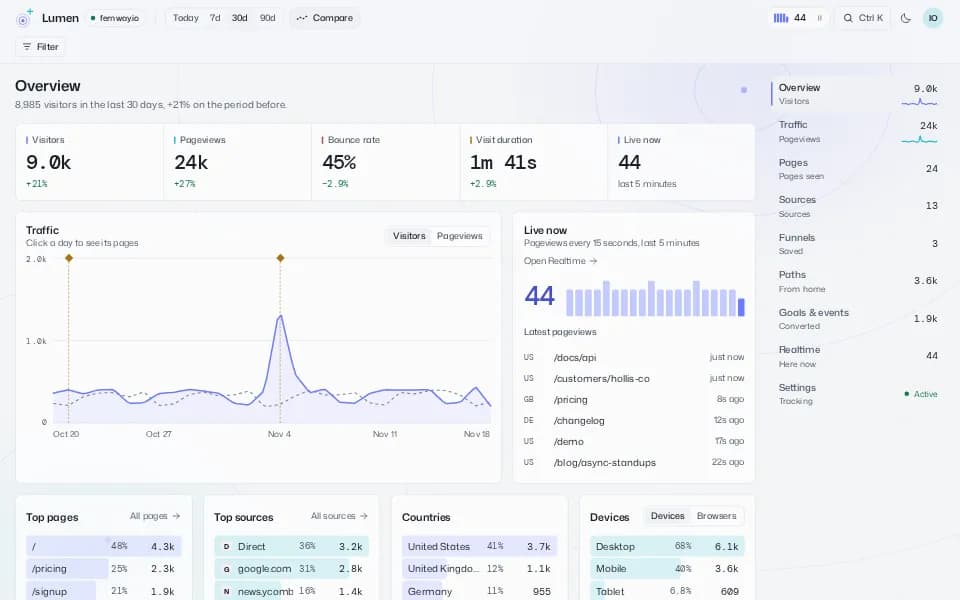
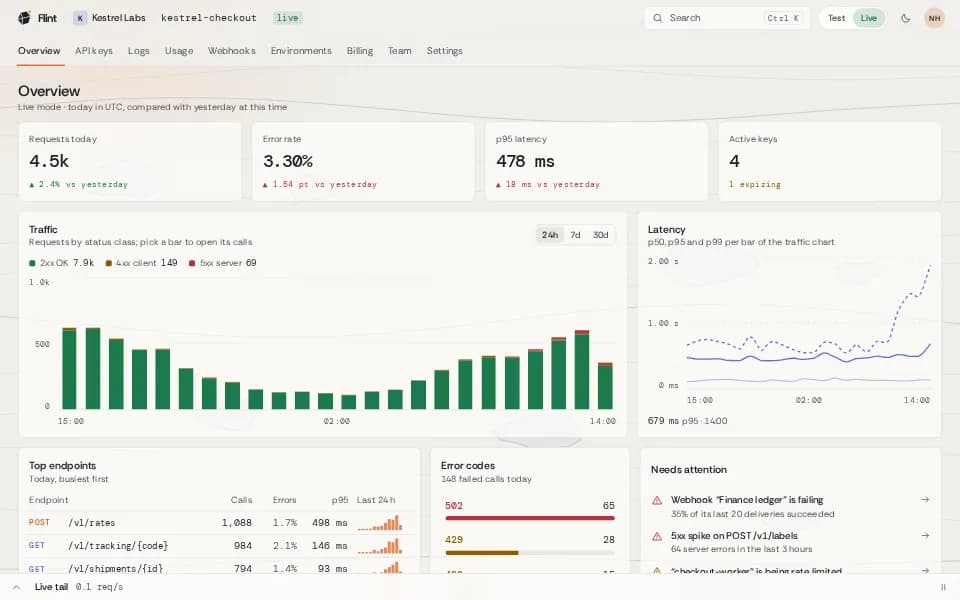
A weather planner in liquid glass over a slowly drifting dusk sky: saved cities, forecasts, air quality, alerts and the best hours for your plans.
Web
11 pagine
$69
Indirizzo della pagina: /
Altro più sotto ↓
Incluso
Cosa ottieni
Chiaro e scuroUsa i colori del tuo tema
Desktop, tablet e telefonoLe schermate per cui è pensato
Pacchetti…
Dimensione del codice…
Leggero sulla batteria30 fps, inattivo quando è fermo
In pausa se nascostoFuori schermo o in un’altra scheda
Riduci movimentoCalmo per chi lo chiede
Verificato a ogni modifica
Controllo dei tipiTypeScript strict
Lint e formattazioneESLint · Prettier
Test e buildScreenshot chiari e scuri
Audit di sicurezzaNessun avviso alto o critico
Età dei pacchettiOgni versione pubblica da 7+ giorni
CPU a riposoMeno di mezzo core a riposo, ≤ 30 fps
Codice
Qualcosa non va in questa app? Invia feedback ›
weather-solsticeReact
weather-solstice.tsxpageThe page: the sections in order.
content.tscontentEvery word and number: brand, nav links, each section's copy and lists.
theme.tsthemeThe colors as CSS variables, and the shared class strings.
README.mdreadmeHow to install it, and where to change the text, colors and form.
pagespagesOne file per page: the sections it shows, in order.
air.tsxpageThe air in one city: the index on its six-band scale, each pollutant against its guide level, the next 24 hours, the next five days with pollen, and health tips for the group you pick (Settings sets which ones show first).
alerts.tsxpageAlerts: the rules that watch your cities (rain, wind, UV and the rest) and the history of what they caught, as two tabs kept in the address with their filters.
cities.tsxpageSaved cities: their order (the tabs' order), the home city, names and removing; Add city (#/cities?add=1) finds a new one in the catalog.
compare.tsxpageCompare two or three cities side by side (#/compare?c=lisbon,porto): each one's weather now and its readings in a column, the best of them marked, and their highs over the next seven days on one chart.
day.tsxpageOne day in one city (#/day/lisbon?d=2026-11-28&tab=wind): its summary, the previous and next day, and three tabs, hour by hour, wind and rain, sun and moon. The tab and the day are in the address, so Back returns to them.
planner.tsxpageThe activity planner for one city: pick an activity (?a=), see its best windows in the next seven days and every hour scored on a grid; pick a window or an hour to plan it with the crew. Activities can be tuned, and your own added.
rule.tsxpageOne alert rule on its own page (#/rule/r1, or #/rule/new for a new one): the form with its live preview; saving goes back to the rules.
settings.tsxpageSettings: units, notifications and your profile, then Appearance (style, theme and language).
sign-in.tsxpageThe sign-in page (#/sign-in): the logo and the form on one glass card over the drifting sky, without the top strip.
team.tsxpageThe crew: the people who get alerts and go on plans, and the plans themselves, as two tabs kept in the address with their filters.
today.tsxpageToday in one city: the hero with the temperature now and the next 24 hours' curve, the reading tiles, the 10-day forecast, then the air, best hours, crew plans and coming alerts.
sectionssectionsOne file per page section.
account-menu.tsxsectionThe account menu under the avatar in the top bar: who is signed in, Settings and Sign out; the arrow keys move through it, Escape, Tab or a click outside closes it.
activity-editor.tsxsectionThe activity form in a dialog: a name and icon (your own activities), the comfortable temperatures and the most rain, wind and UV it takes, daylight only and golden hour. The planner's scores follow it at once.
add-city.tsxsectionThe Add a city dialog: type to find one among the catalog's cities (name or country), see its weather now, and add it as a new tab; cities already saved are marked.
alerts-panel.tsxsectionThe alerts slide-over: a glass panel from the end edge with what your rules see coming in the next two days across your cities, and the latest alerts; each opens its day. Escape, a tap outside or Close slides it away.
appearance.tsxsectionSettings → Appearance: the style (Glass or Solid) and the theme (System, Dark or Light), each choice shown as a small preview, and the language (System or one of locales/list.ts).
city-list.tsxsectionThe saved cities in tab order: drag a row by its grip (pointer or touch; Space, arrows and Space on the keyboard; Escape puts it back) to reorder the tabs, set the home city, rename a tab, and remove the picked ones together (Undo brings them back). Search, region filter and sort live in the address.
city-tabs.tsxsectionThe saved cities as glass tabs across the top: each with its weather moving on the clock and the temperature now; the current one sits on a gliding marker. Click one, or swipe the page, to slide to that city.
day-tabs.tsxsectionA day's three tabs: hour by hour (the curve and a table of every hour), wind and rain (gusts and rainfall by hour) and sun and moon (the sun's arc, UV through the day, the moon and pollen).
history-list.tsxsectionThe alerts that fired: search, severity, city and unread filters and a sort (all in the address), the picked ones marked read, unread or removed together (Undo brings them back). Each opens the day it fired on.
now-hero.tsxsectionThe city's hero card: its name, the temperature now in big light figures, the sky moving on the clock, feels-like, today's high and low and the local time; the next 24 hours' curve sits beside it.
plan-form.tsxsectionThe plan form in a dialog: the activity, city, day, start and length, who goes and a note; it shows how well the weather fits the hours picked. Saving adds the plan to the crew's list.
plan-list.tsxsectionThe crew's plans: search, city and coming/past filters and a sort in the address, each with its activity, day and hours, who goes and how well the weather fits; edit one in the plan dialog, delete the picked ones together (Undo brings them back).
preferences.tsxsectionYour preferences: the units every reading is written in, how alerts reach you and their quiet hours, which groups the air tips speak to, and your profile. Saving writes them all at once; the units change across the app as soon as they're saved.
rule-editor.tsxsectionThe rule form: its name, what it watches and the level, the cities and hours, and who else hears; beside it a live preview of every window it would catch in the next ten days, city by city, as you move the slider.
rule-list.tsxsectionThe alert rules: search, on/off and kind filters and a sort (all in the address), a switch on each row, and the picked rows turned on, off or deleted together (Undo brings them back). A row opens the rule's own page.
rule-value.tsxsectionA rule's value written in its kind's unit: 60% rain, 35 km/h wind, UV 6, 30° heat, AQI 100, high pollen.
sign-in-form.tsxsectionThe sign-in form: email and password with their errors under them, show or hide the password, keep me signed in, and the demo account to fill in; a wrong pair says so above the fields.
team-list.tsxsectionThe crew: search, role filter and sort in the address, each person's role, base city and whether they get alerts (a switch); add or edit one in a dialog, remove the picked ones together (Undo brings them back).
ten-day.tsxsectionThe 10-day forecast: one row a day with its sky, chance of rain and a bar from its low to its high on the ten days' shared scale (today's bar marks the temperature now). Each row opens that day's page.
today-extras.tsxsectionThe Today page's lower row: the air quality now, the best hours for an activity, the crew's plans in this city and the alerts coming up. Each card opens its own page, filtered to this city.
today-tiles.tsxsectionThe reading tiles: wind with its compass, UV on its scale, humidity and dew point, pressure and its trend, the sun's arc between sunrise and sunset, visibility and the rain to come. Each opens the day's page on the matching tab.
top-strip.tsxsectionThe top glass strip: the logo, the saved cities as tabs, then Pause motion, the theme switch, the alerts bell with its unread count and the account menu.
view-nav.tsxsectionThe views: Today, Air, Planner, Compare, Alerts, Cities and Crew. On wide screens a glass rail down the left (icons only on a tablet), on a phone a dock along the bottom; the current view sits on a liquid marker that flows to it on every switch. The city stays as you switch.
partspartsWhat several sections share.
buildbuildWhat several sections share.
cardscardsWhat several sections share.
wave.tspartThe wave card style: cards arrive in a wave by grid position from the top-left.
rowsrowsWhat several sections share.
rise.tspartThe rise row motion: each row on screen rises 8px from faint.
core.tsxpartThe page's build-in: on first load and on every page switch the cards arrive in the app's card style and their contents build: bars grow, lines draw, rings fill, the list rows on screen ripple in in the app's row motion, numbers count. The two picks are wired in ./index.ts.
index.tspartThe app's two build-in picks, wired here and nowhere else: its card style (cards/) and its row motion (rows/). npm run new-app copies only the two it is given (--cards, --rows).
appearance.tspartHow the app looks right now: dark or light, Glass or Solid, from Settings → Appearance, the page around it and the Style setting.
avatar.tsxpartA person's initials in a round badge, tinted with the primary.
backdrop.tsxpartThe backdrop: a drawn dusk mesh of four big soft color clouds behind the glass, dusky in dark and near-white pastel in light, drifting very slowly. With followBackground it paints your background instead.
city.tsxpartThe city every city page shows (the address names it, else your home city), the switch between saved cities (the whole stack of cards slides out one side and the next city's in from the other, or follows your finger on a swipe) and the live minute the readings follow.
command-palette.tsxpartThe command palette (⌘K or Ctrl K): type to find a page or an action, then Enter.
dialog.tsxpartA centered modal dialog (a form, a confirm): rises in, plays its way out, Escape or a tap outside closes it, and the focus goes back where it was.
field.tsxpartA labeled form field (a text input or a select) with its error line under it, tied together for screen readers.
format.tspartHow numbers and dates are written: by Intl, the current language's way ("1,240", "1.240"; "Nov 19", "19 nov."). Add a helper here when a page needs money, times or a list.
glider.tsxpartThe marker under the current tab: a drop of liquid that flows from tab to tab on one spring (parts/liquid-marker.ts), transform only while it moves.
icons.tsxpartThe logo and the line icons, drawn on a 24-unit grid with round ends; the weather icons are in weather-icons.tsx.
language.tspartThe app's language: the words every page reads (useWords), how dates and numbers are written (parts/format.ts) and the reading direction. Picked in Settings → Appearance (or System: the page's own language) and kept in this browser; English is built in, any other language loads only when it shows (locales/list.ts).
liquid-glass.tsxpartThe glass: the shell and 2-3 key cards a page (marked data-frost) are frosted with a plain CSS blur, the same in every browser; every other panel (data-tint) is tinted flat with no blur. Each has a bright fixed rim and an inset top highlight; a clickable one brightens its rim on hover.
liquid-marker.tspartThe selected marker that moves like a drop of liquid: shared by every segmented control, tab row and the nav droplet.
list-tools.tsxpartWhat every list shares: a search box, filter chips and a sort, all kept in the address so Back returns to the same view; check boxes for picking rows and the bar that acts on the picked ones.
moments.tspartThe animations the sidebar, the sign-in card, menus, dialogs, the phone sheet and toasts play, timed by their moments in theme.ts.
motion.tspartMotion helpers: the reduced-motion check and the live check.
router.tspartThe page switcher: reads the app's page from the address hash (#/settings, #/?status=open).
scroll-to-view.tspartScrolls an element into view moving only its own scroll container, never the page around it.
select-box.tsxpartA native select dressed to match the app: no browser arrow, a drawn chevron instead.
session.tspartWhether someone is signed in: a first visit is signed in as the demo account; Sign out holds until the next sign-in, and a sign-in without Keep me signed in lasts only this tab.
sortable.tspartDrag to reorder a vertical list by its grip: the held row stays under the pointer, the others slide aside, the window scrolls near its edges, it settles into place on drop; Escape puts it back, and the keyboard path is Space, arrows, Space.
states.tsxpartThe data states every page shares: a calm skeleton while loading, an error with Try again, and an empty note with a way out.
store.tspartThe app-wide state several parts share: the theme mode and style (kept in the browser) and the toasts.
switch.tsxpartAn on-off switch: a real checkbox with role switch, its knob sliding across.
temp-chart.tsxpartThe temperature curve over hours: a smooth line that draws itself on, a soft glow under it, the chance of rain as bars along the floor and a dot at the current minute. Point at it, or focus it and use the arrow keys, to read any hour.
ticker.tsxpartA number that counts up while its page builds in, and rolls to its new value whenever it changes.
toasts.tsxpartThe toasts: short notes that confirm what just happened, at the bottom end.
units.tspartThe units every number is written in (Settings → Units): Celsius or Fahrenheit, km/h, mph or m/s, mm or inches, a 24 or 12 hour clock.
use-api.tspartLoads data through the fake API with loading, error and retry, remembering each answer so a page you come back to shows at once.
use-dialog.tspartOpens and closes a native <dialog> as a modal; on close it plays its way out first (data-closing), so dialogs, sheets and the palette never vanish in one frame.
weather-icons.tsxpartThe weather icons: sun, moon, clouds, rain, snow, fog and storm built from layers. Animated ones move gently on the app's one weather clock (--weather-solstice-clock): rain falls, clouds sway, rays turn, all in step, transform and opacity only, paused with Pause motion and still with reduced motion.
datadataThe pretend data and the fake API: swap it for your backend.
account.tsdataThe demo account: who is signed in (the account menu shows them) and the email and password the sign-in page takes.
alerts.tsdataThe pretend alert rules and how a rule reads a forecast: which hours it fires on, grouped into windows, and how bad each one is.
api-alerts.tsdataThe fake API for alerts: the rules (create, edit, switch on or off, delete with Undo), what a rule would catch in the coming days, and the history of alerts that fired.
api-saved.tsdataThe fake API for saved cities and their forecasts: add, remove (and put back for Undo), arrange, set home, rename; one forecast per city a day.
api-team.tsdataThe fake API for the planner and the crew: activities (your own ones made, edited and deleted), the best hours for one in a city, plans, and team members.
api.tsdataThe fake API: every page loads and saves through data/api*.ts, so wiring a real backend happens there only. This file: the instant reads, forecasts, air, preferences and sign-in; saved cities in api-saved.ts, alerts in api-alerts.ts, the planner and team in api-team.ts.
cities.tsdataThe pretend city catalog: each city's place and its late-autumn climate, which data/forecast.ts turns into hours and days.
forecast.tsdataThe pretend forecast: ten days of hours for a city, worked out from its climate (data/cities.ts) and a seed per date, so the same day always reads the same and tomorrow's forecast matches what today said it would be.
planner.tsdataThe pretend activities and team plans, and how an hour scores for an activity: the planner's best hours come from here.
team.tsdataThe pretend outdoor crew: who they are, where they are based and whether they get the alerts.
wire.tsdataThe fake network every API call goes through: a short wait while Slow network is on, and a failure while Show error state is on.
localeslocalesEvery word the app shows, one JSON file a language; list.ts names them.
en.jsoncontentOne language's words, with the keys of en.json.
es.jsoncontentOne language's words, with the keys of en.json.
list.tscontentThe languages the app offers, in the picker's order: one JSON file each, en.json the source. To remove one, delete its file and its line; to add one, copy es.json, translate it and add a line. English is built in; the rest load only when picked. TypeScript checks each file has en.json's keys, scripts/check-locales.mjs the rest (no extra keys, plural forms, {slots}).
weather-solstice.tsx
The page: the sections in order.
Caricamento…
Ideale per
People planning their week around the weather, and small outdoor teams choosing safe hours for work.
Come funziona
Swipe the glass city tabs; each city's card stack slides in, its temperature curve draws on and the icons move together.
Come si usa
Edit words in content.ts and locales/, colors in theme.ts, and swap the bodies in data/api.ts for calls to your weather backend.
Nessun pacchetto extraSolo React, nient’altro
116,3 kB compressi con gzip · 87 fileL’intero download