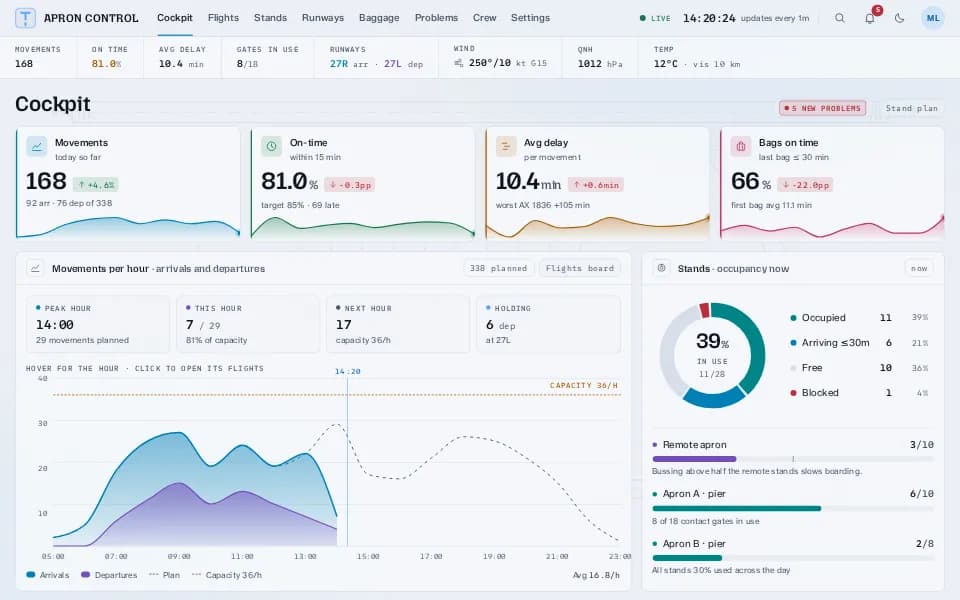
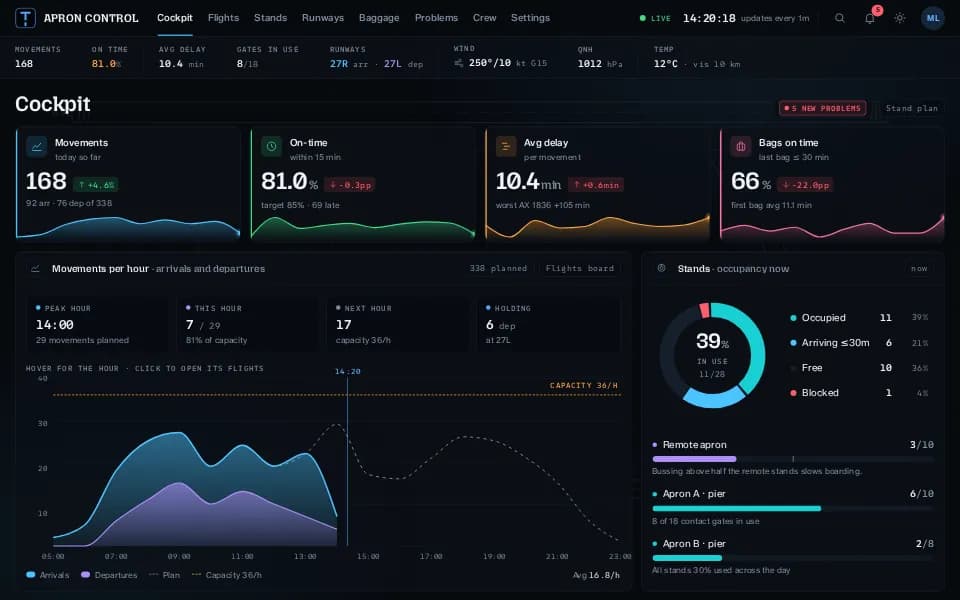
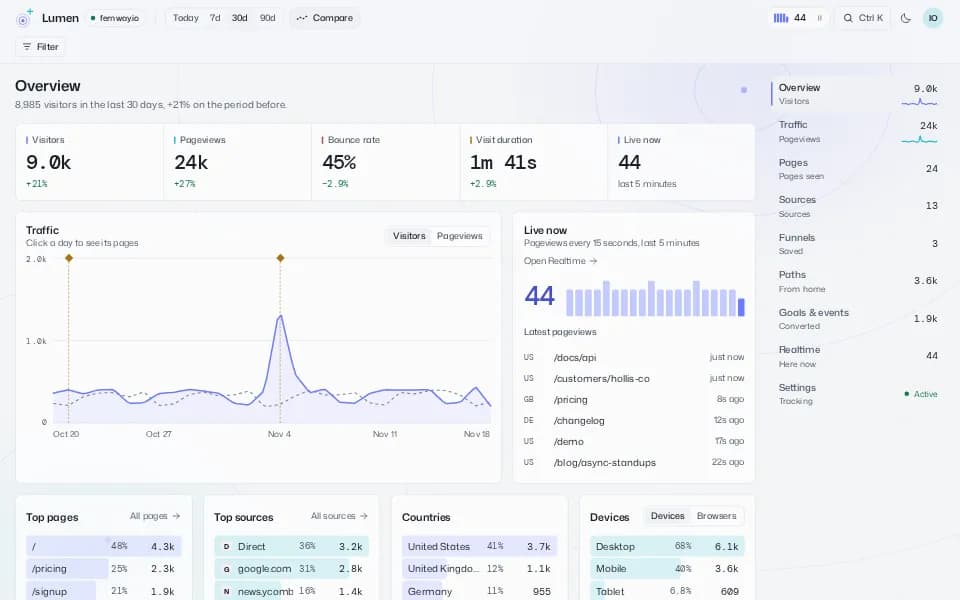
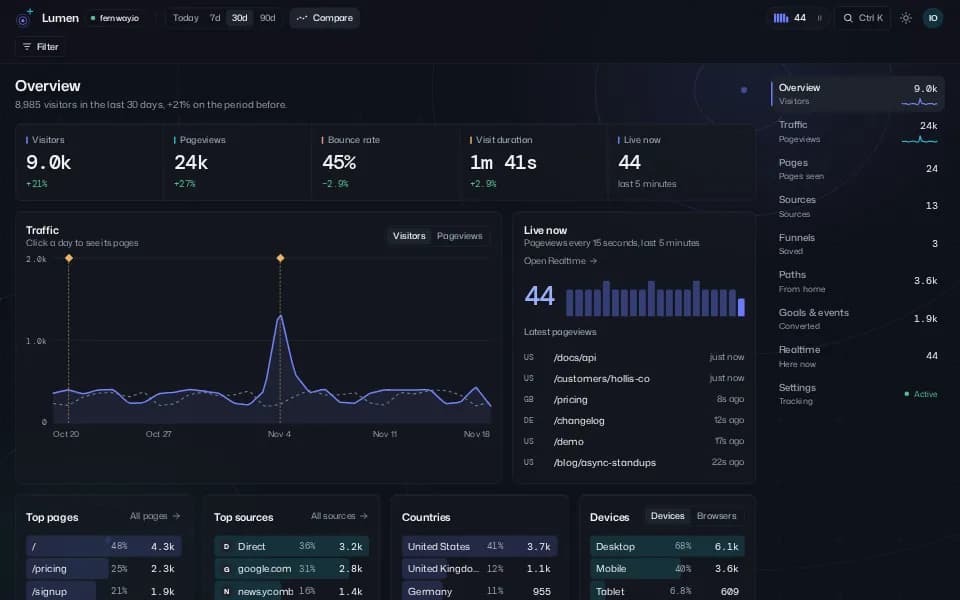
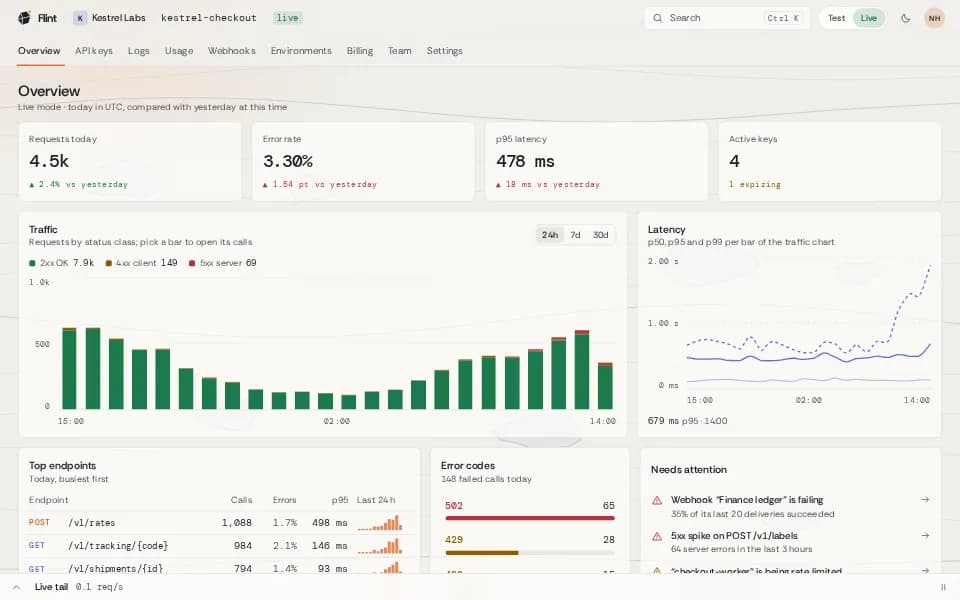
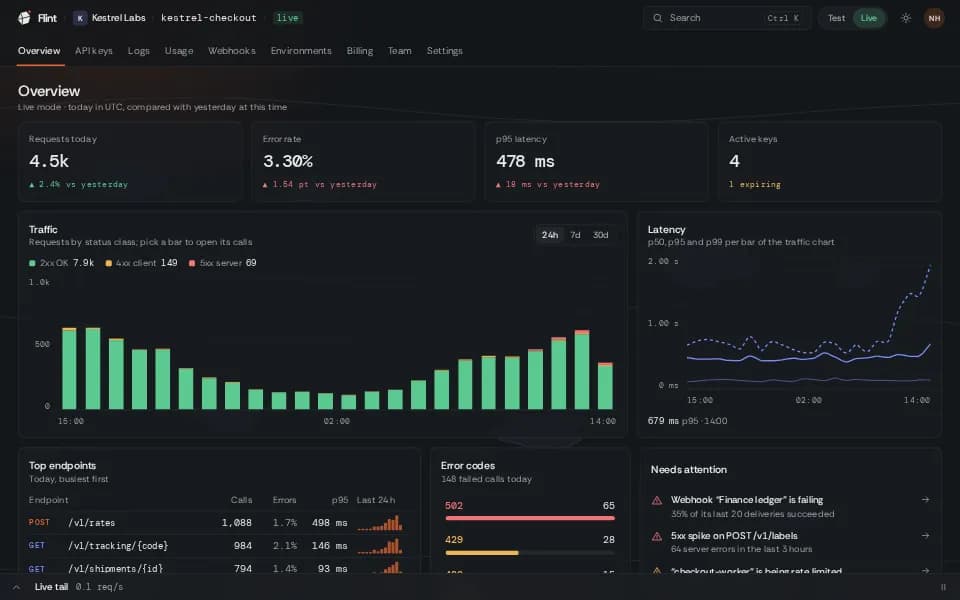
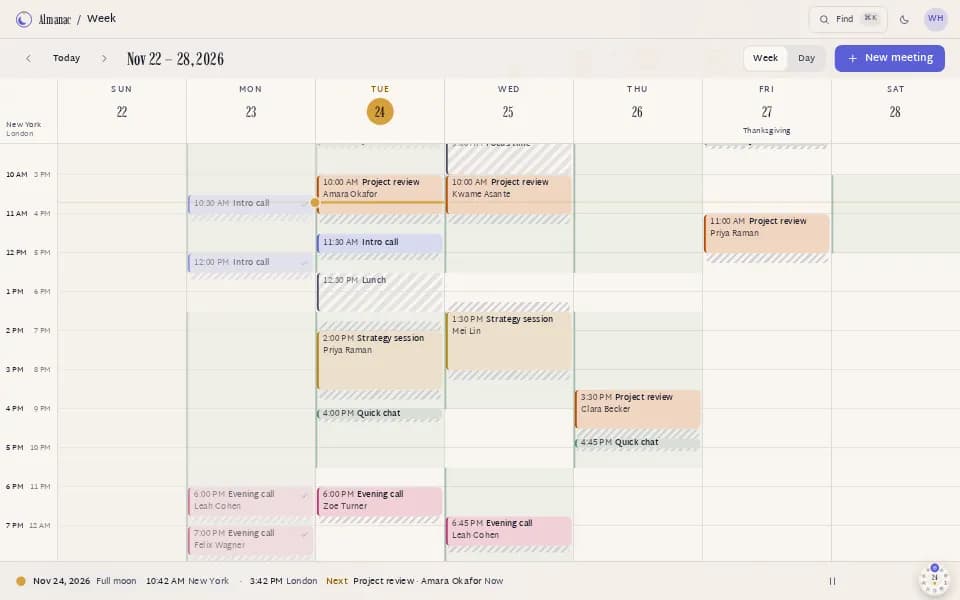
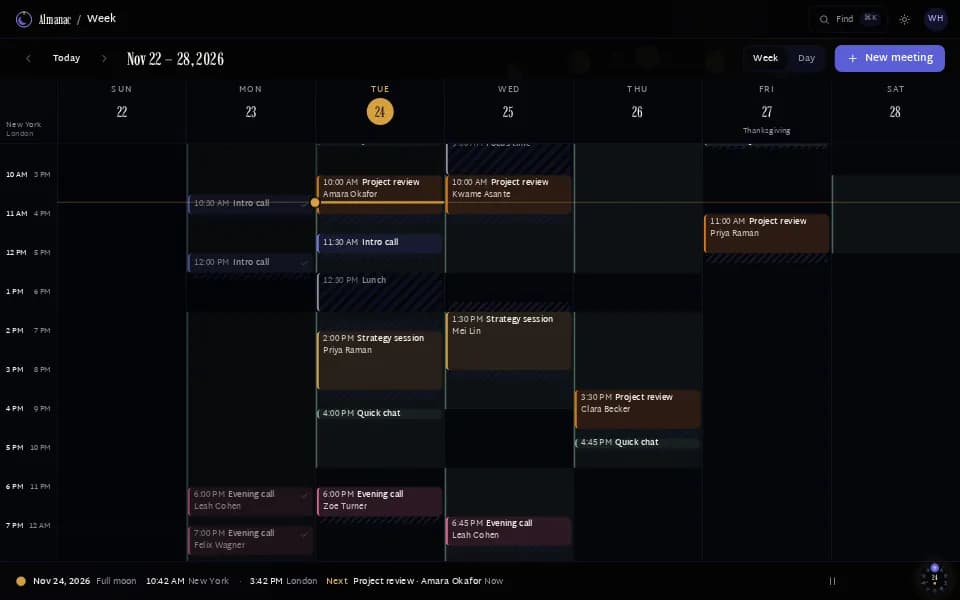
A calm SEO dashboard for site owners: one score per site, title suggestions from real search words, before-and-after changes, health checks and indexing.
Web
18페이지
$69
페이지 주소: /
아래에 더 있어요 ↓
기본 제공
제공 내용
라이트 및 다크사용 중인 테마 색상 적용
데스크톱, 태블릿 및 휴대폰지원하는 화면
패키지…
코드 크기…
배터리 절약30 fps, 멈춰 있을 땐 대기
숨겨지면 일시 정지화면 밖 또는 다른 탭
모션 줄이기원하는 사용자에겐 차분하게
변경할 때마다 검사
보안 검사 11월 28일
타입 검사TypeScript strict 모드
린트 및 포맷ESLint · Prettier
테스트 및 빌드라이트/다크 스크린샷
보안 감사높음 또는 심각 등급 권고 없음
패키지 공개 기간모든 버전 공개 후 7일 이상
대기 시 CPU대기 시 코어 절반 미만, 30 fps 이하
코드
이 앱에 이상한 점이 있나요? 피드백 보내기 ›
seo-ploverReact
seo-plover.tsxpageThe page: the sections in order.
content.tscontentEvery word and number: brand, nav links, each section's copy and lists.
theme.tsthemeThe colors as CSS variables, and the shared class strings.
README.mdreadmeHow to install it, and where to change the text, colors and form.
pagespagesOne file per page: the sections it shows, in order.
activity.tsxpageActivity: the log of who approved, undid or changed what and when (Rankloop's own moves too), grouped by day, filtered by kind and by person.
alerts.tsxpageAlerts: the notification center — what moved overnight across every site, grouped by day, filtered by All, Unread, Drops or Errors; opening one marks it read and goes where it is fixed.
chances.tsxpageChances: pages that could rank better, each with why and a suggested title built from the words people really type; approve, skip or edit each one.
changes.tsxpageChanges: every approved title, before against after (position and clicks), with a Measuring, Kept or Undone badge and Undo or Restore.
health.tsxpageHealth: the site's setup as a checklist in groups, each item pass, warn or fail with a one-line why it matters, and Re-check on the ones that need work.
indexing.tsxpageIndexing: how many of the site's pages Google has indexed, the climb over time, and the pages stuck waiting, each with Ask Google.
links.tsxpageLinks & listings: the directories the site is sent to (listed, pending, turned down) with add and remove, and the new links Google found on other sites.
overview.tsxpageOverview: one bento grid for the picked site — the SEO score, the picked range against the one before, the biggest problems, today's new chances, and indexing and health at a glance.
page-detail.tsxpagePage detail (#/page?path=/buttons/glow-button): one page of the site — its numbers and clicks over the picked range, the search words that find it, its title history and its own checks.
reports.tsxpageReports: this week's report as it will be emailed (headline numbers, titles that won, what's worth a look, what's next), Export PDF and Send a test, and the email schedule with its recipients.
search-detail.tsxpageSearch detail (#/search?q=glow+button): one search word — where the site ranks for it over the picked range, and which of the site's pages show for it, with Make main for the one that should win.
searches.tsxpageSearches: every search word that showed the site, with times shown, clicks, position and a small position trend; filter by page, sort any column; the range comes from the top bar.
settings.tsxpageThe settings page: its title and Appearance (style and theme).
sign-in.tsxpageThe sign-in page (#/sign-in): the form on a flat card, and beside it on wide screens the three things Rankloop does each morning, without the sidebar and top bar.
sites.tsxpageSites: every site Rankloop watches, its score and Google connection, with Open and remove; Add a site and Connect Google start the setup steps (pages/welcome.tsx).
team.tsxpageTeam & billing: four tabs — members and their roles (invite, change role, remove with Undo), plan and invoices, API keys (shown once when made, revoked) and integrations; the plan and integrations tabs live in sections/billing.tsx.
title-tests.tsxpageTitle tests: every approved title on a timeline — a 28-day bar from the day it went live that fills as days pass, a line at today, and each test's state: running (with Undo), winner, or undone (with Restore).
welcome.tsxpageSet up a site (#/welcome, #/welcome?site=tallgrass): the first-run steps — add the site, connect Google, pick the Search Console property, then the first scan with its progress.
sectionssectionsOne file per page section.
account-menu.tsxsectionThe account menu under the avatar in the top bar: who is signed in, Settings and Sign out; the arrow keys move through it, Escape, Tab or a click outside closes it.
appearance.tsxsectionSettings → Appearance: the style (Glass or Solid) and the theme (System, Dark or Light), each choice shown as a small preview.
billing.tsxsectionTeam & billing's Plan & billing tab (the plan with its usage, the three plans to switch between, invoices) and its Integrations tab (Search Console, Slack, email and a webhook, each switched on or off).
chance-row.tsxsectionOne chance: the page, where it sits, the search words that found it, its title now and the suggested one, with Approve as its one clear action (Skip and Edit beside it).
overview-tiles.tsxsectionOverview's bento tiles: the score, this week against last, the biggest problems, today's new chances, and small indexing and health tiles.
sidebar.tsxsectionThe sidebar: the logo, the site switcher, search with the command palette shortcut, and the page links in three groups (Grow, Site, Watch, with the unread alerts) with Team & billing and Settings at the foot; collapsed, only the icons show.
sign-in-form.tsxsectionThe sign-in form: email and password with their errors under them, show or hide the password, keep me signed in, and the demo account to fill in; a wrong pair says so above the fields.
site-gate.tsxsectionEvery site page's frame: the page heading, then the page itself for the site picked in the sidebar, or a calm note when that site isn't connected to Google or has no data yet.
site-switcher.tsxsectionThe site switcher at the top of the sidebar: the site showing now, and a menu of every site plus Manage sites; the arrow keys move through it, Escape, Tab or a click outside closes it.
top-bar.tsxsectionThe top bar: the menu button on narrow screens, the site and page you are on, the time range pill (on the pages it changes), search, the theme switch and the account menu.
partspartsWhat several sections share.
buildbuildWhat several sections share.
cardscardsWhat several sections share.
draw.tspartThe draw card style: cards just fade in, and the data does the show.
rowsrowsWhat several sections share.
count.tspartThe count row motion: each row on screen brightens from faint while its numbers (<Ticker>) count up, rounded every frame.
core.tsxpartThe page's build-in: on first load and on every page switch the cards arrive in the app's card style and their contents build: bars grow, lines draw, rings fill, the list rows on screen ripple in in the app's row motion, numbers count. The two picks are wired in ./index.ts.
index.tspartThe app's two build-in picks, wired here and nowhere else: its card style (cards/) and its row motion (rows/). npm run new-app copies only the two it is given (--cards, --rows).
appearance.tspartHow the app looks right now: dark or light, Glass or Solid, from Settings → Appearance, the page around it and the Style setting.
avatar.tsxpartA person's initials in a round badge, tinted with the primary.
backdrop.tsxpartThe Glass style's backdrop: what shows through the see-through panels, faded out in Solid; with followBackground it paints your background instead.
bits.tsxpartSmall pieces every page shares: a drawn monogram, a change chip, a status chip, a position sparkline, the score ring and the filter tabs.
command-palette.tsxpartThe command palette (⌘K or Ctrl K): type to find a page or an action, then Enter.
data-table.tsxpartA data table: a search box, columns that sort (aria-sort), still skeleton rows while loading, an empty note that clears the search, and rows you move through with the arrow keys, Home and End and open with Enter or a click.
dialog.tsxpartA centered modal dialog (a form, a confirm): rises in, plays its way out, Escape or a tap outside closes it, and the focus goes back where it was.
field.tsxpartA labeled form field (a text input or a select) with its error line under it, tied together for screen readers.
format.tspartHow numbers and dates are written: by Intl, the current language's way ("1,240", "1.240"; "Nov 19", "19 nov."). Add a helper here when a page needs money, times or a list.
icons.tsxpartThe logo and the line icons, drawn on a 24-unit grid with round ends.
language.tspartThe app's language: the words every page reads (useWords), how dates and numbers are written (parts/format.ts) and the reading direction. Picked in Settings → Appearance (or System: the page's own language) and kept in this browser; English is built in, any other language loads only when it shows (locales/list.ts).
line-chart.tsxpartA line chart with a flat, faint area under it, in the primary: the line draws itself in, the latest point marked, and new values roll the line to its new shape.
moments.tspartThe animations the sidebar, the sign-in card, menus, dialogs, the phone sheet and toasts play, timed by their moments in theme.ts.
motion.tspartMotion helpers: the reduced-motion check, live, and run-once-in-view.
router.tspartThe page switcher: reads the app's page from the address hash (#/settings, #/chances?show=skipped).
scroll-to-view.tspartScrolls an element into view moving only its own scroll container, never the page around it.
select-box.tsxpartA native select dressed to match the app: no browser arrow, a drawn chevron instead.
session.tspartWhether someone is signed in: a first visit is signed in as the demo account; Sign out holds until the next sign-in, and a sign-in without Keep me signed in lasts only this tab.
sheet.tsxpartThe phone sheet: a modal panel that springs in from the left with the sidebar; Escape, a tap outside or its close button slides it away.
site.tspartThe site every page shows, picked in the sidebar's switcher (the first site until one is picked, or when the picked one is removed), and the time range picked in the top bar.
stat-row.tsxpartA row of number cards for the detail pages: a label, the number counting to its value, and an optional line under it.
states.tsxpartThe data states every page shares: a calm skeleton while loading, an error with Try again, and an empty note with a way out.
store.tspartThe app-wide state several parts share: the theme mode and style (kept in the browser) and the toasts.
ticker.tsxpartA number that counts up while its page builds in, and rolls to its new value whenever it changes.
toasts.tsxpartThe toasts: short notes that confirm what just happened, at the bottom end.
use-api.tspartLoads data through the fake API with loading, error and retry, remembering each answer so a page you come back to shows at once.
use-dialog.tspartOpens and closes a native <dialog> as a modal; on close it plays its way out first (data-closing), so dialogs, sheets and the palette never vanish in one frame.
datadataThe pretend data and the fake API: swap it for your backend.
account.tsdataThe demo account: who is signed in (the account menu shows them) and the email and password the sign-in page takes.
activity.tsdataThe pretend activity log: who did what and when, newest first. The demo's own saves (approve, undo, skip, re-check...) add to it through `record`, so it shows what you just did.
alerts.tsdataThe pretend alerts: what changed overnight that someone should look at (a drop, a sitemap error, a page Google removed), newest first. Each links to where it is fixed.
api-more.tsdataThe fake API for the detail and account screens (page and search detail, alerts, reports, activity, team and billing, first-run setup). Like data/api.ts: replace a body with a fetch to your backend that returns the same shape.
api.tsdataThe fake API: every page loads and saves through these functions, so wiring a real backend (your Search Console reader) happens here only.
checks.tsdataThe pretend site setup: the health checklist, what Google has indexed and where other sites link in.
pages.tsdataThe pretend detail of one page and one search word, built from the rest of data/: a page's searches, clicks over time, title history and its own checks; a search word's position over time and which of the site's pages compete for it.
searches.tsdataThe pretend search words: what people typed in Google, which page showed, how often it showed and was clicked, and where it sat, over 28 days.
sites.tsdataThe pretend sites Rankloop watches: two connected to Google, one waiting to be connected, each with its score parts and this week against last.
team.tsdataThe pretend team and billing: members and their roles, the plans and the one you are on, invoices, API keys and the places Rankloop sends alerts (Slack, email, a webhook).
titles.tsdataThe pretend title work: chances (pages that could rank better, each with the search words that found it and a suggested title) and changes (titles already approved, before against after).
localeslocalesEvery word the app shows, one JSON file a language; list.ts names them.
en.jsoncontentOne language's words, with the keys of en.json.
list.tscontentThe languages the app offers: English only for now (en.json, the source). To add one, copy en.json, translate it and add a line with its load(). English is built in; the rest load only when picked. TypeScript checks each file has en.json's keys, scripts/check-locales.mjs the rest (no extra keys, plural forms, {slots}).
seo-plover.tsx
The page: the sections in order.
불러오는 중…
이럴 때 좋아요
Site owners and SEO tools: a quiet, data-first dashboard for search results, titles, health, indexing and links across sites.
작동 방식
Overview ranks the biggest problem first; approve a suggested title and Changes shows position and clicks before and after.
사용 방법
Edit words in content.ts and colors in theme.ts, and swap the bodies in data/api.ts for calls to your backend.