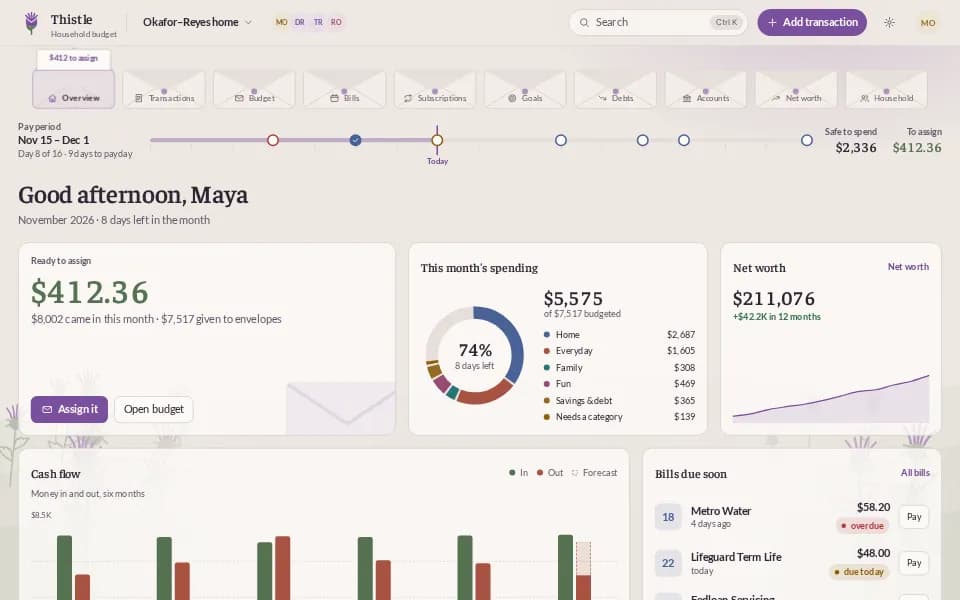
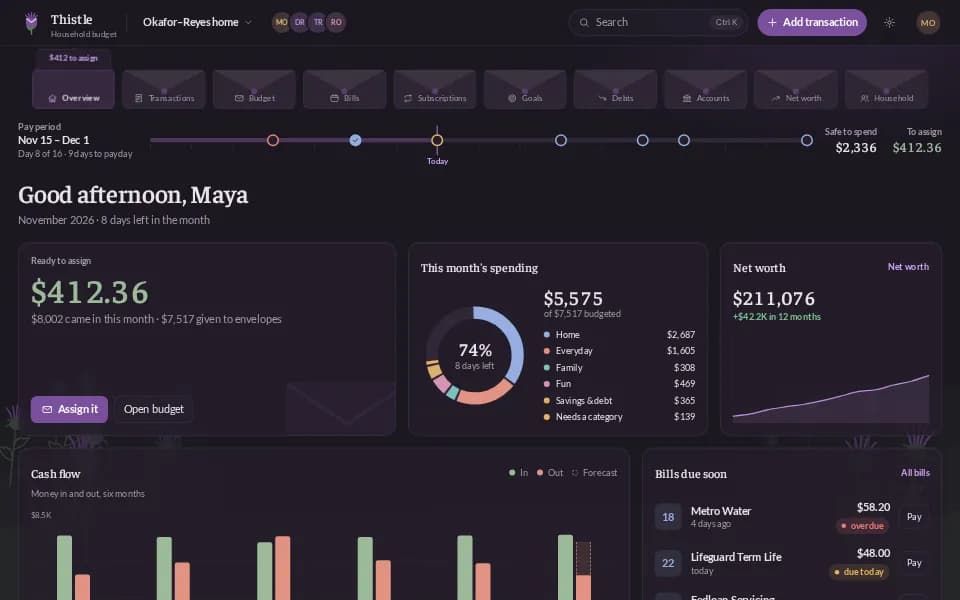
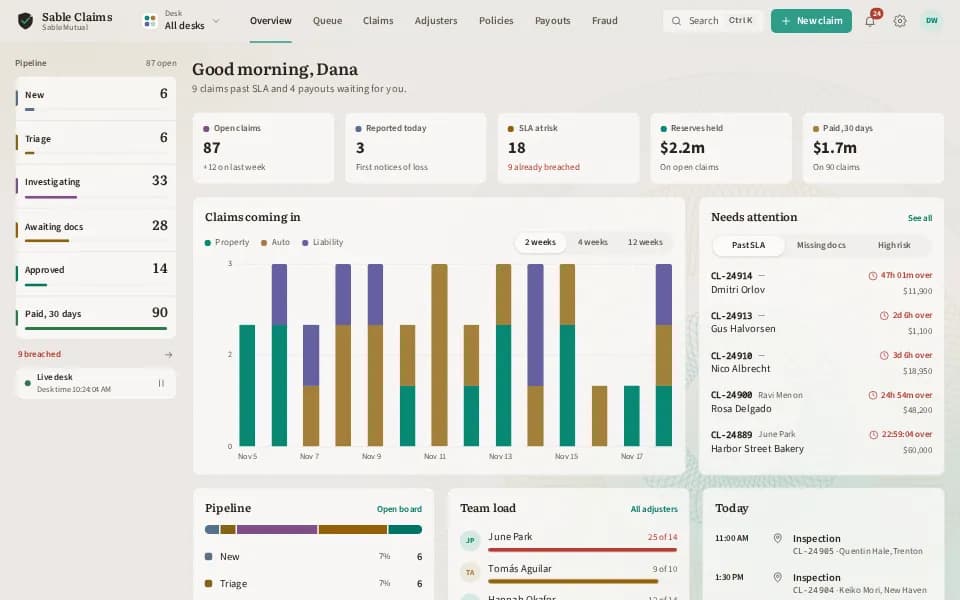
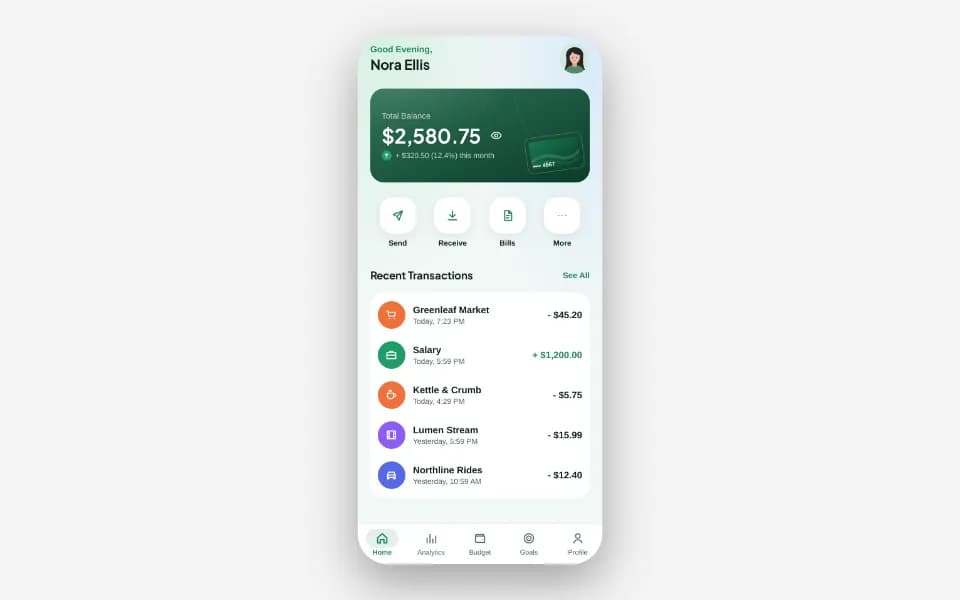
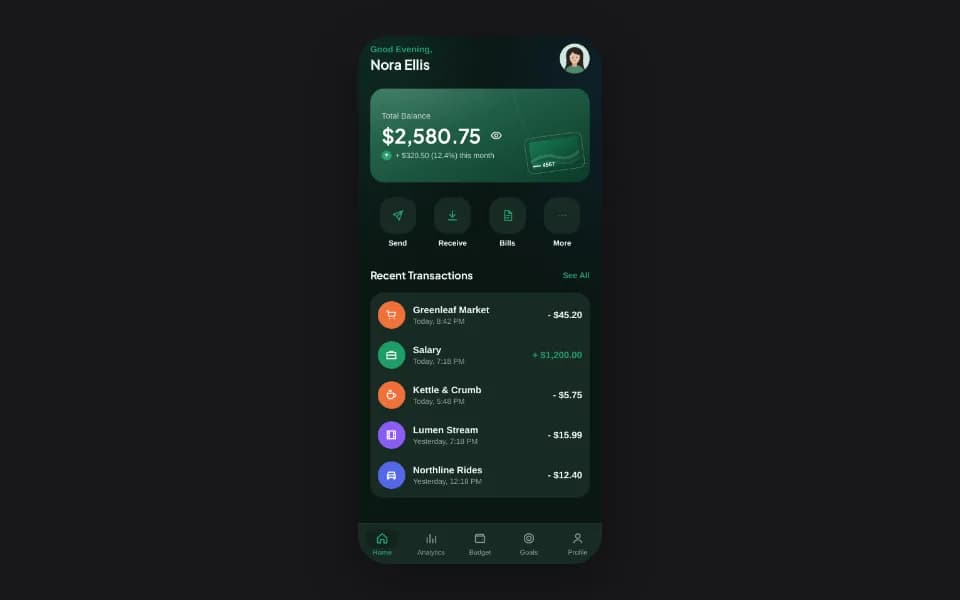
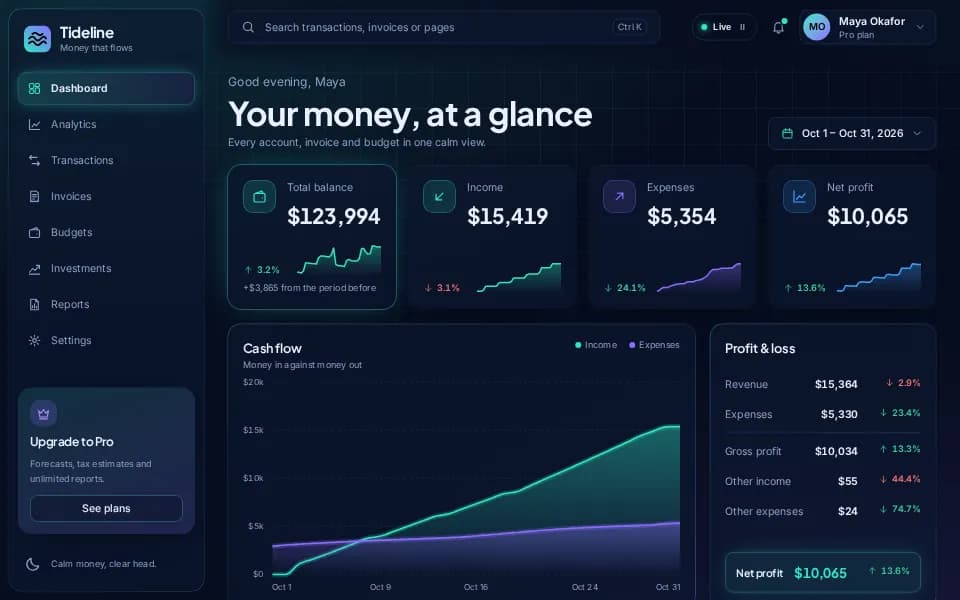
A household money app on liquid glass over a soft drawn mesh of color: accounts, cards, transactions, budgets, goals, bills and reports.
Web
10 pagina's
$69
Pagina-adres: /
Meer hieronder ↓
Ingebouwd
Wat je krijgt
Licht en donkerGebruikt de kleuren van je thema
Desktop, tablet en telefoonDe schermen waarvoor het is gebouwd
Pakketten…
Codegrootte…
Zuinig voor de batterij30 fps, rust als er niets beweegt
Pauzeert als het verborgen isBuiten beeld of ander tabblad
Minder bewegingRustig voor wie erom vraagt
Bij elke wijziging gecheckt
TypecheckTypeScript strict
Lint en opmaakESLint · Prettier
Tests en buildScreenshots in licht en donker
BeveiligingsauditGeen hoge of kritieke advisories
Leeftijd van pakkettenElke versie al 7+ dagen openbaar
CPU in rustOnder een halve core in rust, ≤ 30 fps
Code
Klopt er iets niet met deze app? Feedback sturen ›
money-lumenReact
money-lumen.tsxpageThe page: the sections in order.
content.tscontentEvery word and number: brand, nav links, each section's copy and lists.
theme.tsthemeThe colors as CSS variables, and the shared class strings.
README.mdreadmeHow to install it, and where to change the text, colors and form.
pagespagesOne file per page: the sections it shows, in order.
accounts.tsxpageAccounts (#/accounts): every account grouped by kind with its group's total (groups side by side on wide screens, each tile with its change this month), net worth on top, archived ones on request, a new account (?new=1), and each account's own page (#/accounts/<id>).
bills.tsxpageBills (#/bills): what bills and subscriptions cost a month and what is due this week, then views (?view=): Upcoming, a month Calendar whose days show their bills, Subscriptions and Paused; a new bill (?new=1) and each bill's own page (#/bills/<id>).
budgets.tsxpageBudgets (#/budgets): one month at a time (?m=), what was budgeted, spent and left, every budget's meter with what rolled over, spending with no budget yet, a new budget (?new=1) and each budget's own page (#/budgets/<category>).
cards.tsxpageCards (#/cards): every card as its face with what it spent this month and a quick freeze, a new card (?new=1) with a live preview of its face, and each card's own page (#/cards/<id>).
goals.tsxpageGoals (#/goals): every open goal as a ring card in priority order, dragged by its grip (or moved with Space and the arrows) to reorder with Undo, the reached ones below, a new goal (?new=1) and each goal's own page (#/goals/<id>).
overview.tsxpageOverview (#/): net worth that rolls up, this month at a glance (each tile with its change, top category or saving rate, and the next bill), the cash flow line with its glass lens, the spending donut, budgets, goals, the card wallet, recent transactions and bills coming up; every tile opens its own filtered list.
reports.tsxpageReports (#/reports): six or twelve months (?r=) of averages, money in and out as bars (each month opens its transactions), net worth with assets and debts on the lens line, and the spending categories month by month; the months export as CSV.
settings.tsxpageSettings (#/settings): tabs (?tab=) for your Profile, the Household who shares the money, the spending and income Categories, Notifications and Appearance (style, theme and language).
sign-in.tsxpageThe sign-in page (#/sign-in): the drawn backdrop behind a glass card with the form, and beside it on wide screens a glass note of what the household saved this month, without the rail and header.
transactions.tsxpageTransactions (#/transactions): the filtered list, one transaction's own page (#/transactions/<id>), and the form for a new one (?new=1) with a live preview of the row it will make.
sectionssectionsOne file per page section.
account-detail.tsxsectionOne account on its own page: its balance, then tabs: Activity (its latest transactions), Balance (a year of month-end balances with the lens) and Details (the editor, archive with Undo).
account-form.tsxsectionThe account editor (new or existing): name, bank, kind, owner, balance and rate or limit, with a live preview of its tile, checks before saving, and Undo.
account-menu.tsxsectionThe account menu under the avatar in the top bar: who is signed in, Settings and Sign out; the arrow keys move through it, Escape, Tab or a click outside closes it.
account-tile.tsxsectionOne account as a glass tile: bank, name, whose it is, the balance rolling to its value with its change this month, and how much of a card's limit is used or what it earns.
appearance.tsxsectionSettings → Appearance: the style (Glass or Solid) and the theme (System, Dark or Light), each choice shown as a small preview, and the language (System or one of locales/list.ts).
bill-detail.tsxsectionOne bill on its own page: what it costs and when it is due next, then tabs: Payments (what was paid, as bars and a list), Settings (the editor) and actions to pay now, pause or resume, cancel or delete, each with Undo.
bill-form.tsxsectionThe bill editor: name, bill or subscription, amount, how often, the next due day, category, account, a reminder and autopay, with a live preview of the next three due days and the monthly cost, checks before saving, and Undo.
bill-parts.tsxsectionA bill in a list (due day, rhythm, autopay and reminder, Mark paid with Undo) and the month calendar with each due bill as a dot; a day picked shows its bills.
budget-detail.tsxsectionOne budget on its own page: this month against the limit, then tabs: History (six months of spending against the limit), Transactions (this month's) and Settings (the editor, delete with Undo).
budget-form.tsxsectionThe budget editor: the category (new ones only), a monthly limit and rollover, with a live meter of this month against the new limit, checks before saving, and Undo.
card-detail.tsxsectionOne card on its own page: its face (frost settles over it when frozen), then tabs: Controls (freeze, where it works, a monthly limit with a live meter, replace or remove), Activity and Details.
goal-detail.tsxsectionOne goal on its own page: its ring and numbers, then tabs: Progress (saved so far and where the current pace lands by the date, against the target), Contributions (add money in or out, delete with Undo) and Settings (the editor, mark reached, delete with Undo).
goal-form.tsxsectionThe goal editor: name, target, date, the account it saves into, an icon and a color, with a live preview of its ring and what it needs a month, checks before saving, and Undo.
overview-flow.tsxsectionOverview's charts: the cash flow line (the running net over a month, six months or a year, a lens gliding along it, a click opens that stretch's transactions) and this month's spending donut.
overview-plans.tsxsectionOverview's plan and list cards: budgets this month, goal rings, the card wallet, recent transactions and the bills coming up; each row opens its own page.
settings-money.tsxsectionSettings → Categories (rename, reorder within a group, add, delete moving its money to another, each with Undo where it can be) and Notifications (bill reminders, budget warnings, big payments, low balances).
settings-people.tsxsectionSettings → Profile (your name and email, checked, saved with Undo) and Household (who shares the money: change a role, remove someone with Undo, invite a partner or a viewer).
sidebar.tsxsectionThe glass rail: logo, search with the palette shortcut, the page links in two groups under a liquid droplet that glides (and stretches) to the page you open, and the household at the foot; collapsed, only the icons show.
sign-in-form.tsxsectionThe sign-in form: email and password with their errors under them, show or hide the password, keep me signed in, and the demo account to fill in; a wrong pair says so above the fields.
split-editor.tsxsectionSplit a transaction across categories: a bar that previews the parts as you type, what is left to place, a check that the parts add up before saving, and Undo.
top-bar.tsxsectionThe header pill: the menu button on narrow screens, a greeting (or the page's name), search, the live sync dot, a quick add, the theme switch and the account menu, on one rounded glass pill that floats over the page.
transaction-detail.tsxsectionOne transaction on its own page: the amount and where it happened, then tabs: Details (category, note and tags, each saved with Undo), Split (the split editor) and History (every change).
transaction-list.tsxsectionThe transactions list: search, filters and sort kept in the address (so Back returns to them), what the shown rows add up to, rows to pick for a bulk re-categorize, tag or delete (with Undo), and more rows on demand.
transaction-row.tsxsectionOne transaction in a list: its category badge, payee, category and account, the date and the signed amount; a row that arrives live slides in from the top. Optionally a checkbox for picking rows.
partspartsWhat several sections share.
buildbuildWhat several sections share.
cardscardsWhat several sections share.
odometer.tsxpartThe odometer card style: cards rise while every number rolls digit by digit to its value.
rowsrowsWhat several sections share.
rise.tspartThe rise row motion: each row on screen rises 8px from faint.
core.tsxpartThe page's build-in: on first load and on every page switch the cards arrive in the app's card style and their contents build: bars grow, lines draw, rings fill, the list rows on screen ripple in in the app's row motion, numbers count. The two picks are wired in ./index.ts.
index.tspartThe app's two build-in picks, wired here and nowhere else: its card style (cards/) and its row motion (rows/). npm run new-app copies only the two it is given (--cards, --rows).
appearance.tspartHow the app looks right now: dark or light, Glass or Solid, from Settings → Appearance, the page around it and the Style setting.
avatar.tsxpartA person's initials in a round badge, tinted with the primary.
backdrop.tsxpartThe backdrop: a drawn mesh of four big soft color clouds behind the glass, dusky in dark and near-white pastel in light, drifting very slowly. With followBackground it paints your background instead.
bulk-bar.tsxpartThe bar that rises over a list once rows are picked: how many, the actions for all of them, and a way to drop the pick.
charts.tsxpartThe smaller charts: grouped bars (money in and out by month, each month a button), a donut whose slices and legend open their list, and a sparkline.
command-palette.tsxpartThe command palette (⌘K or Ctrl K): type to find a page or an action, then Enter.
confirm.tsxpartA guarded action's second step: a small dialog that says what will happen, with Cancel and the action in red.
csv.tspartExport CSV: turns rows into a CSV file and hands it to the browser to save.
dates.tspartCalendar days as "YYYY-MM-DD" strings and months as "YYYY-MM": the pretend data and every page count days this way, in local time.
dialog.tsxpartA centered modal dialog (a form, a confirm): rises in, plays its way out, Escape or a tap outside closes it, and the focus goes back where it was.
drag-list.tspartDrag to reorder (a list or a grid): grab an item by its handle with a mouse, a pen or a finger and it lifts where you took it, the others glide out of its way (FLIP), the page scrolls near the window's edges, Escape puts everything back. From the keyboard: Space lifts, the arrows move, Space drops, Escape cancels.
field.tsxpartA labeled form field (a text input or a select) with its error line under it, tied together for screen readers.
filters.tsxpartA list's search and filters, all kept in the address: a search box, a select per filter, the active ones as chips that remove themselves, and Clear filters.
flip.tspartFLIP: when cards change place, each one glides from where it was to where it is now instead of jumping.
format.tspartHow numbers and dates are written: by Intl, the current language's way ("1,240", "1.240"; "Nov 19", "19 nov."). Add a helper here when a page needs money, times or a list.
icons.tsxpartThe logo and the line icons, drawn on a 24-unit grid; stroke, ends, joins, size and corners come from theme.ts (they follow your Icon Studio).
language.tspartThe app's language: the words every page reads (useWords), how dates and numbers are written (parts/format.ts) and the reading direction. Picked in Settings → Appearance (or System: the page's own language) and kept in this browser; English is built in, any other language loads only when it shows (locales/list.ts).
ledger.tspartWhat the pages work out from the book: totals, spending by category, the cash flow and net worth over time, budgets left, goal pace, bills due. One rule each, so a tile and the list it opens always count alike.
line-chart.tsxpartThe line chart: the line draws itself on, its area glows under it, and a frosted glass lens glides along it under the pointer (or the arrow keys); a click opens what that point stands for. A new range morphs the line in place.
liquid-glass.tsxpartLiquid glass: every panel is frosted glass with a bright fixed rim and an inset highlight (theme.ts GLASS, a plain CSS blur), the same in every browser.
liquid-marker.tspartThe selected marker that moves like a drop of liquid: shared by every segmented control, tab row and the nav droplet.
moments.tspartThe animations the sidebar, the sign-in card, menus, dialogs, the phone sheet and toasts play, timed by their moments in theme.ts.
motion.tspartMotion helpers: the reduced-motion check, live, and run-once-in-view.
page.tsxpartWhat every page is built from: its heading row, glass cards that build in, link tabs, a stat tile, the loading skeleton and a back link.
router.tspartThe page switcher: reads the app's page from the address hash (#/settings, #/?status=open).
save.tspartThe book every page reads, saving through the fake API (the screen catches up, a toast says what happened, with Undo where it can be undone), and category names in the reader's language.
scroll-to-view.tspartScrolls an element into view moving only its own scroll container, never the page around it.
select-box.tsxpartA native select dressed to match the app: no browser arrow, a drawn chevron instead.
session.tspartWhether someone is signed in: a first visit is signed in as the demo account; Sign out holds until the next sign-in, and a sign-in without Keep me signed in lasts only this tab.
sheet.tsxpartThe phone sheet: a modal panel that springs in from the left with the sidebar; Escape, a tap outside or its close button slides it away.
states.tsxpartThe data states every page shares: a calm skeleton while loading, an error with Try again, and an empty note with a way out.
store.tspartThe app-wide state several parts share: the theme mode and style (kept in the browser) and the toasts.
ticker.tsxpartA number that counts up while its page builds in, and rolls to its new value whenever it changes.
toasts.tsxpartThe toasts: short notes that confirm what just happened, at the bottom end.
ui.tsxpartThe small parts every page shares: a segmented switch whose glass pill glides to the pick, a switch, a progress bar, category badges, signed amounts, card headings and a checkbox.
use-api.tspartLoads data through the fake API with loading, error and retry, remembering each answer so a page you come back to shows at once.
use-dialog.tspartOpens and closes a native <dialog> as a modal; on close it plays its way out first (data-closing), so dialogs, sheets and the palette never vanish in one frame.
wallet.tsxpartPayment cards: a card face in one of five looks (frosted over when frozen), and a wallet of them fanned from one corner that spreads on hover and slides a picked card to the front.
datadataThe pretend data and the fake API: swap it for your backend.
account.tsdataThe demo account: who is signed in (the account menu shows them) and the email and password the sign-in page takes.
api-plans.tsdataThe fake API's saves for plans and settings: budgets, goals and their contributions, bills, categories, the household and alerts.
api.tsdataThe fake API: every page loads and saves through these functions (and data/api-plans.ts), so wiring a real backend happens here only.
book.tsdataThe household's money as the fake API keeps it in memory: replaced whole on every save, so each answer is a new snapshot and pages redraw.
seed-bills.tsdataThe pretend household's bills and subscriptions, each with its due day and the last payments, counted from today.
seed-transactions.tsdataA year of pretend transactions, made the same way every time (a seeded random), counted back from today: pay days, bills on their days, groceries, coffee, trips.
seed.tsdataThe pretend household: Maya and Sam's accounts, cards, categories, budgets, goals and bills. Dates count from today, so the demo always looks current.
types.tsdataThe shapes of everything the fake API loads and saves. Money is in cents (integers): 1234 is $12.34; money out is negative.
localeslocalesEvery word the app shows, one JSON file a language; list.ts names them.
en.jsoncontentOne language's words, with the keys of en.json.
es.jsoncontentOne language's words, with the keys of en.json.
list.tscontentThe languages the app offers, in the picker's order: one JSON file each, en.json the source. To remove one, delete its file and its line; to add one, copy es.json, translate it and add a line. English is built in; the rest load only when picked. TypeScript checks each file has en.json's keys, scripts/check-locales.mjs the rest (no extra keys, plural forms, {slots}).
money-lumen.tsx
The page: the sections in order.
Laden…
Goed voor
One person or a couple running their own money: balances, budgets, savings goals and bills in one calm place.
Hoe het werkt
Net worth rolls up, the cash-flow line draws on under a glass lens, cards fan like a wallet and every tile opens its list.
Hoe je het gebruikt
Edit words in content.ts and colors in theme.ts, and swap the bodies in data/api.ts for calls to your backend.