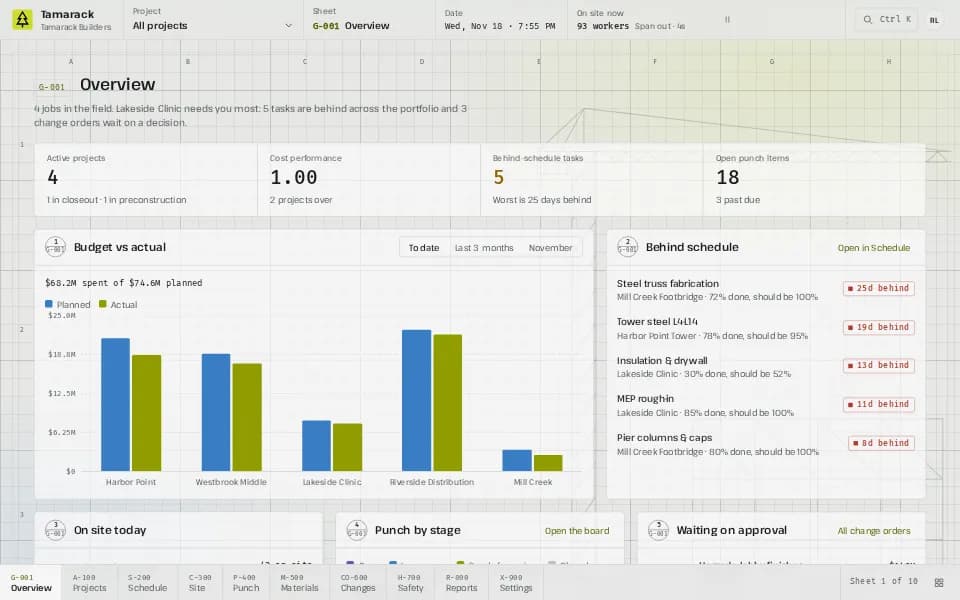
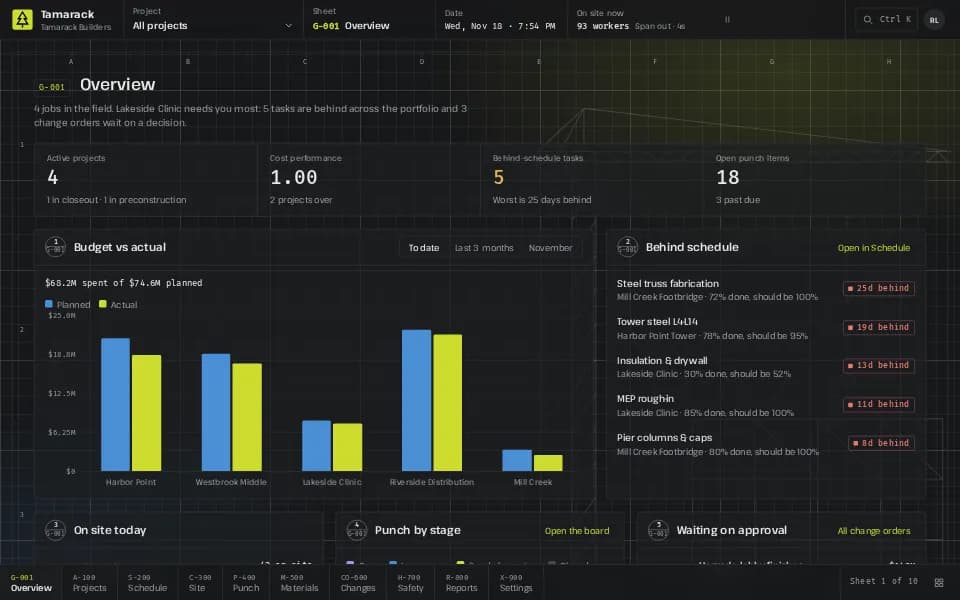
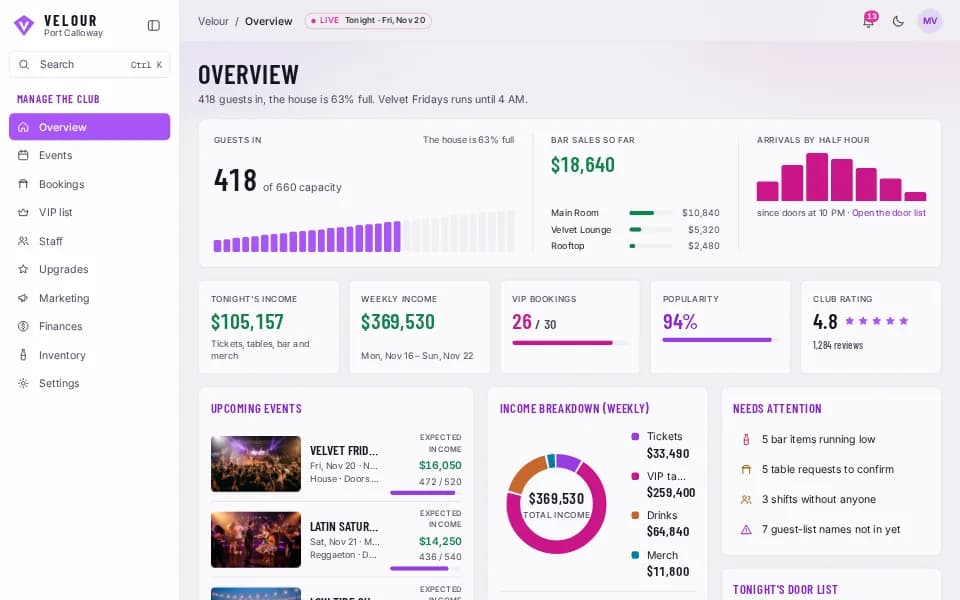
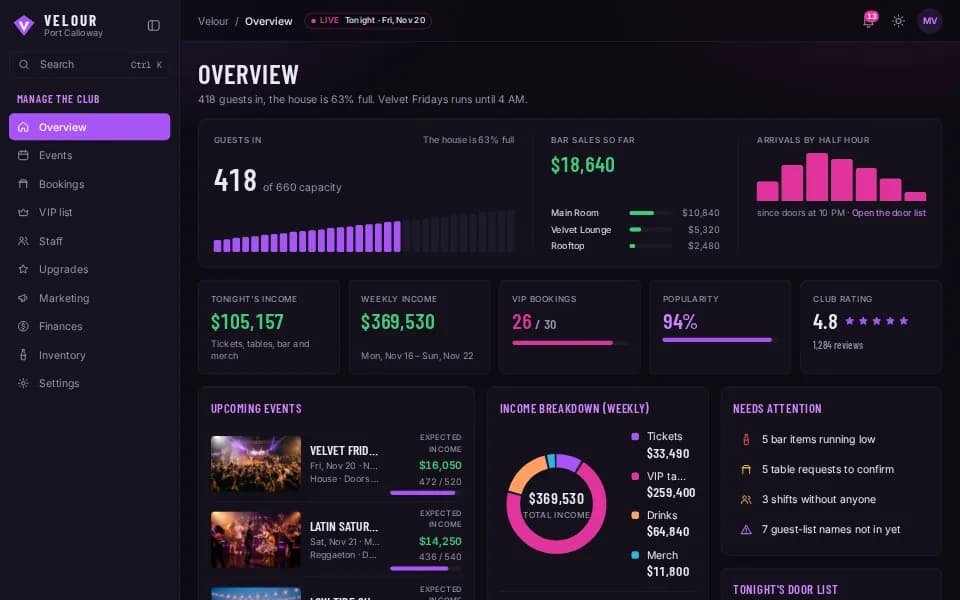
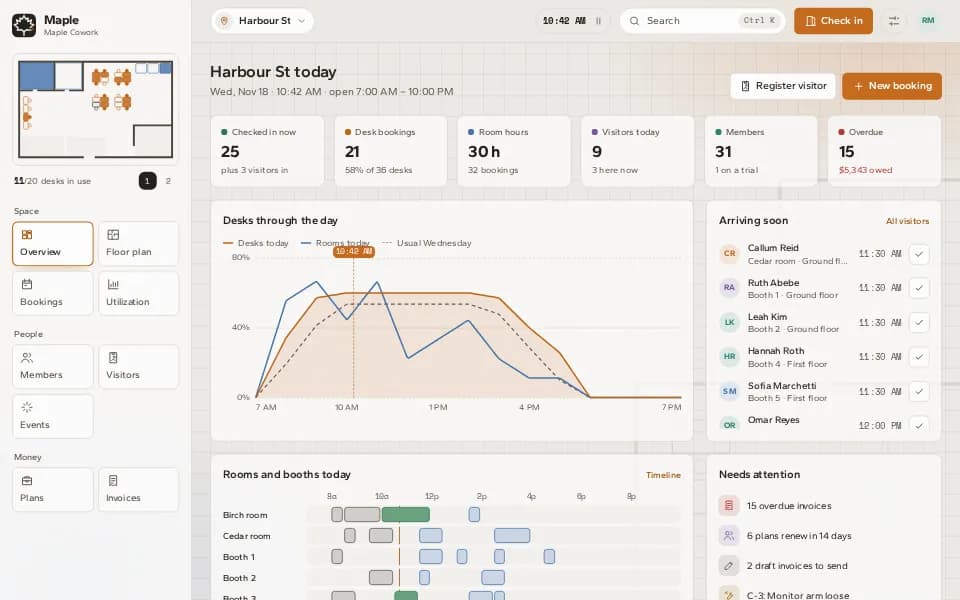
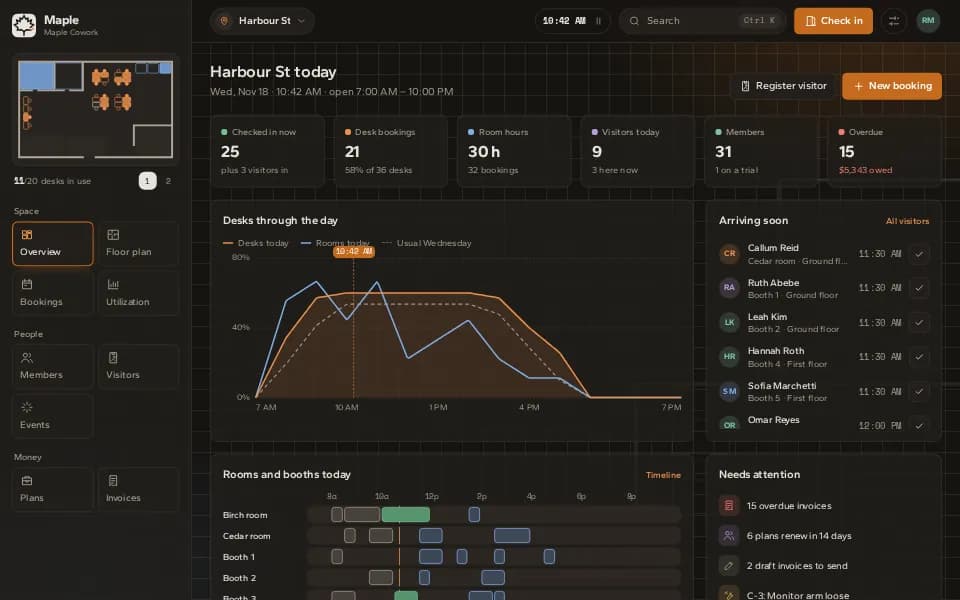
A home-services dispatch app in eight pages, with navy glass panels, a live technician ring, and a dispatch button that flies each ticket to its technician.
Web
9 stron
$69
Adres strony: /
Więcej poniżej ↓
Wbudowane
Co dostajesz
Jasny i ciemnyUżywa kolorów twojego motywu
Komputer, tablet i telefonEkrany, dla których powstał
Pakiety…
Rozmiar kodu…
Oszczędza baterię30 fps, bezczynny w spoczynku
Pauza, gdy niewidocznyPoza ekranem lub w innej karcie
Mniej ruchuSpokojny dla osób, które o to proszą
Sprawdzane przy każdej zmianie
Sprawdzanie typówTypeScript w trybie strict
Lint i formatowanieESLint · Prettier
Testy i buildZrzuty ekranu w jasnym i ciemnym
Audyt bezpieczeństwaBrak ostrzeżeń wysokich i krytycznych
Wiek pakietówKażda wersja publiczna od 7+ dni
CPU w spoczynkuPoniżej pół rdzenia w spoczynku, ≤ 30 fps
Kod
Coś nie tak z tą aplikacją? Wyślij opinię ›
service-wrenchReact
service-wrench.tsxpageThe page: the sections in order.
content.tscontentEvery word and number: brand, nav links, each section's copy and lists.
theme.tsthemeThe colors as CSS variables, and the shared class strings.
README.mdreadmeHow to install it, and where to change the text, colors and form.
content-auth.tspartThe words of the sign-in screen, the profile menu and Settings → Your profile (content.ts passes them on).
content-edit.tspartThe words of editing and deleting requests, technicians and customers (content.ts passes them on).
content-pages.tspartThe words of every page after Overview, in sidebar order (content.ts passes them on).
pagespagesOne file per page: the sections it shows, in order.
customers.tsxpageCustomers: search and zone over everyone on file, a paged table with jobs, spend and last visit, and each customer's page with their history.
invoices.tsxpageInvoices: what is outstanding, overdue and paid this month, status tabs and search over every bill, a paged table and each invoice on its own page.
overview.tsxpageOverview: today's numbers, the request list, the day line, the technician ring and the dispatch bar, laid out as the dispatch desk's first screen.
reports.tsxpageReports: a range of days in numbers, revenue per day, jobs by service and the top technicians; switching the range rolls every number and morphs the chart.
requests.tsxpageRequests: status tabs, filters from the address as chips, search and a paged table; one request opens as its own page, a new one in a side drawer.
schedule.tsxpageSchedule: a crew's day as lanes you drag jobs onto, or its week as a grid of job counts, with the crew and day pickers.
settings.tsxpageSettings: the company form (details, zones, notifications), the services and prices, Your profile (with the password) and Appearance (colors, style and theme).
sign-in.tsxpageThe sign-in screen, on its own: the work email and password form on a glass panel (with the forgot-password flow), and on wide screens a drawn dispatch board. Signing in opens Overview.
technicians.tsxpageTechnicians: the roster by status, skill and zone, as cards a page at a time, each technician on their own page.
sectionssectionsOne file per page section.
appearance.tsxsectionSettings → Appearance: the style (Glass or Solid) and the theme (System, Dark or Light), each choice shown as a small preview.
company-form.tsxsectionSettings → Company: name, phone, email and hours, the zones served and the notifications, saved through the API with their errors.
customer-detail.tsxsectionOne customer on their own page: Edit and Delete, contact, jobs and spend, their recent visits, and a new request for them.
customer-form.tsxsectionThe customer form (add or edit, in a dialog): name, street, zone (the town follows) and phone with their errors; and a customer page's Edit and Delete, the delete confirmed (or held while a job is open) and undoable.
day-board.tsxsectionThe day board: a lane per technician of the crew across 8 AM to 6 PM, the waiting jobs in a tray above, and jobs you drag (or move with the keyboard) onto a lane and a time.
dispatch.tsxsectionOverview's dispatch: the bar with the waiting count and its Dispatch now button, and the dialog that picks a request and a technician and sends the ticket flying to the ring.
invoice-detail.tsxsectionOne invoice on its own page: who it bills, the charges that add up to the job's price, its due day, and Send or Mark paid.
invoice-table.tsxsectionThe Invoices table: number and service, customer, job and due days, amount and status; a row opens the invoice.
invoice-void.tsxsectionAn invoice's Void: a dialog that asks why, then voids it with Undo in the toast.
kpis.tsxsectionOverview's three numbers (requests, completed jobs, revenue), each ticking up to its value with the change against the span before.
overview-row.tsxsectionOverview's second row: what needs attention, today by zone, and today's services, each line opening the list behind it.
profile-form.tsxsectionSettings → Your profile: name, email and phone (the role is set by the company), and a password change, each saved through the account API with their errors.
profile-menu.tsxsectionThe avatar in the top bar and its menu: who is signed in, Your profile, Settings, the theme and Sign out. Arrow keys move through it, Escape closes it.
request-actions.tsxsectionA request page's Edit and Delete: the request form in a dialog, and a confirm before it is deleted (with Undo in the toast).
request-bulk.tsxsectionThe bar over the Requests table while rows are selected: how many, Mark urgent, Delete (after a confirm) and Clear; each save has Undo.
request-detail.tsxsectionOne request on its own page: Edit and Delete, the customer, the visit, its progress, and the next step (dispatch, start, finish, back to the queue or its invoice).
request-filters.tssectionThe Requests list's filters, all read from the address: days (or one day, or since a day), service, zone, urgent and search, with a chip for each one set.
request-form.tsxsectionThe request form: new (in the side drawer) or an edit of one (in a dialog on its page) — customer, service, day, time, urgency and, on an edit, the estimate, with their errors. A new request joins the queue and opens; an edit saves with Undo.
request-overview.tsxsectionOverview's request list: today's requests by status tab, five at a time, each opening its page.
request-table.tsxsectionThe Requests table: one row per request with a box to select it, its customer, time, technician and status; a row opens its page.
service-catalog.tsxsectionSettings → Services and prices: the catalog new requests are booked from, each service with its visit length and estimate; add, edit and retire, each with Undo.
sidebar.tsxsectionThe sidebar: the brand, who is signed in, the page links, the live count of free technicians with a bar per zone, and the system status.
sign-in-art.tsxsectionThe sign-in screen's art on wide screens: a drawn dispatch board, the technician ring with three tickets on their way to it.
sign-in-reset.tsxsectionThe sign-in screen's other steps: the reset form and the sent screen, and the heading every step shares.
tech-detail.tsxsectionOne technician on their own page: Edit and Remove, profile and skills, their status (set it), this week's load, today's jobs, and a waiting job to give them.
tech-form.tsxsectionThe technician form (add or edit, in a dialog): name, zone, crew and skills with their errors; and a technician page's Edit and Remove, the removal confirmed and undoable.
tech-picker.tsxsectionThe technician choice for a request: free technicians with the skill, nearest first, as a radio list (the dispatch dialog and the request page).
tech-roster.tsxsectionThe technician cards: face and status, zone and crew, skills, rating and today's job count; a card opens the technician's page.
tech-status.tsxsectionOverview's technician ring: free technicians in the middle, a slice per status, and the legend with each count.
todays-schedule.tsxsectionOverview's day line: one visit in each two-hour block from just before now, on a time rail, with its status.
top-bar.tsxsectionThe top bar: the menu button on narrow screens, the wide search field that opens the command palette, urgent requests, the theme switch and who is signed in.
week-grid.tsxsectionThe week grid: the crew down the side, the days across, each cell the day's job count shaded by load; a cell opens that day on the board.
partspartsWhat several sections share.
buildbuildWhat several sections share.
cardscardsWhat several sections share.
turn.tspartThe turn card style: cards swing in like work orders turned over, hinged on their left edge; a card taller than the screen (data-build-tall) swings in flat. A card that holds list rows never hides them: it fades up from 0.3 at once, and its rows ripple in top-down from the page start.
rowsrowsWhat several sections share.
count.tspartThe count row motion: each row on screen brightens from faint while its numbers (<Ticker>) count up, rounded every frame.
core.tsxpartThe page's build-in: on first load and on every page switch the cards arrive in the app's card style and their contents build: bars grow, lines draw, rings fill, the list rows on screen ripple in in the app's row motion, numbers count. The two picks are wired in ./index.ts.
index.tspartThe app's two build-in picks, wired here and nowhere else: its card style (cards/) and its row motion (rows/).
appearance.tspartHow the app looks right now: dark or light, Glass or Solid, from Settings → Appearance, the page around it and the Style setting.
area-chart.tsxpartA smooth area chart that draws in as its page builds in and morphs to the new shape when its values change (a range switch).
avatar.tsxpartA drawn avatar: the person's initials on a two-tone disc whose hue turns from the primary by their id, so a preset recolors every face.
backdrop.tsxpartThe Glass style's backdrop: a dispatch-blue light behind the sidebar, a faint green one low on the right and a fine dot grid, faded out in Solid. It never moves; with followBackground it paints your background instead.
board-cards.tsxpartThe schedule board's job cards: a job on a lane or in the tray, and the lifted card that follows the pointer while it is dragged.
chart-path.tspartA chart's line and area paths in each curve Chart Studio has (straight, smooth, step), and the classes that let a Chart Studio curve swap them in CSS.
command-palette.tsxpartThe command palette (⌘K or Ctrl K): type to find a page or an action, then Enter.
confirm.tsxpartA confirm dialog for a step that removes something: what will happen, Keep and the red action. Without `yes` it only explains (a step that can't run yet).
desk.tspartThe dispatch desk every page reads: loaded once through the fake API, changed by saves (with Undo), and the counts the pages share worked out from it.
dialog.tsxpartA centered modal dialog (a form, a confirm): rises in, plays its way out, Escape or a tap outside closes it, and the focus goes back where it was.
drag.tspartThe schedule board's drag engine: mouse and pen drag at once, touch after a short press (a swipe still scrolls), the grabbed point kept under the pointer, edge auto-scroll, Escape to cancel, and the keyboard path (Space, arrows, Space).
drawer.tsxpartThe side drawer (the new request form): springs in from the right, Escape, a tap outside or its close button slides it away, and the focus goes back where it was.
field.tsxpartA labeled form field (a text input or a select) with its error line under it, tied together for screen readers.
flight.tspartThe dispatch flight: a ticket chip arcs from where a dispatch was sent to the technician ring, and the ring kicks when it lands.
format.tspartHow numbers, money, days and times are written: US style, in one place.
icons.tsxpartThe logo and the line icons, drawn on a 24-unit grid with round ends.
item-actions.tsxpartA detail page's Edit and Delete: the edit form in a dialog, and a confirm before the delete (which the page saves with Undo).
list-bits.tsxpartThe bits every list page shares: the page head, status tabs that are links, the search box and the pager.
motion.tspartMotion helpers: the reduced-motion check, kept up to date, plus the app's keyframes and page build-in CSS.
pill.tsxpartThe status pills (requests, technicians, invoices): a tone per status, and a color wipe from the left when a status changes in front of you.
ring.tsxpartThe technician ring: one slice per status around the count of free technicians; the ring fills around as its page builds in and the slices glide when a count changes.
router.tspartThe page switcher: reads the app's page from the address hash (#/requests?status=pending, #/requests/REQ-1001) and shows a new page at once.
scroll-to-view.tspartScrolls an element into view moving only its own scroll container, never the page around it.
select-box.tsxpartA native select dressed to match the app: no browser arrow, a drawn chevron instead.
session.tspartWhether someone is signed in, and who: the app opens signed in as the demo account; Sign out holds until someone signs in again.
sheet.tsxpartThe phone sheet: a modal panel that springs in from the left with the sidebar; Escape, a tap outside or its close button slides it away.
states.tsxpartThe data states every page shares: a calm skeleton while loading, an error with Try again, and an empty note with a way out.
store.tspartThe app-wide state several parts share: the theme mode and style (kept in the browser) and the toasts.
ticker.tsxpartA number that counts up while its page builds in, and rolls to its new value whenever it changes.
tiles.tsxpartA row of number tiles (Overview, Invoices, Reports): each a link to the list behind it, its number counting up as the page builds in.
toasts.tsxpartThe toasts: short notes that confirm what just happened, bottom right.
use-api.tspartLoads data through the fake API with loading, error and retry, remembering each answer so a page you come back to shows at once.
use-dialog.tspartOpens and closes a native <dialog> as a modal; on close it plays its way out first (data-closing), so dialogs, sheets and the palette never vanish in one frame.
datadataThe pretend data and the fake API: swap it for your backend.
api-account.tsdataThe fake account API: signing in, the reset email and the profile of the person signed in. Wire your auth backend here only.
api-catalog.tsdataThe fake API for the service catalog (Settings → Services and prices): it saves through data/api.ts, so the whole desk follows.
api.tsdataThe fake API: every page loads and saves through these functions, so wiring a real backend happens here only.
jobs.tsdataThe pretend service requests: eight weeks of history, today around the demo's clock and the bookings ahead, each technician's day planned in order so no two jobs overlap.
people.tsdataThe pretend technicians and customers, rolled from seeded dice so every load shows the same people.
seed.tsdataThe pretend company's building blocks: services, zones, names and the seeded dice the people and jobs are rolled from.
service-wrench.tsx
The page: the sections in order.
Ładowanie…
Dobry do
Plumbing, HVAC and electrical companies that take service calls, send technicians, plan the day and bill the jobs in one place.
Jak to działa
Dispatch a technician and the ticket flies to the ring, statuses change and every count follows. Drag jobs on the board, send and mark invoices.
Jak używać
Edit words in content.ts and colors in theme.ts, and swap the bodies in data/api.ts for calls to your backend.