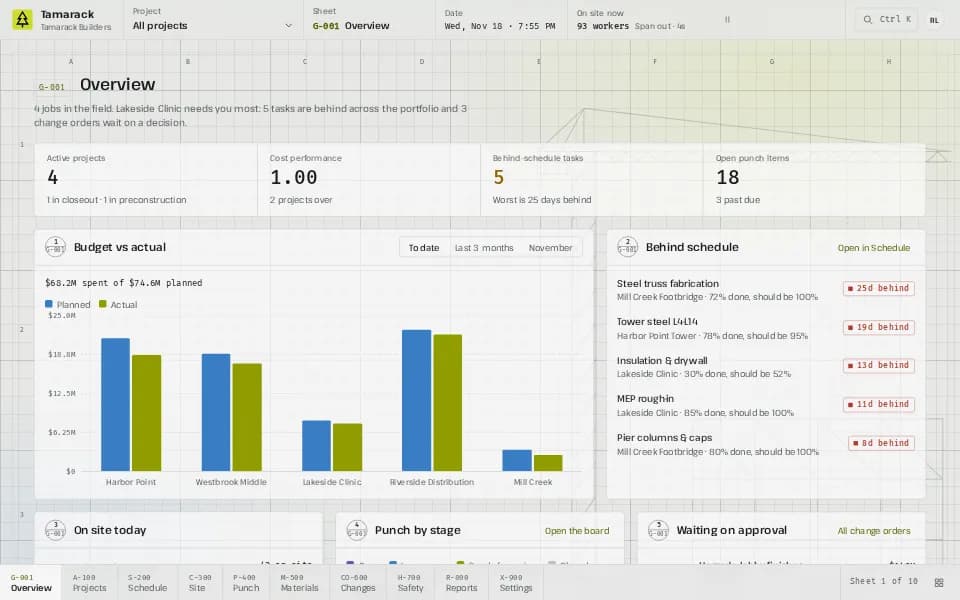
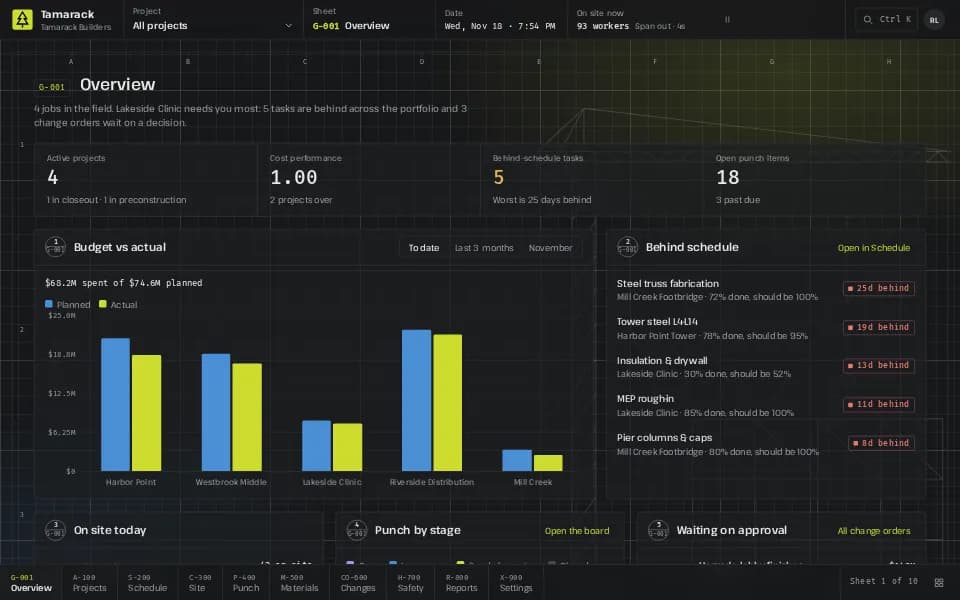
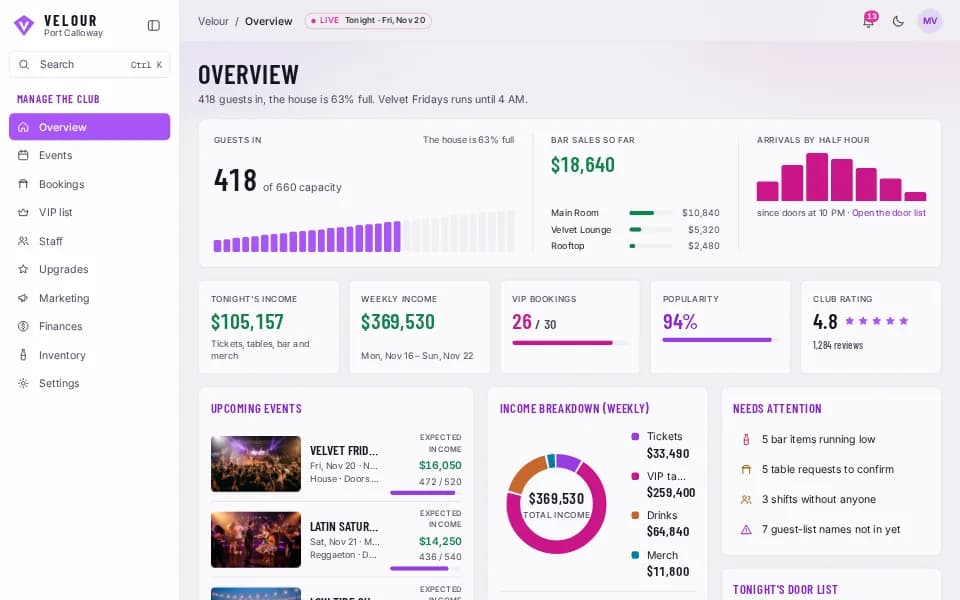
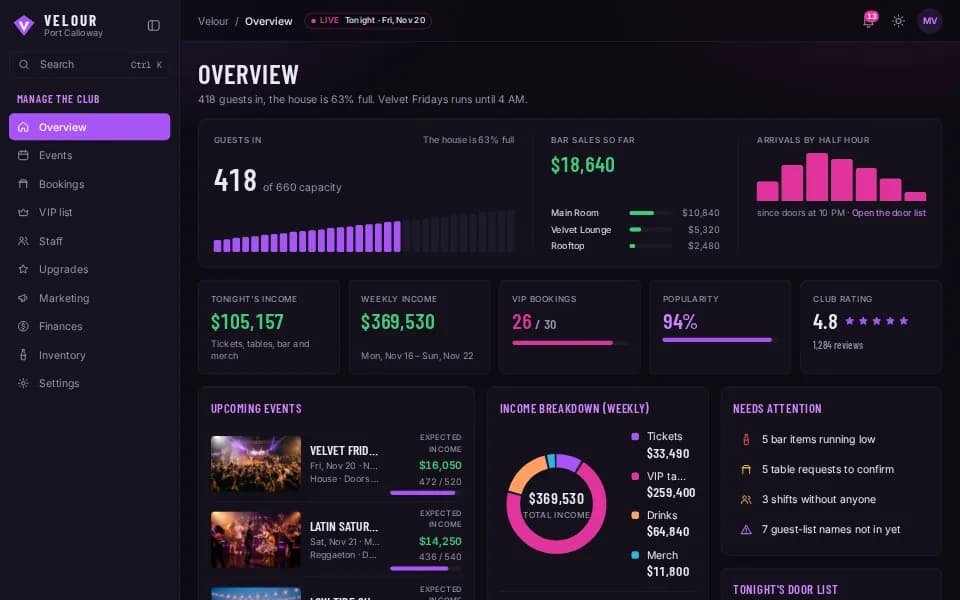
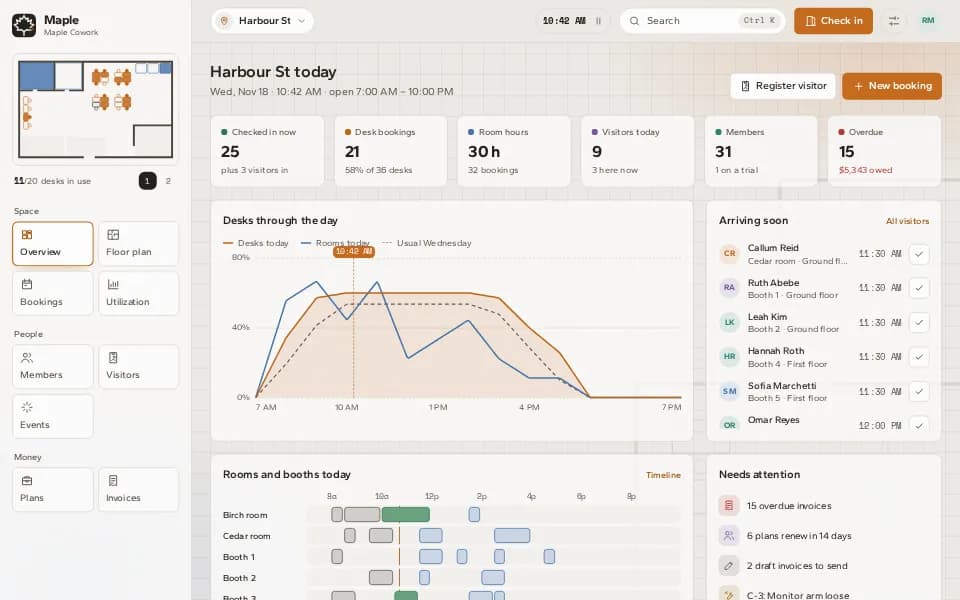
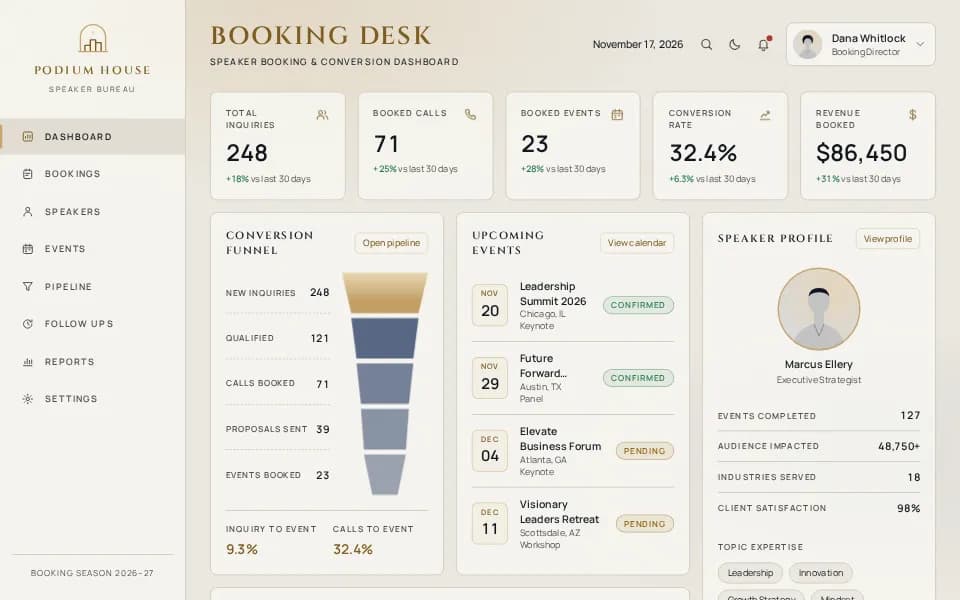
A CRM and sales pipeline in nine pages: plum glass over a drawn globe chart, a quota meridian under the tabs, a deal board you drag between stages, deal and contact pages, activities, forecast and win-rate reports.
Web
10 páginas
$69
Endereço da página: /
Mais abaixo ↓
Já incluído
O que você recebe
Claro e escuroUsa as cores do seu tema
Desktop, tablet e celularAs telas para as quais foi feito
Pacotes…
Tamanho do código…
Leve para a bateria30 fps, em repouso quando parado
Pausa quando ocultoFora da tela ou em outra aba
Reduzir movimentoCalmo para quem pede
Verificado a cada mudança
Verificação de tiposTypeScript strict
Lint e formataçãoESLint · Prettier
Testes e buildCapturas de tela claras e escuras
Auditoria de segurançaSem alertas de gravidade alta ou crítica
Idade dos pacotesToda versão pública há 7+ dias
CPU em repousoMenos de meio núcleo em repouso, ≤ 30 fps
Código
Algo errado com este app? Enviar feedback ›
sales-meridianReact
sales-meridian.tsxpageThe page: the sections in order.
content.tscontentEvery word and number: brand, nav links, each section's copy and lists.
theme.tsthemeThe colors as CSS variables, and the shared class strings.
README.mdreadmeHow to install it, and where to change the text, colors and form.
content-account.tspartThe words of the sign-in screen, the profile menu and changing the password.
content-edits.tspartThe words of editing and deleting: a deal, a note, an activity, a person and a company.
content-more.tspartThe words of Companies, Activities, Reports and Settings, and the bulk bar every list shares.
content-pages.tspartThe words of Pipeline, a deal's page, Contacts and a contact's page.
content-team.tspartThe words of Settings → Pipeline (the open stages) and Settings → Team (the reps).
pagespagesOne file per page: the sections it shows, in order.
activities.tsxpageActivities: the toolbar (search, type, owner), the week strip, the grouped list with bulk actions, the week by type, and the task dialog (new or edit).
companies.tsxpageCompanies: the toolbar (search, industry, size, targets), the chips, the accounts table with bulk target marking and an Edit column, the New and Edit company dialog, and the side cards: open pipeline by industry and the top accounts.
contact.tsxpageOne person's own page: Back, who they are and how to reach them, Edit and Delete, three numbers, then the Overview, Deals, Timeline and Emails tabs.
contacts.tsxpageContacts: the toolbar (search, owner, company, stage, going quiet), the filter chips, the table with bulk actions, the side cards, and the New contact dialog.
deal.tsxpageOne deal's own page: its head and stage stepper, the history with its composer and tabs, and beside them the details, next steps, people, win odds and related deals.
home.tsxpageOverview: the greeting and its pace sentence, the five key numbers, pipeline by stage and quota pace, today's calendar, the deals at risk and your tasks, then the team, sources and recent activity.
pipeline.tsxpagePipeline: the toolbar (search, owner, company and source, Board or List), the filter chips, then the deal board or the deals list, and the New deal dialog.
reports.tsxpageReports: forecast by month and stage conversion, win rate by rep and by source, days to win and why deals close.
settings.tsxpageSettings: one tab each for the profile and password, the pipeline's stages, the team, notifications, appearance and the demo data.
sign-in.tsxpageThe sign-in screen: the quota meridian and what the app does on one side, the glass sign-in panel on the other, with the Forgot password flow ending on a sent screen.
sectionssectionsOne file per page section.
activity-list.tsxsectionThe activities list, grouped Overdue, Today, Upcoming and Done: tick one off, tick several for bulk actions (done, move to tomorrow or next Monday, delete with Undo); each row opens its Edit dialog.
activity-side.tsxsectionActivities' week strip (each day's open count, a tap shows that day), the week by type card and the team load.
appearance.tsxsectionSettings → Appearance: the style (Glass or Solid), the theme (System, Dark or Light) and the color preset, each choice shown as a small preview.
company-form.tsxsectionThe company dialog: New company while the address has ?new=company, Edit (with Delete, which offers Undo, once no deal or person is left at it) while it has ?edit=<id>; and the table's Edit column.
contact-table.tsxsectionThe contacts table with bulk actions (assign an owner, set the stage, delete with Undo), and the side cards: people by stage and the ones going quiet.
deal-head.tsxsectionA deal's head: Back to the list it came from, its name, company, amount and owner, the stage stepper that moves it (with Undo), Mark won or lost, and Delete (with Undo).
deal-history.tsxsectionA deal's history panel: log a note, call or meeting at the top, then the Timeline, Emails and Files tabs.
deal-list.tsxsectionThe deals as a sortable list with bulk actions: move the ticked deals to a stage, assign them, or delete them after a confirm.
deal-side.tsxsectionA deal's side column: its details (edited in place), its win odds against history and its risks, and the other deals at the same company.
deal-steps.tsxsectionA deal's next steps (tick off, add one with a due date) and the people on it with their roles (add someone from the company, change a role, remove).
dock.tsxsectionThe phone dock: the four busiest pages and More, which opens a sheet with the rest; only where the tabs don't fit.
edit-contact.tsxsectionA person's Edit and Delete: the Edit dialog checks the name and email and saves through the API; Delete asks first, goes back to the list and offers Undo.
forecast.tsxsectionForecast by month: one stacked bar per month (won, commit, best case, pipeline), 3 or 6 months, morphing between them; every segment opens the deals it counts.
history.tsxsectionA record's history, shared by the deal and contact pages: the timeline of moves, calls, meetings and notes on one rail, the email thread, and a deal's files.
home-deals.tsxsectionOverview's attention and team blocks: the deals at risk with why, each rep's won value against quota, pipeline by source and the latest activity.
home-kpis.tsxsectionOverview's head: the greeting with one sentence on pace, then five key numbers in one strip, each opening the list it counts.
home-today.tsxsectionOverview's day: today's calls and meetings on a time rail with a now line (yours or the team's), and your tasks overdue or due today, each ticked off in place.
meter.tsxsectionThe quota meridian under the top bar: won and committed against the quarter's quota, with a tick at today's pace; it draws in once, on first load.
new-contact.tsxsectionThe New contact dialog, open while the address has ?new=contact: its form checks the name and email and saves through the API.
new-deal.tsxsectionThe New deal dialog, open while the address has ?new=deal: its form checks each field and saves through the API, and the deal lands in Lead.
note-entry.tsxsectionA note on a timeline: its text, then Edit (in place, Save or Escape) and Delete (with Undo).
password-form.tsxsectionSettings → Profile's password form: the current password, a new one twice, each checked, then saved through the API.
pipeline-board.tsxsectionThe deal board: a column per stage with its total and weighted value, deal cards you drag (or move with the keyboard) between stages, saved through the API with Undo.
profile-menu.tsxsectionThe avatar's menu: who is signed in (name, email, role), then Profile, Settings, the dark theme switch and Sign out; arrow keys move through it and Escape closes it.
quota-pace.tsxsectionQuota pace: money won so far, added up, against the straight pace line to quota; the quarter or the year, morphing between them, with a dot per month that opens the deals won in it.
report-cards.tsxsectionReports' other cards: stage conversion, win rate by rep and by source (this quarter or 12 months), days to win, and why deals close.
settings-forms.tsxsectionSettings' forms, each saved through the API: the profile, the notifications, and the demo data reset behind a confirm.
sign-in-steps.tsxsectionThe sign-in screen's Forgot password steps: the reset form, then the sent screen.
sign-in-story.tsxsectionThe sign-in screen's story side: one line on what the app does, the quota meridian drawing its won share, and three points.
stage-bars.tsxsectionPipeline by stage: one bar per open stage, its value and deal count, filling in turn from Lead to Negotiation as the page builds in; each opens that stage's deals.
stages-editor.tsxsectionSettings → Pipeline: the open stages in board order, each moved earlier or later, edited (name and win odds) or deleted, its deals moving to a stage picked, with Undo; and Add stage.
task-form.tsxsectionThe activity dialog: New task while the address has ?new=task, and Edit (with its owner and Delete, which offers Undo) while it has ?edit=<id>.
team-editor.tsxsectionSettings → Team: each rep with their role, quota and numbers; Invite rep, edit a role or quota, and remove a rep after picking who takes over their deals, people and tasks, with Undo.
top-bar.tsxsectionThe top bar: the mark, the page tabs with their sliding marker, search, the New menu, the theme switch and the profile menu.
partspartsWhat several sections share.
buildbuildWhat several sections share.
cardscardsWhat several sections share.
iris.tspartThe iris card style: each card opens as a circle from its center; a card that holds list rows (data-build-list) just fades up from 0.3 with the page start while its rows ripple in.
rowsrowsWhat several sections share.
avatar.tspartThe avatar row motion: each row's face (data-build="face") pops first, then the row's other parts follow from faint.
core.tsxpartThe page's build-in: on first load and on every page switch the cards arrive in the app's card style and their contents build: bars grow, lines draw, rings fill, the list rows on screen ripple in in the app's row motion, numbers count. The two picks are wired in ./index.ts.
index.tspartThe app's two build-in picks, wired here and nowhere else: its card style (cards/) and its row motion (rows/).
appearance.tspartHow the app looks right now: dark or light, Glass or Solid and the color preset, from Settings → Appearance, the page around it and the Brand settings.
backdrop.tsxpartThe Glass style's backdrop: a drawn survey chart (meridians and parallels of a globe) and two soft washes, one fixed layer behind the app, faded out in Solid; with followBackground it paints your background instead.
bar-chart.tsxpartA bar chart: bars grow in as the page builds in (data-build), and the picked bar (in the primary), its guide line and tooltip glide to the bar you point at or pick with the arrow keys; a new range morphs the bars instead of drawing them again.
bits.tsxpartSmall shared pieces: a titled panel, the data-state switch, initials avatars, a segmented switch and a company mark.
board-model.tspartA board as data: every card's place (one order) and column, and how a move changes them.
board.tsxpartA board of columns and cards: drag a card (mouse, pen or a short press on touch) with a lift and a gap where it will land, or pick it up with Space and move it with the arrow keys; the other cards glide out of the way.
bulk-bar.tsxpartThe bar that rises over a list once rows are ticked: how many, the actions for all of them, and Clear.
chart-path.tspartA chart's line and area paths in each curve Chart Studio has (straight, smooth, step), and the classes that let a Chart Studio curve swap them in CSS.
command-palette.tsxpartThe command palette (⌘K or Ctrl K): type to find a deal, a person, a company, a page or an action, then Enter.
confirm.tsxpartA confirm before a delete: what will go, Cancel, and the red button that does it.
data-table.tsxpartA data table: columns that sort (aria-sort), a checkbox per row for bulk actions (Shift picks a range), still skeleton rows while loading, an empty note with a way out, and rows you move through with the arrow keys and open with Enter or a click.
dialog.tsxpartA centered modal dialog (a form, a confirm): rises in, plays its way out, Escape or a tap outside closes it, and the focus goes back where it was.
drag-board.tspartThe board's drag engine: mouse, pen and touch drags with a lift, a gap where the card will land, auto-scroll near the edges, and a drop or Escape that settles the card into place.
field.tsxpartA labeled form field (a text input or a select) with its error line under it, tied together for screen readers.
filters.tsxpartA list's toolbar pieces: dropdowns and a search box that set filters in the address, and removable chips for every filter in force, with Clear all.
flip.tspartFLIP: when cards change place, each one glides from where it was to where it is now instead of jumping.
format.tspartHow numbers and dates are written: US style, in one place.
icons.tsxpartThe logo and the line icons, drawn on a 24-unit grid with round ends.
keyboard-move.tspartMoving a board card with the keyboard: Space picks it up, the arrow keys move it, Space or Enter drops it, Escape puts it back; each step is read out.
motion.tspartMotion helpers: the reduced-motion check, live, and run-once-in-view, plus the app's keyframes and page build-in CSS.
router.tspartThe page switcher: reads the app's page from the address hash (#/pipeline?stage=proposal, #/deal/d01).
scroll-to-view.tspartScrolls an element into view moving only its own scroll container, never the page around it.
select-box.tsxpartA native select dressed to match the app: no browser arrow, a drawn chevron instead.
session.tspartWhether someone is signed in, kept in the browser: a first visit opens signed in as the demo account; Sign out holds until the next sign-in.
sheet.tsxpartThe phone sheet: a modal panel that springs up from the bottom; Escape, a tap outside or its close button slides it away.
stages.tspartThe pipeline's stages as the pages show them: the open ones in board order (Settings → Pipeline changes them) and every stage's name.
states.tsxpartThe data states every page shares: a calm skeleton while loading, an error with Try again, and an empty note with a way out.
store.tspartThe app-wide state several parts share: the theme mode, style and color preset (kept in the browser) and the toasts.
tabs.tsxpartTabs kept in the address (?tab=), so Back and a reload keep the one open: the arrow keys, Home and End move between them, and the open one's panel follows.
ticker.tsxpartA number that counts up while its page builds in, and rolls to its new value whenever it changes.
toasts.tsxpartThe toasts: short notes that confirm what just happened, bottom right.
use-api.tspartLoads data through the fake API with loading, error and retry, remembering each answer so a page you come back to shows at once.
use-dialog.tspartOpens and closes a native <dialog> as a modal; on close it plays its way out first (data-closing), so dialogs, sheets and the palette never vanish in one frame.
datadataThe pretend data and the fake API: swap it for your backend.
activities.tsdataThe pretend activities (calls, meetings, emails and tasks, with a deal's next steps among them), notes and emails.
api-accounts.tsdataThe fake API for people, companies and settings: the same rules as data/api.ts, which hands these on.
api-companies.tsdataThe fake API for adding, editing and deleting companies; a company with deals or people can't be deleted until they move.
api-edits.tsdataThe fake API's edits and removals of activities and notes; each removal answers with what it took, so Undo can put it back.
api-pipeline.tsdataThe fake API for the pipeline's open stages: list, add, rename and set the odds, reorder, and delete (its deals move to a stage picked), each delete answering with what Undo needs.
api-session.tsdataThe fake API for signing in and out, the password reset email and changing the password: the demo account is the profile in Settings.
api-team.tsdataThe fake API for the team: list the reps with their numbers, invite one, edit a role or quota, and remove one (their deals, people and tasks hand over to a rep picked), each remove answering with what Undo needs.
api.tsdataThe fake API: every page loads and saves through these functions, so wiring a real backend happens here only.
crm.tsdataThe pretend CRM: the stages, the team, the companies and their people, and the demo's "today".
db.tsdataThe fake backend's tables, kept in memory for the visit, and how a row is joined with its names and rules before the API hands it out.
deals.tsdataThe pretend deals: the open pipeline, this quarter's closed deals and a year of closed history for the reports.
numbers.tsdataThe numbers Overview and Reports show, worked out from the tables by the same rules the lists filter with.
rules.tsdataThe CRM's rules in one place: what counts as open, at risk, weighted, in the quarter, and which deals a list's filters keep, so a number and the list it opens always agree.
sales-meridian.tsx
The page: the sections in order.
Carregando…
Ideal para
Sales teams and agencies that track deals, accounts and people, or any B2B product that needs a pipeline and forecast.
Como funciona
Drag deals across stages and totals roll everywhere; every number and chart point opens its filtered list; tasks tick off in place.
Como usar
Edit words in content.ts and colors in theme.ts, and swap the bodies in data/api.ts for calls to your backend.
Nenhum pacote extraSó React, nada mais
138,2 kB com gzip · 103 arquivosO download completo