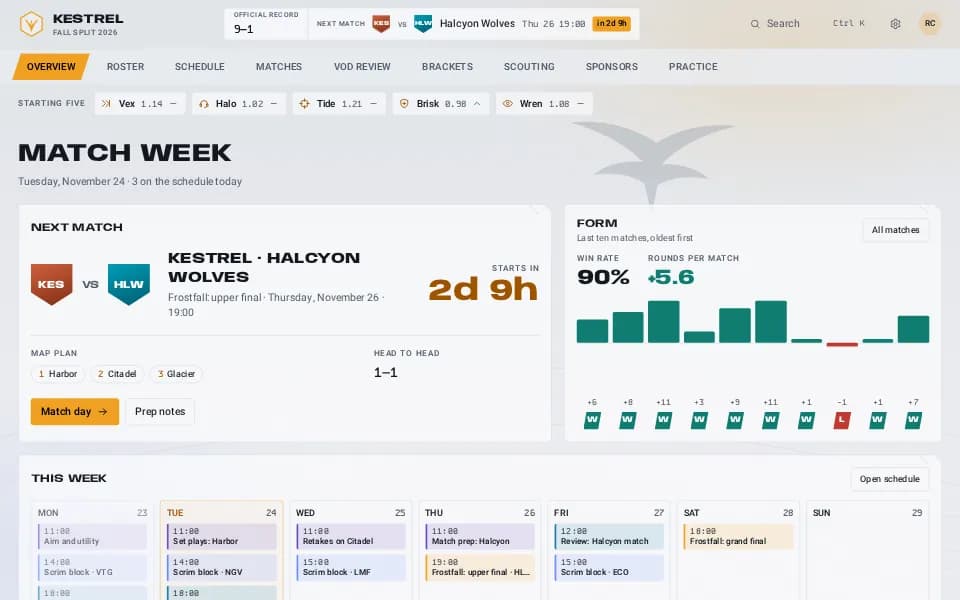
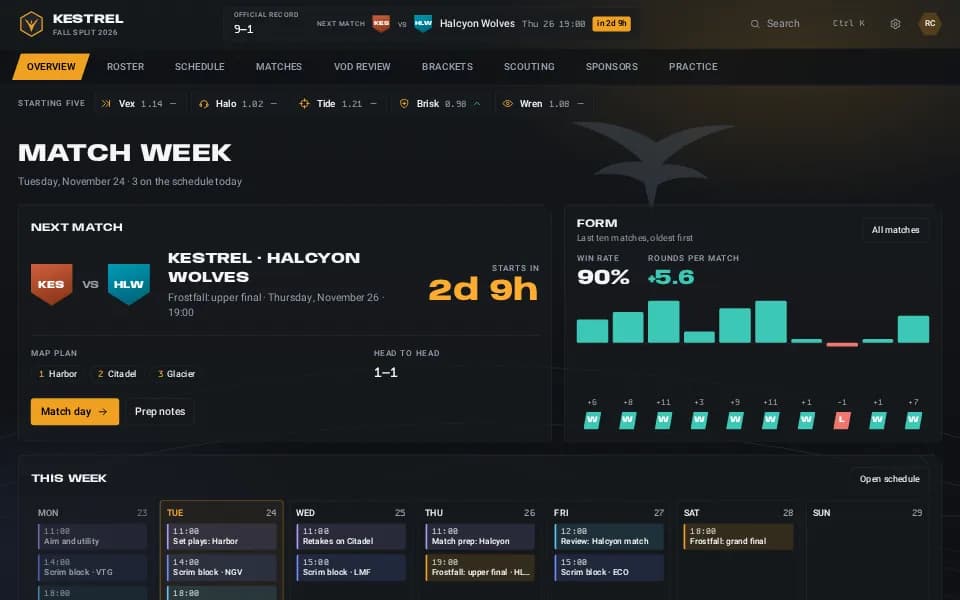
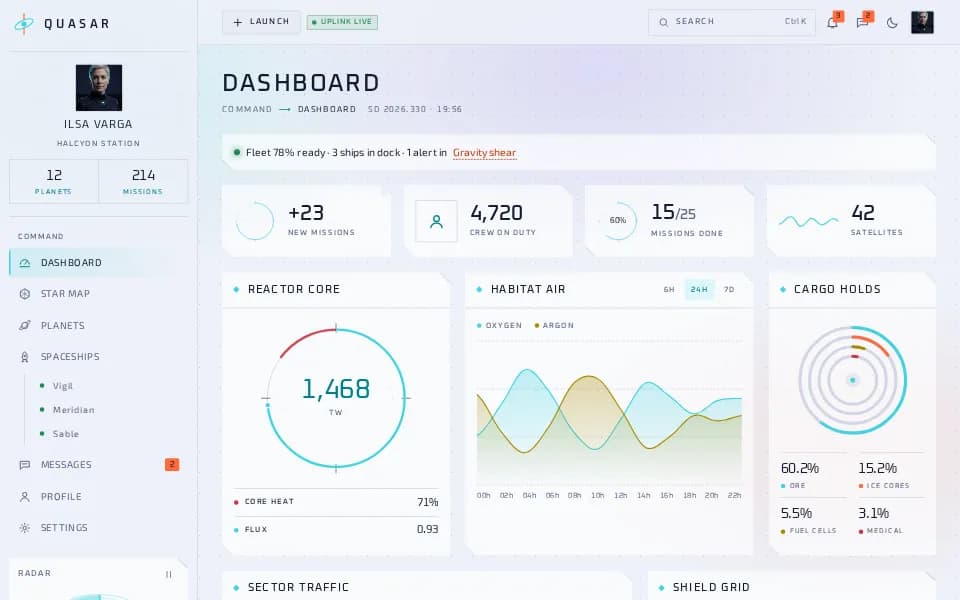
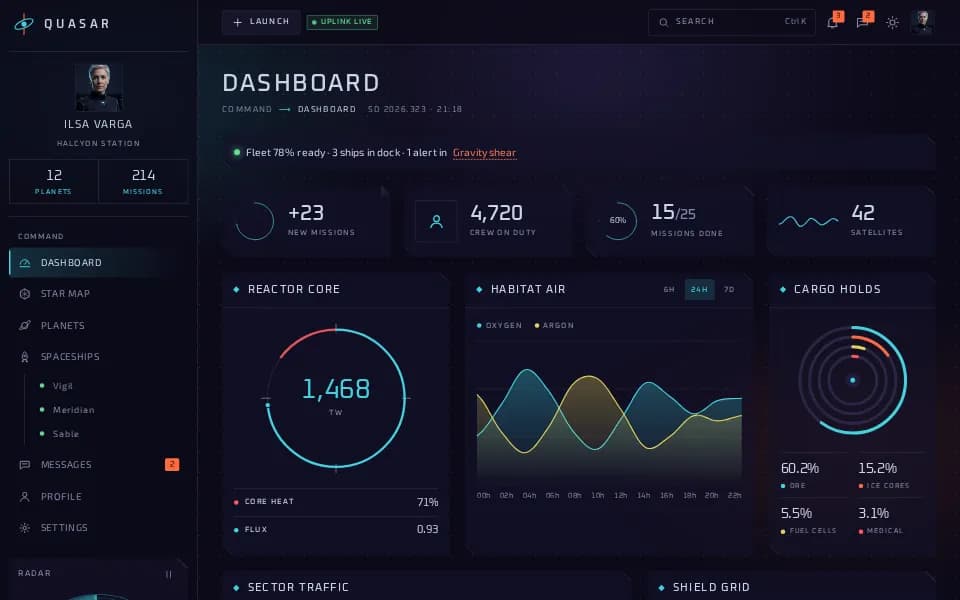
A game server hosting panel under a drawn polar night: a rack strip of live server faceplates, numbered keycap sections, a streaming console, drag-ordered mods, backups, schedules, players, files and billing.
Web
6 páginas
$69
Endereço da página: /
Mais abaixo ↓
Já incluído
O que você recebe
Claro e escuroUsa as cores do seu tema
Desktop, tablet e celularAs telas para as quais foi feito
Pacotes…
Tamanho do código…
Leve para a bateria30 fps, em repouso quando parado
Pausa quando ocultoFora da tela ou em outra aba
Reduzir movimentoCalmo para quem pede
Verificado a cada mudança
Verificação de tiposTypeScript strict
Lint e formataçãoESLint · Prettier
Testes e buildCapturas de tela claras e escuras
Auditoria de segurançaSem alertas de gravidade alta ou crítica
Idade dos pacotesToda versão pública há 7+ dias
CPU em repousoMenos de meio núcleo em repouso, ≤ 30 fps
Código
Algo errado com este app? Enviar feedback ›
servers-tundraReact
servers-tundra.tsxpageThe page: the sections in order.
content.tscontentEvery word and number: brand, nav links, each section's copy and lists.
theme.tsthemeThe colors as CSS variables, and the shared class strings.
README.mdreadmeHow to install it, and where to change the text, colors and form.
content-account.tspartThe words of the network-wide pages: players and a player's page, billing, settings and the sign-in screen. content.ts passes them on.
content-server.tspartThe words of one server's page: its head, the keycap tabs and the console, players, mods, backups and schedules tabs (the tool tabs are in content-tools.ts). content.ts passes them on.
content-tools.tspartThe words of a server's tool tabs: files, access (sub-users) and config. content.ts passes them on.
pagespagesOne file per page: the sections it shows, in order.
billing.tsxpageBilling: four figures, daily spend, every server's plan, invoices with their lines, the payment card and account balance.
overview.tsxpageOverview: the network at a glance in four rows — figures, players and fleet health, what needs a look and what is coming, the busiest servers, regions and the next invoice.
players.tsxpagePlayers: the network's players (#/players, filters in the address) or one player's page (#/players/<id>?tab=sessions), whose Back returns to the list as it was.
servers.tsxpageServers: the list (#/servers, with its filters in the address) or one server (#/servers/<id>?tab=console) with its head, keycap sections and the open section.
settings.tsxpageSettings: Profile, Appearance, Alerts, API keys and Security as tabs, the open one in the address (#/settings?tab=alerts).
sign-in.tsxpageThe sign-in screen over the drawn tundra: the brand side with a small rack of live-looking plates, and the form (demo account filled in, password shown on request, Remember me, forgot password, Discord and Steam).
sectionssectionsOne file per page section.
access-invite.tsxsectionThe Invite form: an email and what they may do on this server, both checked; an address already on the server is refused.
access-tab.tsxsectionWho can manage a server: the owner, then each sub-user with a row of permission checkboxes that save as you tick (with Undo), Invite and Remove.
account-menu.tsxsectionThe account menu under the avatar: who is signed in, Profile, Settings, the theme and Sign out; the arrow keys move through it, Escape or a click outside closes it.
appearance.tsxsectionSettings → Appearance: the style (Glass or Solid) and the theme (System, Dark or Light), each choice shown as a small preview.
backup-new.tsxsectionThe New backup form: a name and the parts to include (worlds, configs, mods), each checked before it saves.
backup-schedule.tsxsectionA server's automatic backup schedule: how often to back up and how many backups to keep, saved with the server.
backups-tab.tsxsectionA server's backups: slots and storage, the automatic schedule, and each backup with lock, download, restore (asks first) and delete.
ban-dialog.tsxsectionThe ban form: why, and for how long (an hour to forever); used from a server's players and from a player's page, where it also asks which server.
billing-account.tsxsectionBilling's side: each server's plan (Change opens its Config), the payment card with Update card, and the balance with Add funds; both forms check what is typed.
billing-invoices.tsxsectionThe invoices: search and a status filter, each row opening to its lines per server, with Pay now on a due or failed one and a PDF download.
billing-top.tsxsectionBilling's first rows: four figures (this month, next invoice, account balance, servers billed) and the daily spend over 30 days as bars that grow in, the picked day's figure shown.
config-startup.tsxsectionA server's startup settings: game version, max players, message of the day and memory, each checked, with a live preview of how the server shows in a player's server list.
config-tab.tsxsectionA server's config: its name, plan (with the price change) and region (asks before moving), the danger zone; startup settings live in config-startup.tsx.
console-input.tsxsectionThe console's command line: Enter sends, Up and Down walk the history, Tab completes a command or a player's name from the list that opens as you type; "stop" asks first.
console-tab.tsxsectionThe live console: the server's log streaming in, filtered by level and text, paused and followed, with a command line that remembers and completes commands.
file-editor.tsxsectionThe file editor: line numbers beside the text, unsaved marker, Save (Ctrl S) with Undo, Revert, and a live check and preview for .json and .properties files; closing with unsaved changes asks first.
file-name.tsxsectionThe name form for a new file or folder, or a rename: checked as you type (empty, bad characters, a name already taken here).
files-nav.tsxsectionThe file manager's parts: the folder tree, the breadcrumbs and one row of the open folder (pick, open, rename, delete).
files-tab.tsxsectionA server's files: the folder tree, the open folder with breadcrumbs (new file or folder, rename, delete in bulk), and the editor for the open file; the folder and file stay in the address.
mods-catalog.tsxsectionThe mods catalog for a server's game: search, mods or plugins, and Install (it joins the bottom of the load order).
mods-tab.tsxsectionA server's mods and plugins: the installed list in load order (drag by the grip, or the keyboard path, with Undo), switches, updates and uninstall; and the catalog to install from.
overview-bottom.tsxsectionOverview's last row, right side: the regions with their servers and ping, and the next invoice.
overview-lists.tsxsectionOverview's lower rows: what needs attention, the next scheduled tasks, the latest backups, the busiest servers, regions and the next invoice; each row opens the place it names.
overview-top.tsxsectionOverview's first two rows: four figure tiles that open their filtered lists, the players chart with its range switch, and every server's live CPU, memory and tick rate.
player-detail.tsxsectionOne player's page: Back to the list as it was, who they are and where they are now, kick, ban and unban, four figures, and tabs for sessions per server, ban history and staff notes.
player-tabs.tsxsectionA player's page tabs: time per server and each session, the ban history with its state, and staff notes to add and delete.
players-bulk.tsxsectionBulk ban or whitelist for the players picked in the list: which server, and for a ban the reason and length.
players-list.tsxsectionThe network's players: search by name or UUID, filter by server and status, sort, and ban, unban or whitelist in bulk; a row opens the player's page with the list's filters kept.
players-row.tsxsectionOne row of the players list: pick it, open the player (with the list's filters kept), where they are, the servers they play, time played, last seen and their flags.
quick-power.tsxsectionA server's quick power button on the servers list: starts a stopped server, stops a running one.
rack-strip.tsxsectionThe rack strip: one faceplate per server (state lamp, game mark, live players and CPU), the open server's plate lit; it is the server switcher, and the last bay deploys a new one.
roster-tab.tsxsectionA server's players: who is online (kick, ban, operator), its bans (unban) and its whitelist (on or off, add and remove), each list searchable.
schedules-tab.tsxsectionA server's scheduled tasks: restarts, backups, commands and broadcasts on a repeat, each switchable, run now, edited or deleted (with Undo), soonest first.
server-create.tsxsectionThe New server form: a name, the game and its version, a plan and a region, with the monthly price shown as you pick; it deploys and opens the new server's console.
server-head.tsxsectionA server's head: Back to the list, its name, game and address, state and uptime, the power buttons, and four live traces (CPU, memory, tick rate, players) that slide as readings arrive.
server-tabs.tsxsectionA server's sections as a row of numbered keycaps: click one, or press its number key (1 to 8) anywhere outside a field; the open one sits pressed in and lit.
servers-bulk.tsxsectionBulk actions on the picked servers: start, stop, restart, and delete after asking.
servers-list.tsxsectionThe servers list: search, filters by state, game, region and plan, sort, cards or a table, and bulk start, stop, restart and delete.
servers-views.tsxsectionThe servers list's two views: cards with live meters and a quick power button, or a dense table; both pick rows for bulk actions and open a server with the list's filters kept.
settings-forms.tsxsectionSettings → Profile (name, email, time zone) and Alerts (what to be told about, thresholds, where to send them); both checked before they save.
settings-keys.tsxsectionSettings → API keys (make one and copy it once, revoke) and Security (two-step sign-in, the devices signed in, sign one out).
task-editor.tsxsectionThe task form, new or editing: what it does (and the command or message), how it repeats, and a live line with when it would run next.
top-bar.tsxsectionThe command bar: the logo, the page links with a sliding underline, search, the theme switch and the account menu; on phones the links move into a sheet.
whitelist.tsxsectionA server's whitelist: the on/off switch, a name to add (checked against players the network has seen) and each player on the list with Remove and Undo.
partspartsWhat several sections share.
buildbuildWhat several sections share.
cardscardsWhat several sections share.
burst.tspartThe burst card style: cards spread out from the middle of the page, the nearest first.
rowsrowsWhat several sections share.
spot.tspartThe spot row motion: each row on screen lights up from faint as a soft primary glow passes it.
core.tsxpartThe page's build-in: on first load and on every page switch the cards arrive in the app's card style and their contents build: bars grow, lines draw, rings fill, the list rows on screen ripple in in the app's row motion, numbers count. The two picks are wired in ./index.ts.
index.tspartThe app's two build-in picks, wired here and nowhere else: its card style (cards/) and its row motion (rows/). npm run new-app copies only the two it is given (--cards, --rows).
appearance.tspartHow the app looks right now: dark or light, Glass or Solid, from Settings → Appearance, the page around it and the Style setting.
backdrop.tsxpartThe Glass style's backdrop: a drawn polar night over the tundra (stars, an aurora curtain, two ridgelines and snow drifts in contour strokes), one fixed cover-fit layer behind the app, faded out in Solid; with followBackground it paints your background instead.
bits.tsxpartSmall shared pieces: initials avatars, the server state lamp and chip, a thin meter, a switch and a segmented pick.
chart-path.tspartA chart's line and area paths in each curve Chart Studio has (straight, smooth, step), and the classes that let a Chart Studio curve swap them in CSS.
charts.tsxpartThe charts: a live trace that slides left as readings arrive, and an area chart that draws in, morphs on a range switch and shows the reading under the pointer.
command-palette.tsxpartThe command palette (⌘K or Ctrl K): type to find a page or an action, then Enter.
dialog.tsxpartA centered modal dialog (a form, a confirm): rises in, plays its way out, Escape or a tap outside closes it, and the focus goes back where it was.
field.tsxpartA labeled form field (a text input or a select) with its error line under it, tied together for screen readers.
format.tspartHow numbers, sizes, money and times are written: US style, times in UTC, in one place.
icons.tsxpartThe logo, the drawn game marks and the line icons, drawn on a 24-unit grid with round ends.
list-bits.tsxpartWhat every list page shares: the page head, the search box, filter selects, the bulk action bar and a confirm dialog.
moments.tspartThe keyframes, and the animations the sign-in screen, panels, the account menu, dialogs, the nav sheet, toasts, the bulk bar, new console lines and a starting server play, timed by their moments in theme.ts.
motion.tspartMotion helpers: the reduced-motion check, live, and run-once-in-view.
pause-button.tsxpartThe live switch in the command bar: pauses the live feed (readings, traces, console lines, players coming and going, pulsing lamps) and resumes it.
router.tspartThe page switcher: reads the app's page from the address hash (#/settings, #/?status=open).
scroll-to-view.tspartScrolls an element into view moving only its own scroll container, never the page around it.
select-box.tsxpartA native select dressed to match the app: no browser arrow, a drawn chevron instead.
session.tspartWhether someone is signed in: a first visit is signed in as the demo account; Sign out holds until the next sign-in, and a sign-in without Remember me lasts only this browser session.
sheet.tsxpartThe phone sheet: a modal panel that springs in from the left with the sidebar; Escape, a tap outside or its close button slides it away.
sortable.tspartDrag to reorder a vertical list by its grip: the held row stays under the pointer, the others slide aside, the window scrolls near its edges, it settles into place on drop; Escape puts it back, and the keyboard path is Space, arrows, Space.
states.tsxpartThe data states every page shares: a calm skeleton while loading, an error with Try again, and an empty note with a way out.
store.tspartThe app-wide state several parts share: the theme mode, style and color preset (kept in the browser) and the toasts.
ticker.tsxpartA number that counts up while its page builds in, and rolls to its new value whenever it changes.
toasts.tsxpartThe toasts: short notes that confirm what just happened, bottom right.
use-api.tspartLoads data through the fake API with loading, error and retry, remembering each answer so a page you come back to shows at once.
use-dialog.tspartOpens and closes a native <dialog> as a modal; on close it plays its way out first (data-closing), so dialogs, sheets and the palette never vanish in one frame.
use-live.tspartThe live feed in React: re-renders on each reading (every 2 seconds) and gives the demo's time at that reading.
datadataThe pretend data and the fake API: swap it for your backend.
account.tsdataThe pretend account: the signed-in person, invoices, payment card, API keys, sign-in sessions and alert settings.
api-account.tsdataThe fake API for the account: billing (invoices, the card, the balance, usage) and settings (profile, alerts, API keys, sign-ins), plus the Overview's numbers.
api-files.tsdataThe fake API for a server's files: list, create, edit, rename and delete files and folders.
api-people.tsdataThe fake API for people: players on a server and across the network (kick, ban, whitelist, operators, notes), and the sub-users who help run a server.
api-world.tsdataThe fake API for what runs on a server: mods and plugins in load order, backups and their schedule, and scheduled tasks.
api.tsdataThe fake API: every page loads and saves through these functions (servers here; data/api-world.ts, api-people.ts, api-files.ts and api-account.ts for the rest), so wiring a real backend happens in data/ only.
db.tsdataThe pretend backend's tables in memory: copies of the seed data that the fake API (data/api*.ts) and the live clock (data/live.ts) read and change.
files.tsdataThe pretend files on each server's disk: a few folders and the config files people edit most.
live.tsdataThe pretend live feed (a real panel gets it over a websocket): every 2 seconds each running server reports CPU, memory, tick rate and players, writes console lines, and players come and go.
mods.tsdataThe pretend mods and plugins catalog, and what each server has installed in load order.
players.tsdataThe pretend players across the account's servers: who plays where, their sessions, bans, whitelists, operators and staff notes.
servers.tsdataThe pretend servers: the games, plans and regions they run on, and the six servers of the demo account.
world.tsdataThe pretend contents of each server besides its mods (data/mods.ts): backups, scheduled tasks and the people who can manage it.
servers-tundra.tsx
The page: the sections in order.
Carregando…
Ideal para
Game server hosts and communities that run several servers: power, console, mods, backups, players and billing in one panel.
Como funciona
Pick a server on the rack, press 1 to 8 for its sections, send console commands, drag mods into load order, restore backups.
Como usar
Edit words in content.ts and colors in theme.ts, and swap the bodies in data/api*.ts and data/live.ts for calls to your backend.
Nenhum pacote extraSó React, nada mais
138,1 kB com gzip · 101 arquivosO download completo