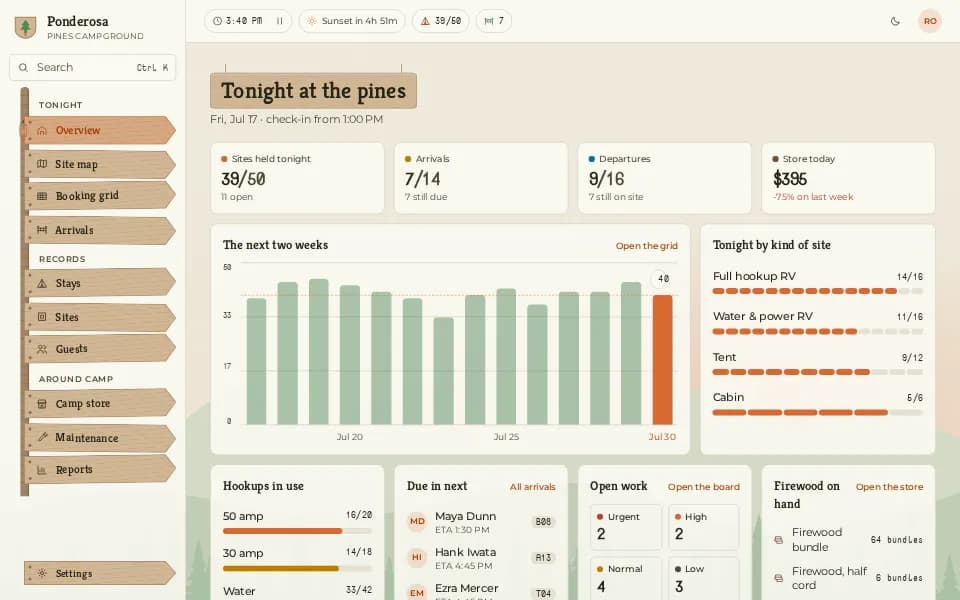
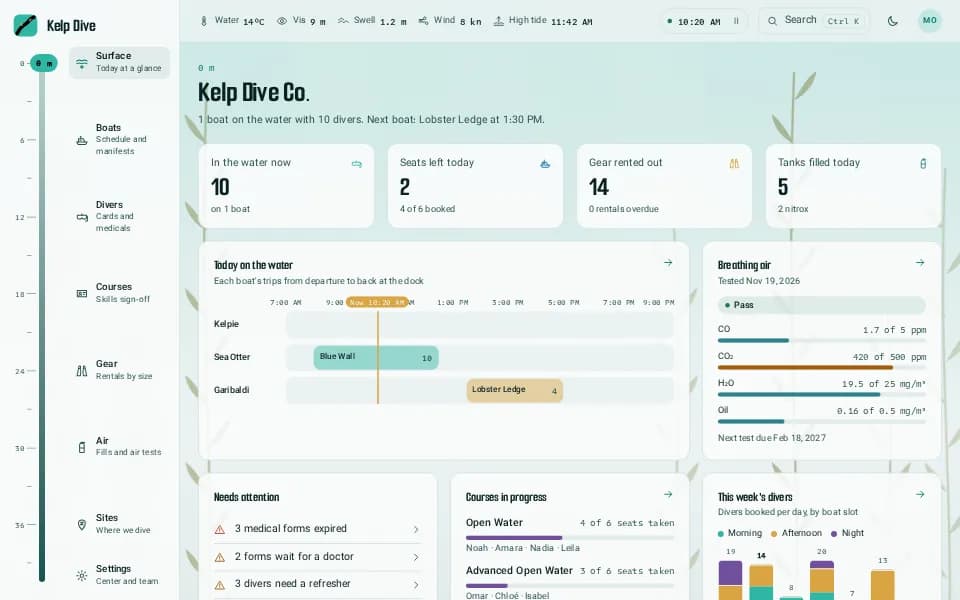
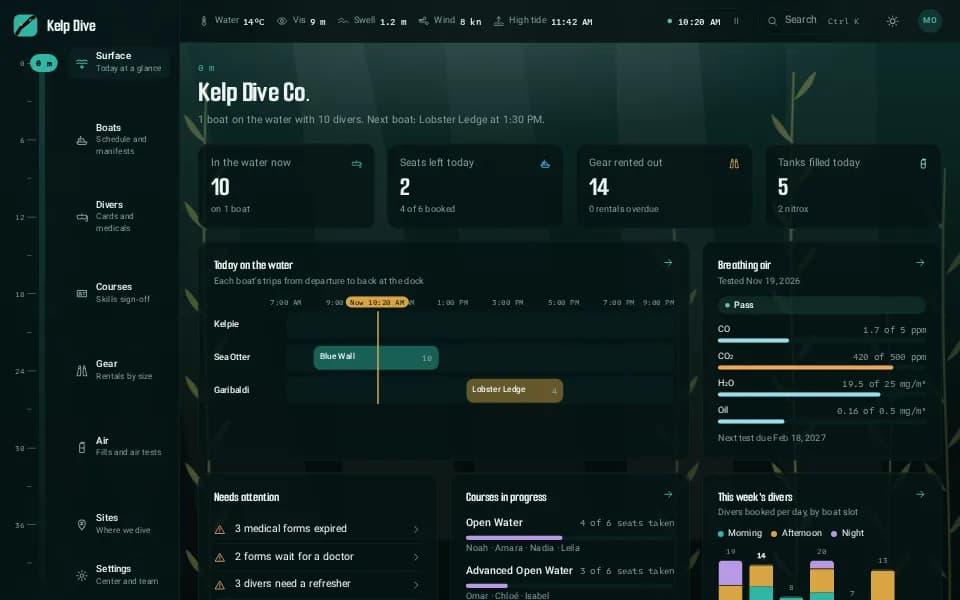
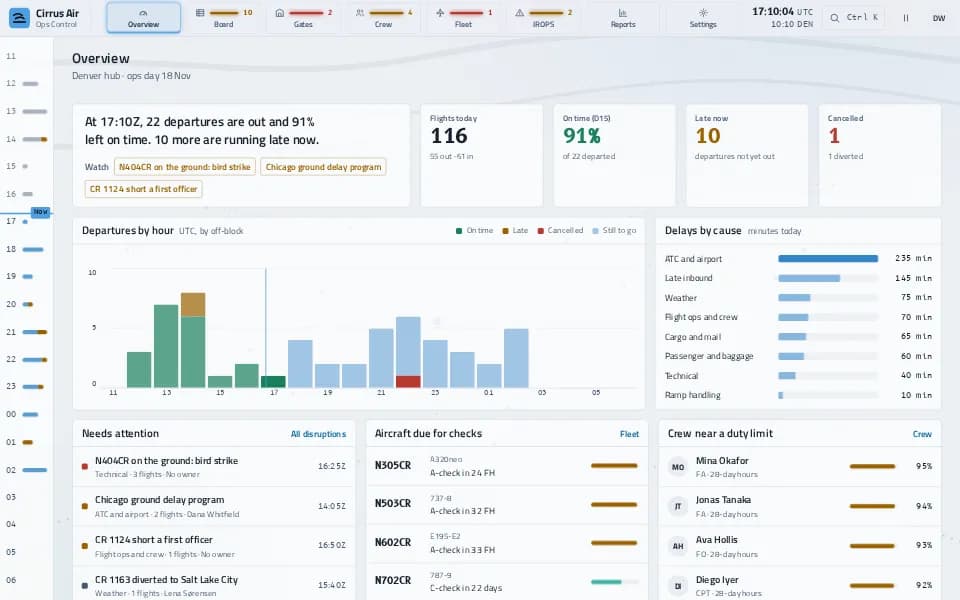
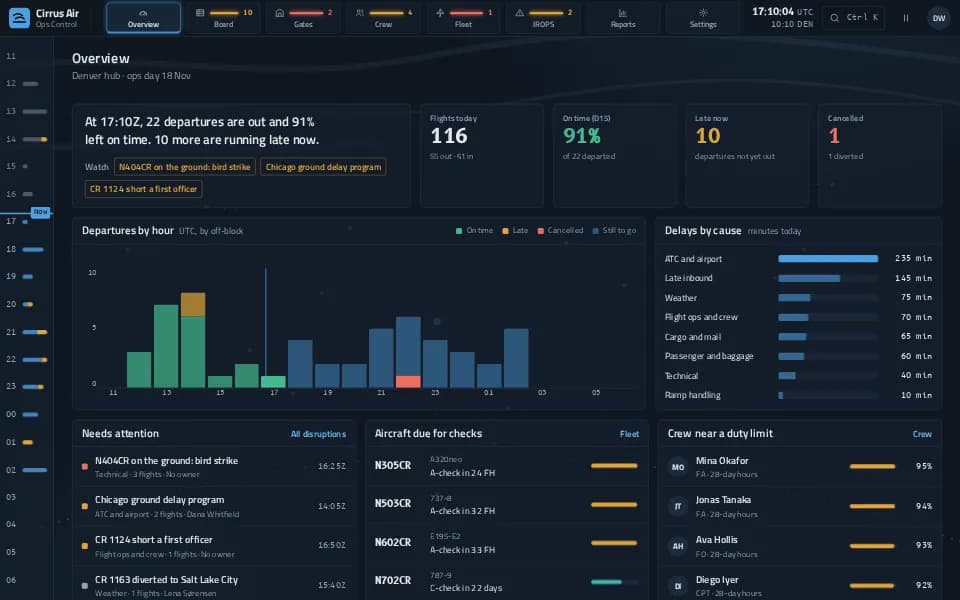
A hiking group's trip planner on a printed contour map: an elevation ruler is the nav, routes are drawn on the map with a scrubbable profile, plus trips with RSVPs, a drag gear board, members and a trip log.
Web
12 páginas
$69
Endereço da página: /
Mais abaixo ↓
Já incluído
O que você recebe
Claro e escuroUsa as cores do seu tema
Desktop, tablet e celularAs telas para as quais foi feito
Pacotes…
Tamanho do código…
Leve para a bateria30 fps, em repouso quando parado
Pausa quando ocultoFora da tela ou em outra aba
Reduzir movimentoCalmo para quem pede
Verificado a cada mudança
Verificação de tiposTypeScript strict
Lint e formataçãoESLint · Prettier
Testes e buildCapturas de tela claras e escuras
Auditoria de segurançaSem alertas de gravidade alta ou crítica
Idade dos pacotesToda versão pública há 7+ dias
CPU em repousoMenos de meio núcleo em repouso, ≤ 30 fps
Código
Algo errado com este app? Enviar feedback ›
trail-contourReact
trail-contour.tsxpageThe page: the sections in order.
content.tscontentEvery word and number: brand, nav links, each section's copy and lists.
theme.tsthemeThe colors as CSS variables, and the shared class strings.
README.mdreadmeHow to install it, and where to change the text, colors and form.
pagespagesOne file per page: the sections it shows, in order.
gear.tsxpageGear (#/gear?trip=<id>): pick a trip coming up, then tabs for who brings what (the drag board and the weight each person carries), the group store and the packing templates.
log-entry.tsxpageOne log (#/log/<id>): its title, date and route, Edit and Delete, then tabs for the story (who walked, the numbers, the notes), the drawings and a replay of the walk along the map.
log.tsxpageThe trip log: every walk written up, with search and filters kept in the address (month, route, a walker), sort, bulk delete and Write a log; #/log/<id> opens one.
member.tsxpageOne member (#/members/<id>): name, level and how much they've walked, Edit and Delete, then tabs for their profile (contact, emergency contact, notes), trips, gear and certifications.
members.tsxpageMembers: everyone in the group with search and filters kept in the address (level, a trip they're on and their answer, a certification due), sort, bulk set level, invite or delete, Export CSV and Add member; #/members/<id> opens a member.
overview.tsxpageThe Overview: the next trip with its live countdown, who's coming and the weather window; the season, the trips coming up and gear gaps; the latest log, the route mix and who walks most. Every tile opens its trip, page or filtered list.
route.tsxpageOne route (#/routes/<id>): its name, difficulty and region, Duplicate, Edit and Delete, then tabs for the planner (draw on the map, profile scrub), the legs, the group's notes and the trips that walk it.
routes.tsxpageRoutes: every route on the map with search and filters kept in the address (region, difficulty, length), sort, bulk set difficulty or delete, Export CSV and Draw a route; #/routes/<id> opens the planner.
settings.tsxpageThe settings page: the group, the units, Appearance (style, theme and language) and the signed-in account.
sign-in.tsxpageThe sign-in page (#/sign-in): the form on a card over the contour map, a line about the group and the summit's coordinates beside it like a map's margin note, without the ruler and top bar.
trip.tsxpageOne trip (#/trips/<id>): its status, name, date and the live countdown, Edit, status and Delete, then tabs for the plan (map, meeting point, profile), members and their answers, the gear board, the itinerary and the group's messages.
trips.tsxpageTrips: every trip with search and filters kept in the address (coming up or past, status, route), sort, bulk set status or delete, Export CSV and Plan a trip; #/trips/<id> opens a trip.
sectionssectionsOne file per page section.
account-menu.tsxsectionThe account menu under the avatar in the top bar: who is signed in, Settings and Sign out; the arrow keys move through it, Escape, Tab or a click outside closes it.
appearance.tsxsectionSettings → Appearance: the style (Glass or Solid) and the theme (System, Dark or Light), each choice shown as a small preview, and the language (System or one of locales/list.ts).
gear-board.tsxsectionA trip's gear board: a column for what nobody brings yet and one per person going; drag an item to whoever brings it (or Space and the arrow keys), tick it packed, delete it with Undo. Under it, the weight each person carries.
gear-form.tsxsectionAdding gear to a trip, or a store item: its name, kind and weight, and on a trip who brings it.
gear-store.tsxsectionThe group store (things the group owns: search, filter by kind, sort, pick some to add to the trip or delete, add a new one) and the packing templates (a day hike, an overnight, winter: add the whole list to the trip in one go).
log-form.tsxsectionWriting or editing a log: title, date, route, the trip it came from, who walked and the notes.
log-more.tsxsectionA log's Drawings tab (the sketches from the walk: add one, remove one with Undo) and its Replay tab (the walk retraced along the map and the profile, play and pause; with reduced motion it shows the whole walk at once).
member-form.tsxsectionAdding or editing a member: name, email and phone, level, the emergency contact everyone needs, and notes.
member-more.tsxsectionA member's tabs past the profile: the trips they're on with their answer, the gear they bring on each, and their certifications (add, edit, remove; flagged when due or expired).
member-table.tsxsectionThe members as a list: name and email (a flag when a certification is due), level, trips, walks this season and when they joined; sortable by its heads, with bulk set level, invite to a trip or delete.
overview-log.tsxsectionOverview's third row: the latest walks from the log with their drawings (each opens its log page), the routes by difficulty (a band opens Routes filtered to it) and who walked most this season (a name opens the log filtered to them).
overview-season.tsxsectionOverview's second row: the season by month (distance or climb; a bar opens that month's log), the trips coming up (each opens its trip, the head the list) and the gear nobody brings yet (a trip opens its gear board).
overview-top.tsxsectionOverview's first row: the next trip (its route on the map, the live countdown and where to meet; opens the trip), who's coming (the RSVP tally, answers arriving live; opens its Members tab) and the weather window around the day (opens the itinerary).
route-form.tsxsectionAdding or editing a route's details: name, region, difficulty and notes. A new route opens in the planner, ready to draw.
route-planner.tsxsectionThe route planner: the contour map to draw on (points snap to trails, drag to move, Delete to remove), Undo, Reverse and Clear, the route's numbers as it changes, and the elevation profile under it; scrubbing the profile glides the marker along the map. Every edit saves as it happens.
route-table.tsxsectionThe routes as a list: name and region, difficulty, distance, ascent and walking time, the trips that use it, sortable by its heads, with bulk set difficulty or delete (routes a trip uses stay).
ruler.tsxsectionThe nav: a vertical elevation ruler, ticks every 100 m, each page a waypoint at its own altitude (Overview at the summit down to Settings at the trailhead), the next trip's real elevation profile drawn inside it on the same scale, and a hiker pin that glides to the page you are on.
settings-group.tsxsectionSettings for the group (name, home area, usual places on a trip), the units every distance and height is written in, and the signed-in account with Sign out.
sign-in-form.tsxsectionThe sign-in form: email and password with their errors under them, show or hide the password, keep me signed in, and the demo account to fill in; a wrong pair says so above the fields.
top-bar.tsxsectionThe top bar: the menu button on narrow screens, where you are, the trip switcher (the next trip with its live countdown, the others a click away), the countdown's pause, search, the theme switch and the account menu.
trip-form.tsxsectionPlanning or editing a trip: name, route, date and days, meeting time, status, leader and places. A new trip opens on its own page.
trip-people.tsxsectionA trip's Members tab (everyone invited with their answer, set it for them or take them off; invite more) and its Messages tab (the group's thread and a box to write in).
trip-plan.tsxsectionA trip's Plan tab (the route on the map with the meeting point, click to move it; the route's numbers and profile) and its Itinerary tab (stops by day: add, edit and remove).
trip-table.tsxsectionThe trips as a list: name and route, date and days, status, who's going against the places, gear nobody brings yet; sortable by its heads, with bulk set status or delete.
partspartsWhat several sections share.
buildbuildWhat several sections share.
cardscardsWhat several sections share.
draw.tspartThe draw card style: cards just fade in, and the data does the show.
rowsrowsWhat several sections share.
fill.tspartThe fill row motion: each row on screen draws in from left to right.
core.tsxpartThe page's build-in: on first load and on every page switch the cards arrive in the app's card style and their contents build: bars grow, lines draw, rings fill, the list rows on screen ripple in in the app's row motion, numbers count. The two picks are wired in ./index.ts.
index.tspartThe app's two build-in picks, wired here and nowhere else: its card style (cards/) and its row motion (rows/). npm run new-app copies only the two it is given (--cards, --rows).
appearance.tspartHow the app looks right now: dark or light, Glass or Solid, from Settings → Appearance, the page around it and the Style setting.
avatar.tsxpartA person's initials in a round badge, tinted with the primary.
backdrop.tsxpartThe backdrop: the contour map fills the page behind the panels, its lines inking in once on load and then still, a paper vignette at its edges; quieter in Solid; with followBackground it paints your background instead.
bar-chart.tsxpartA bar chart: bars grow in, and the picked bar (in the primary), its guide line and tooltip glide to the bar you point at or pick with the arrow keys; a new range morphs the bars instead of drawing them again.
board-model.tspartA board as data: every card's place (one order) and column, and how a move changes them.
board.tsxpartA board of columns and cards: drag a card (mouse, pen or a short press on touch) with a lift and a gap where it will land, or pick it up with Space and move it with the arrow keys; the other cards glide out of the way.
bulk-bar.tsxpartThe bar that rises over a list once rows are picked: how many, the actions for all of them, and a way to drop the pick.
command-palette.tsxpartThe command palette (⌘K or Ctrl K): type to find a page or an action, then Enter.
confirm.tsxpartA guarded action's second step: a small dialog that says what will happen, with Cancel and the action in red.
csv.tspartExport CSV: turns rows into a CSV file and hands it to the browser to save.
dialog.tsxpartA centered modal dialog (a form, a confirm): rises in, plays its way out, Escape or a tap outside closes it, and the focus goes back where it was.
drag-board.tspartThe board's drag engine: mouse, pen and touch drags with a lift, a gap where the card will land, auto-scroll near the edges, and a drop or Escape that settles the card into place.
field.tsxpartA labeled form field (a text input or a select) with its error line under it, tied together for screen readers.
filters.tsxpartA list's search and filters, all kept in the address: a search box, a select per filter, the active ones as chips that remove themselves, and Clear filters.
flip.tspartFLIP: when cards change place, each one glides from where it was to where it is now instead of jumping.
format.tspartHow numbers and dates are written: by Intl, the current language's way, in the units picked in Settings ("12.4 km" or "7.7 mi", "1,240 m" or "4,068 ft"; "Nov 19", "19 nov").
icons.tsxpartThe logo and the line icons, drawn on a 24-unit grid with round ends.
keyboard-move.tspartMoving a board card with the keyboard: Space picks it up, the arrow keys move it, Space or Enter drops it, Escape puts it back; each step is read out.
language.tspartThe app's language: the words every page reads (useWords), how dates and numbers are written (parts/format.ts) and the reading direction. Picked in Settings → Appearance (or System: the page's own language) and kept in this browser; English is built in, any other language loads only when it shows (locales/list.ts).
list-ui.tsxpartWhat every list's rows share: a pick box (shift-click picks a range), a column head that sorts by it, and the list frame with its head row, Show more and the empty note.
list-view.tspartWhat a list does with its rows, whatever it looks like: the sort kept in the address (?sort=name&dir=asc), picked rows with shift-click ranges, pick all shown, and Show more.
live-clock.tsxpartOne shared clock for everything live: it ticks only while something on screen listens, the tab is visible and live isn't paused, and the bare button that pauses it. What a tick does (move the demo's time, bring in an event, reload) is the app's, passed to liveClock.
live.tspartThe group's live clock: once a second while something on screen counts down (the next trip in the top bar, Overview and its trip page), paused in hidden tabs or by the top bar's pause. While Overview's RSVP card is on screen, an invited member answers every few seconds (three at most), as if the group chat were busy.
map-art.tsxpartThe printed field map both the page backdrop and the route planner draw: lakes and streams, the contour lines (inking in like a pen on paper), the trails as dashes and the named peaks.
moments.tspartThe animations the ruler, the sign-in card, menus, dialogs, the phone sheet and toasts play, the page's climb in and the contour lines inking in, timed by their moments in theme.ts.
motion.tspartMotion helpers: the reduced-motion check, live, and run-once-in-view.
photo-art.tsxpartThe trip log's "photos": six small drawings in the map's own inks (a ridge at sunrise, a still lake, a forest path, a scree slope, a summit cairn, a high meadow), so a log looks like a sketchbook page and follows the theme's colors.
popover.tsxpartA menu that unfolds from its button (a row's actions, the alerts, a sort pick): drawn in the window layer so no table or card clips it; arrow keys walk it, Escape, Tab, a click outside or a scroll folds it away, and it plays its way out unless motion is reduced.
profile-chart.tsxpartThe elevation profile under a route: the climb as a filled hill, the distance and height scales, and a scrub line people drag (or step with the arrow keys) to move the marker on the map.
route-map.tsxpartA route on the contour map: the red line with its start and finish, the waypoints (in the planner: click the map to add one, snapped to the nearest trail; drag one to move it; arrow keys nudge a picked one and Delete removes it), the marker that follows the profile, and a meeting point.
router.tspartThe page switcher: reads the app's page from the address hash (#/settings, #/?status=open).
scroll-to-view.tspartScrolls an element into view moving only its own scroll container, never the page around it.
select-box.tsxpartA native select dressed to match the app: no browser arrow, a drawn chevron instead.
session.tspartWhether someone is signed in: a first visit is signed in as the demo account; Sign out holds until the next sign-in, and a sign-in without Keep me signed in lasts only this tab.
sheet.tsxpartThe phone sheet: a modal panel that springs in from the left with the sidebar; Escape, a tap outside or its close button slides it away.
states.tsxpartThe data states every page shares: a calm skeleton while loading, an error drawn as a map with its corner torn off (with Try again), and an empty note drawn as a blank map with only a dashed trail on it, with a way out.
store.tspartThe app-wide state several parts share: the theme mode and style (kept in the browser) and the toasts.
ticker.tsxpartA number that counts up while its page builds in, and rolls to its new value whenever it changes.
toasts.tsxpartThe toasts: short notes that confirm what just happened, at the bottom end.
ui.tsxpartThe small pieces every page shares: the page head, a card's head, detail tabs with a gliding underline, the back link, difficulty, status and RSVP chips, and a meter.
use-api.tspartLoads data through the fake API with loading, error and retry, remembering each answer so a page you come back to shows at once.
use-dialog.tspartOpens and closes a native <dialog> as a modal; on close it plays its way out first (data-closing), so dialogs, sheets and the palette never vanish in one frame.
use-follow.tspartAn eased follower: a number that glides toward its target a little each frame (the map marker trailing the profile scrub), resting once it arrives; with reduced motion it jumps.
datadataThe pretend data and the fake API: swap it for your backend.
account.tsdataThe demo account: who is signed in (the account menu shows them) and the email and password the sign-in page takes.
api.tsdataThe fake API's front door: the demo switches, the instant first read every page starts from, and sign-in. Every load and save lives in the data/*-api.ts files, so wiring a real backend happens in data/ only.
dates.tsdataDay arithmetic on ISO dates (YYYY-MM-DD), in UTC so a day is always a day.
db.tsdataThe pretend database: every table the fake API reads and changes, kept for this visit only. Swap it for your backend.
gear-api.tsdataGear through the fake API: a trip's list (add, edit, delete, who brings it, packed), moving an item to another person in board order, packing templates, and the group's shared store.
logs-api.tsdataTrip logs through the fake API: each with its route's stats and who walked; create, edit, delete, add and remove drawn photos.
members-api.tsdataMembers through the fake API: each with their trips, RSVP history, the gear they bring and their walked distance; create, edit, delete, certifications.
net.tsdataThe pretend network: the short wait every call makes, and the two demo switches (Slow network, Show error state).
overview-api.tsdataOverview's numbers through the fake API: the next trip, distance and climb walked by month this season, the difficulty mix, gear gaps and who walks most.
routes-api.tsdataRoutes through the fake API: each with its distance, climb and time worked out from the map, the trips that use it; create, edit the points, duplicate and delete.
seed-people.tsdataThe pretend hiking group's members: their level, emergency contact and certifications.
seed-routes.tsdataThe pretend routes drawn on the map, the group's shared gear store, the three packing templates and the forecast for the next trip.
seed-trips.tsdataThe pretend trips (upcoming, done and one called off for weather) with their RSVPs, itinerary, messages and gear, and the trip logs written after past walks.
settings-api.tsdataThe group's settings through the fake API: its name, home area, usual trip size and the units every distance and height is written in.
terrain.tsdataThe map's ground: a height for every spot (peaks and a valley), the contour lines drawn from it, the trails a route snaps to, and a route's distance, climb, time and elevation profile.
trips-api.tsdataTrips through the fake API: each with its route, RSVP tally and gear gaps; create, edit, delete, set the status, RSVP and invite, the meeting point, itinerary stops and messages.
types.tsdataThe shapes the hiking group's data comes in: routes drawn on the map, trips with RSVPs, itinerary and messages, the gear each trip carries, members and trip logs.
localeslocalesEvery word the app shows, one JSON file a language; list.ts names them.
en.jsoncontentOne language's words, with the keys of en.json.
es.jsoncontentOne language's words, with the keys of en.json.
list.tscontentThe languages the app offers, in the picker's order: one JSON file each, en.json the source. To remove one, delete its file and its line; to add one, copy es.json, translate it and add a line. English is built in; the rest load only when picked. TypeScript checks each file has en.json's keys, scripts/check-locales.mjs the rest (no extra keys, plural forms, {slots}).
trail-contour.tsx
The page: the sections in order.
Carregando…
Ideal para
Hiking clubs, walking groups and outdoor guides, or any group that plans trips, tracks who's coming and shares gear.
Como funciona
Click the map to draw a route that snaps to trails; scrub the profile and a marker glides along it. Every tile opens its list.
Como usar
Edit words in content.ts and colors in theme.ts, and swap the bodies in data/api.ts for calls to your backend.
Nenhum pacote extraSó React, nada mais
133,6 kB com gzip · 107 arquivosO download completo