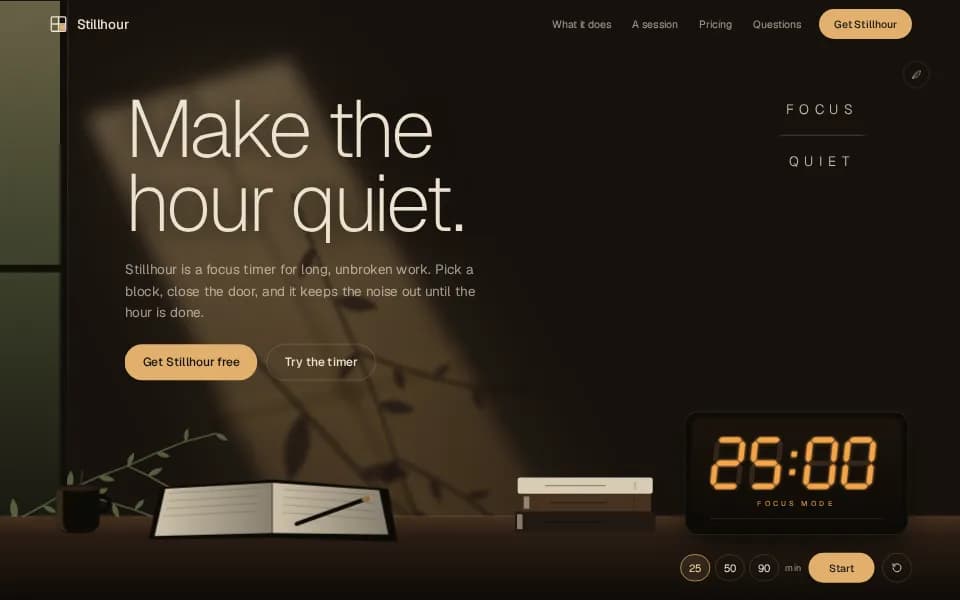
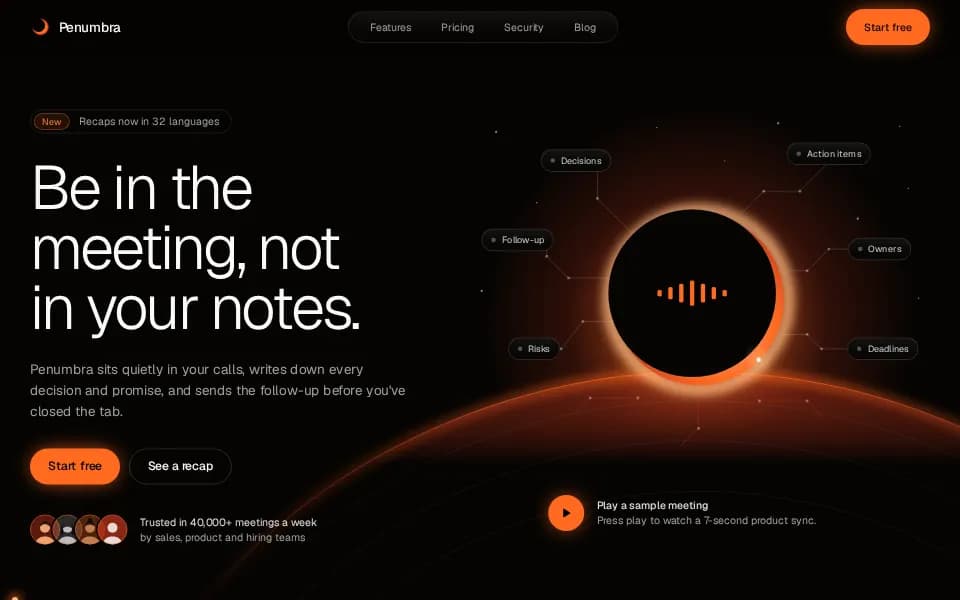
A light five-page website for a localization product, styled as terminal signage: an arrivals board that flips UI strings into five languages, gate signs on a departure line, and drawn app screens.
React + HTML
5 páginas
$69
Endereço da página: /
Mais abaixo ↓
Já incluído
O que você recebe
Só claroFeito para uma página clara
Desktop, tablet e celularAs telas para as quais foi feito
Pacotes…
Tamanho do código…
Leve para a bateria30 fps, em repouso quando parado
Pausa quando ocultoFora da tela ou em outra aba
Reduzir movimentoCalmo para quem pede
Verificado a cada mudança
Verificação de tiposTypeScript strict
Lint e formataçãoESLint · Prettier
Testes e buildCapturas de tela claras e escuras
Auditoria de segurançaSem alertas de gravidade alta ou crítica
Idade dos pacotesToda versão pública há 7+ dias
CPU em repousoMenos de meio núcleo em repouso, ≤ 30 fps
Código
Algo errado com este modelo? Enviar feedback ›
locale-splitflapHTML
index.htmlpageThe home page and all its text, one marked block per section.
features.htmlpageThe features page and all its text, one marked block per section.
pricing.htmlpageThe pricing page and all its text, one marked block per section.
blog.htmlpageThe blog page and all its text, one marked block per section.
post.htmlpageThe post page and all its text, one marked block per section.
theme.cssthemeThe colors and fonts in one place.
send.jsformThe one function the form calls: plug in your form endpoint here.
sectionssectionsOne file per page section.
article.csssectionThe post's article beside its table of contents: a small departure line whose stop lights at the heading you are reading.
article.jssectionWrites the post's article (lead, headings, paragraphs, quotes, code) and runs its table of contents: the stop at the heading you are reading lights up.
blog-head.csssectionThe blog's topic filter: one chip per tag (parts/page.css .ls-chip).
check-in.csssectionThe check-in at the foot of the pricing page: the form on a paper panel, then the checked-in board.
check-in.jssectionThe check-in form: checks each field, sends with startTrial, then swaps to the checked-in board; the focus follows the swap.
compare.csssectionThe comparison table: every plan side by side, scrolling sideways on a phone with the feature names pinned, Team on a yellow strip.
connects.csssectionThe integrations wall: black signs with yellow pictograms that flip up into place in turn.
departures.csssectionThe proof: one sentence of counted numbers, then the latest releases on a departures board.
dives.csssectionThe four deep dives: each a gate sign, its story and points, beside a large drawn screen; sides swap on every other one.
faq.csssectionThe questions: each answer opens like a flap dropping down, one or several at a time.
faq.jssectionOpens and closes each question's answer; closed answers are inert, so the keyboard skips them.
featured.csssectionThe newest post, set wide: its cover beside the title, line, author and a read link.
features-head.csssectionThe features page's index: one small gate sign per deep dive.
hero.csssectionThe home page's first screen: the giant title beside the arrivals board and its controls.
hero.jssectionThe arrivals board: flips a picked string into five languages, or a typed one into the pseudo-locale test, with each row's length readout.
newsletter.csssectionThe newsletter sign-up on a yellow sign: one email field, then a flap board once you're on the list.
newsletter.jssectionThe newsletter form: checks the email, sends it with sendSignup, remembers the sign-up in the browser and swaps to the on-the-list board.
on-board.csssectionThe four features as tiles with their drawn screens: wide, narrow, narrow, wide, like a wall of signs.
plans.csssectionThe three plans as boarding passes: the fare on flaps, the points, and a torn-off stub with the action and a barcode.
plans.jssectionThe billing switch and the passes: flips each fare when the period changes, and lets each pass's button pick its plan in the check-in form.
post-head.csssectionThe top of a post: the way back to its topic, the title, the author line and the wide drawn cover with its topic on flaps.
post-head.jssectionFinds the post the address names (?post=<slug>, the newest without one) and fills the head: title, author, date and the wide cover; or shows the missing view.
post-list.csssectionEvery post as a card grid: six columns on wide screens, so cards take two (three a row) or three (two a row) and a short last row never leaves a hole.
post-list.jssectionThe blog's topic filter: reads ?tag= from the address, marks its chip, hides the featured post and the other topics' cards, and lays the grid out with no holes.
post-missing.csssectionThe post page when the address names no post: the title and the way back to the blog.
pricing-head.csssectionThe monthly or yearly switch: two radio buttons drawn as one sign, the yellow block sliding under the picked one.
quote.csssectionA customer's words, set big, under a yellow quote sign.
related.csssectionRead next: three post cards under a rule.
related.jssectionRead next: three other posts as cards, the same topic first.
route.csssectionHow it works: three stops on one track that draws itself across (down the side on narrow screens).
partspartsWhat several sections share.
call.csspartThe yellow band at the end of the home and features pages, with a big wayfinding arrow.
card.csspartOne post as a card: its drawn cover, topic, title, line and reading time, all one link (the blog grid and the post's read-next).
count-up.jspartCounts every [data-count-up] number up from zero the first time it scrolls into view (the departures sentence).
covers.jspartThe blog's drawn covers: fills every [data-cover="<key>"] with its picture (the same drawings as the React covers-a/covers-b).
field.csspartForm fields shared by the check-in and newsletter forms: the label, the input and its error line; and the two-column split those sections sit in.
flap.csspartThe split-flap look: a row of black flaps with cream letters (parts/flap.js), and the page titles' clattering letters.
flap.jspartThe split-flap motion: builds every [data-flap] row of cells, clatters them over to new text, and makes each [data-flap-title] clatter in.
footer.csspartThe foot of every page: the flap board with the day's status, the link groups, the email and the legal line.
header.csspartThe top bar on every page: an overhead sign with the logo, page links, the language flap and the main action; a menu on narrow screens.
header.jspartThe phone menu: opens and closes, closes on Escape or a picked link, with the focus back on its button.
line.jspartThe page-wide motif: the departure line fills down the left gutter as you read, lights each gate sign and flips the header's language flap.
motion.jspartThe shared helpers, as the site's one global: window.localeSplitflap (motion checks, run-once-in-view, the words scripts use).
page-head.csspartThe top of the features, pricing and blog pages: the title clattering in, its intro and room for the page's own controls.
page.csspartWhat every page shares: the reset, the column, titles, buttons, the focus ring, the reveals and the gate signs on the departure line.
pictograms.csspartTransit-sign pictograms: thick round strokes in the current color (the route stops and the integrations wall).
posts.jspartThe blog's posts, newest first, with every word of each article: what post.html shows (the same posts as the React posts.ts).
reveal.jspartHolds back every [data-reveal] element below the fold until it scrolls into view; each one's CSS says how it arrives.
screens.csspartThe drawn Wayword screens (parts/screens.js): the app window, the editor, the phone preview, the release checks and the sync.
screens.jspartBrings the drawn screens to life when they scroll into view: the editor types, the preview switches language, the checks run and the sync draws.
scroll-rail.jspartFollows the reading line down an element as you scroll: what drives the departure line, with no look of its own.
index.html
The home page and all its text, one marked block per section.
Carregando…
Ideal para
SaaS and developer tools that want a full marketing site: home, features, pricing, blog and post pages, all front end.
Como funciona
Titles clatter in like a flap board, a line fills down each page, the board flips strings into languages and prices flip yearly.
Como usar
Abra o index.html ou coloque a pasta em qualquer servidor estático. Os textos estão em index.html, as cores e fontes em theme.css e a função de envio do formulário em send.js. O restante está na parte Plain HTML do README.md.