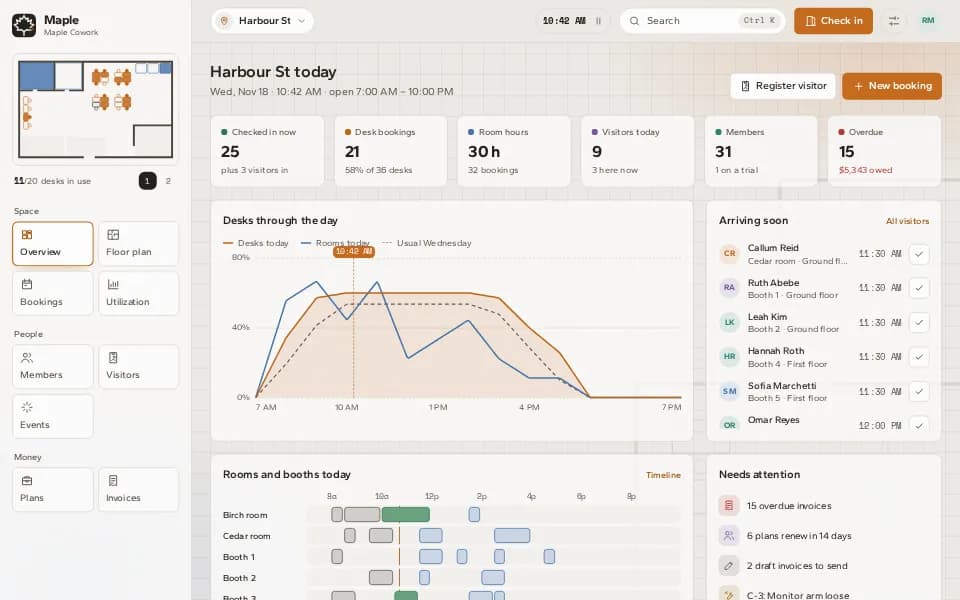
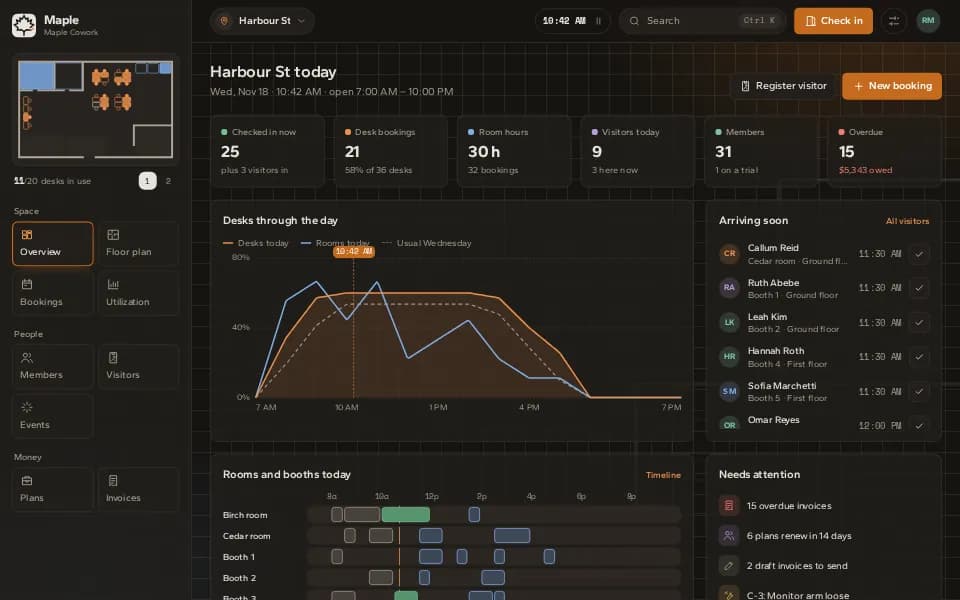
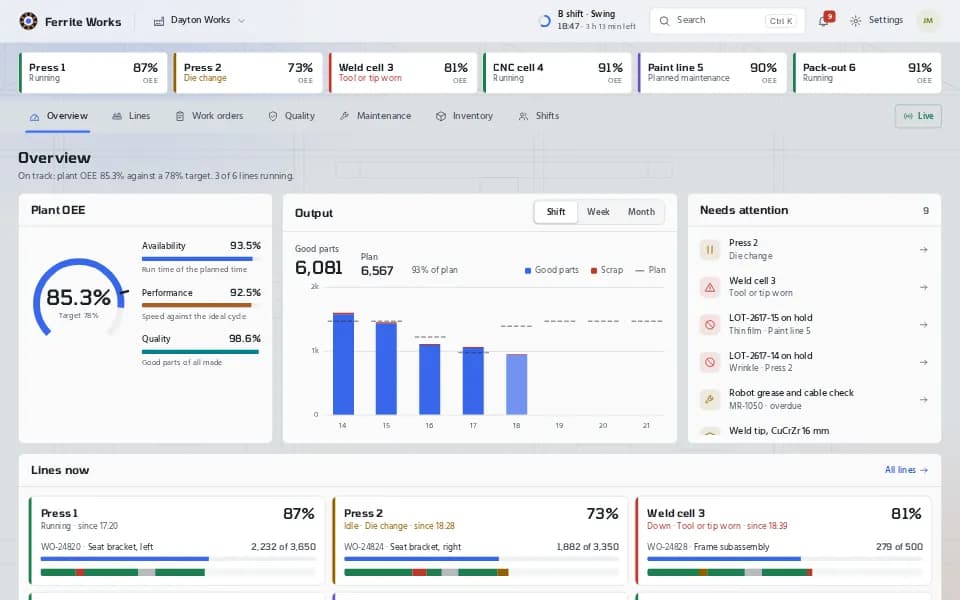
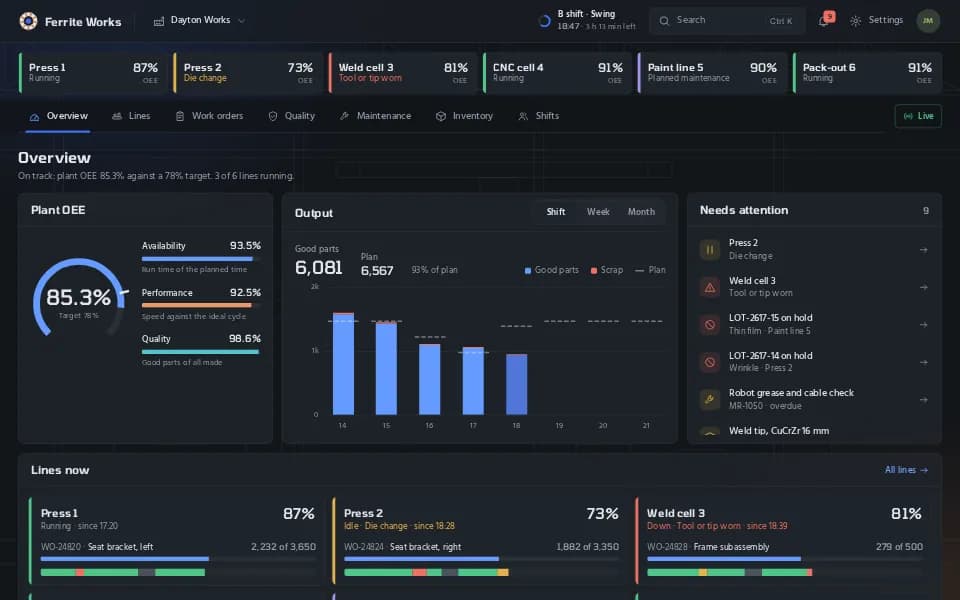
A speaker booking desk in eight pages: near-black navy panels edged in champagne gold, a conversion funnel that pours and reshapes live, gold date chips and Confirmed or Pending status on every event.
Web
8 trang
$69
Địa chỉ trang: /
Xem thêm bên dưới ↓
Tích hợp sẵn
Bạn nhận được
Sáng và tốiDùng màu theo giao diện của bạn
Máy tính, máy tính bảng và điện thoạiCác màn hình mục này được thiết kế cho
Package…
Dung lượng mã…
Tiết kiệm pin30 fps, nghỉ khi đứng yên
Tạm dừng khi bị ẩnNgoài màn hình hoặc tab khác
Giảm chuyển độngÊm dịu cho người có yêu cầu
Được kiểm tra ở mỗi thay đổi
Kiểm tra kiểuTypeScript strict
Lint và định dạngESLint · Prettier
Test và buildẢnh chụp sáng và tối
Kiểm tra bảo mậtKhông có cảnh báo mức cao hoặc nghiêm trọng
Tuổi của packageMọi phiên bản công khai từ 7 ngày trở lên
CPU khi nghỉDưới nửa nhân khi đứng yên, ≤ 30 fps
Mã nguồn
App này có gì không ổn? Gửi góp ý ›
events-podiumReact
events-podium.tsxpageThe page: the sections in order.
content.tscontentEvery word and number: brand, nav links, each section's copy and lists.
theme.tsthemeThe colors as CSS variables, and the shared class strings.
README.mdreadmeHow to install it, and where to change the text, colors and form.
content-account.tspartThe words of signing in and out: the sign-in screen and its Forgot password flow, the profile menu and Settings → Profile (content.ts passes them on).
content-edit.tspartThe words of making and changing things: the booking and speaker forms, deletes and their Undo, bulk actions, and editing events and follow ups (content.ts passes them on).
content-pages.tspartThe words of the Speakers, Events, Pipeline, Follow Ups, Reports and Settings pages (content.ts passes them on).
pagespagesOne file per page: the sections it shows, in order.
bookings.tsxpageThe bookings page: every inquiry in a filterable list, or one booking's own page at #/bookings/<id> to move it through its stages.
dashboard.tsxpageThe dashboard: the five headline numbers, the conversion funnel, upcoming events, the featured speaker's authority profile, the booking trend, then a working row (needs attention, today's follow-ups, pipeline by speaker). Every number, tier and point links to its list.
events.tsxpageThe events page: a calendar with each booked date marked in gold, the events of the picked day (?day=) or all of them, and the Add event dialog (?new).
follow-ups.tsxpageThe follow-ups page: tasks grouped by when they are due, and the Add follow up dialog (?new) whose form saves through the API.
pipeline.tsxpageThe pipeline page: every open booking on a board of the five stages; drag a card (or move it with the keyboard) to change its stage, and the funnel, numbers and revenue follow.
reports.tsxpageThe reports page: revenue by month over a range kept in the address (?range=3|6|12), conversion by source, top speakers and exports.
settings.tsxpageThe settings page in two tabs: Desk (the desk's details, alerts, and how the app looks) and Profile at #/settings/profile (your details, password and Sign out).
sign-in.tsxpageThe sign-in screen (#/sign-in): email and password checked through the API, remember me and the demo account, and the Forgot password flow (?forgot) that ends on a sent screen (?sent).
speakers.tsxpageThe speakers page: the roster with Add speaker (?new), or one speaker's profile at #/speakers/<id> with Edit (?edit) and Remove (?remove).
sectionssectionsOne file per page section.
appearance.tsxsectionSettings → Appearance: the palette, the style (Glass or Solid) and the theme (System, Dark or Light), each choice shown as a small preview.
authority-profile.tsxsectionThe featured speaker's authority profile: a gold-ringed portrait, the track record, topic chips and their line in a quote card.
booking-detail.tsxsectionOne booking on its page: its details, the stage steps, and the moves that update the funnel, numbers and revenue everywhere at once.
booking-filters.tsxsectionThe bookings list's filters: stage tabs with their counts, and the other filters from the address as chips that each remove themselves.
booking-form.tsxsectionThe booking form: a new inquiry (added at the top of the funnel) or a booking's details edited with Undo; every field checked before it saves.
booking-list.tsxsectionThe bookings list: stage tabs and filter chips kept in the address, a searchable, sortable table with rows picked for bulk actions, a row that opens the booking's page, and the New inquiry button.
bulk-bar.tsxsectionThe bar over the bookings table while rows are picked: how many, move them all to a stage, mark them lost or delete them, each with one Undo.
dashboard-panels.tsxsectionThe dashboard's panels: the conversion funnel, upcoming events with their gold date chips and status, and the 30-day booking trend.
dashboard-work.tsxsectionThe dashboard's working row: what needs attention, today's follow-ups and the open pipeline by speaker, each line a link to the list behind it.
desk-settings.tsxsectionSettings → Your desk (a form checked before it saves) and Alerts (switches that save as they flip), both through the API.
event-form.tsxsectionThe Add event form: every field checked, then the event is booked straight in (contract pending) and shows on the calendar, the funnel and the revenue.
kpi-row.tsxsectionThe five headline numbers, each a link to the bookings behind it: each counts up as its page builds in and rolls when a booking moves, with its change against the 30 days before.
profile-menu.tsxsectionThe avatar in the top bar and its menu: who is signed in (name, email, role), then Profile, Settings, the theme and Sign out.
profile-settings.tsxsectionSettings → Profile: your name, email and role, a password change checked before it saves, and Sign out, all through the API.
report-panels.tsxsectionThe report panels: conversion by inquiry source, the top speakers by booked revenue, and the exports.
sidebar.tsxsectionThe sidebar: the Podium House mark and the page links in tracked capitals, the current page marked with a gold bar.
sign-in-reset.tsxsectionThe Forgot password flow of the sign-in screen: the email form (?forgot) and the sent screen (?sent), plus the look the sign-in screen shares with it.
speaker-form.tsxsectionThe speaker form: add a speaker to the roster or edit one's profile (with Undo); every field checked before it saves.
speaker-profile.tsxsectionOne speaker's profile: portrait, track record, story and topics, and their live bookings with pipeline and booked value.
speaker-roster.tsxsectionThe speaker roster: search, an availability filter and Add speaker, then a card per speaker with their drawn portrait, availability, top topics and fee range.
task-list.tsxsectionThe follow-up list: tasks grouped by when they are due, each checked off, snoozed a day, edited or deleted, with Undo.
top-bar.tsxsectionThe top bar: the page's title in gold capitals and its line, today's date, search, the theme switch, follow-ups due and who is signed in.
partspartsWhat several sections share.
buildbuildWhat several sections share.
cardscardsWhat several sections share.
flip.tspartThe flip card style: cards turn up in 3D from their bottom edge.
rowsrowsWhat several sections share.
avatar.tspartThe avatar row motion: each row's face (data-build="face") pops first, then the row's other parts follow from faint.
core.tsxpartThe page's build-in: on first load and on every page switch the cards arrive in the app's card style and their contents build: bars grow, lines draw, rings fill, the list rows on screen ripple in in the app's row motion, numbers count. The two picks are wired in ./index.ts.
index.tspartThe app's two build-in picks, wired here and nowhere else: its card style (cards/) and its row motion (rows/). npm run new-app copies only the two it is given (--cards, --rows).
actions.tspartThe saves several pages share: a change or a delete shows at once everywhere (funnel, numbers, board, lists), is saved through the API, and offers Undo.
appearance.tspartHow the app looks right now: dark or light, Glass or Solid, from Settings → Appearance, the page around it and the Style setting.
backdrop.tsxpartThe Glass style's backdrop: what shows through the see-through panels, faded out in Solid; with followBackground it paints your background instead.
bar-chart.tsxpartA bar chart: bars grow in as the page builds in (parts/build/core.tsx), and the picked bar (in the primary), its guide line and tooltip glide to the bar you point at or pick with the arrow keys; a new range morphs the bars instead of drawing them again.
board-model.tspartA board as data: every card's place (one order) and column, and how a move changes them.
board.tsxpartA board of columns and cards: drag a card (mouse, pen or a short press on touch) with a lift and a gap where it will land, or pick it up with Space and move it with the arrow keys; the other cards glide out of the way.
chart-path.tspartA chart's line and area paths in each curve Chart Studio has (straight, smooth, step), and the classes that let a Chart Studio curve swap them in CSS.
command-palette.tsxpartThe command palette (⌘K or Ctrl K): type to find a page or an action, then Enter.
confirm.tsxpartA confirm dialog for a delete: what will happen, Cancel and the red action; without an action it only explains why it can't be done.
data-table.tsxpartA data table: a search box, columns that sort (aria-sort), still skeleton rows while loading, an empty note that clears the search, and rows you move through with the arrow keys, Home and End and open with Enter or a click.
dialog.tsxpartA centered modal dialog (a form, a confirm): rises in, plays its way out, Escape or a tap outside closes it, and the focus goes back where it was.
drag-board.tspartThe board's drag engine: mouse, pen and touch drags with a lift, a gap where the card will land, auto-scroll near the edges, and a drop or Escape that settles the card into place.
field.tsxpartA labeled form field (a text input or a select) with its error line under it, tied together for screen readers.
filter-chip.tsxpartA filter from the address as a gold chip; following it removes the filter (Back brings it back).
filters.tspartThe bookings list's filters, all kept in the address (#/bookings?reached=call&source=Referral) so a link can open the list already filtered and Back brings a filter back.
flip.tspartFLIP: when cards change place, each one glides from where it was to where it is now instead of jumping.
format.tspartHow numbers and dates are written: US style, US dollars, in one place.
funnel.tsxpartThe conversion funnel, the app's signature: as its page builds in gold pours down a thin stream and fills each tier top to bottom while its count ticks up; when a booking changes stage the tiers reshape to the new counts and the ones that changed catch a glint.
icons.tsxpartThe logo and the line icons, drawn on a 24-unit grid with round ends.
keyboard-move.tspartMoving a board card with the keyboard: Space picks it up, the arrow keys move it, Space or Enter drops it, Escape puts it back; each step is read out.
keyframes.tspartThe keyframes of the sidebar, toasts, dialogs and phone sheet, and the page-switch view transition.
metrics.tspartThe live numbers worked out from the bookings: funnel counts, the five headline figures and their change, upcoming events.
month-calendar.tsxpartA month calendar: six weeks from Sunday, the previous and next month, today and the picked day marked, a slot under each day for marks, and the keyboard of a date grid (arrows, Home, End, Page Up, Page Down).
motion.tspartMotion helpers: the reduced-motion check, live, and run-once-in-view.
portrait.tsxpartDrawn portraits: an engraved-style bust on a soft gold light, one hair shape per speaker, and an initials avatar for contacts. Both follow the theme and the presets, and are a list row's face (data-build="face"): they pop in first as the row arrives.
router.tspartThe page switcher: reads the app's page from the address hash (#/bookings?stage=call, #/speakers/renata-solis) and cross-fades to a new page.
row-pick.tsxpartPicking table rows for a bulk action: the checkbox each row gets and the header's one that picks every row shown.
scroll-to-view.tspartScrolls an element into view moving only its own scroll container, never the page around it.
select-box.tsxpartA native select dressed to match the app: no browser arrow, a drawn chevron instead.
session.tspartWho is signed in, kept in the browser: remembered (localStorage) or for this tab only (sessionStorage). A first visit opens signed in as the demo account.
sheet.tsxpartThe phone sheet: a modal panel that springs in from the left with the sidebar; Escape, a tap outside or its close button slides it away.
states.tsxpartThe data states every page shares: a calm skeleton while loading, an error with Try again, and an empty note with a way out.
store.tspartThe app-wide state several parts share: the theme mode and style (kept in the browser) and the toasts.
ticker.tsxpartA number that counts up while its page builds in, and rolls to its new value whenever it changes.
toasts.tsxpartThe toasts: short notes that confirm what just happened, bottom right.
trend-chart.tsxpartA two-line trend chart: smooth lines that draw in as the page builds in, a guide and readout that follow the pointer or the arrow keys, a click or Enter that opens the picked day's list, and a table of the same numbers for screen readers.
use-api.tspartLoads data through the fake API with loading, error and retry, remembering each answer so a page you come back to shows at once.
use-dialog.tspartOpens and closes a native <dialog> as a modal; on close it plays its way out first (data-closing), so dialogs, sheets and the palette never vanish in one frame.
datadataThe pretend data and the fake API: swap it for your backend.
account.tsdataThe pretend account: who signs in to the desk, and the demo password the sign-in screen hints at.
api.tsdataThe fake API: every page loads and saves through these functions, so wiring a real backend happens here only.
bookings.tsdataThe pretend bookings: every live inquiry and where it sits in the funnel, plus the closed ones already counted this period.
desk.tsdataThe pretend desk: follow-up tasks, the 30-day trend, monthly revenue and the agency's own settings.
speakers.tsdataThe pretend speaker roster: who the agency books, their topics, fees and track record.
events-podium.tsx
The page: the sections in order.
Đang tải…
Phù hợp cho
Speaker bureaus, talent agencies and event teams that track inquiries, calls, proposals and booked events in one place.
Cách hoạt động
Move a booking through its stages on its page or on the board and the funnel, numbers and revenue update on every page at once.
Cách dùng
Edit words in content.ts and colors in theme.ts, and swap the bodies in data/api.ts for calls to your backend.