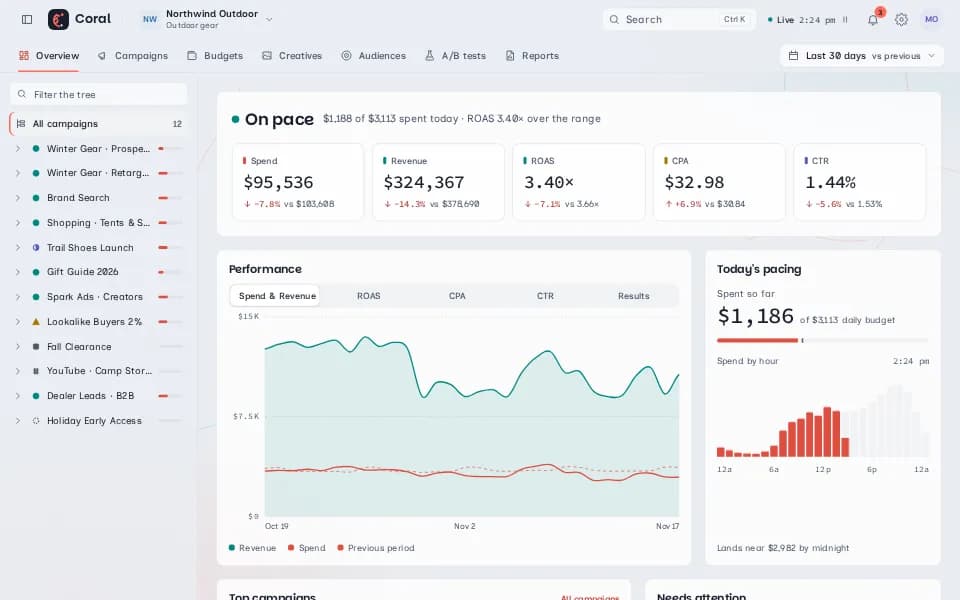
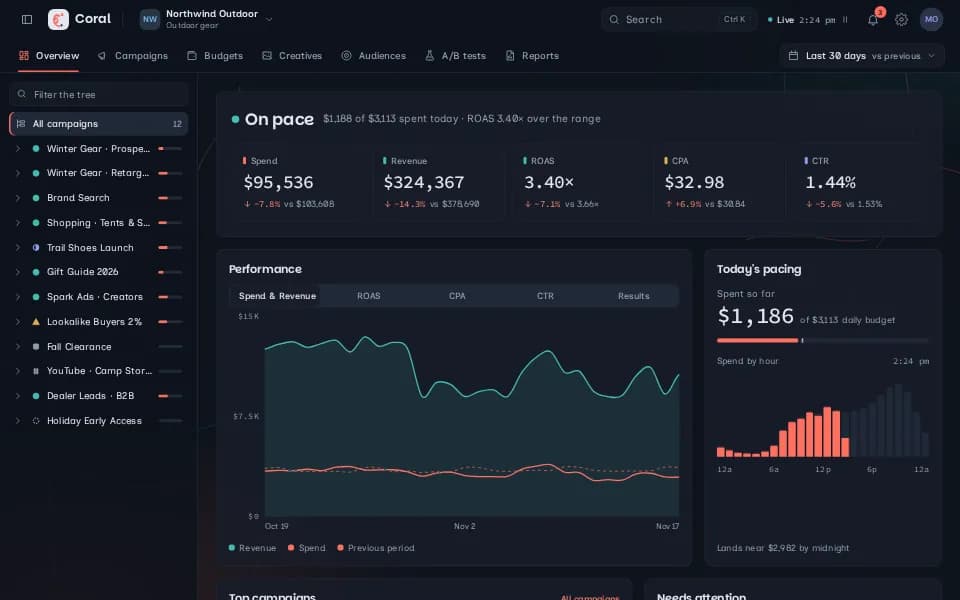
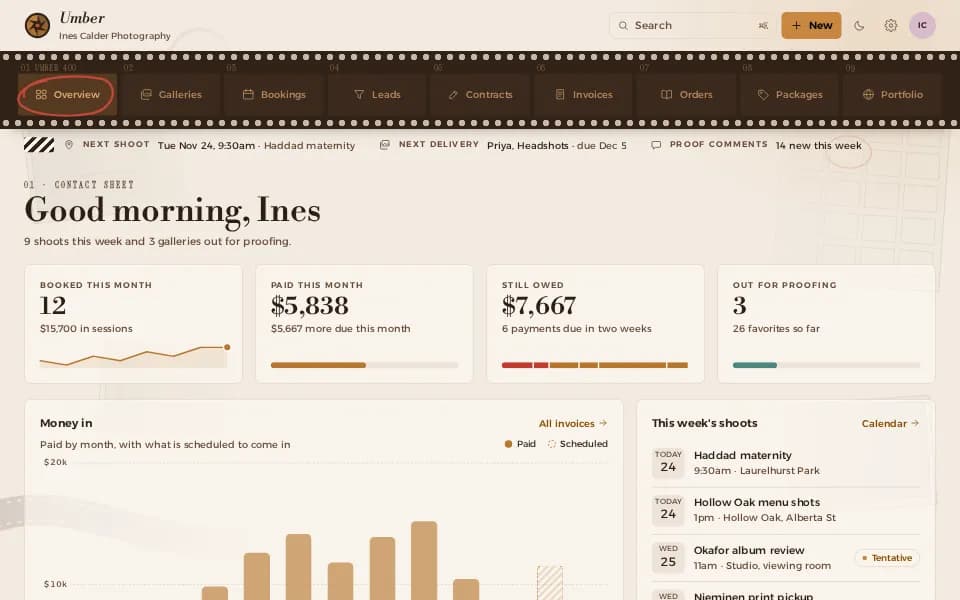
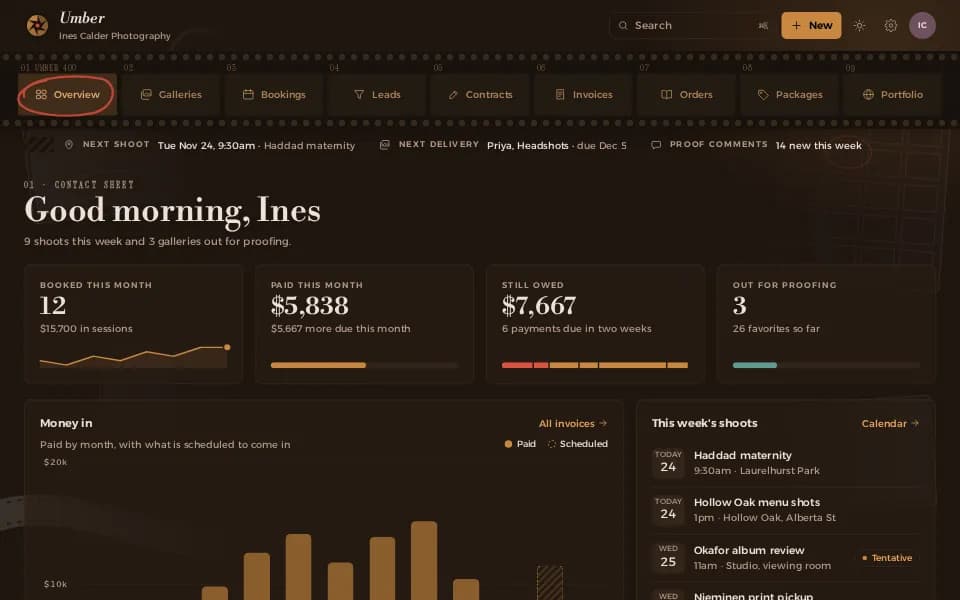
A risograph studio's app in fluoro pink and blue on newsprint: stack ink layers with a live overprint, drag runs through the press queue.
Web
12 trang
$69
Địa chỉ trang: /
Xem thêm bên dưới ↓
Tích hợp sẵn
Bạn nhận được
Sáng và tốiDùng màu theo giao diện của bạn
Máy tính, máy tính bảng và điện thoạiCác màn hình mục này được thiết kế cho
Package…
Dung lượng mã…
Tiết kiệm pin30 fps, nghỉ khi đứng yên
Tạm dừng khi bị ẩnNgoài màn hình hoặc tab khác
Giảm chuyển độngÊm dịu cho người có yêu cầu
Được kiểm tra ở mỗi thay đổi
Kiểm tra kiểuTypeScript strict
Lint và định dạngESLint · Prettier
Test và buildẢnh chụp sáng và tối
Kiểm tra bảo mậtKhông có cảnh báo mức cao hoặc nghiêm trọng
Tuổi của packageMọi phiên bản công khai từ 7 ngày trở lên
CPU khi nghỉDưới nửa nhân khi đứng yên, ≤ 30 fps
Mã nguồn
App này có gì không ổn? Gửi góp ý ›
riso-pressReact
riso-press.tsxpageThe page: the sections in order.
content.tscontentEvery word and number: brand, nav links, each section's copy and lists.
theme.tsthemeThe colors as CSS variables, and the shared class strings.
README.mdreadmeHow to install it, and where to change the text, colors and form.
pagespagesOne file per page: the sections it shows, in order.
client.tsxpageOne client (or a new one at #/client/new): their details to edit, their jobs and their invoices, in tabs kept in the address. Save and delete have Undo.
clients.tsxpageClients: everyone the studio prints for, with their jobs and what they still owe. Search, filter by city (kept in the address), sort, pick several to delete (Undo brings them back) or download them.
home.tsxpageHome: the studio at a glance. Five tiles that open what they count, the presses with their drums and what waits for them, the ink in each drum, the jobs due next, invoices waiting to be paid, the paper running lowest and the copies printed each day.
invoice.tsxpageOne invoice (or a new one at #/invoice/new, filled in from a job with ?job=): its client, dates and lines to edit beside the invoice as the client sees it, then save, send or mark it paid. Every change has Undo.
invoices.tsxpageInvoices: what each client was billed and whether they paid. Search, filter by state and client (kept in the address), sort, pick several to mark sent or paid or to delete (all with Undo), or download them.
job.tsxpageOne job (or a new one at #/job/new): its layers, its order and price, the proof to approve and its notes, in tabs kept in the address, with the print preview and the price beside them as you edit. Save and delete have Undo.
jobs.tsxpageJobs: every print job, soonest due first. Search, filter by status, client and ink (kept in the address, so Back keeps them), sort, pick several to move to a status or delete (Undo brings them back), or download them.
queue.tsxpageThe press queue: every run waiting to print, up next and on each press in order. Drag a run (or Space and the arrows) to a press or along it, start and finish the run at the front, and see how many drum changes each order costs. Every move and finish has Undo.
quotes.tsxpageQuotes: what each client asked to have printed and what it costs. Search, filter by status and client (kept in the address), open one to edit it with its price working out as you type, send it, or accept it into a job. Saves, sends and deletes have Undo.
settings.tsxpageThe settings page: the studio's prices and presses, then Appearance (style, theme and language).
sign-in.tsxpageThe sign-in page (#/sign-in): a riso poster printed in three inks beside the form card, over the halftone backdrop, without the top bar.
stock.tsxpageStock: the shelves of inks, master rolls and paper, a tab each (kept in the address). Count each one up or down, reorder what runs low, add, edit or delete; reorders, edits and deletes have Undo.
sectionssectionsOne file per page section.
account-menu.tsxsectionThe account menu under the avatar in the top bar: who is signed in, Settings and Sign out; the arrow keys move through it, Escape, Tab or a click outside closes it.
appearance.tsxsectionSettings → Appearance: the style (Glass or Solid) and the theme (System, Dark or Light), each choice shown as a small preview, and the language (System or one of locales/list.ts).
invoice-lines.tsxsectionAn invoice's lines to edit: what each is for, how many and at what price, with a line added or taken out (Undo puts it back); and the invoice as the client will see it, its totals working out as you type.
job-bits.tsxsectionSmall pieces every job view shares: its status as a chip in that status's ink, and its inks as a row of swatches.
job-layers.tsxsectionA job's layer stack: drag a layer up or down to change the print order (or Space and the arrow keys), add one from the drawn library, or upload your own art. An upload stays in this browser (an object URL) and is never sent anywhere; its dark parts print in the layer's ink.
job-quote.tsxsectionA job's order: its title, client, copies, paper, size, sides, rush and due date, each checked as you type, and what the run costs line by line as you change them.
job-rows.tsxsectionThe jobs list's rows: each job with its client and inks, how the address filters and sorts them, their columns, and the actions on picked jobs (move to a status, delete, download) with Undo.
layer-card.tsxsectionOne layer of a job, as a card in the layer stack: a handle, its art printed small in its ink, its name, the six inks to pick from, hide and remove, and two sliders that set it off register.
nav.tsxsectionThe top bar and the tabs: the logo, a row of ink-swatch tabs (on wide screens) with the current one marked by two ink bars that glide to it off register and snap into register, search, the theme switch, New job and the account menu. On phones the tabs move to a strip of swatches along the bottom.
shop-settings.tsxsectionThe studio's own settings: what masters, ink, setup and rush cost, the tax on invoices, and each press with its name and the two ink drums it holds. Saving has Undo.
sign-in-form.tsxsectionThe sign-in form: email and password with their errors under them, show or hide the password, keep me signed in, and the demo account to fill in; a wrong pair says so above the fields.
stock-editor.tsxsectionThe form for one ink, master roll or paper on the stock shelves: only the fields that kind has, each checked before it saves.
partspartsWhat several sections share.
buildbuildWhat several sections share.
cardscardsWhat several sections share.
deal.tspartThe deal card style: each card is dealt from the side of the current nav item, a short slide toward its place, one quickly after another.
rowsrowsWhat several sections share.
cols.tspartThe cols row motion, a column wave: the parts of each row on screen (its children) arrive left to right, 35ms apart.
core.tsxpartThe page's build-in: on first load and on every page switch the cards arrive in the app's card style and their contents build: bars grow, lines draw, rings fill, the list rows on screen ripple in in the app's row motion, numbers count. The two picks are wired in ./index.ts.
index.tspartThe app's two build-in picks, wired here and nowhere else: its card style (cards/) and its row motion (rows/). npm run new-app copies only the two it is given (--cards, --rows).
appearance.tspartHow the app looks right now: dark or light, Glass or Solid, from Settings → Appearance, the page around it and the Style setting.
avatar.tsxpartA person's initials in a round badge, tinted with the primary.
backdrop.tsxpartThe Glass style's backdrop, still: two halftone dot fields in pink and blue printed a few pixels off register, fading toward the middle, registration marks in the corners and a riso press drawn in two inks at the bottom end; faded out in Solid. With followBackground it paints your background instead.
bar-chart.tsxpartA bar chart: bars grow in, and the picked bar (in the primary), its guide line and tooltip glide to the bar you point at or pick with the arrow keys; a new range morphs the bars instead of drawing them again.
blocks.tsxpartThe blocks every page is made of: the page heading, a card with its title and a link to the full list, a number tile that opens what it counts, and a row of tabs kept in the address.
board-model.tspartA board as data: every card's place (one order) and column, and how a move changes them.
board.tsxpartA board of columns and cards: drag a card (mouse, pen or a short press on touch) with a lift and a gap where it will land, or pick it up with Space and move it with the arrow keys; the other cards glide out of the way.
bulk-bar.tsxpartThe bar that rises over a list once rows are picked: how many, the actions for all of them, and a way to drop the pick.
command-palette.tsxpartThe command palette (⌘K or Ctrl K): type to find a page or an action, then Enter.
confirm.tsxpartA guarded action's second step: a small dialog that says what will happen, with Cancel and the action in red.
csv.tspartExport CSV: turns rows into a CSV file and hands it to the browser to save.
dialog.tsxpartA centered modal dialog (a form, a confirm): rises in, plays its way out, Escape or a tap outside closes it, and the focus goes back where it was.
drag-board.tspartThe board's drag engine: mouse, pen and touch drags with a lift, a gap where the card will land, auto-scroll near the edges, and a drop or Escape that settles the card into place.
field.tsxpartA labeled form field (a text input or a select) with its error line under it, tied together for screen readers.
filters.tsxpartA list's search and filters, all kept in the address: a search box, a select per filter, the active ones as chips that remove themselves, and Clear filters.
flip.tspartFLIP: when cards change place, each one glides from where it was to where it is now instead of jumping.
format.tspartHow numbers and dates are written: by Intl, the current language's way ("1,240", "1.240"; "Nov 19", "19 nov."), plus money in pounds, kilograms and how far a day is from today.
icons.tsxpartThe logo and the line icons, drawn on a 24-unit grid with round ends.
inputs.tsxpartThe inspection form's controls: a counter with minus and plus for frames and stores, and a row of choices (queen, pattern, temper, method, weather) as pills.
keyboard-move.tspartMoving a board card with the keyboard: Space picks it up, the arrow keys move it, Space or Enter drops it, Escape puts it back; each step is read out.
language.tspartThe app's language: the words every page reads (useWords), how dates and numbers are written (parts/format.ts) and the reading direction. Picked in Settings → Appearance (or System: the page's own language) and kept in this browser; English is built in, any other language loads only when it shows (locales/list.ts).
line-chart.tsxpartA line chart with a soft area under it, in the primary: the line draws itself in, the latest point marked, and new values roll the line to its new shape.
list-card.tsxpartThe card a list sits on: how many rows show, Export, the bar for picked rows with their actions, the table, and an empty note that clears the filters when nothing matches.
list-view.tspartWhat a list does with its rows, whatever it looks like: the sort kept in the address (?sort=name&dir=asc), picked rows with shift-click ranges, pick all shown, and Show more.
moments.tspartThe animations the sidebar, the sign-in card, menus, dialogs, the phone sheet and toasts play, timed by their moments in theme.ts.
motion.tspartMotion helpers: the reduced-motion check, live, and run-once-in-view.
overprint.tsxpartThe press preview: a sheet of paper with each visible layer printed on it in its ink. A filter turns a layer's dark parts into ink and its light parts into nothing, the inks multiply where they cross like real riso ink, and each layer sits off register by its own offset. When the preview first shows, the layers slide in from off register (not with reduced motion).
router.tspartThe page switcher: reads the app's page from the address hash (#/settings, #/?status=open).
scroll-to-view.tspartScrolls an element into view moving only its own scroll container, never the page around it.
select-box.tsxpartA native select dressed to match the app: no browser arrow, a drawn chevron instead.
session.tspartWhether someone is signed in: a first visit is signed in as the demo account; Sign out holds until the next sign-in, and a sign-in without Keep me signed in lasts only this tab.
states.tsxpartThe data states every page shares: a calm skeleton while loading, an error with Try again, and an empty note with a way out.
store.tspartThe app-wide state several parts share: the theme mode and style (kept in the browser) and the toasts.
table.tsxpartA list as a table every list page shares: a pick box per row (shift-click picks a range) and one for all shown, column headers that sort (kept in the address), each row opening its record, and Show more. On phones the less needed columns step aside.
ticker.tsxpartA number that counts up while its page builds in, and rolls to its new value whenever it changes.
toasts.tsxpartThe toasts: short notes that confirm what just happened, at the bottom end.
use-api.tspartLoads data through the fake API with loading, error and retry, remembering each answer so a page you come back to shows at once.
use-dialog.tspartOpens and closes a native <dialog> as a modal; on close it plays its way out first (data-closing), so dialogs, sheets and the palette never vanish in one frame.
datadataThe pretend data and the fake API: swap it for your backend.
account.tsdataThe demo account: who is signed in (the account menu shows them) and the email and password the sign-in page takes.
api-shop.tsdataThe fake API, part two: quotes, stock, clients, invoices and settings. Same rules as api.ts: replace a body with a fetch that answers the same shape.
api.tsdataThe fake API: every page loads and saves through these functions (jobs and the press queue here; quotes, stock, clients, invoices and settings in api-shop.ts), so wiring a real backend happens in data/ only.
db.tsdataThe fake API's memory: the seed data copied once, changed by every save until the page reloads, and the overview worked out from it.
rules.tsdataThe studio's rules in one place: what a print run costs, an invoice's totals and state, when stock runs low and how many drum changes a press lane needs.
samples.tsdataThe drawn sample library a job's layers start from: six pieces of art in black on a clear sheet (210 × 297, a portrait page in millimetres). The press preview turns each dark part into its layer's ink (parts/overprint.tsx), the same as an uploaded file.
seed-shop.tsdataThe pretend studio, part two: quotes, invoices, the stock of inks, masters and paper, the prices and presses in Settings, and what the studio printed each day.
seed.tsdataThe pretend studio: a two-machine riso shop with its clients, jobs and the runs waiting at the presses (quotes, invoices and stock in seed-shop.ts). Everything the fake API (api.ts) starts from.
types.tsdataThe shapes of the studio's data: jobs made of ink layers, the runs in the press queue, quotes, clients, invoices and the stock of inks, masters and paper.
localeslocalesEvery word the app shows, one JSON file a language; list.ts names them.
en.jsoncontentOne language's words, with the keys of en.json.
es.jsoncontentOne language's words, with the keys of en.json.
list.tscontentThe languages the app offers, in the picker's order: one JSON file each, en.json the source. To remove one, delete its file and its line; to add one, copy es.json, translate it and add a line. English is built in; the rest load only when picked. TypeScript checks each file has en.json's keys, scripts/check-locales.mjs the rest (no extra keys, plural forms, {slots}).
riso-press.tsx
The page: the sections in order.
Đang tải…
Phù hợp cho
Small riso and print studios that quote jobs, plan press runs by ink drum, track inks, masters and paper, and invoice clients.
Cách hoạt động
Stack a job's ink layers and see them overprint live, drag runs between presses to save drum changes, then quote, stock and invoice.
Cách dùng
Edit words in locales/, colors in theme.ts, and swap the bodies in data/api.ts and data/api-shop.ts for your backend.