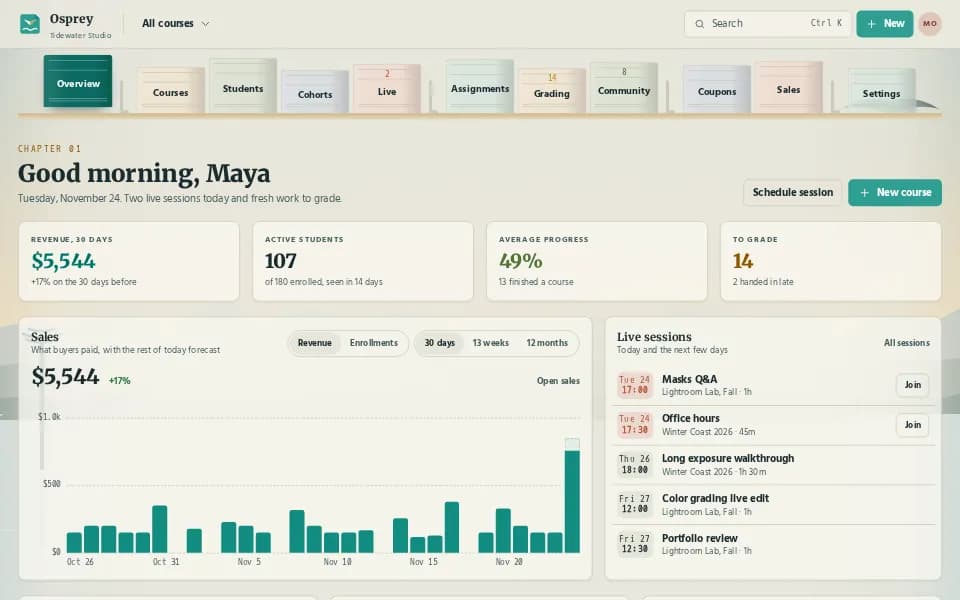
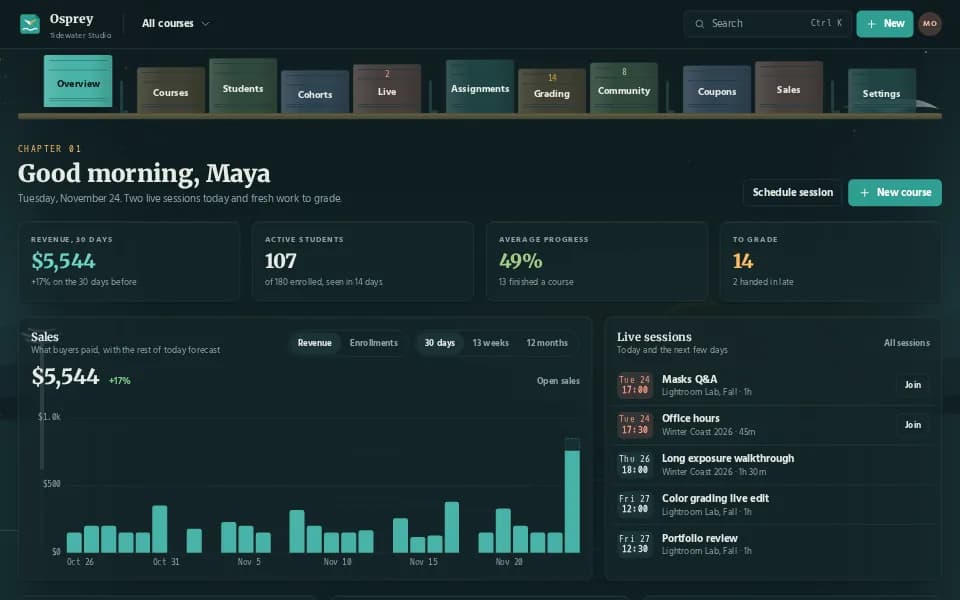
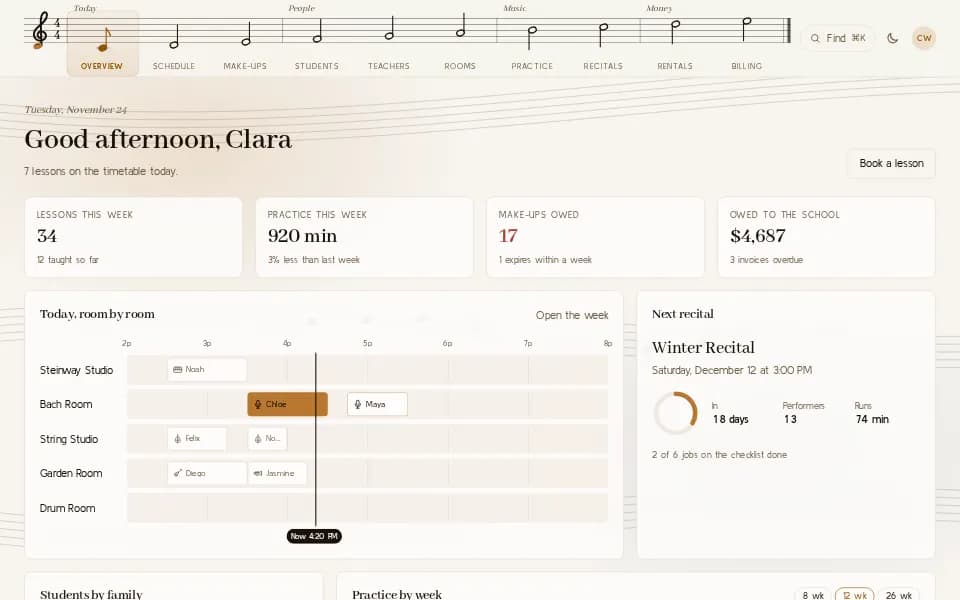
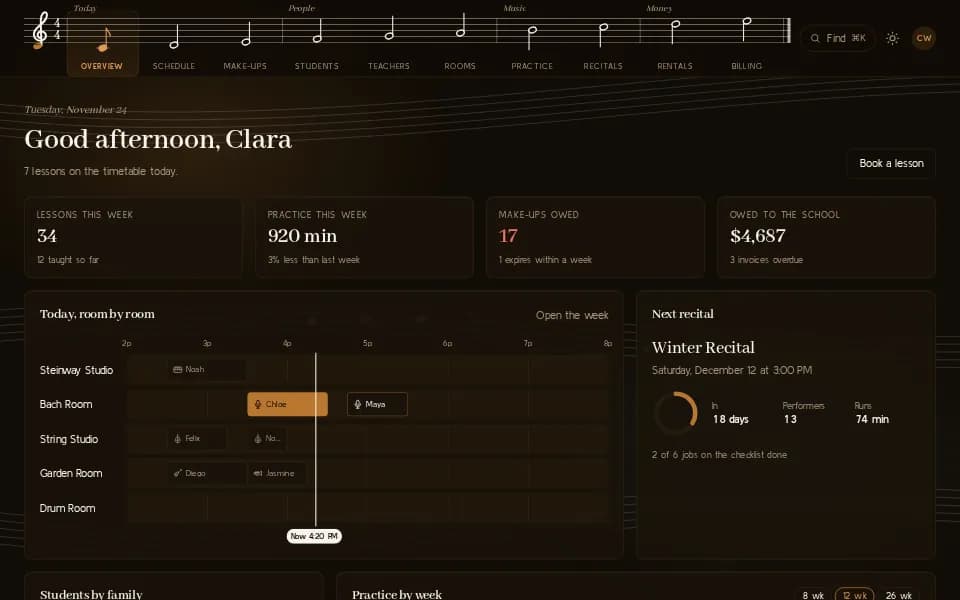
A design school's learner dashboard: an ink sidebar, a profile you edit in place, a course path with progress rings, live-session calendar, projects with reviews, certificates and messages that all work.
Web
7 pages
$99
Adresse de la page : /
Suite plus bas ↓
Intégré
Ce que vous obtenez
Clair et sombreUtilise les couleurs de votre thème
Ordinateur, tablette et téléphoneLes écrans pour lesquels il est conçu
Paquets…
Taille du code…
Économe en batterie30 i/s, au repos quand rien ne bouge
Pause quand masquéHors écran ou autre onglet
Mouvement réduitCalme pour ceux qui le demandent
Vérifié à chaque modification
Vérification des typesTypeScript strict
Lint et formatESLint · Prettier
Tests et buildCaptures claires et sombres
Audit de sécuritéAucune vulnérabilité élevée ou critique
Ancienneté des paquetsChaque version publique depuis 7 jours ou plus
CPU au reposMoins d’un demi-cœur au repos, ≤ 30 i/s
Code
Un problème avec cette application ? Envoyer un avis ›
learn-loupeHTML
index.htmlpageThe profile page and all its text, one marked block per section.
courses.htmlpageThe courses page and all its text, one marked block per section.
calendar.htmlpageThe calendar page and all its text, one marked block per section.
projects.htmlpageThe projects page and all its text, one marked block per section.
certificates.htmlpageThe certificates page and all its text, one marked block per section.
messages.htmlpageThe messages page and all its text, one marked block per section.
settings.htmlpageThe settings page and all its text, one marked block per section.
theme.cssthemeThe colors and fonts in one place.
sectionssectionsOne file per page section.
account.csssectionSettings → Account: who is signed in, Change password and Sign out.
account.jssectionSettings → Account: the email you're signed in with, Change password (a dialog that checks the current one through the API) and Sign out.
activity.csssectionRecent activity: a list of rows with a tinted icon, what and when, and the sketchbook-and-mug drawing under it.
activity.jssectionRecent activity: what you did lately (lessons, projects, messages, reminders, payments), newest first, each with its kind's icon and color.
appearance.csssectionSettings → Appearance: two rows of picture choices (the style, the theme), the picked one ringed in the primary.
appearance.jssectionSettings → Appearance: the style (Glass or Solid) and the theme (System, Dark or Light), each choice a small preview; kept in this browser and on every page.
bell.csssectionThe notification bell and its dropdown.
bell.jssectionThe notification bell: a coral dot while something is new, and a dropdown of notifications that each lead to their page (and count as read), with Mark all read.
calendar-page.csssectionThe calendar page: its heading with Today and the Month | Week tabs, the calendar panel beside the day panel on wide screens, and the marks under each day of the month.
calendar-page.jssectionThe calendar (pages/calendar.tsx): live sessions by month or by week; pick a day to see its sessions and turn a reminder on or off, and add, edit or delete your own study blocks. The day and view live in the address (calendar.html?day=2026-11-18&view=week).
card-form.jssectionThe Add card dialog: name, number (its brand read from the first digit), expiry and CVC, each checked before it saves. learnLoupe.openCardForm() opens it.
certificate.csssectionThe full certificate in a dialog: a double-ruled sheet with the school, your name, the course in its color, the date, a credential ID, the seal and the dean's signature, then Copy link and Download PDF (the print dialog, showing the certificate alone).
certificate.jssectionThe full certificate in a dialog: your name, the course, the date, a credential ID, the seal and the dean's signature, with Copy link and Download PDF (the print dialog). learnLoupe.showCertificate(course) opens it.
certificates.csssectionCertificates: the earned badges (each opens its certificate) and the locked ones with what's left and a progress bar, two columns from 2xl, four from 5xl.
certificates.jssectionCertificates: earned badges that open as a full certificate (sections/certificate.js), and locked ones that say what's left to earn them.
compose-form.jssectionNew message: the button beside Messages opens the form, who to write to and the message; it starts a conversation, or adds to the one you already have with them, and opens it.
course-board.csssectionThe Board | Timeline switch, the board (three columns that scroll sideways on a narrow screen) and its course cards (cover, title, teacher, ring, next lesson with its tick button), the slide into Done, and the timeline's panel.
course-board.jssectionThe courses as a board (sections/course-board.tsx): Not started, In progress and Done columns. Progress decides the column, so there is no dragging; tick a card's next lesson and, on the last one, it slides into Done with a burst of dots (a course finished on another page slides in once on arrival). ?view=timeline shows the course path instead (parts/timeline.js).
course-detail.csssectionOne course's page: the back link, the head (status chip, title, blurb, big ring and counts beside the cover), the outline beside the teacher and next live session cards; the loading block and the burst of dots.
course-detail.jssectionOne course, at courses.html?course=<id> (sections/course-detail.tsx): its cover and big progress ring (a burst of dots when the last lesson is ticked), the outline (course-modules.js), the teacher and the next live session; loading and not-found states.
course-hero.csssectionMy courses' head and top row: the title, the Continue card (cover, title, teacher, next lesson, progress bar, Resume) and the This week card (goal ring, streak, next live session).
course-hero.jssectionThe top of My courses (sections/course-hero.tsx): a big Continue card for the course to pick up again, and beside it the week's goal ring, the streak and the next live session; loading and error states while the courses load.
course-modules.csssectionThe course outline: each module's row (number tile, name, count, chevron) and its lessons, each a checkbox in the course's color with its title and length.
course-modules.jssectionThe course outline (sections/course-modules.tsx): each module opens to its lessons, and each lesson is a checkbox; ticking one updates the rings, the sidebar, the profile and the activity at once. learnLoupe.courseModules draws it for course-detail.js.
course-path.csssectionThe profile's course path panel: its heading with All courses, then the timeline.
course-path.jssectionThe profile's course path: the first four courses on the timeline (parts/timeline.js), with loading and error states.
course-reset.csssectionReset progress on a course's page, and its question in place.
course-reset.jssectionReset progress on a course's page (courses.html?course=<id>), once a lesson is done: asks first in place, then unticks every lesson, with Undo in the toast.
day-panel.csssectionThe picked day's panel: its date, a calm note with Add on a free day, and a card per session with its course color bar, time, title, host and the Remind me switch, or Edit and Delete for your own study blocks.
day-panel.jssectionThe picked day's live sessions (sections/day-panel.tsx): time, course color, host and a Remind me switch, or Edit and Delete for your own study blocks; a calm note with Add on a free day.
goal-form.csssectionThe weekly goal: the pencil beside This week, and the dialog with − and + around the number.
goal-form.jssectionThe weekly goal: the pencil beside This week opens the form; lessons a week with − and + (or typed, or the arrow keys), checked before it saves through the API.
messages.csssectionMessages: the title with New message, then one panel with the search and the conversations (All or Unread) beside the open one; on a phone the list or the conversation fills it, with a way back.
messages.jssectionMessages: the conversations beside the open one (messages.html?thread=t1, drawn by sections/thread.js), All or only the unread ones (&show=unread), each with who, the last line, when and the unread count. The search (&q=) finds a name or words in a message; the address follows it, so Back keeps it.
notice-switches.csssectionSettings → Notifications: a row per kind of note with its switch; the knob springs across.
notice-switches.jssectionSettings → Notifications: a switch per kind of note, saved as soon as it flips (with a toast).
pay-cards.csssectionSettings → Payment cards: each card as a small face with its brand mark, Default or Make default, Remove with an inline confirm; and the Add card form (sections/card-form.js).
pay-cards.jssectionSettings → Payment cards: each card as a small card face with its brand mark, Make default, Remove (asked once, inline) and Add card (sections/card-form.js).
premium-card.csssectionThe Premium card: a deep ink card with two soft glows, the plan's perks and a coral button to the plan screen.
premium-card.jssectionThe Premium card: its words switch to the thank-you once you're on Premium.
premium-plan.csssectionSettings → Premium plan: a deep ink panel with two soft glows, the billing switch and price, Upgrade (or back to Free), and Free beside Premium in a table.
premium-plan.jssectionSettings → Premium plan: monthly or yearly, Free beside Premium, and Upgrade (or back to Free) through the API; Upgrade needs a card first.
profile-card.csssectionThe profile page's grid and the profile card: the band of color, the portrait in its drawn ring, the standing under it and the details beside it.
profile-card.jssectionThe profile card: the greeting above it, the round portrait (change it from a file), the standing under it (track, level, next certificate), and each detail and link editable in place.
profile-menu.csssectionYour avatar's menu in the top bar: who you are, Profile, Settings, the theme and Sign out.
profile-menu.jssectionYour avatar's menu in the top bar: your name, email and track, then Profile, Settings, the theme and Sign out; arrow keys move, Escape or a click outside closes it.
profile-stats.csssectionThe week's four numbers, each on its own panel with a tinted icon.
profile-stats.jssectionThe week in four numbers: hours, streak, lessons done and certificates, each ticking up on the first show.
project-details.csssectionInside the project drawer, in its course's color (--ll-hue): the status, the file, the course, the steps from draft to reviewed, then the feedback, the wait or Submit.
project-details.jssectionInside the project drawer (sections/project-details.tsx): the file, the course, the steps from draft to reviewed, and the reviewer's feedback, or the project's own buttons (project-tools.js). Open while the address has ?project=<id>.
project-form.csssectionThe New draft form: its fields stacked, Cancel and Add draft at the end.
project-form.jssectionThe draft form in a dialog, New draft or Edit draft with its fields filled: a title, the course and the file's name, each checked before it saves through the API. learnLoupe.openProjectForm(project) opens it to edit.
project-list.csssectionThe Projects page: its head, the filter and view tabs, the data states, and the project cards as a list or a board by status.
project-list.jssectionThe Projects page (pages/projects.tsx, sections/project-list.tsx): the status filter, the search, the sort and the List or Board view, all kept in the address (?status=draft&view=board&sort=title&q=poster), the data states, and the projects as a list (one row each) or a board (a column per status); every card opens the project's drawer.
project-tools.csssectionA project's own buttons in its drawer: Withdraw, and Edit draft beside Delete draft.
project-tools.jssectionA project's own buttons in its drawer: Submit for review, Edit draft (the draft form) and Delete draft (asked in place, Undo in the toast) for a draft, Withdraw to draft for one waiting for review. project-details.js calls learnLoupe.projectTools(project) as it shows one.
settings.csssectionSettings: the page's grid; appearance beside notifications and cards from 5xl, the Premium plan across the bottom.
settings.jssectionSettings: settings.html?tab=premium scrolls to the Premium plan once the account has loaded.
sidebar.csssectionThe sidebar: the mark, the page links with their counts, the next live session and the pencil-cup drawing, on the deep ink.
sidebar.jssectionThe sidebar: marks the page you are on, shows the live counts beside the links (courses in progress, drafts, unread messages), the next live session with a Premium badge when you have it, and gives the phone sheet a copy of it.
sign-in.csssectionThe sign-in screen: the ink panel with the pencil-cup drawing beside the card that holds the sign-in, reset and sent steps.
sign-in.jssectionThe sign-in screen's card: email and password with their errors, Remember me and the demo account; "Forgot password?" swaps in the reset form, which ends on a sent screen. Signing in opens Profile.
study-form.jssectionThe study block form in a dialog, new or edit: what you'll work on, the course it counts for, the day, the start and the length, checked before it saves through the API. learnLoupe.openStudyForm({ block, day }) opens it.
thread.csssectionOne conversation: who it is with (Mark as unread and Delete beside), the messages as bubbles (yours on the right in the primary), the other side typing and the reply box.
thread.jssectionOne conversation (messages.html?thread=t1): the messages as bubbles, the other side typing, and a box to write and send (Enter sends, Shift Enter breaks a line). Opening it clears its unread count in the sidebar; Mark as unread and Delete (with Undo) go back to the list.
top-bar.csssectionThe top bar: the menu button on narrow screens, the page's name, the search field (⌘K), the bell and the theme switch; the avatar's menu is sections/profile-menu.css.
top-bar.jssectionThe top bar: the menu button (the phone sheet), the search shortcut for your keyboard, and the theme switch (it offers the theme the app is not showing); your avatar's menu is sections/profile-menu.js.
week-view.csssectionThe week view: its heading and arrows, then seven day columns (a list of rows on a phone), each with its sessions in their course colors.
week-view.jssectionThe week view (sections/week-view.tsx): the picked day's week, Monday to Sunday, each day a column of its live sessions; the arrows move a week.
partspartsWhat several sections share.
actions.jspartWhat the person does (parts/actions.ts): each action saves through the API, updates every loaded answer that shows it (so the sidebar, the profile and the course page agree at once), adds to the recent activity and confirms with a toast. Its words are on the page's [data-action-words].
art.csspartThe logo's and the drawings' colors (parts/art.js), from the theme, and the paper plane's drift.
art.jspartThe app's drawings (parts/art.tsx): the pencil cup in the sidebar, the sketchbook and mug beside the activity, course covers without a photo and the badges. <svg data-art="cup"> or "desk" on the page gets its drawing; learnLoupe.art makes more.
build.csspartThe page build-in's shared part (build.js, the same as theme.ts BUILD); the card style (card-<style>.css) and row motion (row-<motion>.css) add their own. data-entrance is on <main> while it runs; data-build marks what takes part. Every page load builds in; no cross-fade between pages (it stuttered over the glass panels).
build.jspartThe page's build-in, the same as parts/build/core.tsx: on every page load the cards arrive in the app's card style (app.cards, from card-flip.js) and their contents build: meters grow, rings fill, the list rows on screen ripple in in the app's row motion (app.rows, from row-turn.js), numbers count. Every page loads the two picks before this file.
card-flip.csspartThe flip card style (card-flip.js, the same as parts/build/cards/flip.ts).
card-flip.jspartThe flip card style, the same as parts/build/cards/flip.ts: cards turn up in 3D from their bottom edge.
controls.csspartThe controls every page shares: the focus ring, the main, Premium, quiet and icon buttons, fields, chips (with the course status colors) and segmented tabs.
drawer.csspartA drawer (parts/drawer.tsx): a full-height panel from the right, its title and close button, then its body.
drawer.jspartA drawer from the right (parts/drawer.tsx): a full-height native <dialog> for one thing's details, open while the address names the thing (projects.html?project=p1), so a link and the Back button reach it. It springs in, slides out, closes on Esc, the close button or a click beside it, and keeps showing its thing while it slides away.
field.csspartForm pieces several sections share: the password field's Show / Hide button, a quiet red action, the in-place question before a removal, a list's search field, a small select and a text box.
field.jspartForm pieces several sections share: error lines tied to their fields, the password Show / Hide button, asking before a removal, and a list's search field.
format.jspartHow numbers, dates and times are written: US style, in one place, the same as parts/format.ts.
icons.jspartThe logo and the line icons (parts/icons.tsx): each <svg data-icon="search"> on the page gets its drawing, and the other scripts make more with learnLoupe.icon("plus", "ll-s4").
inline-field.csspartOne detail you edit where it is: as it reads (icon, label, value, pencil) and as a field (label, input, save and cancel, the problem under it).
inline-field.jspartOne detail you edit where it is (parts/inline-field.tsx): the pencil turns it into a field, Enter saves, Escape puts it back, a problem shows under it. The form is the page's <template data-inline-form>.
manage.jspartMaking, changing and removing things (parts/manage.ts): the weekly goal, a course's progress, study blocks, drafts and conversations; each saves through the API, updates every loaded answer and confirms with a toast, and a removal offers Undo. Its words are on the page's [data-action-words].
marks.csspartThe progress ring, the picture spot and the round avatar (parts/marks.js).
marks.jspartThe small drawn marks pages share: a progress ring that fills as the page builds in (parts/ring.tsx), a picture spot with its photo or drawing and a person's round avatar (parts/picture.tsx).
month-calendar.csspartThe month calendar (parts/month-calendar.js): its title and arrows, the weekday row and the six weeks of day buttons (today ringed, the picked day filled in the primary).
month-calendar.jspartA month calendar, the same as parts/month-calendar.tsx: six weeks from Monday, today and the picked day marked, a slot under each day for marks, and the keyboard of a date grid (arrows, Home, End, Page Up, Page Down). A new month slides in from the side it was browsed to.
motion.jspartThe helpers every other script shares, as the page's one global, window.learnLoupe: motion, words with blanks, following a link, the appearance kept in the browser, toasts and dialogs.
overlays.csspartWhat opens over the page (the phone sheet, centered dialogs) and the toasts, with their ways in and out; nothing moves with reduced motion.
page.csspartThe app's base: the root, the sidebar-and-page grid, type, panels, icon sizes, the data states and the first-load motion every page shares.
palette.csspartThe command palette: a solid panel (no blur behind it, so it opens at full speed) with the search field, the list and the keys hint.
palette.jspartThe command palette (⌘K or Ctrl K, or any search button): type to find a page, a course, a project, a conversation or an action, then Enter. Its words are on the page's <dialog data-palette>.
progress.jspartWhat a course's lessons add up to (parts/progress.ts): its share done, its status, its next lesson, what its certificate still needs, the week's lessons and the course to pick up again and the next live session.
row-turn.csspartThe turn row motion (row-turn.js, the same as parts/build/rows/turn.ts). Its free edge never comes forward, so it never widens the page.
row-turn.jspartThe turn row motion, the same as parts/build/rows/turn.ts: each row on screen swings in from behind, hinged on its left edge, from faint.
session.jspartWhether someone is signed in: the demo starts signed in; Sign out shows the sign-in screen (index.html#/sign-in) until they sign in again, kept in the browser.
shell.jspartHow the app looks right now: dark or light and Glass or Solid, from Settings → Appearance and the page around it; and the rest for your background's drift.
timeline.csspartThe course path: the line, each course's marker and its card (cover, title and chip, teacher and counts, ring, arrow).
timeline.jspartThe course path (sections/course-timeline.tsx): each course on a vertical line with its cover, a Done / In progress / Not started chip, its next lesson and a progress ring; the whole card opens the course. Used by the profile (compact) and My courses.
widgets.jspartThe small pieces several sections share: loaded answers every section on the page watches (parts/use-api.ts), a number that ticks up, and the error state with Try again.
datadataThe pretend data and the fake API: swap it for your backend.
api-work.jsdataThe fake API's second half: projects and messages, on the same kept data as data/api.js.
api.jsdataThe fake API, the same functions as data/api.ts: every page loads and saves through window.learnLoupe.api, so wiring a real backend happens here only.
auth-api.jsdataThe fake sign-in API (signing in, the reset email, changing the password), beside data/api.js: replace the bodies with calls to your auth backend.
inbox.jsdataThe pretend inbox, notifications, recent activity, payment cards and settings (data/inbox.ts), on window.learnLoupe.data.
school.jsdataThe pretend school (data/school.ts): the student, the teachers and the courses with their modules and lessons, on window.learnLoupe.data.
work.jsdataThe pretend live sessions and submitted projects (data/work.ts), on window.learnLoupe.data.
photosphotosThe photos the page shows.
loupe-avatar-mentor.jpgphotoA photo the page shows.
loupe-avatar-peer.jpgphotoA photo the page shows.
loupe-avatar-teacher.jpgphotoA photo the page shows.
loupe-course-color.jpgphotoA photo the page shows.
loupe-course-motion.jpgphotoA photo the page shows.
loupe-course-type.jpgphotoA photo the page shows.
loupe-course-ui.jpgphotoA photo the page shows.
loupe-portrait.jpgphotoA photo the page shows.
index.html
The profile page and all its text, one marked block per section.
Chargement…
Idéal pour
Online schools, course platforms and bootcamps that want a student home: profile, courses, schedule, projects, badges and inbox.
Fonctionnement
Tick a lesson and every ring, count and the activity feed update; send a reply and the teacher writes back; ⌘K finds anything.
Utilisation
Liez depuis votre page, puis collez le balisage de index.html à l’endroit voulu.
Aucun paquet en plusReact seulement, rien d’autre
296,5 ko gzippé · 94 fichiersLe téléchargement complet