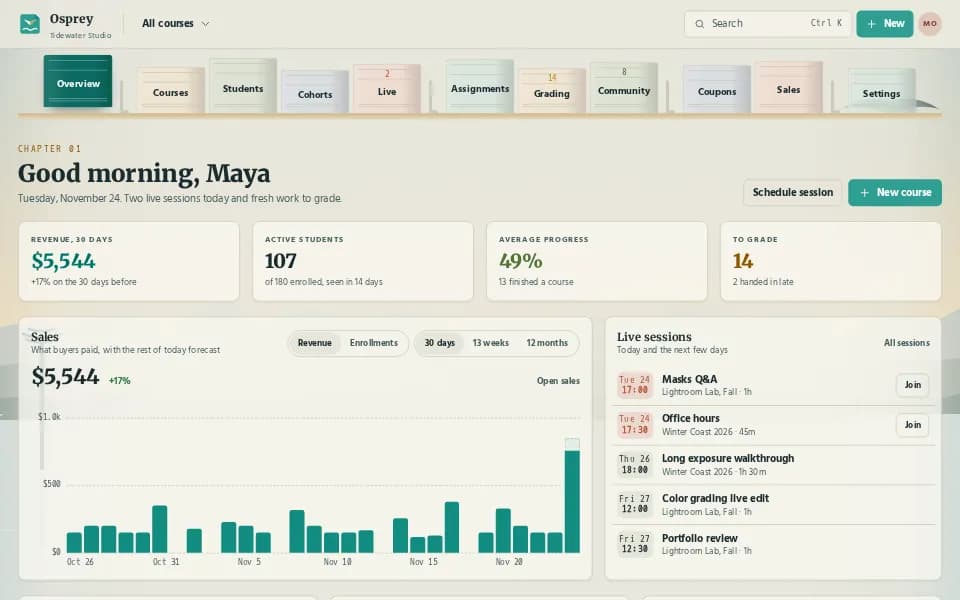
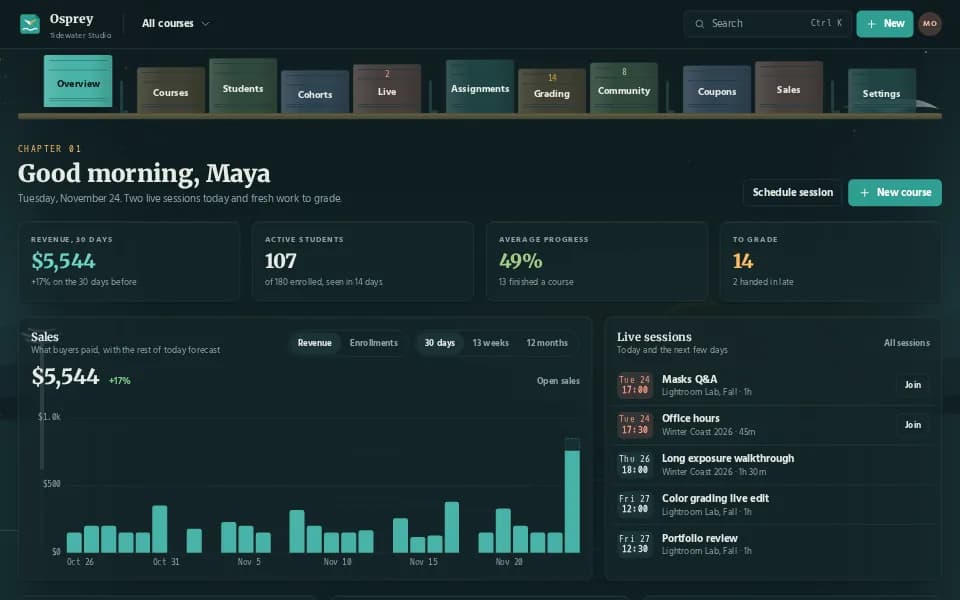
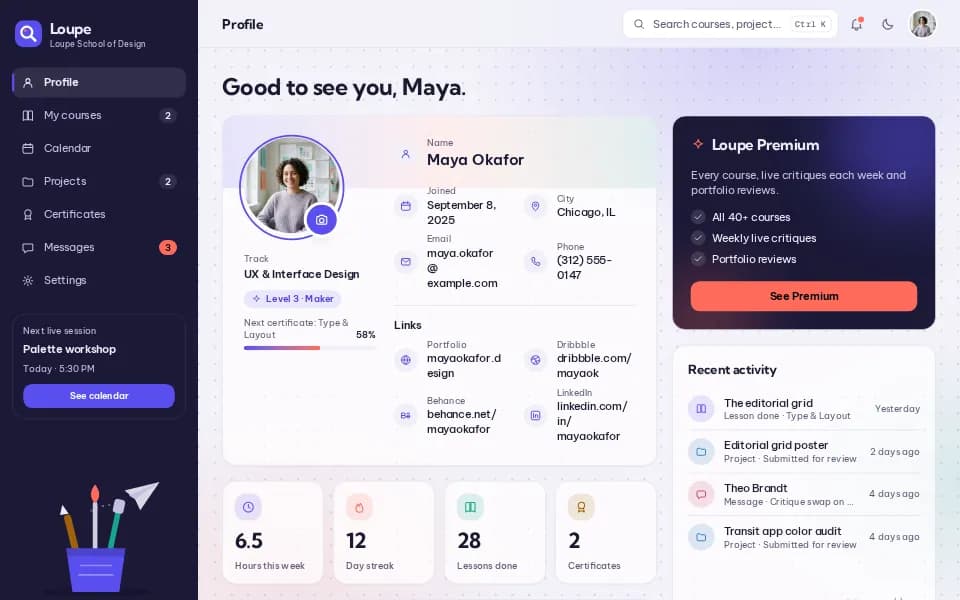
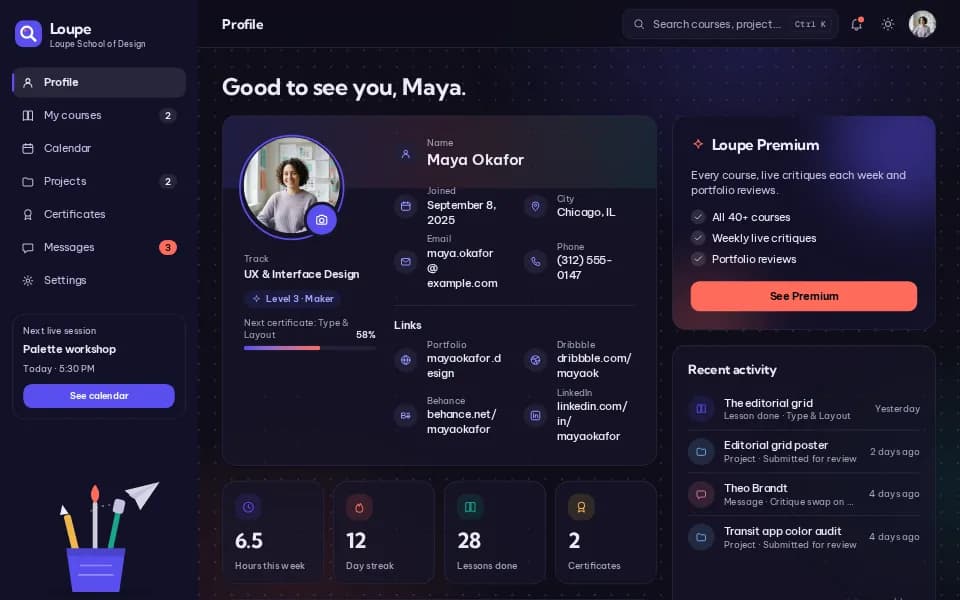
A night-study planner for students: glass cards over a drawn mountain sky, a focus timer whose ring sweeps as time runs out, and a calendar, tasks, habits and notes that all work.
Web
6 pages
$99
Adresse de la page : /
Suite plus bas ↓
Intégré
Ce que vous obtenez
Clair et sombreUtilise les couleurs de votre thème
Ordinateur, tablette et téléphoneLes écrans pour lesquels il est conçu
Paquets…
Taille du code…
Économe en batterie30 i/s, au repos quand rien ne bouge
Pause quand masquéHors écran ou autre onglet
Mouvement réduitCalme pour ceux qui le demandent
Vérifié à chaque modification
Vérification des typesTypeScript strict
Lint et formatESLint · Prettier
Tests et buildCaptures claires et sombres
Audit de sécuritéAucune vulnérabilité élevée ou critique
Ancienneté des paquetsChaque version publique depuis 7 jours ou plus
CPU au reposMoins d’un demi-cœur au repos, ≤ 30 i/s
Code
Un problème avec cette application ? Envoyer un avis ›
study-vesperHTML
index.htmlpageThe today page and all its text, one marked block per section.
planner.htmlpageThe planner page and all its text, one marked block per section.
tasks.htmlpageThe tasks page and all its text, one marked block per section.
focus.htmlpageThe focus page and all its text, one marked block per section.
settings.htmlpageThe settings page and all its text, one marked block per section.
sign-in.htmlpageThe sign-in page and all its text, one marked block per section.
theme.cssthemeThe colors and fonts in one place.
sectionssectionsOne file per page section.
account-menu.csssectionThe avatar at the foot of the rail and at the end of the phone bar, and the account menu it opens.
account-menu.jssectionThe avatar (at the foot of the rail, at the end of the phone bar) and the menu it opens, the same as sections/account-menu.tsx: name, email and role, then Profile, Settings, the theme and Sign out. Arrow keys move through it, Escape or a click outside closes it, and it springs in and plays its way out. Each [data-account] spot gets a copy of the page's <template data-account-menu>.
appearance.csssectionSettings → Appearance: two rows of picture choices, the picked one ringed in the primary.
appearance.jssectionSettings → Appearance: the style (Glass or Solid) and the theme (System, Dark or Light), each choice a small preview; kept in this browser.
constellation.csssectionThe constellation: a strip of sky, the stars (the primary at dawn, the evening star's gold at night) with their halos and the lines between them, the tooltip and the weekday row.
constellation.jssectionThe focus constellation: every focus session of the last seven days is a star (bigger for longer, higher in the sky for later in the day), joined in order by lines that draw themselves; a finished session lights a new one. Hover a star, or focus the sky and use the arrow keys, to read it.
day-timeline.csssectionThe day by hour: the hour lines and times down the side, each event a block tinted in its kind's color, and the now line in the accent.
day-timeline.jssectionThe picked day hour by hour: each event a block in its kind's color, placed and sized by its times, with the current time as a line on today. A new day scrolls to its first event (or 8 AM), half an hour before.
deadline-form.jssectionThe deadline form, in a dialog from the Deadlines card, the same as sections/deadline-form.tsx: what is due, the course, the date, the priority and the color. New adds one; an opened one is saved here or deleted with Undo.
deadlines.csssectionThe deadlines: a square in the subject's color that turns into a tick under the pointer, the title and course, the days left and a priority chip.
deadlines.jssectionWhat is due soon: each deadline with its course, how many days are left and a priority chip, sorted by date or by priority, ticked off when submitted (with Undo); + adds one and the pencil opens one to edit (sections/deadline-form.js).
deck-dialog.csssectionManage deck: the count and Add card, then every card (its color dot, question and course, edit and delete) in a list that scrolls.
deck-dialog.jssectionManage deck, in a dialog from the Flashcards card, the same as sections/deck-dialog.tsx: every card with its course, each one opened to edit or deleted with Undo, and a form that adds a card (question, answer, course, color).
event-form.jssectionThe event form, in a dialog on the Planner, the same as sections/event-form.tsx: open while the address has #new (New event) or #event=<id> (an event opened from the calendar, to edit or delete with Undo), so the palette, a link and the Back button reach it. A title, where, the day, start and end (end must come after start) and the kind; it saves through the API and the calendar shows it at once, on its day.
exam-countdown.csssectionThe exam countdown: the pager, the course chip, the time left in four tinted cells, the prep bar and the topic toggles, all in the exam's subject color (--kind).
exam-countdown.jssectionThe exam countdown: the next exam in its subject's color, the days, hours, minutes and seconds left rolling like an odometer, and the topics to review; ticking one fills the prep bar. The arrows step to later exams.
exam-form.jssectionThe exam form, in a dialog from the exam countdown, the same as sections/exam-form.tsx: the course, the exam, the day and start, the room, the color and the topics to review (Enter adds one, × takes it off). New adds an exam; an opened one is saved here or deleted with Undo.
flashcards.csssectionThe flashcards: the streak flame, the deck (two card edges under a card that turns over in 3D, its back tinted in the subject's color) and the buttons under it.
flashcards.jssectionFlashcards: a small deck that flips in 3D to show the answer; Good puts the card away, Again sends it to the back. The head shows what is due and the days in a row the deck was cleared.
focus-timer.csssectionThe focus timer: the ring (the primary for focus, the secondary for a break, glowing while it runs), the time and session dots in its middle, the three controls, and on the Focus page the bigger ring and the "Working on" field.
focus-timer.jssectionThe focus timer, on the Today card and large on the Focus page: Focus or Break, a ring that sweeps as time runs out (drawn straight to the page each frame while it runs and is on screen, once a second with reduced motion), start or pause, reset, skip, and the set's sessions as dots.
grade-editor.jssectionUnder the grade rings, the picked course, the same as sections/grade-editor.tsx: its grades with a bar that grows in (each deleted with Undo), a line that adds a grade (name and score, checked) and the course's target.
grades.csssectionGrades: the rings (each course in its color, the others dimmed while one is picked), the course buttons, and the picked course's grades with bars.
grades.jssectionGrades: a ring per course that sweeps to its average, a tick where its target is, and the overall average in the middle. Pick a course to light its ring and list, add or delete its grades and set its target.
greeting.csssectionThe Today page: its head (the greeting and the big clock) and the grid of cards, which rise in on a diagonal.
greeting.jssectionThe Today page's head: a greeting by the time of day with the person's name, the day's plan in one line (classes today, deadlines this week), and the big clock whose digits roll on each minute.
habit-form.jssectionThe habit form, in a dialog from the Habits card, the same as sections/habit-form.tsx: its name and color. New adds a habit with an empty week; an opened one is renamed or recolored here, or deleted with Undo.
habits.csssectionThe habits table: each habit's swatch and name, a round tick per day (today's dashed until done, the days ahead dimmed) and the streak with its flame.
habits.jssectionThe habit tracker: this week's days for each habit, ticked by a tap (each habit in its own color, the days still ahead off), and the streak so far with a flame.
night-sky.csssectionTonight's arc: the ground line, the dotted path of the night, the part gone in the primary, Vesper in gold and the moon with its glow; then the three times.
night-sky.jssectionTonight: the night as an arc from sunset to sunrise, the part already gone drawn in, the moon in its real phase gliding to where the night is now, and Vesper, the evening star, low over the sunset; below it the sunset, how long it stays dark and the sunrise. Redrawn each minute.
phone-bar.csssectionOn narrow screens the one navigation is a menu that slides in from the left: a slim top bar (menu, the page's name, the running timer, New task, search) and the menu's page list with the theme switch.
phone-bar.jssectionThe phone bar's menu button opens the page menu, a modal that slides in from the left; following a link, Escape, a tap outside or its close button slide it away.
planner-calendar.csssectionThe Planner's calendar: taller day cells with each day's events as colored lines (dots on narrow screens), and the legend of kinds under it.
planner-calendar.jssectionThe Planner's large month calendar: each day's events as short colored lines (dots on narrow screens). The picked day lives in the address (planner.html?day=2026-11-20), so the timeline beside it and the Back button follow it.
player.csssectionThe study playlist: the note tile, the track, the dancing bars (resting at their own heights when paused), the seek bar and the three transport buttons.
player.jssectionThe study playlist: the track, a bar visualizer that dances while it plays (on screen), a seek bar, and previous, play or pause, next. Its position keeps true time and carries on from page to page. No sound: it shows how a player card behaves.
preferences.csssectionSettings → Preferences: a row per setting, its label on the left and its control on the right, hairlines between.
preferences.jssectionSettings → Preferences: the name in the greeting, the clock, the temperature unit and the timer lengths, each kept in this browser as it changes.
profile.csssectionSettings → Profile: the title and intro, then the four fields (two columns on a wide page) and Save.
profile.jssectionSettings → Profile, the same as sections/profile.tsx: the name, email, program and year the account menu shows, checked and saved through the API. Opened from the menu (settings.html?profile), it scrolls into view with the name field focused.
quick-notes.csssectionQuick notes: the add line, the notes (a dot in the moonlight color, the text, Delete on hover or focus) and the line of cheer at the bottom.
quick-notes.jssectionQuick notes: type and press Enter to add, click a note to edit it in place (Enter saves, Escape cancels), delete with Undo. The palette's New quick note lands here (index.html#note) with the field focused.
rail.csssectionThe one navigation on wide screens, a slim rail: the logo, one icon per page with a lit pill on the current one, a label on hover or focus, then New task, search and the theme switch.
rail.jssectionThe navigation on every page (the rail, the phone bar and its menu): marks the page you are on and glides the rail's pill there, shows how many tasks are open and the focus timer's time left while it runs, and wires New task and the theme switch.
schedule.csssectionThe calendar card's dots and the schedule: each event a row tinted in its kind's color, the now line in the accent, the empty day's way to plan it.
schedule.jssectionThe Today page's month calendar (a dot per kind of event under each day) and the picked day's schedule beside it: each event with its times and a bar in its kind's color, a line at the current time on today, and a way to plan an empty day.
semester.csssectionThe semester heatmap: the legend's five shades, the month and weekday names, a square per day in a share of the primary (--s), today ringed in the accent, the days ahead dashed.
semester.jssectionThe semester at a glance: a square per day, darker for more minutes of focus, filling in as a wave on first show; the days still ahead are outlined. Hover a day, or focus the grid and use the arrow keys, to read it.
session-log.jssectionToday's finished focus sessions, newest last; a session the timer finishes joins at once.
sign-in.csssectionThe sign-in screen: Vesper's name and a quiet line on the left (wide screens), the card on the right; the card's steps (Sign in, Reset, Sent), the demo account, the password's show and hide, and the sent note.
sign-in.jssectionThe sign-in card's three steps, the same as sections/sign-in-form.tsx, named by the address so Back steps back: Sign in (email, password with show and hide, Remember me, the demo account, Forgot password?), Reset (#forgot, an email to send the link to) and Sent (#sent, check your inbox). Every one goes through data/api-account.js.
task-board.csssectionThe Tasks page: the list's card (the add line, the tabs with counts, search and sort, the subject chips) beside the numbers.
task-board.jssectionThe Tasks page's list: every task with search, tabs, sorting and a subject filter. The tab and the subject live in the address (tasks.html?show=done&kind=lab); New task lands here (tasks.html#new) with the add line focused.
task-drawer.csssectionThe task drawer's form: the notes field, and Delete apart from Save.
task-drawer.jssectionThe task drawer, open while the address names a task (index.html#t4, tasks.html#t4): edit its title, due date, priority, subject and notes, or delete it with Undo.
task-summary.csssectionThe task numbers (three that tick) and the open tasks by subject, each a bar in its color that filters the list.
task-summary.jssectionBeside the task list: open, due today and done as numbers that tick, and a bar per subject of open tasks; a bar filters the list.
tasks-card.jssectionToday's task card: the tabs, a line to add a task (Add task opens it) and the list, each task one click from done, starred or open in the drawer.
weather.csssectionThe weather: the place beside the title, the big drawing and temperature, the details, and the next three days in small tinted tiles.
weather.jssectionThe weather card: now, the day's high and low, wind and rain, and the next three days, in °C or °F (the switch saves to Settings).
week-chart.csssectionThe Focus page: its two columns and the bottom row, today's session log and the week chart's wait.
week-chart.jssectionMinutes of focus by day, this week or last (the bars morph between them), with the week's total ticking to its new value; today is picked at first.
partspartsWhat several sections share.
bar-chart.csspartA bar chart: the axis, the bars, the picked bar with its guide line and tooltip, and the names under it.
bar-chart.jspartA bar chart: bars grow in, and the picked bar (in the primary), its guide line and tooltip glide to the bar you point at or pick with the arrow keys; a new range morphs the bars. The picked bar sits on its measured slot, so it never travels in from elsewhere.
build.csspartThe page build-in's shared part (build.js, the same as theme.ts BUILD); the card style (card-spotlight.css) and row motion (row-rise.css) add their own. data-entrance is on <main> while it runs; data-build marks what takes part. Every page load builds in; no cross-fade between pages over the glass panels.
build.jspartThe page's build-in, the same as parts/build/core.tsx: on every page load the cards arrive in the app's card style (app.cards, from card-spotlight.js) and their contents build: bars grow, meters grow, rings fill, the list rows on screen ripple in in the app's row motion (app.rows, from row-rise.js), numbers count. Every page loads the two picks before this file.
calendar.csspartThe month calendar: its title and arrows, the weekday row and the six weeks of day buttons (today ringed in the accent, the picked day filled).
calendar.jspartA month calendar, the same as parts/month-calendar.tsx: six weeks from Monday, today and the picked day marked, a slot under each day for marks, and the keyboard of a date grid (arrows, Home, End, Page Up, Page Down). A new month slides in from the side it was browsed to.
card-spotlight.csspartThe spotlight card style (card-spotlight.js, the same as parts/build/cards/spotlight.ts).
card-spotlight.jspartThe spotlight card style, the same as parts/build/cards/spotlight.ts: the page shows dim, then each card lights up in turn, 50ms apart, like stars coming out, its primary edge glowing once.
drawer.csspartA drawer: a full-height panel from the right, its title and close button, then its body.
drawer.jspartA drawer from the right: a full-height native <dialog> for one thing's details (a client, an order), open while the address names the thing (clients.html#halcyon), so a link and the Back button reach it. It springs in, slides out, and closes on Esc, the close button or a click beside it.
format.jspartHow numbers, times and dates are written, US style, the same as parts/format.ts; and the pretend data's dates, counted from today.
forms.jspartWhat every add or edit form shares, the same as parts/field.tsx, parts/form-buttons.tsx and parts/list-actions.ts: a field's error line, a dialog that adds a new row or edits an opened one (Delete on the left when editing, then Cancel and the save button), and the list changes it makes (each shows at once and saves through the API; a delete offers Undo).
icons.jspartThe logo, the line icons and the filled ones, the same drawings as parts/icons.tsx: each <svg data-icon="search"> on the page gets its drawing, and the other scripts make more with studyVesper.icon("plus") or studyVesper.skyIcon("rain").
motion.jspartThe helpers every other script shares, as the page's one global, window.studyVesper: motion, building elements, the loaded data every section draws from, timers on the second and the minute, toasts and dialogs.
overlays.csspartWhat opens over the page (the phone menu, dialogs), the toasts, and their way in and out.
page.csspartThe app's base: the root, the rail-and-page frame, and the pieces every page shares (panels and their hover, buttons, fields, chips, tabs) plus the first load's entrance.
palette.csspartThe command palette: a solid panel (no blur behind it, so it opens at full speed) with the search field, the list and the keys hint.
palette.jspartThe command palette (⌘K or Ctrl K, or any search button): type to find a page, an action or an open task, then Enter. Its words are on the page's <dialog data-palette>.
row-rise.csspartThe rise row motion (row-rise.js, the same as parts/build/rows/rise.ts).
row-rise.jspartThe rise row motion, the same as parts/build/rows/rise.ts: each row on screen rises 8px from faint.
session.jspartWhether someone is signed in, the same as parts/session.ts: a first visit is signed in as the demo account, so the app opens on Today; signing out is kept in this browser until the next sign-in. Signed out, every page but sign-in.html gives way to it. Replace read() with your session check.
shell.jspartHow the app looks right now: dark or light and Glass or Solid, from Settings → Appearance and the page around it; and the night sky behind it, which twinkles only while someone can see it.
store.jspartThe settings several parts share, kept in this browser like parts/store.ts: the theme mode, the style, the name, the clock, the temperature unit and the timer lengths; plus the clock Brand setting read from theme.css.
task-list.csspartA list of tasks: a round tick in the subject's color whose check draws itself, the title, a priority dot, when it is due and the star.
task-list.jspartA list of tasks, shared by the Today card and the Tasks page, the same as sections/task-list.tsx and parts/task-actions.ts: which tasks a tab shows, one row (tick it off and the check draws itself, star it, or open it in the drawer), and what can happen to a task (each change shows at once, saves through the API and, for a delete, offers Undo).
timer.jspartThe one focus timer every page shares (the Today card, the Focus page, the rail's badge), the same as parts/focus-timer.ts: focus and break modes, the session count, and what happens when time is up. It keeps true time (it stores when it ends, not a tick count) and carries on from page to page.
widgets.csspartThe data states every page shares (a still skeleton, an error with Try again, an empty note) and the odometer digits.
widgets.jspartThe small pieces several sections share: the data states (a still skeleton while loading, an error with Try again, an empty note with a way out), a number that ticks up, and digits that roll like an odometer.
datadataThe pretend data and the fake API: swap it for your backend.
account.jsdataThe pretend account, the same as data/account.ts: who is signed in, and the demo login the sign-in screen hints at.
api-account.jsdataThe fake API's account half, the same as data/account-api.ts: sign in, the password reset and the profile. Replace the bodies with your auth provider's calls.
api-manage.jsdataThe fake API's adding, editing and deleting: events, deadlines, habits, focus sessions, exams, grades and flashcards, the same functions as data/api.ts; each answers after a short wait like the rest of data/api.js.
api.jsdataThe fake API, the same functions as data/api.ts: every page loads and saves through window.studyVesper.api, so wiring a real backend happens here only.
planner.jsdataThe pretend timetable and deadlines, the same as data/planner.ts: weekly classes, a few one-off events, and what is due soon, dated from today.
routine.jsdataThe pretend habits, focus history, playlist and weather, the same as data/routine.ts.
study.jsdataThe pretend exams, grades, flashcards, semester of focus and tonight's sky, the same as data/study.ts.
tasks.jsdataThe pretend to-dos and quick notes, the same as data/tasks.ts.
index.html
The today page and all its text, one marked block per section.
Chargement…
Idéal pour
Students and self-learners who want one calm page for classes, tasks, deadlines, focus sessions, habits and notes.
Fonctionnement
Pick a day and the schedule follows; tick tasks and habits; start the timer and its ring sweeps; ⌘K reaches every page and task.
Utilisation
Liez depuis votre page, puis collez le balisage de index.html à l’endroit voulu.
Aucun paquet en plusReact seulement, rien d’autre
115,8 ko gzippé · 93 fichiersLe téléchargement complet