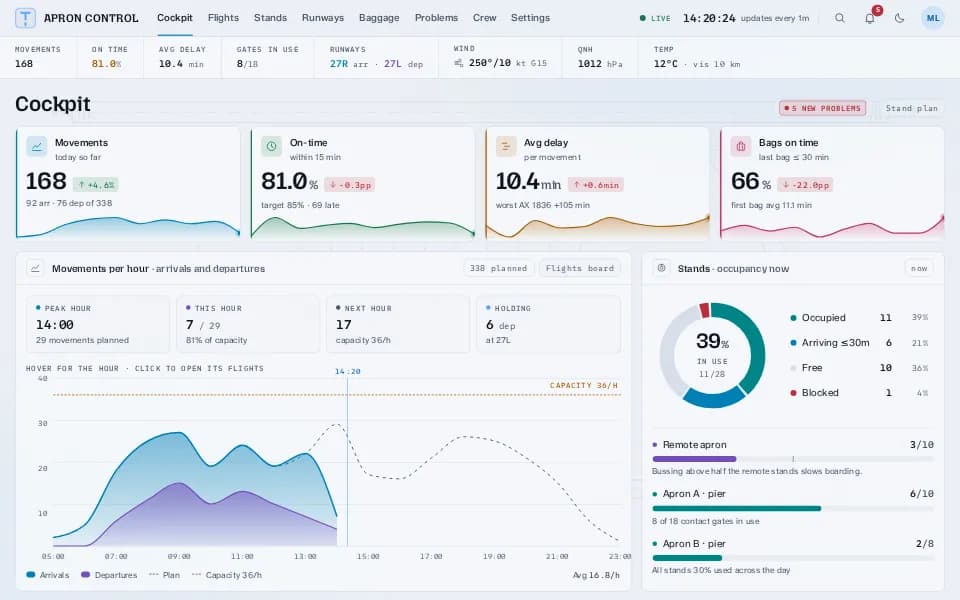
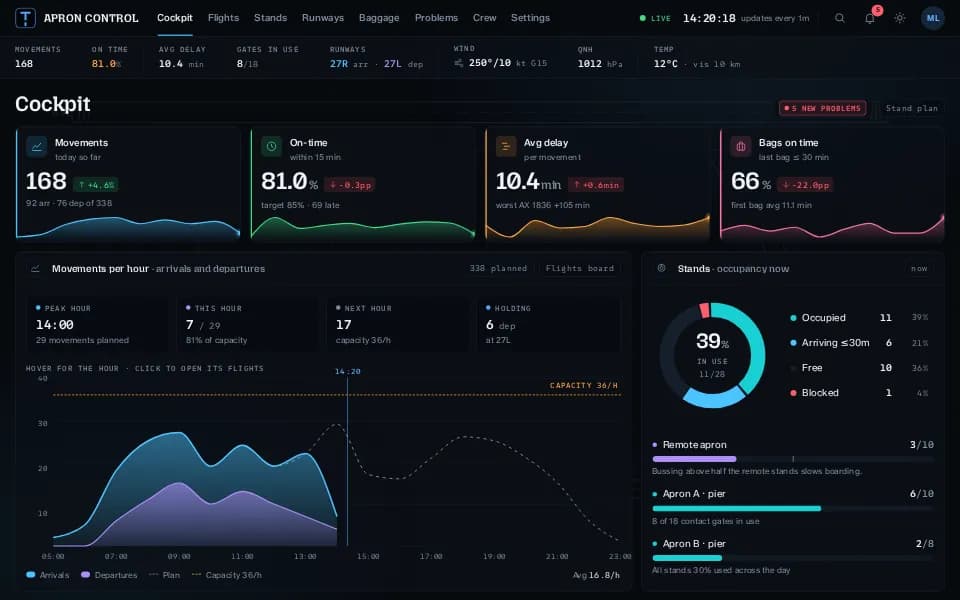
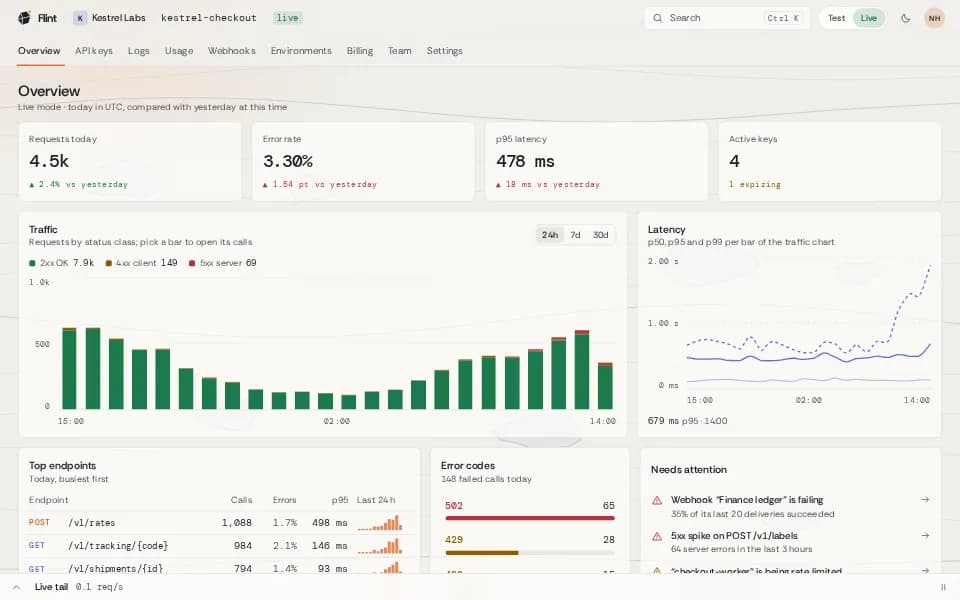
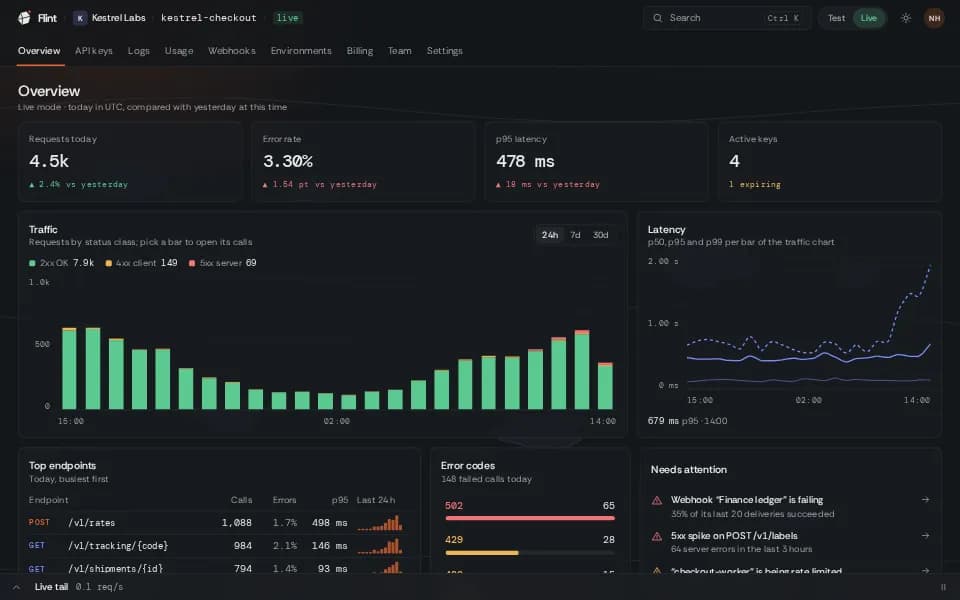
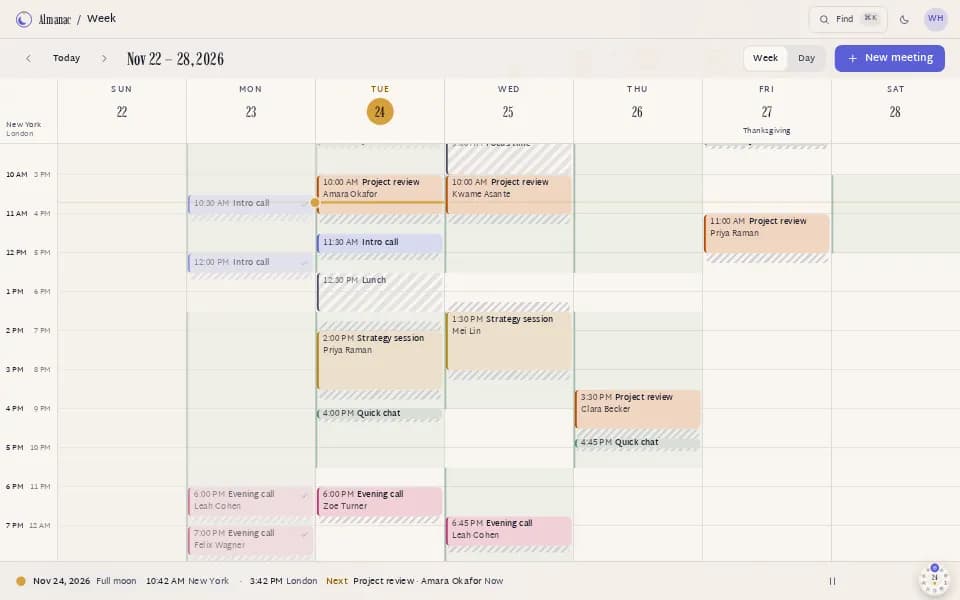
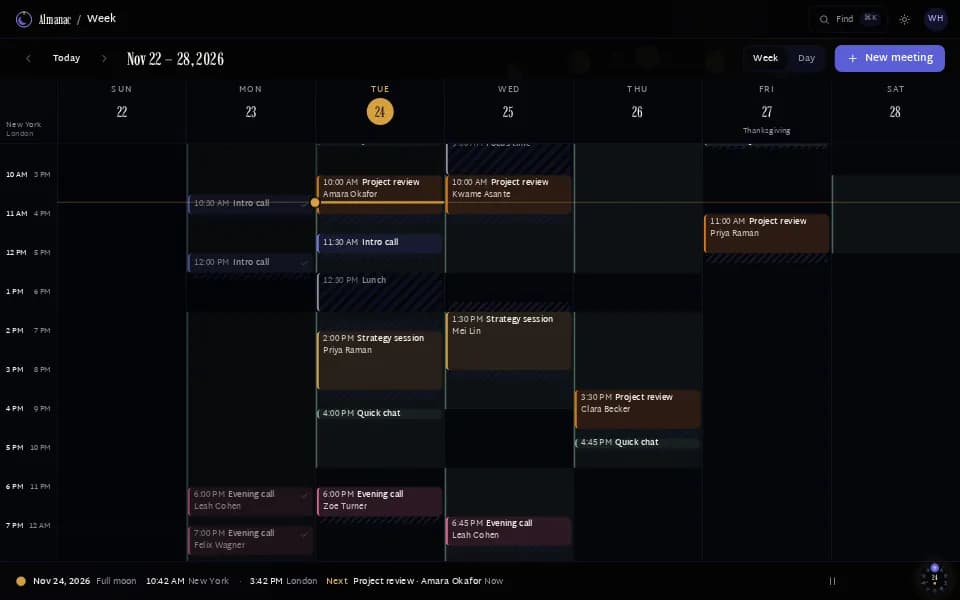
A drone survey company's flight desk in soft Neumorphism: jobs, flights checked against the weather, the fleet and its batteries, pilots' licences, deliverables and reports.
Web
9 pagine
$69
Indirizzo della pagina: /
Altro più sotto ↓
Incluso
Cosa ottieni
Chiaro e scuroUsa i colori del tuo tema
Desktop, tablet e telefonoLe schermate per cui è pensato
Pacchetti…
Dimensione del codice…
Leggero sulla batteria30 fps, inattivo quando è fermo
In pausa se nascostoFuori schermo o in un’altra scheda
Riduci movimentoCalmo per chi lo chiede
Verificato a ogni modifica
Sicurezza verificata il 28 nov
Controllo dei tipiTypeScript strict
Lint e formattazioneESLint · Prettier
Test e buildScreenshot chiari e scuri
Audit di sicurezzaNessun avviso alto o critico
Età dei pacchettiOgni versione pubblica da 7+ giorni
CPU a riposoMeno di mezzo core a riposo, ≤ 30 fps
Codice
Qualcosa non va in questa app? Invia feedback ›
drone-gimbalReact
drone-gimbal.tsxpageThe page: the sections in order.
content.tscontentEvery word and number: brand, nav links, each section's copy and lists.
theme.tsthemeThe colors as CSS variables, and the shared class strings.
README.mdreadmeHow to install it, and where to change the text, colors and form.
pagespagesOne file per page: the sections it shows, in order.
deliverables.tsxpageDeliverables: the maps, models and reports handed to clients, filtered by where they stand, with the next step on each row (mark ready, send, sign off or ask for changes) and a form to add or edit one.
drone.tsxpageOne drone: its facts and status keys up top, then tabs for its batteries (cycles, health, charge), its service log and the flights it flew.
drones.tsxpageDrones: the fleet as raised cards (status, airframe hours, hours to the next service, its batteries' cells), filtered by status, with each drone's page at #/drones/<id>.
flight.tsxpageOne flight: its verdict up top, then tabs for the plan, the pre-flight checklist, the slot's weather against the limits and the flight log.
flights.tsxpageFlights: every sortie by day, filtered by when, pilot and verdict (the filters live in the address, so Back keeps them), with the flight's own page at #/flights/<id>.
home.tsxpageOverview: today's numbers as keys that open their lists, the go / no-go board and the day in the air, then fleet health, licences to renew and deliverables awaiting sign-off.
job.tsxpageOne job: its status up top, then tabs for the brief, its flights and what it delivers to the client.
jobs.tsxpageJobs: every survey from quote to delivery, as a board you drag along or a list, filtered by survey type, with the job's own page at #/jobs/<id>.
pilot.tsxpageOne pilot: their facts up top, then tabs for their licences (renew a year, remove, add) and the flights they flew.
pilots.tsxpagePilots: the crew with their role, a lamp for each permit, hours logged and the next permit to run out, with each pilot's page at #/pilots/<id>.
reports.tsxpageReports: flights and hours flown per week over 6 or 10 weeks, each battery's health worst first, and the jobs by survey type, under four summary keys.
settings.tsxpageThe settings page: the weather limits every flight is checked against, then Appearance (style, theme and language).
sign-in.tsxpageThe sign-in page (#/sign-in): the logo and the form on one raised card over the backdrop, without the rail and top bar, with a drawn strip of the flight deck (a wind dial, battery cells and the go keys) along its top.
sectionssectionsOne file per page section.
account-menu.tsxsectionThe account menu under the avatar in the top bar: who is signed in, Settings and Sign out; the arrow keys move through it, Escape, Tab or a click outside closes it.
appearance.tsxsectionSettings → Appearance: the style (Glass or Solid) and the theme (System, Dark or Light), each choice shown as a small preview, and the language (System or one of locales/list.ts).
confirm.tsxsectionA confirm before something can't be undone: the question, Cancel and the red action.
fleet-forms.tsxsectionThe fleet's forms, each in a dialog: a drone, one of its batteries, and a service entry.
flight-deck.tsxsectionThe flight deck: the wind dial that sets the wind limit, today's go / hold / no-go count, and the battery stack on the bench. Beside the page on wide screens, a card on Overview and Flights below that.
flight-forms.tsxsectionThe flight form: plan a new flight or edit one (job, slot, crew, pattern and the slot's forecast), in a dialog.
go-board.tsxsectionToday's flights twice: the go / no-go board (each flight's wind against the limit, its checks and verdict) and the day in the air (a timeline of take-offs with a now line).
job-forms.tsxsectionThe job form: add a survey job or edit one (client, site, type, deliverables, due date and value), in a dialog.
overview-cards.tsxsectionOverview's third row: fleet health (each drone's packs and hours to service), licences to renew, and deliverables waiting on a client's sign-off.
pilot-forms.tsxsectionThe crew's forms, each in a dialog: a pilot, and one of their licences.
rail.tsxsectionThe rail: logo, search, and the pages as flight-panel toggle switches in their groups; the current page's toggle slides over and its LED lights. Collapsed, only the toggles and icons show.
sign-in-form.tsxsectionThe sign-in form: email and password with their errors under them, show or hide the password, keep me signed in, and the demo account to fill in; a wrong pair says so above the fields.
top-bar.tsxsectionThe top bar: the menu key on narrow screens, where you are, today's wind against the limit, search, the theme switch and the account menu. Clear at rest; once the page scrolls under it a ground fade comes in (no blur, no edge), under the rail's shadow.
partspartsWhat several sections share.
buildbuildWhat several sections share.
cardscardsWhat several sections share.
spotlight.tspartThe spotlight card style: the page shows dim, then each card lights up in turn, 50ms apart, with a brief primary edge.
rowsrowsWhat several sections share.
fill.tspartThe fill row motion: each row on screen draws in from left to right.
core.tsxpartThe page's build-in: on first load and on every page switch the cards arrive in the app's card style and their contents build: bars grow, lines draw, rings fill, the list rows on screen ripple in in the app's row motion, numbers count. The two picks are wired in ./index.ts.
index.tspartThe app's two build-in picks, wired here and nowhere else: its card style (cards/) and its row motion (rows/). npm run new-app copies only the two it is given (--cards, --rows).
appearance.tspartHow the app looks right now: dark or light, Glass or Solid, from Settings → Appearance, the page around it and the Style setting.
avatar.tsxpartA person's initials in a round badge, tinted with the primary.
backdrop.tsxpartThe Soft style's backdrop: a faint, still dot grid like a survey plan pressed into the ground, with one cool light at the top, faded out in Flat; with followBackground it paints your background instead.
bar-chart.tsxpartA bar chart: bars grow in, and the picked bar (in the primary), its guide line and tooltip glide to the bar you point at or pick with the arrow keys; a new range morphs the bars instead of drawing them again.
battery-stack.tsxpartThe battery stack: the packs on the bench, each a row of cells; the ones on charge fill cell by cell on the shared clock (still under reduced motion).
board-model.tspartA board as data: every card's place (one order) and column, and how a move changes them.
board.tsxpartA board of columns and cards: drag a card (mouse, pen or a short press on touch) with a lift and a gap where it will land, or pick it up with Space and move it with the arrow keys; the other cards glide out of the way.
command-palette.tsxpartThe command palette (⌘K or Ctrl K): type to find a page or an action, then Enter.
dialog.tsxpartA centered modal dialog (a form, a confirm): rises in, plays its way out, Escape or a tap outside closes it, and the focus goes back where it was.
drag-board.tspartThe board's drag engine: mouse, pen and touch drags with a lift, a gap where the card will land, auto-scroll near the edges, and a drop or Escape that settles the card into place.
field.tsxpartA labeled form field (a text input or a select) with its error line under it, tied together for screen readers.
flip.tspartFLIP: when cards change place, each one glides from where it was to where it is now instead of jumping.
format.tspartHow numbers and dates are written: by Intl, the current language's way ("1,240", "1.240"; "Nov 19", "19 nov."). Add a helper here when a page needs money, times or a list.
icons.tsxpartThe logo and the line icons, drawn on a 24-unit grid with round ends.
keyboard-move.tspartMoving a board card with the keyboard: Space picks it up, the arrow keys move it, Space or Enter drops it, Escape puts it back; each step is read out.
language.tspartThe app's language: the words every page reads (useWords), how dates and numbers are written (parts/format.ts) and the reading direction. Picked in Settings → Appearance (or System: the page's own language) and kept in this browser; English is built in, any other language loads only when it shows (locales/list.ts).
line-chart.tsxpartA line chart with a soft area under it, in the primary: the line draws itself in, the latest point marked, and new values roll the line to its new shape.
moments.tspartThe animations the sidebar, the sign-in card, menus, dialogs, the phone sheet and toasts play, timed by their moments in theme.ts.
motion.tspartMotion helpers: the reduced-motion check, live, and run-once-in-view.
neu.tsxpartThe soft parts every page is built from: an LED, a status chip, a raised card with its title, picked-key groups (filters, tabs), a stat key that opens a list, battery cells and a fact list.
ops.tspartThe rules every page counts by (go or no-go, hours, what is due) and the one way a save runs: wait, refresh what it changed, say so, or say it failed.
router.tspartThe page switcher: reads the app's page from the address hash (#/settings, #/?status=open).
scroll-to-view.tspartScrolls an element into view moving only its own scroll container, never the page around it.
select-box.tsxpartA native select dressed to match the app: no browser arrow, a drawn chevron instead.
session.tspartWhether someone is signed in: a first visit is signed in as the demo account; Sign out holds until the next sign-in, and a sign-in without Keep me signed in lasts only this tab.
sheet.tsxpartThe phone sheet: a modal panel that springs in from the left with the sidebar; Escape, a tap outside or its close button slides it away.
sky-clock.tspartOne shared clock for everything live (the wind needle, charging cells): at most 30 frames a second, only while a live part on screen listens and the tab is visible.
states.tsxpartThe data states every page shares: a calm skeleton while loading, an error with Try again, and an empty note with a way out.
store.tspartThe app-wide state several parts share: the theme mode and style (kept in the browser) and the toasts.
ticker.tsxpartA number that counts up while its page builds in, and rolls to its new value whenever it changes.
toasts.tsxpartThe toasts: short notes that confirm what just happened, at the bottom end.
use-api.tspartLoads data through the fake API with loading, error and retry, remembering each answer so a page you come back to shows at once.
use-desk.tspartEverything a page of the desk reads, loaded together: jobs and flights, the fleet, the crew, deliverables and the weather limits, as one answer.
use-dialog.tspartOpens and closes a native <dialog> as a modal; on close it plays its way out first (data-closing), so dialogs, sheets and the palette never vanish in one frame.
wind-dial.tsxpartThe wind dial: a raised gauge whose needle sways with the live wind on the shared clock, and whose bezel notch sets the wind limit (a real slider: drag it, arrow keys, Page Up/Down, Home/End).
datadataThe pretend data and the fake API: swap it for your backend.
account.tsdataThe demo account: who is signed in (the account menu shows them) and the email and password the sign-in page takes.
api.tsdataThe fake API: every page loads and saves through these functions, so wiring a real backend happens here only.
seed-fleet.tsdataThe pretend fleet, crew and deliverables: drones with their batteries and service log, pilots with licences, and the maps and models handed to clients.
seed-ops.tsdataThe pretend jobs, clients and flights: a survey company's season, dated around today so the demo always has flights today, a week of plans and ten weeks of history.
localeslocalesEvery word the app shows, one JSON file a language; list.ts names them.
en.jsoncontentOne language's words, with the keys of en.json.
es.jsoncontentOne language's words, with the keys of en.json.
list.tscontentThe languages the app offers, in the picker's order: one JSON file each, en.json the source. To remove one, delete its file and its line; to add one, copy es.json, translate it and add a line. English is built in; the rest load only when picked. TypeScript checks each file has en.json's keys, scripts/check-locales.mjs the rest (no extra keys, plural forms, {slots}).
drone-gimbal.tsx
The page: the sections in order.
Caricamento…
Ideale per
Drone survey teams that plan flights against wind limits, keep batteries and licences current and get client sign-off.
Come funziona
A wind dial sways with live wind and sets the limit, battery cells fill as they charge, and every flight shows go, hold or no-go.
Come si usa
Edit words in locales/ and colors in theme.ts, and swap the bodies in data/api.ts for calls to your backend.
Nessun pacchetto extraSolo React, nient’altro
108,5 kB compressi con gzip · 76 fileL’intero download