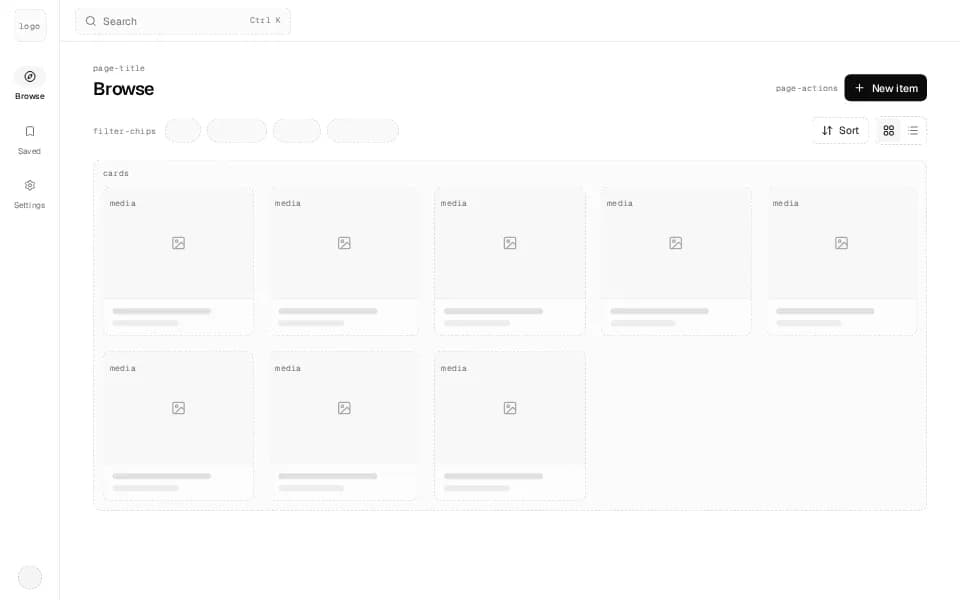
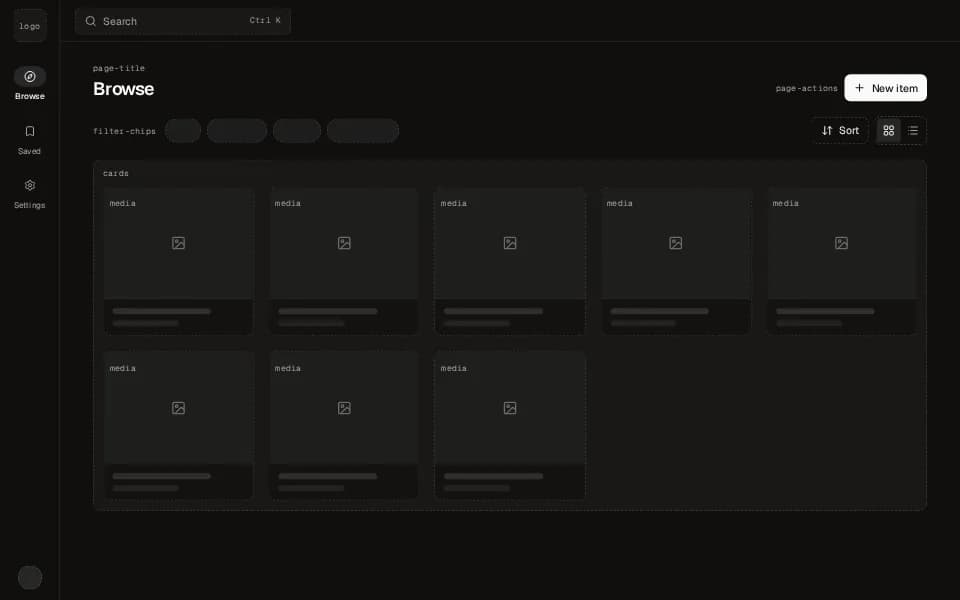
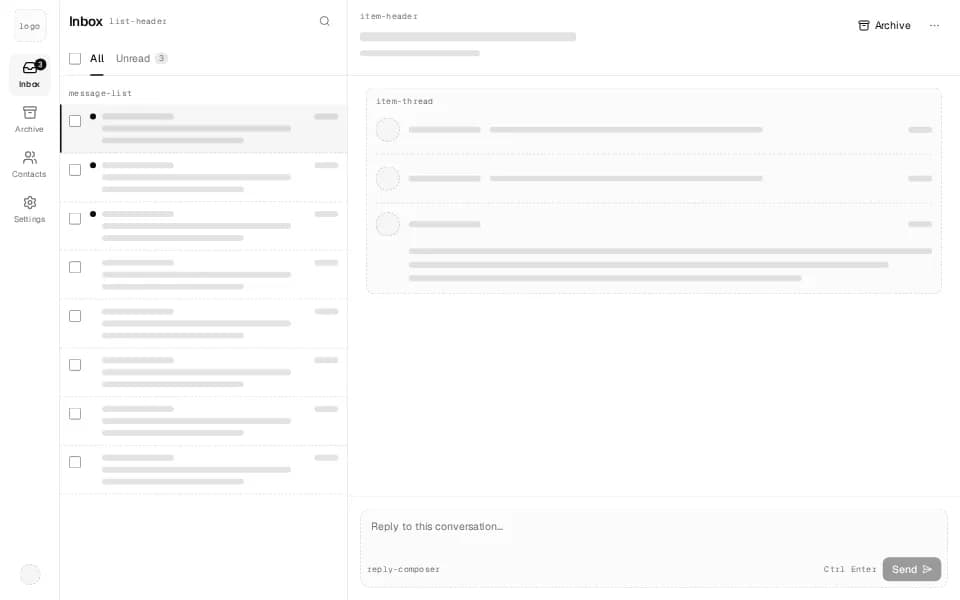
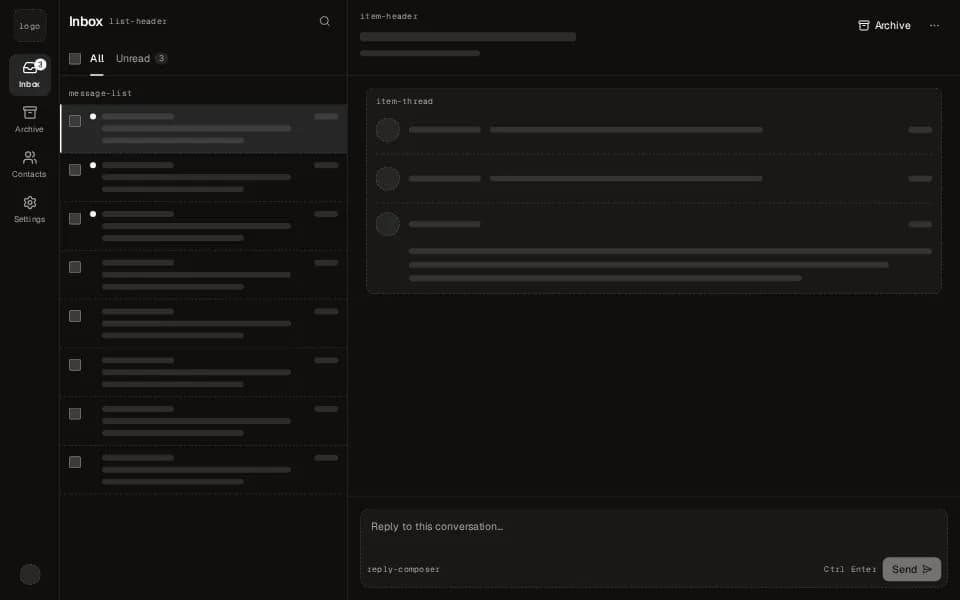
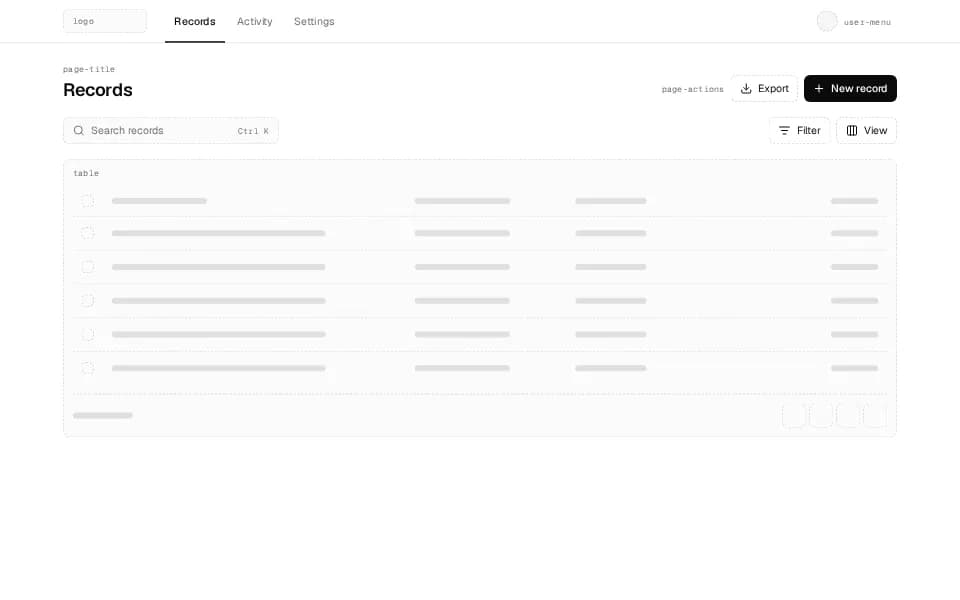
A working board app wireframe: cards drag between columns by mouse, touch, keyboard or menu and open their own page, plus a ranked backlog, reports and board settings.
React
Gratuit
Adresse de la page : /
Suite plus bas ↓
Intégré
Ce que vous obtenez
Clair et sombreUtilise les couleurs de votre thème
Ordinateur, tablette et téléphoneLes écrans pour lesquels il est conçu
Paquets…
Taille du code…
Économe en batterie30 i/s, au repos quand rien ne bouge
Pause quand masquéHors écran ou autre onglet
Mouvement réduitCalme pour ceux qui le demandent
Vérifié à chaque modification
Vérification des typesTypeScript strict
Lint et formatESLint · Prettier
Tests et buildCaptures claires et sombres
Audit de sécuritéAucune vulnérabilité élevée ou critique
Ancienneté des paquetsChaque version publique depuis 7 jours ou plus
CPU au reposMoins d’un demi-cœur au repos, ≤ 30 i/s
Code
Un problème avec ce wireframe ? Envoyer un avis ›
kanban-board-wireframeReact
kanban-board-wireframe.tsxcomponentThe component: import this one into your page.
add-card.tsxpartA column's add-card slot: a button that opens a title box; Enter adds the card and keeps the box open for the next, Esc closes it.
backlog-page.tsxpartThe backlog page: a ranked list of work not on the board yet, with tag filters, quick add, reordering and bulk send-to-board or delete.
backlog-parts.tsxpartThe backlog's tag filter chips (toggle to show only rows with those tags) and its quick-add box at the top of the list.
backlog-row.tsxpartOne backlog row: select box, rank, title (opens the card's page), tags and meta, estimate, and Move up / Move down (also Alt+Up / Alt+Down on the title).
backlog-toolbar.tsxpartThe backlog list's toolbar: select all and the item count, or the bulk actions (send to board, delete, clear) while rows are selected.
backlog.tsxpartThe backlog's working parts: tag filter chips, quick add, the ranked rows, selection with bulk send-to-board and delete.
bar-chart-slot.tsxpartA bar chart slot (cards finished per week): one bar per label, its value on hover or focus, or placeholder bars without data.
board-card.tsxpartOne card on the board: a grip to drag it, its title linking to its page, meta, tags and assignee, and the move menu.
board-column.tsxpartOne board column: its title and card count, its cards (scrolling inside it), a drop zone when empty and the add-card slot.
board-data.tspartThe board's data shapes, the placeholder board shown without data, and the pure card move.
board-page.tsxpartThe board page: its title and actions over the board slot, which draws your columns or placeholder ones, with loading, empty and error.
board.tsxpartThe ready board: its columns side by side (scrolling sideways inside), cards moved by drag, keyboard or menu, and cards added per column.
breakdown-slot.tsxpartA breakdown slot (time cards spend in each column): one horizontal bar per row, longest first and marked, or placeholder bars without data.
card-menu.tsxpartA card's "…" menu: the click and tap way to move it (to another column, up or down), moved through with the arrow keys.
card-page.tsxpartA card's own page (/board/<id>): back to the board, its title, description, activity and fields, each slot with its own state.
command-search.tsxpartSearch: the top bar field opens a dialog (also Cmd/Ctrl+K) with an input over a search-results slot.
confirm-dialog.tsxpartA confirm dialog for actions that can't be undone: modal, Esc cancels, focus goes back to the button that opened it; optionally the name must be typed first.
fields-slot.tsxpartA fields slot: label and value pairs (a card's column, owner, dates), or placeholder pairs without data.
list-slot.tsxpartA list slot: a short list of titles with a detail line, or placeholder rows without data.
page-header.tsxpartA page's title slot and its two actions: one secondary, one primary.
period-switch.tsxpartThe reports' period switch (7, 30 or 90 days): a radio group, moved through with the arrow keys.
reports-page.tsxpartThe reports page: a period switch over three stat slots, a throughput bar chart and the time-per-column breakdown.
sample-data.tsxpartSample data in the shapes the slots take (a bike repair workshop's queue): replace it with yours, or delete it.
sample-pages.tsxpartSample data for the backlog, reports and settings pages (the same bike workshop): replace it with yours, or delete it.
send-menu.tsxpartThe backlog's "Send to board" menu: one item per board column, moved through with the arrow keys; Esc closes it and focus goes back to its button.
settings-columns.tsxpartThe settings-columns slot: rename the board's columns, set a work-in-progress limit, reorder, remove (after a confirm) and add.
settings-nav.tsxpartThe settings page's section links (they scroll the form's own box and follow what is in view) and its save bar for unsaved changes.
settings-page.tsxpartThe board settings page: section links that scroll the form, General and Columns slots, a danger zone, and a save bar that shows only with unsaved changes.
settings-section.tsxpartOne settings section: a dashed frame with the slot name, a heading the section links jump to, a line of help, and its fields or its slot state.
slot.tsxpartOne wireframe slot: a labelled dashed box with ready, loading, empty and error looks.
stat-slot.tsxpartA stat slot: one number with its label, unit and change against the period before, or placeholder lines without data.
text-slot.tsxpartA text slot: a few paragraphs (a card's description), or placeholder lines without data.
top-bar.tsxpartThe top bar: logo slot, page links (a second row on phones), search and the user menu.
use-dismiss.tspartCloses an open popup on Esc (focus goes back to its button) or a press outside it; the menus' shared rows and arrow keys.
use-keyboard-move.tspartMoves a card from its grip by keyboard: Space or Enter picks it up, arrows move it, Space or Enter drops, Esc puts it back.
use-pointer-drag.tspartDrags a card by its grip (mouse, pen or finger): a ghost follows the pointer, the card's spot moves live, the board scrolls at its edges.
user-menu.tsxpartThe user menu behind the top bar's avatar: Profile, Settings and Sign out, moved through with the arrow keys.
appappNext.js route files: shadcn add puts each one at the same path in your app/.
(app)(app)Next.js route files: shadcn add puts each one at the same path in your app/.
backlogbacklogNext.js route files: shadcn add puts each one at the same path in your app/.
page.tsxrouteThe backlog route: pass BacklogPage your items and tags, the board's columns, each slot's status and the change handlers.
boardboardNext.js route files: shadcn add puts each one at the same path in your app/.
[id][id]Next.js route files: shadcn add puts each one at the same path in your app/.
page.tsxrouteOne card's route (/board/<id>): load the card by id and pass CardPage its data and each slot's status.
page.tsxrouteThe board route: pass BoardPage your columns, the board's status, onRetry, onMoveCard and onAddCard.
reportsreportsNext.js route files: shadcn add puts each one at the same path in your app/.
page.tsxrouteThe reports route: pass ReportsPage your numbers, each slot's status, and period + onPeriod to load each period.
settingssettingsNext.js route files: shadcn add puts each one at the same path in your app/.
page.tsxrouteThe board settings route: pass SettingsPage the saved settings, each slot's status, onSave and onArchive.
layout.tsxrouteEvery page of the app inside the wireframe shell: top bar and its own scrolling content.
kanban-board-wireframe.tsx
The component: import this one into your page.
Chargement…
Idéal pour
Starting any app where work moves through stages (orders, repairs, tickets, hiring): give it to your AI agent with one line about your app and it fills the slots.
Fonctionnement
Drag a card by its grip, pick it up with Space and the arrow keys, or use its menu; each card opens its own page. The backlog filters, reorders and sends work to the board, reports switch period, and settings edit columns with a save bar. Every slot has loading, empty and error.
Utilisation
Read the note at the top of kanban-board-wireframe.tsx: render AppShell in your layout, pass each page its data and save what onMoveCard, onAddCard, onSend and onSave report.
1 paquetlucide-react
30,6 ko gzippé · 44 fichiersLe téléchargement complet