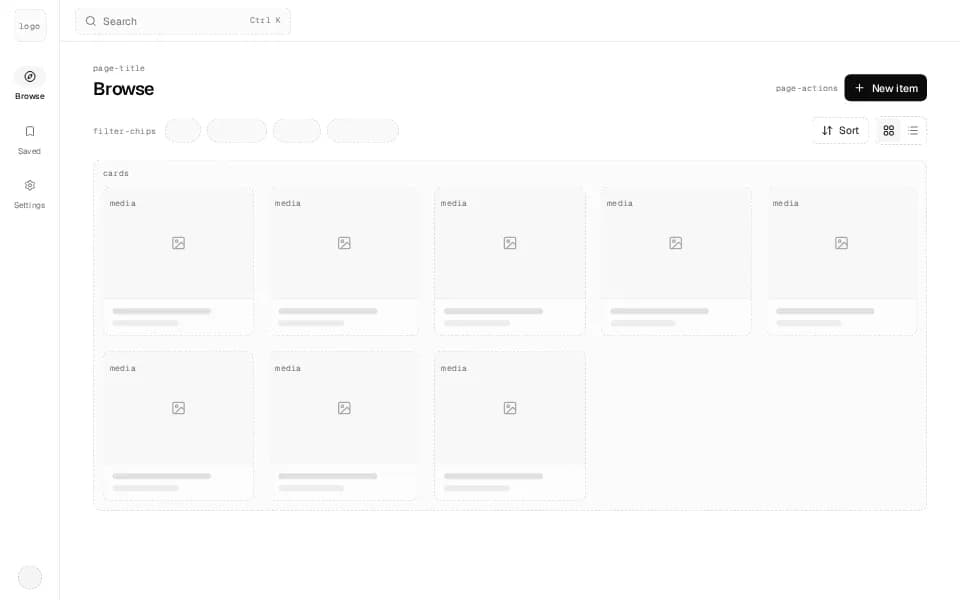
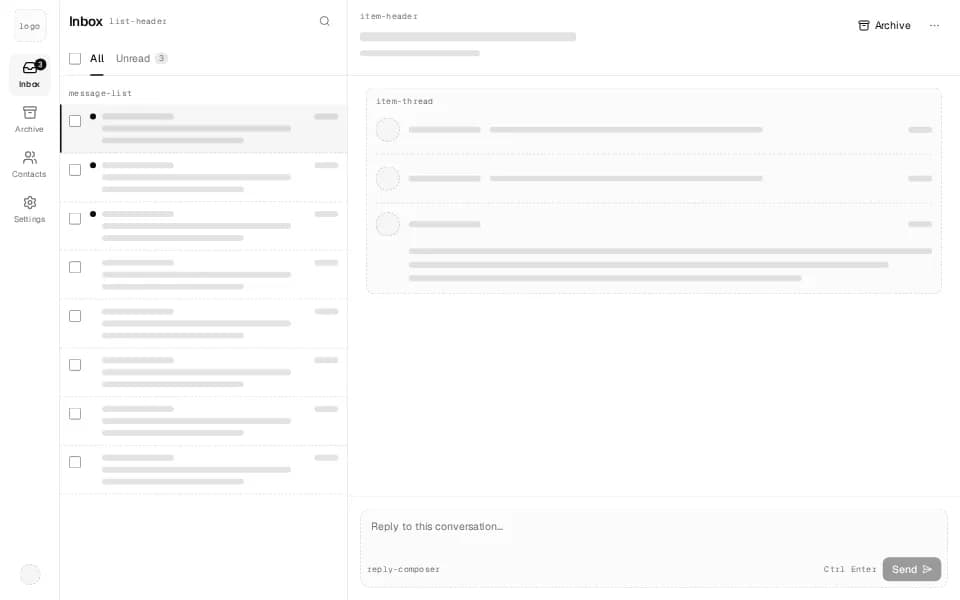
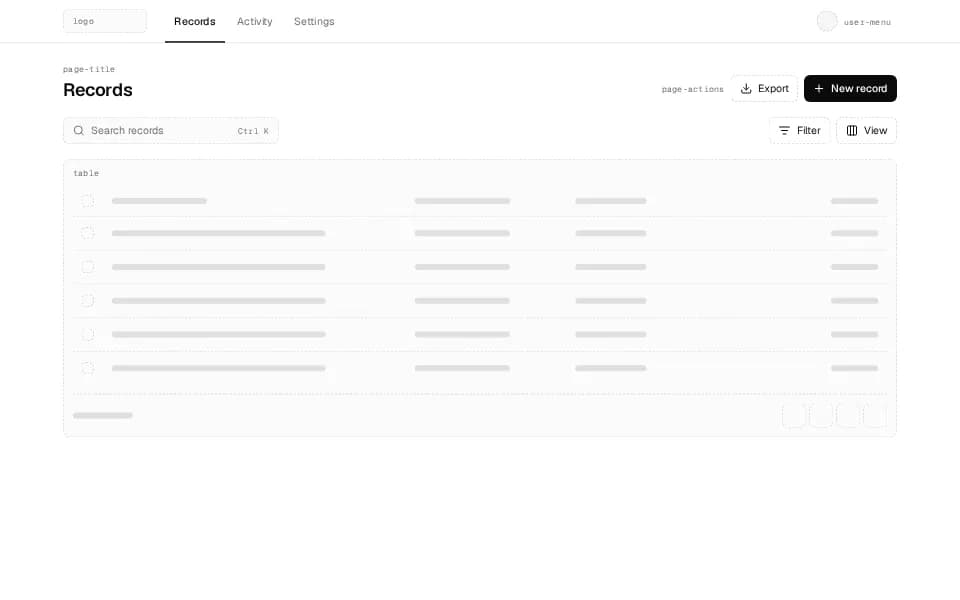
A working board app wireframe: cards drag between columns by mouse, touch, keyboard or menu and open their own page, plus a ranked backlog, reports and board settings.
React
Miễn phí
Địa chỉ trang: /
Xem thêm bên dưới ↓
Tích hợp sẵn
Bạn nhận được
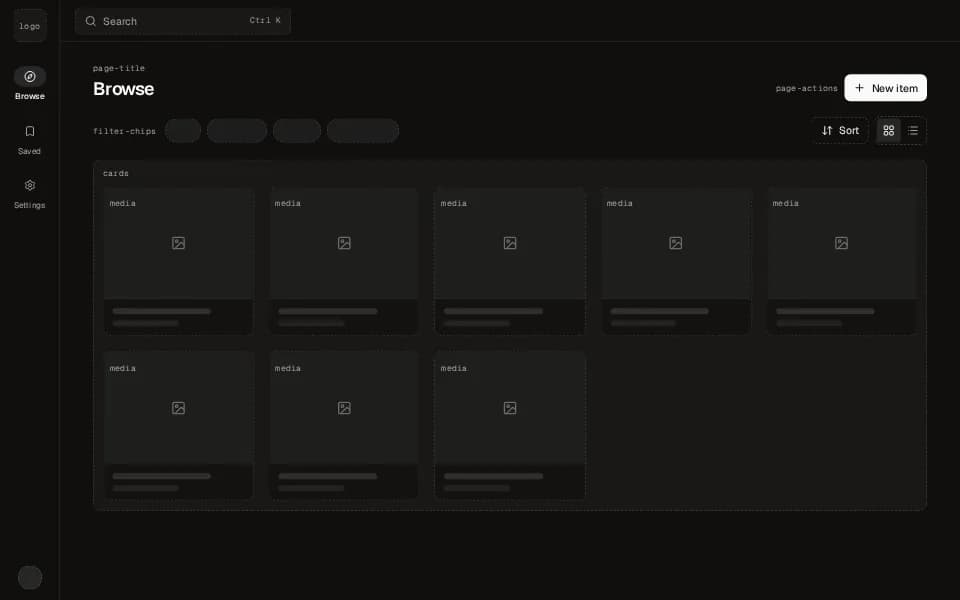
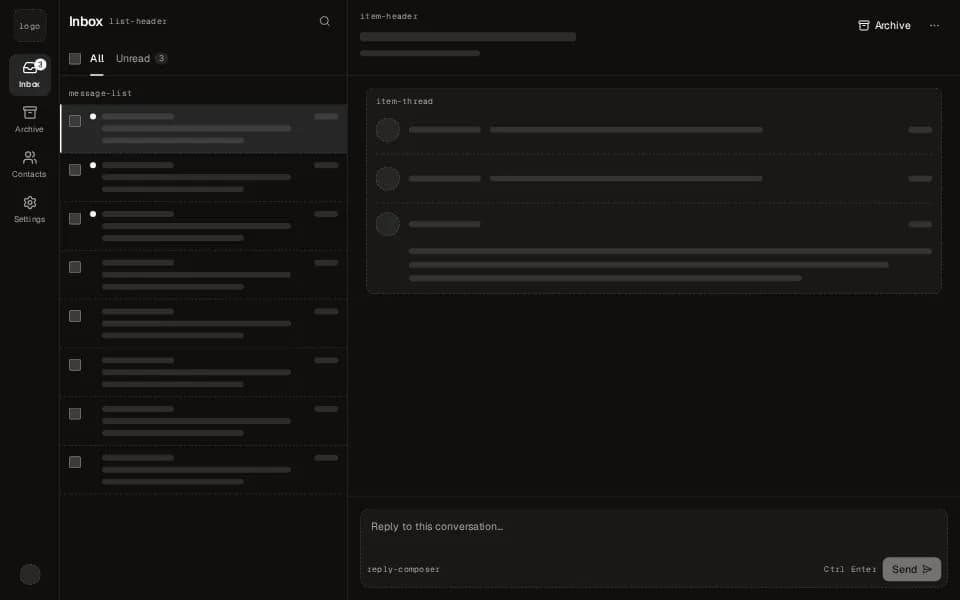
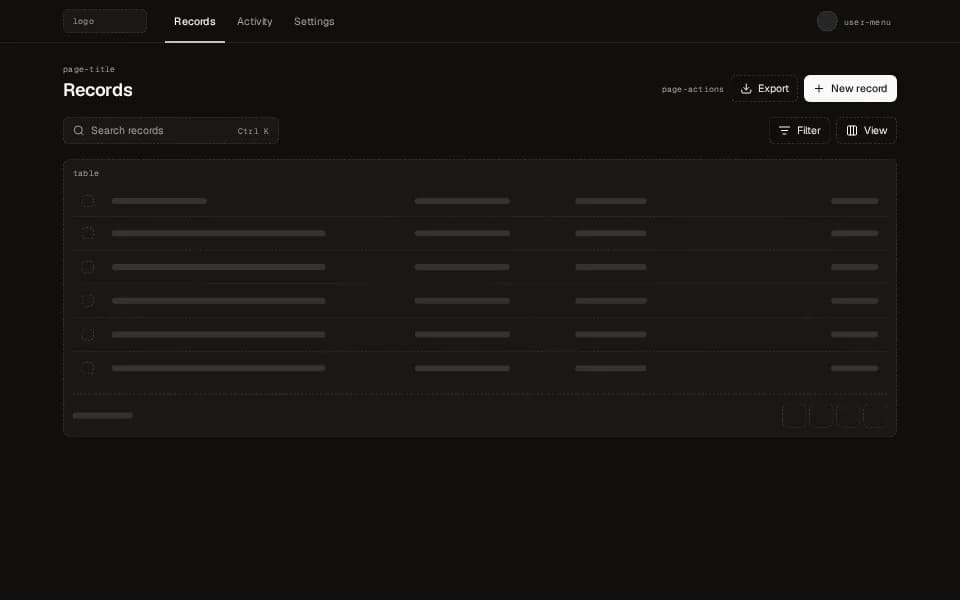
Sáng và tốiDùng màu theo giao diện của bạn
Máy tính, máy tính bảng và điện thoạiCác màn hình mục này được thiết kế cho
Package…
Dung lượng mã…
Tiết kiệm pin30 fps, nghỉ khi đứng yên
Tạm dừng khi bị ẩnNgoài màn hình hoặc tab khác
Giảm chuyển độngÊm dịu cho người có yêu cầu
Được kiểm tra ở mỗi thay đổi
Kiểm tra kiểuTypeScript strict
Lint và định dạngESLint · Prettier
Test và buildẢnh chụp sáng và tối
Kiểm tra bảo mậtKhông có cảnh báo mức cao hoặc nghiêm trọng
Tuổi của packageMọi phiên bản công khai từ 7 ngày trở lên
CPU khi nghỉDưới nửa nhân khi đứng yên, ≤ 30 fps
Mã nguồn
Wireframe này có gì không ổn? Gửi góp ý ›
kanban-board-wireframeReact
kanban-board-wireframe.tsxcomponentThe component: import this one into your page.
add-card.tsxpartA column's add-card slot: a button that opens a title box; Enter adds the card and keeps the box open for the next, Esc closes it.
backlog-page.tsxpartThe backlog page: a ranked list of work not on the board yet, with tag filters, quick add, reordering and bulk send-to-board or delete.
backlog-parts.tsxpartThe backlog's tag filter chips (toggle to show only rows with those tags) and its quick-add box at the top of the list.
backlog-row.tsxpartOne backlog row: select box, rank, title (opens the card's page), tags and meta, estimate, and Move up / Move down (also Alt+Up / Alt+Down on the title).
backlog-toolbar.tsxpartThe backlog list's toolbar: select all and the item count, or the bulk actions (send to board, delete, clear) while rows are selected.
backlog.tsxpartThe backlog's working parts: tag filter chips, quick add, the ranked rows, selection with bulk send-to-board and delete.
bar-chart-slot.tsxpartA bar chart slot (cards finished per week): one bar per label, its value on hover or focus, or placeholder bars without data.
board-card.tsxpartOne card on the board: a grip to drag it, its title linking to its page, meta, tags and assignee, and the move menu.
board-column.tsxpartOne board column: its title and card count, its cards (scrolling inside it), a drop zone when empty and the add-card slot.
board-data.tspartThe board's data shapes, the placeholder board shown without data, and the pure card move.
board-page.tsxpartThe board page: its title and actions over the board slot, which draws your columns or placeholder ones, with loading, empty and error.
board.tsxpartThe ready board: its columns side by side (scrolling sideways inside), cards moved by drag, keyboard or menu, and cards added per column.
breakdown-slot.tsxpartA breakdown slot (time cards spend in each column): one horizontal bar per row, longest first and marked, or placeholder bars without data.
card-menu.tsxpartA card's "…" menu: the click and tap way to move it (to another column, up or down), moved through with the arrow keys.
card-page.tsxpartA card's own page (/board/<id>): back to the board, its title, description, activity and fields, each slot with its own state.
command-search.tsxpartSearch: the top bar field opens a dialog (also Cmd/Ctrl+K) with an input over a search-results slot.
confirm-dialog.tsxpartA confirm dialog for actions that can't be undone: modal, Esc cancels, focus goes back to the button that opened it; optionally the name must be typed first.
fields-slot.tsxpartA fields slot: label and value pairs (a card's column, owner, dates), or placeholder pairs without data.
list-slot.tsxpartA list slot: a short list of titles with a detail line, or placeholder rows without data.
page-header.tsxpartA page's title slot and its two actions: one secondary, one primary.
period-switch.tsxpartThe reports' period switch (7, 30 or 90 days): a radio group, moved through with the arrow keys.
reports-page.tsxpartThe reports page: a period switch over three stat slots, a throughput bar chart and the time-per-column breakdown.
sample-data.tsxpartSample data in the shapes the slots take (a bike repair workshop's queue): replace it with yours, or delete it.
sample-pages.tsxpartSample data for the backlog, reports and settings pages (the same bike workshop): replace it with yours, or delete it.
send-menu.tsxpartThe backlog's "Send to board" menu: one item per board column, moved through with the arrow keys; Esc closes it and focus goes back to its button.
settings-columns.tsxpartThe settings-columns slot: rename the board's columns, set a work-in-progress limit, reorder, remove (after a confirm) and add.
settings-nav.tsxpartThe settings page's section links (they scroll the form's own box and follow what is in view) and its save bar for unsaved changes.
settings-page.tsxpartThe board settings page: section links that scroll the form, General and Columns slots, a danger zone, and a save bar that shows only with unsaved changes.
settings-section.tsxpartOne settings section: a dashed frame with the slot name, a heading the section links jump to, a line of help, and its fields or its slot state.
slot.tsxpartOne wireframe slot: a labelled dashed box with ready, loading, empty and error looks.
stat-slot.tsxpartA stat slot: one number with its label, unit and change against the period before, or placeholder lines without data.
text-slot.tsxpartA text slot: a few paragraphs (a card's description), or placeholder lines without data.
top-bar.tsxpartThe top bar: logo slot, page links (a second row on phones), search and the user menu.
use-dismiss.tspartCloses an open popup on Esc (focus goes back to its button) or a press outside it; the menus' shared rows and arrow keys.
use-keyboard-move.tspartMoves a card from its grip by keyboard: Space or Enter picks it up, arrows move it, Space or Enter drops, Esc puts it back.
use-pointer-drag.tspartDrags a card by its grip (mouse, pen or finger): a ghost follows the pointer, the card's spot moves live, the board scrolls at its edges.
user-menu.tsxpartThe user menu behind the top bar's avatar: Profile, Settings and Sign out, moved through with the arrow keys.
appappNext.js route files: shadcn add puts each one at the same path in your app/.
(app)(app)Next.js route files: shadcn add puts each one at the same path in your app/.
backlogbacklogNext.js route files: shadcn add puts each one at the same path in your app/.
page.tsxrouteThe backlog route: pass BacklogPage your items and tags, the board's columns, each slot's status and the change handlers.
boardboardNext.js route files: shadcn add puts each one at the same path in your app/.
[id][id]Next.js route files: shadcn add puts each one at the same path in your app/.
page.tsxrouteOne card's route (/board/<id>): load the card by id and pass CardPage its data and each slot's status.
page.tsxrouteThe board route: pass BoardPage your columns, the board's status, onRetry, onMoveCard and onAddCard.
reportsreportsNext.js route files: shadcn add puts each one at the same path in your app/.
page.tsxrouteThe reports route: pass ReportsPage your numbers, each slot's status, and period + onPeriod to load each period.
settingssettingsNext.js route files: shadcn add puts each one at the same path in your app/.
page.tsxrouteThe board settings route: pass SettingsPage the saved settings, each slot's status, onSave and onArchive.
layout.tsxrouteEvery page of the app inside the wireframe shell: top bar and its own scrolling content.
kanban-board-wireframe.tsx
The component: import this one into your page.
Đang tải…
Phù hợp cho
Starting any app where work moves through stages (orders, repairs, tickets, hiring): give it to your AI agent with one line about your app and it fills the slots.
Cách hoạt động
Drag a card by its grip, pick it up with Space and the arrow keys, or use its menu; each card opens its own page. The backlog filters, reorders and sends work to the board, reports switch period, and settings edit columns with a save bar. Every slot has loading, empty and error.
Cách dùng
Read the note at the top of kanban-board-wireframe.tsx: render AppShell in your layout, pass each page its data and save what onMoveCard, onAddCard, onSend and onSave report.