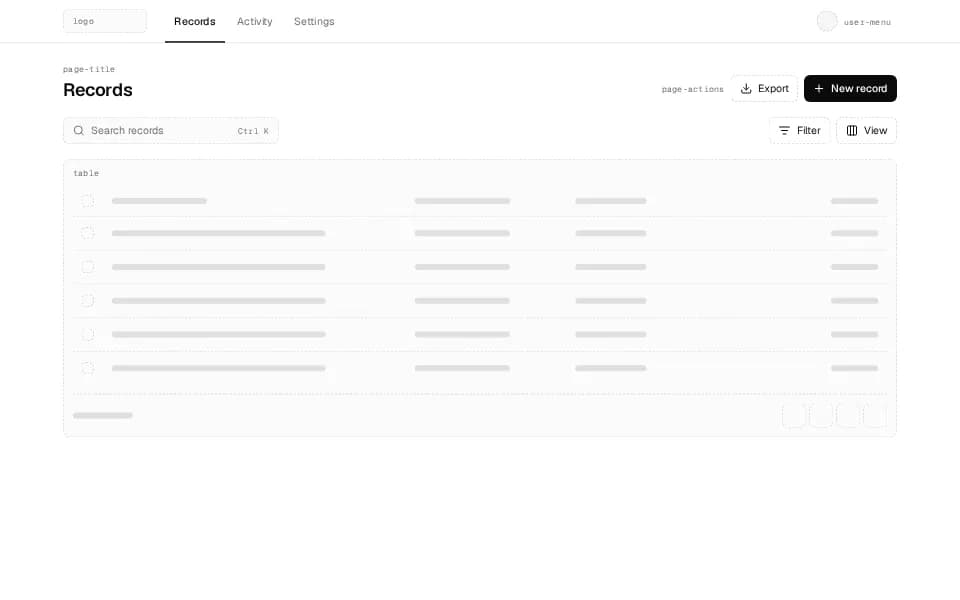
- Good for
- Starting any app where work moves through stages (orders, repairs, tickets, hiring): give it to your AI agent with one line about your app and it fills the slots.
- How it works
- Drag a card by its grip, pick it up with Space and the arrow keys, or use its menu; each card opens its own page. The backlog filters, reorders and sends work to the board, reports switch period, and settings edit columns with a save bar. Every slot has loading, empty and error.
- How to use
- Read the note at the top of kanban-board-wireframe.tsx: render AppShell in your layout, pass each page its data and save what onMoveCard, onAddCard, onSend and onSave report.